Research
Zoom AI Companion alternatives: 5 tools compared

Dylan de Heer

Before anything else, one thing worth knowing: the name is going away.
In June 2026 Zoom retired the AI Companion brand. The features did not disappear, they are still built into Zoom Workplace, but they now sit under Zoom AI, and Zoom launched a separate agentic product called ZoomMate alongside them. So if you are reading a comparison written before the summer that still treats AI Companion as a product you subscribe to, it is describing something that no longer exists by that name.
The practical shape of it: the AI features you were already getting continue to be included with paid Zoom Workplace plans, now under the Zoom AI name. ZoomMate is the separate, paid, agentic product on top, sold per user per month. So nothing has been taken away, but the thing being marketed at you now is an add-on rather than the included assistant. Worth knowing which one a renewal quote is actually for.
First, the case for staying
Zoom's assistant is better than most people leaving it give it credit for, and one objection in particular does not apply.
Zoom does not train its AI models on your meetings. After a public argument about its terms of service in 2023, Zoom updated them to state that it does not use customer content, including audio, video and chat, to train its own or third-party AI models. That is a stronger and clearer position than several dedicated notetakers take, and it is more than Fathom or Granola offer, both of which train on de-identified meeting content unless you opt out.
So if you are shopping for an alternative because you assumed Zoom was learning from your calls, you can stop. That is not the reason to leave.
The real reasons are narrower and more practical:
It only works in Zoom. The moment a client sends a Google Meet link, or you sit down across a table, you have no notes.
Your audio is still processed in Zoom's cloud, which is a problem if your objection is architectural rather than about training.
The host controls it. If you are the guest on someone else's call, you may not have the option at all.
The product line just moved underneath you, so it is worth confirming what your plan includes versus what ZoomMate costs extra.
Zoom AI Companion alternatives: a brief overview
Keeps everything on your machine
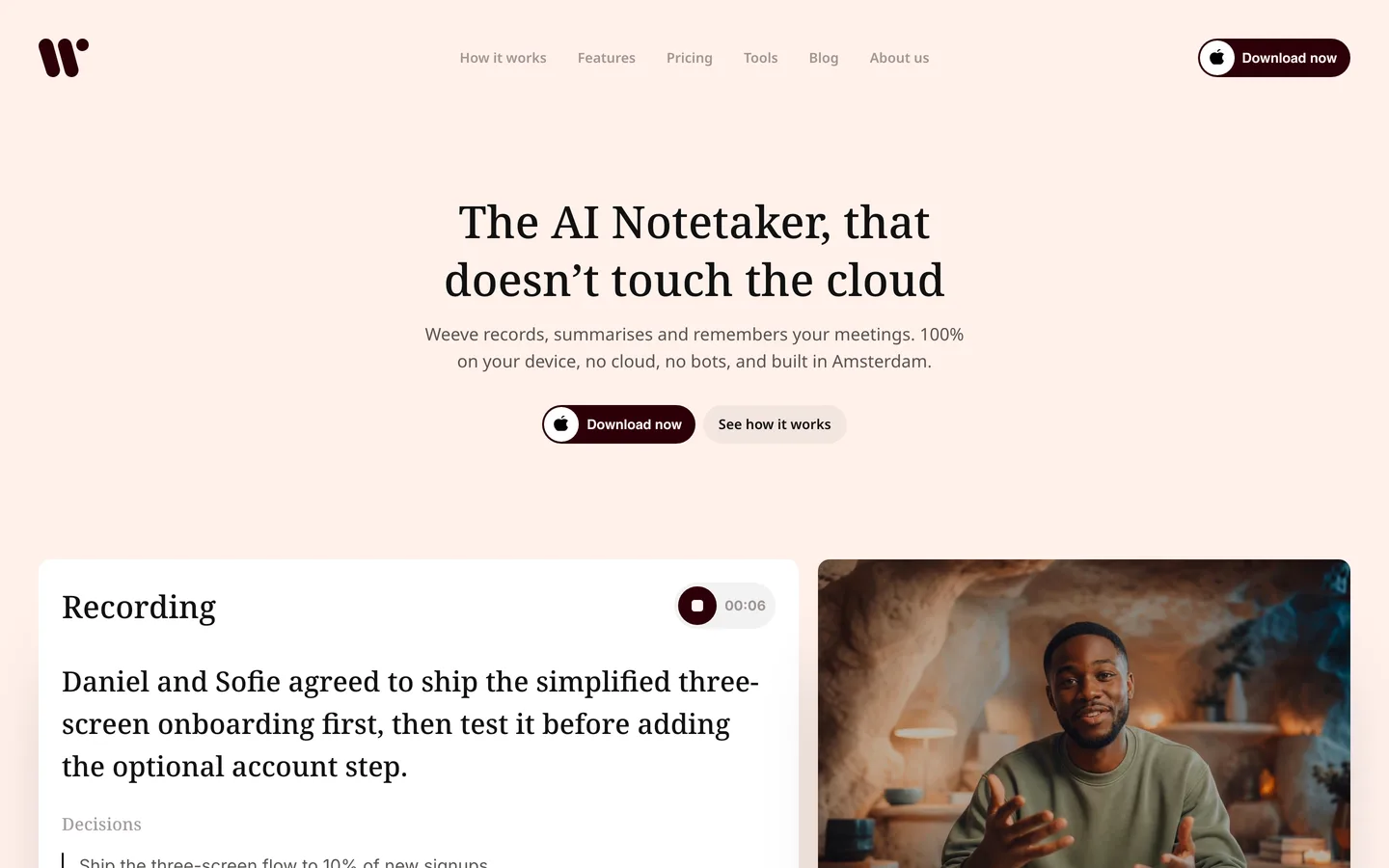
Weeve: Best when the conversation cannot leave your Mac. Recording, transcript and summary all run locally, and it works in any meeting app rather than one.
Cloud, and states it will not train on your meetings
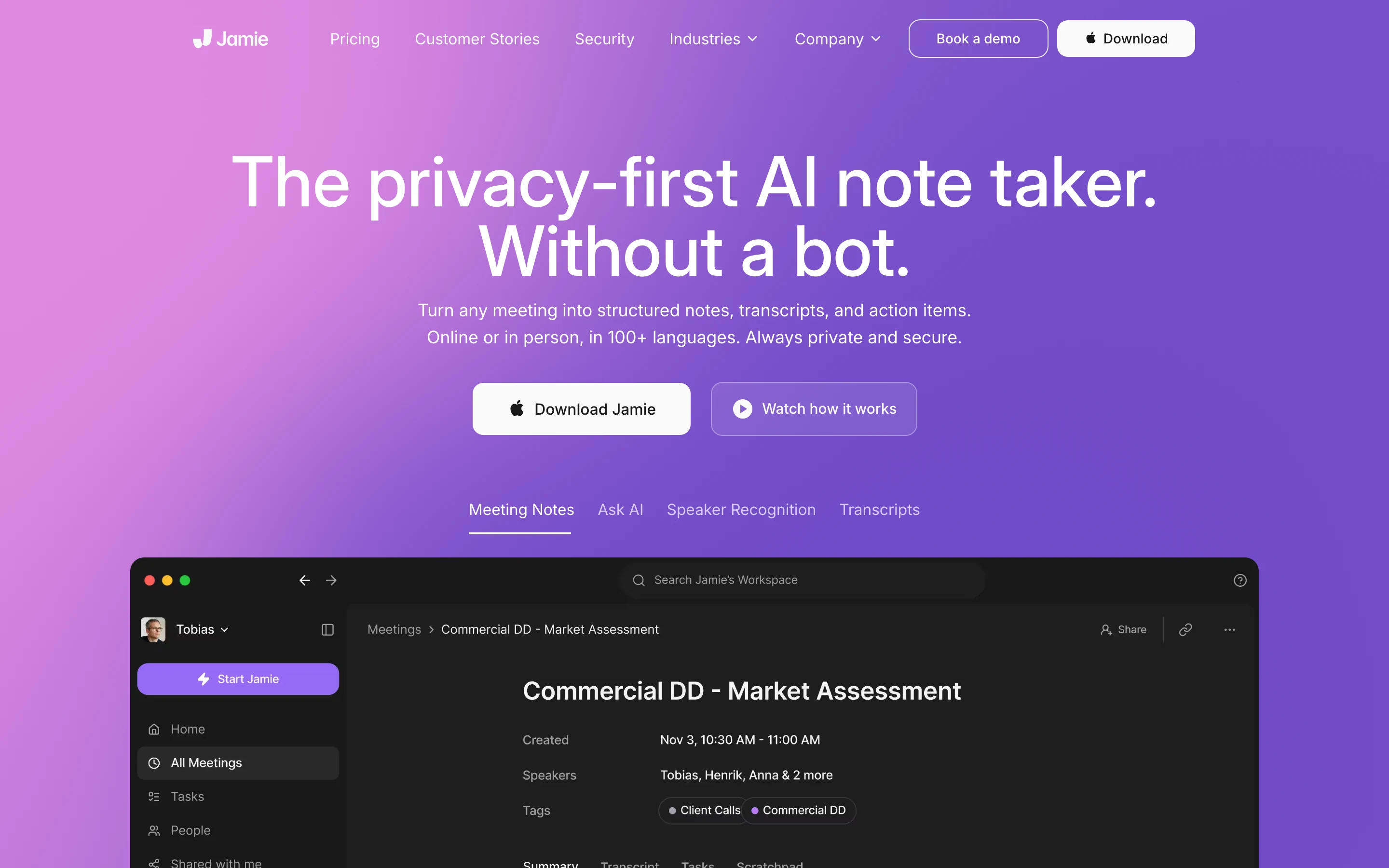
Jamie: Best for European organisations. Processing stays in the EEA, Switzerland and the UK, and audio is deleted after transcription.
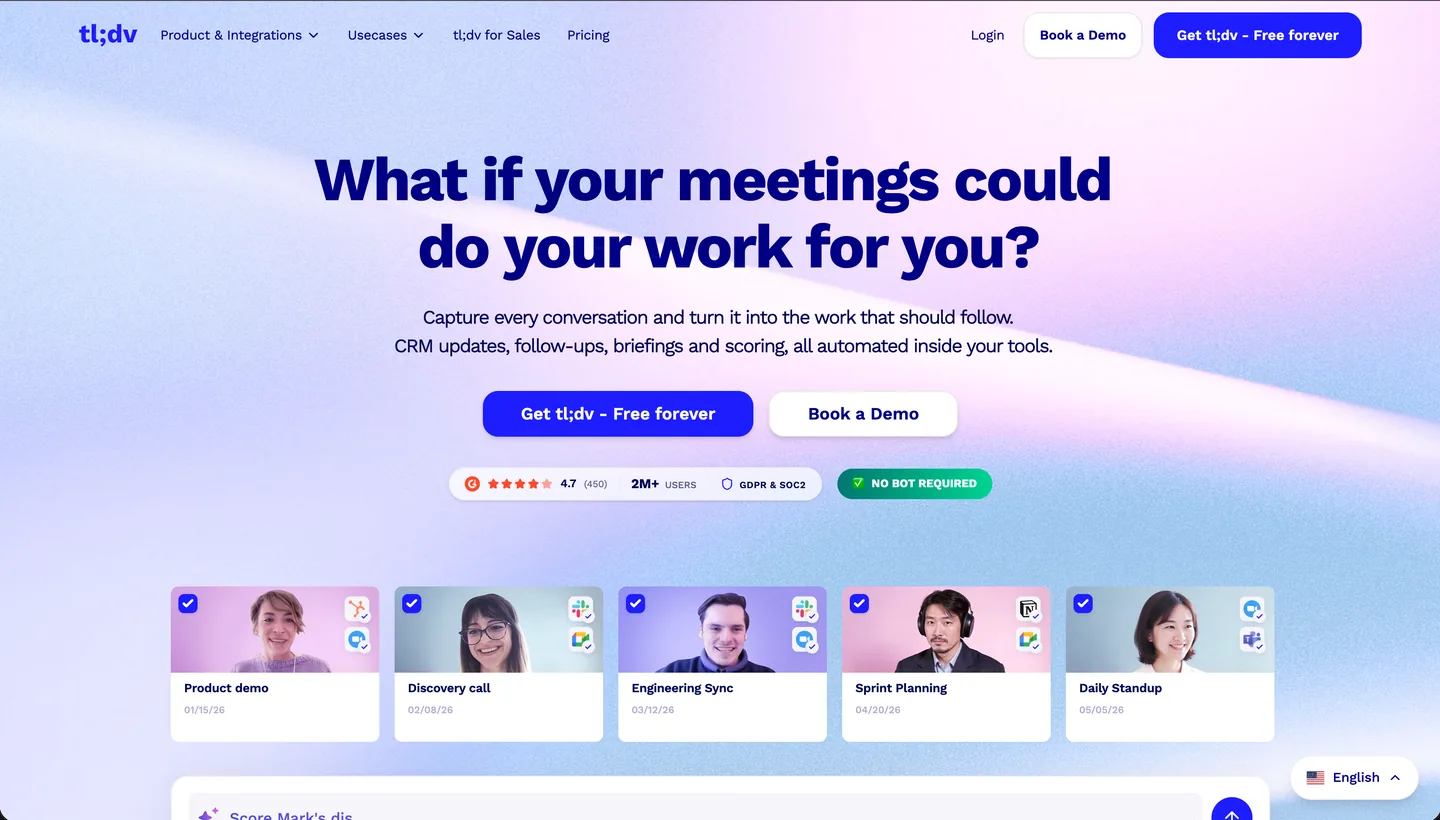
tl;dv: Best if you want a Zoom-native feel with EU hosting. Records with or without a bot.
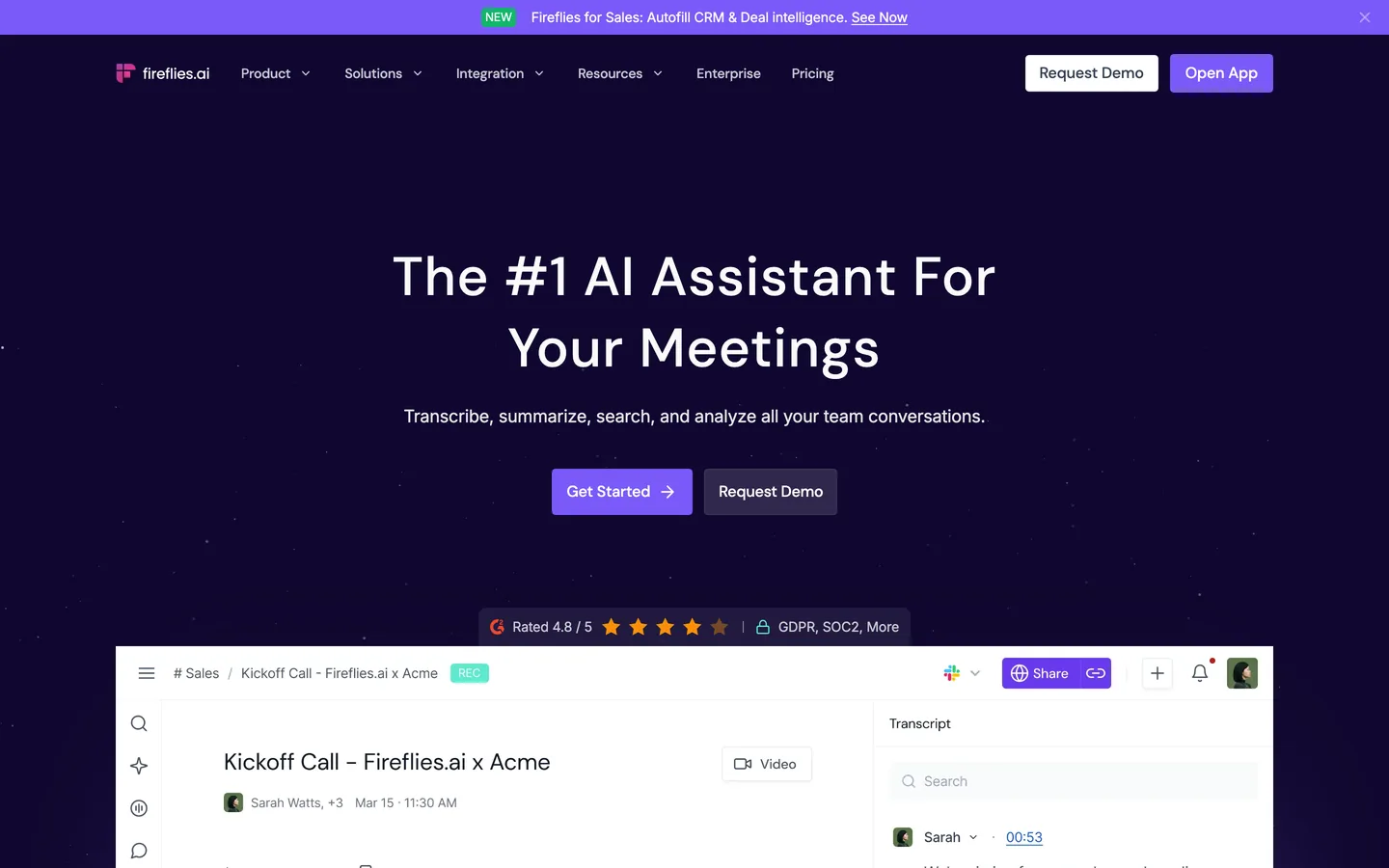
Fireflies: Best integration set, and the deepest CRM writeback here.
Cloud, mainstream
Otter: Best known, with the tightest Zoom integration of any third-party tool. Trains on de-identified content unless you opt out.
The split at the top is the decision. Zoom AI Companion already keeps your meeting in a vendor's cloud. If that is genuinely fine and your only complaint is that it stops working outside Zoom, four of these five solve it. If the cloud itself is the problem, only the first one does.
Tool | Where processing runs | Trains on your data? | Works outside Zoom? | Bot in the call? | Pricing |
|---|---|---|---|---|---|
Zoom AI (for reference) | Cloud, US | States no | No | No, it is native | Included with paid Zoom Workplace plans; ZoomMate extra |
Weeve | On your Mac | No, nothing is uploaded | Yes, any app and in person | No | Free Starter; Pro €12,99/mo excl. VAT |
Jamie | Cloud, stated EEA/CH/UK | States no | Yes | No | Free 10 meetings/mo; Plus €21/mo annual |
tl;dv | Cloud, hosted and stored in the EU | States no customer data trains its AI | Yes | Optional, bot-free desktop app | Free unlimited recordings; Pro $18/seat/mo annual |
Fireflies | Cloud, US by default | States no, Zero Data Retention at vendors | Yes | Bot by default, or bot-free on any plan | Free, unlimited transcription; Pro $10/seat/mo annual |
Otter | Cloud, US | Yes, de-identified, opt-out in settings | Yes | Yes, bot joins | Free 300 mins/mo; Pro $8.33/seat/mo annual |
Prices are listed in the currency each vendor publishes, so the column mixes euros and dollars and is not a like-for-like comparison. Weeve's price excludes VAT; the others are quoted as shown on their own pricing pages.
1. Weeve, best when the meeting should not leave your Mac
Weeve is an AI notetaker that runs entirely on your Mac. It captures the audio from the machine itself, so nothing joins the Zoom call, and the transcript and summary are produced by a model running on your device. The recording never leaves the laptop.
Against Zoom's assistant the difference is not a feature, it is a boundary. Zoom AI processes your meeting in Zoom's cloud under Zoom's policies, which are reasonable but are still someone else's. Weeve removes the question by never uploading. It also removes the platform limit: because it captures the Mac's own audio, it works the same way in Zoom, Google Meet, Teams, or with the laptop open on a table between two people.
Key features
Recording, transcription, speaker labels and summary all run on the Mac, with no upload step
Works in any conferencing app, and in person, rather than one platform
No bot joins, and no host permission is needed to use it
Imports existing audio and video files and transcribes them locally
Once the models are installed, the core workflow continues offline
Best for
Anyone whose meetings span Zoom, Meet, Teams and the occasional room
Solo practitioners and small firms on Macs where client audio should not sit on a vendor's servers
Pricing
Free Starter: 10 recordings in total and 2 projects
Pro: €12,99 a month excluding VAT, unlimited recordings and projects
Pros
The privacy question disappears rather than being answered with a policy
One tool across every platform, instead of one assistant per vendor
Works whether or not you are the host
Cons
Mac only, with no Windows client and no mobile app
No web app, so a recording lives on the Mac that made it
The summary arrives when the call ends rather than live during it
If the reason you are leaving is architectural rather than about features, the shortest answer is the one where the audio never moves. Keep your meetings on your Mac.
2. Jamie, best for European organisations
Jamie is bot-free and takes the clearest jurisdictional position here. It states that all data storage and processing stays within the EEA, Switzerland and the UK, that meeting audio is deleted after transcription, and that data is never used to train models, by Jamie or by any model provider. It holds ISO 27001 certification.
For a European company replacing a US-hosted assistant, that is the specific answer procurement is asking for. The honest caveat: Jamie captures on the device, but its own privacy policy describes an audio and summarisation pipeline running on cloud services, and names a US provider handling interim data including temporary audio files under standard contractual clauses. Capture is local; processing is not.
Key features
No bot joins the call, on any platform
States that all storage and processing stays within the EEA, Switzerland and the UK
Meeting audio deleted after transcription
No training on customer data, by Jamie or its model providers
ISO 27001 certified, GDPR compliant
Best for
European organisations where data residency is a procurement requirement
Teams that need Windows and mobile as well as Mac
Pricing
Free: €0, 10 meetings a month, 30 minutes per meeting
Plus: €21 a month billed annually, 20 meetings, 2 hours per meeting
Pro: €39 a month billed annually, unlimited meetings, 5 hours per meeting
Team: €33 per seat a month billed annually
Pros
The residency and training commitments are specific enough for a compliance reviewer
Deleting audio after transcription genuinely reduces what there is to lose
Cons
More expensive than adding AI to a Zoom plan you already pay for
Meeting caps on the lower tiers
Still a cloud tool: the recording leaves your machine to be processed
3. tl;dv, best for EU hosting with a Zoom-native feel
tl;dv is a German company whose security page states that data is hosted and stored in the EU, and that no customer data is used to train the AI. It also describes the safeguards around its model provider: metadata such as your name, email and company is anonymised before processing, and meetings are chunked into short pieces with the sequence randomised, so the provider never sees more than a fragment and cannot tell which fragments belong together. Any account can choose in preferences where the AI runs, in the US with Anthropic or in France with Mistral.
For Zoom specifically it is the closest in feel to what you are leaving. It records Zoom with a bot, or bot-free from its desktop app, and its library behaves much like Zoom's own recording archive. What bot-free does not change is where the recording goes: it still uploads to your tl;dv library to be transcribed.
Key features
Records Zoom with a bot, or bot-free from the desktop app
Hosted and stored in the EU, with European or US AI hosting selectable in preferences
States that no customer data is used to train its AI
SOC 2 Type II, with stated GDPR and EU AI Act compliance
Over 5,000 integrations, CRM field mapping, API and webhooks
Best for
European teams that want a mainstream, heavily integrated notetaker without a US data path
Anyone who liked Zoom's archive and wants something that behaves similarly
Pricing
Free: unlimited recordings and transcription, capped at 40 web recordings a week, AI notes on up to 10 meetings, data kept up to three months
Pro: $18 per seat a month billed annually
Business: $29 per seat a month billed annually
Enterprise: custom, adds SSO, SCIM provisioning and privately hosted AI
Pros
EU hosting and the no-training statement are both plain enough to quote to a reviewer
Bot-free recording without dropping to a smaller product
Cons
Bot-free is not cloud-free: the recording still uploads to be processed
Free-plan data is kept for up to three months, so it is not a permanent archive
More per seat than most Zoom plans cost in total
4. Fireflies, best integration set
If the cloud is not your objection and the notes need to land in a CRM, Fireflies is the most capable option here. It transcribes, summarises, searches your whole meeting history and connects to most of the tools a sales or customer team already runs. It holds SOC 2 Type II and states GDPR compliance, with HIPAA and a BAA on Enterprise.
On training it is clearer than several dedicated notetakers: its security page states that a Zero Data Retention policy means meeting data is never used for AI model training, and that the same retention applies to its vendors and partners. It sends a bot by default, but that is not the only route: its own pricing table ticks recording without the bot on every tier including the free one.
Key features
Unlimited transcription on every tier, including free
A bot by default, or bot-free recording from the desktop app on Pro and above
Search and AI chat across your entire meeting history
Wide integration set: CRM, Slack, task tools
SOC 2 Type II and GDPR, with HIPAA and a BAA on Enterprise
Best for
Sales and customer-facing teams that need notes written back into a CRM
Anyone who needs a shared, searchable archive across platforms
Pricing
Free: unlimited transcription, with 400 minutes of storage per team and 20 AI credits
Pro: $10 per seat a month billed annually, $18 monthly, 8,000 minutes per seat
Business: $19 per seat a month billed annually, unlimited storage
Enterprise: $39 per seat a month, annual only, adds SSO, audit logs and HIPAA
Pros
The free tier is genuinely usable, with transcription uncapped
It states plainly that meeting data is never used to train AI models
Cons
US-hosted by default, with storage in a location of your choosing only on Enterprise
Bot-free recording needs a paid plan, and it gives up the playable audio and video
Credit and storage limits mean the real cost depends on your volume
5. Otter, the best-known Zoom companion
Otter is the tool most people picked before Zoom shipped its own assistant, and its Zoom integration is still the tightest of any third party. If you are weighing it against a local option, there is a fuller comparison of Weeve and Otter. It joins your meetings, transcribes live, produces summaries and action items, and its search across past conversations is mature in a way newer tools are not.
Two things need stating honestly. Otter trains its models on de-identified user content, with the setting on unless you turn it off, which is the same trade Fathom and Granola ask for. And in August 2025 it was named in a proposed class action in California federal court, since consolidated as In re Otter.AI Privacy Litigation, alleging that its notetaker recorded conversations of people who were not Otter subscribers without their consent, and that recordings were used in model training. Otter denies the allegations and has moved to dismiss; the court had not ruled as of mid-2026.
Allegations in a filed complaint are not findings, and the case does not establish what Otter did. It is included here because it is public, because it goes directly to consent rather than to a feature, and because anyone weighing a notetaker for confidential conversations should read Otter's current terms themselves rather than take a summary from us or anyone else.
Key features
Deep Zoom integration, plus Google Meet and Teams
Live transcription during the call, with a searchable archive afterwards
Automated summaries and action items
Mobile apps and a browser extension
Best for
Teams that want live transcript during the call rather than notes at the end
People already inside Otter's archive who do not want to migrate
Pricing
Free Basic: 300 minutes a month, 30 minutes per conversation
Pro: $8.33 per seat a month billed annually, $16.99 monthly
Business: $19.99 per seat a month billed annually, $30 monthly
Pros
The most mature search and archive in this list
Cheapest paid tier here
Cons
A bot joins the call, which is exactly what Zoom's native assistant avoided
US-hosted, with no EU residency option, and training on by default unless you switch it off
The 2025 consent and training litigation is worth reading before committing confidential work to it
How to choose
1) Is the problem the cloud, or just the platform lock?
This is the whole decision, and it is worth answering before looking at features.
Just the platform lock: any of Jamie, tl;dv, Fireflies or Otter will follow you to Meet and Teams
The cloud itself: only Weeve keeps the audio on your machine
2) Do you need it when you are not the host?
Zoom's assistant depends on the host enabling it. If you are frequently the guest, a tool that runs on your own machine or joins as your own participant is the difference between having notes and not.
3) Where is the data allowed to live?
On the device: Weeve
In Europe: Jamie, or tl;dv
US hosting is fine: Fireflies or Otter
4) What are you actually replacing?
Zoom AI did live summaries, a searchable archive and queries across meetings, all inside Zoom.
All of it, across every platform, privately: Weeve, accepting Mac-only
All of it, in the cloud, in Europe: Jamie, or tl;dv
The archive and the integrations: Fireflies or Otter
Record one real meeting on a free tier before committing. Every tool here has one, and transcript quality on your own audio, with your own accent and vocabulary, tells you more than any table.
Weeve's Starter plan is free and runs entirely on your Mac, so trying it costs nothing and uploads nothing. Download the free Starter plan and run it alongside Zoom's own notes on your next call.
FAQ
Is Zoom AI Companion being discontinued?
The brand is. Zoom retired the AI Companion name in June 2026. The features remain native to Zoom Workplace under Zoom AI, and Zoom launched a separate agentic product, ZoomMate, alongside them. Check what your current plan actually includes rather than assuming the previous allowance carried over.
Does Zoom train its AI on my meetings?
No. Zoom updated its terms to state that it does not use customer content, including audio, video and chat, to train its own or third-party AI models. This is one of the clearer positions in the category, and it is not a good reason to switch.
Which Zoom alternative does not put a bot in the call?
Weeve and Jamie never do. tl;dv and Fireflies both offer bot-free desktop recording, tl;dv on any plan and Fireflies on Pro and above. Otter joins as a bot.
Which one works when I am not the meeting host?
Weeve, because it records your Mac's own audio and needs no permission from the host or the platform. The cloud tools generally need to join the call or connect to your calendar, which can depend on the host's settings.
Can I use one tool across Zoom, Teams and Google Meet?
Yes, and that is the main reason people leave a platform-native assistant. All five here work across platforms. Weeve works with no meeting at all too, for a conversation happening in the room.
Do I still need consent if the notetaker is on my own device?
Yes. Consent is about recording a person, not about where the file ends up, and in many places the law requires it. There is a fuller breakdown in the guide on whether it is legal to record a meeting.
Can I test a transcript before installing anything?
Yes. Weeve's free browser-based transcriber produces a transcript from a file without it leaving the page, which is a reasonable way to judge accuracy on your own audio first.