Business
7 Best AI Note Takers for Coaches in 2026

Dylan de Heer

A coaching session runs on what the client says in their own words. The best AI note takers for coaches let you stay with the person in front of you and still leave with an accurate record: the commitment they made, the phrase they kept coming back to, the question that landed.
The catch is where that record goes. The ICF Code of Ethics asks coaches to store records "in a manner that promotes confidentiality, security, and privacy", and it now extends that duty to any "artificial intelligence" a coach uses. Most AI note takers meet it with encryption on their own servers. One keeps the whole session on your Mac.
This guide compares seven AI note takers coaches actually shortlist, by where each one processes the session, whether a bot joins the call, what it costs at a real session load, and what it does that a general meeting tool does not.
Best AI note takers for coaches: a brief overview
On your Mac
Weeve: Best for confidential sessions on a Mac: capture, transcript and summary all stay on the device.
Hybrid
Hedy: Best for live prompts during a conversation: speech recognition on the device, AI analysis in the cloud by default.
Cloud
CoachRocks: Best for coach-specific session analysis: ICF-aligned feedback, next-session prep and an hours log.
Fathom: Best free plan: unlimited recordings and transcription at no cost.
Otter: Best for live transcription and a searchable archive of past sessions.
Fireflies: Best for connecting session notes to the rest of your tools.
ChatGPT: Best if you already use it for session prep and follow-up emails.
Tool | Where processing runs | Key strength | Starting price | Platform |
|---|---|---|---|---|
Weeve | On your Mac | Nothing of the session uploads, no bot | Free Starter, Pro €12,99/mo | macOS (Apple Silicon) |
CoachRocks | Cloud | ICF-aligned feedback and client memory | Free (10 analyses/mo), Coach $25/mo | Web |
Hedy | Hybrid | Real-time prompts during the session | Free (5 hours/mo), Pro $99/yr | Mac, Windows, mobile, web |
Fathom | Cloud | Unlimited free recordings | Free, Premium $16/mo billed annually | Web, desktop, mobile |
Otter | Cloud | Live transcript and session archive | Free (300 min/mo), Pro $8.33/mo billed annually | Web, desktop, mobile |
Fireflies | Cloud | Integrations and 100+ languages | Free, Pro $10/seat/mo billed annually | Web, desktop, mobile, extension |
ChatGPT | Cloud | Turns a session into follow-up work | Plus $20/mo | Record mode: macOS app |
1. Weeve, best for confidential coaching sessions on Mac
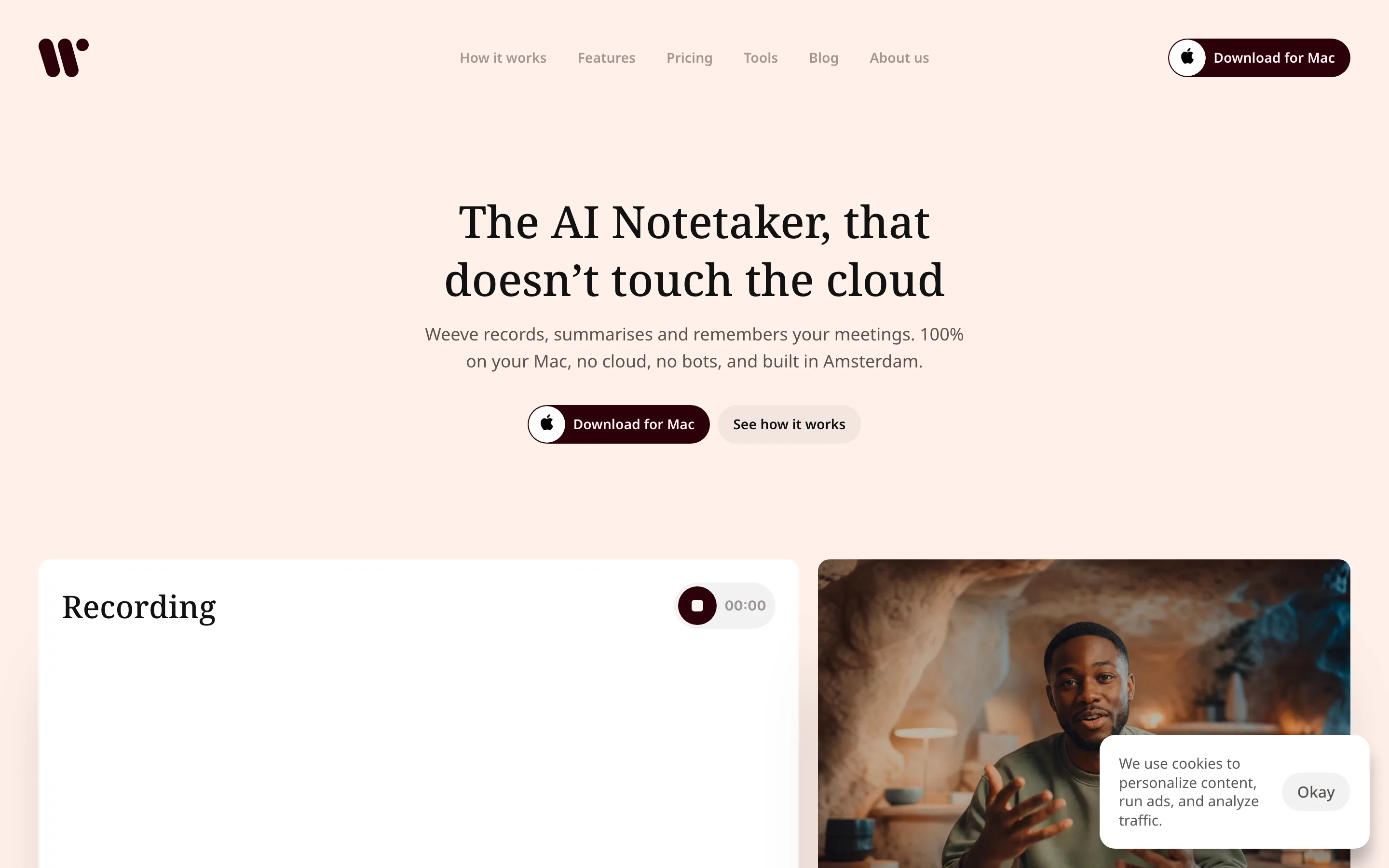
Weeve is the only tool on this list where both the AI and the recording stay on your Mac. You start a recording before the session, on Zoom, Google Meet, Teams or in the room, and Weeve captures the audio on the device itself, so no bot joins and nothing uploads. It transcribes with a local speech model and writes the summary with a local model, so when the session ends the notes are already there.
For coaching, the useful part is what you tell it to look for. Weeve ships with no templates: you write your own, so a coaching template can ask for the client's exact words, the commitment they made and what they want to test before next time. Former world champion turned coach Max Planer describes how he uses AI meeting notes to stay present in sessions, with his clients' consent, and a coaching session template shows the structure.
Key features
Processing location: fully on-device, on the Mac
No bot joins the call; capture is silent and local
Works across Zoom, Google Meet, Teams and in-person sessions
Templates you write yourself shape every summary
Imports existing audio and video files for local transcription
Best for
A solo coach on a Mac whose clients share things that should not sit on a vendor's server
Coaches who meet clients in person as well as on video calls
Pricing
Free Starter plan: 10 recordings a month, 2 projects, speaker identification, dictation and export
Pro: €12,99 a month excluding VAT, unlimited recordings and projects
Pros
Nothing of the session uploads, which is the simplest answer to "where does my client's recording go?"
The same workflow for every video platform and for sessions in the room
Summaries follow the structure you write, not a generic meeting format
Cons
Mac only: no Windows or mobile app, and it needs Apple Silicon and macOS 14.4 or later
No cloud team workspace, so it suits a solo practice more than a coaching firm
Like every transcription tool, it can mishear names, so check them before a note goes to a client
2. CoachRocks, best for coach-specific session analysis
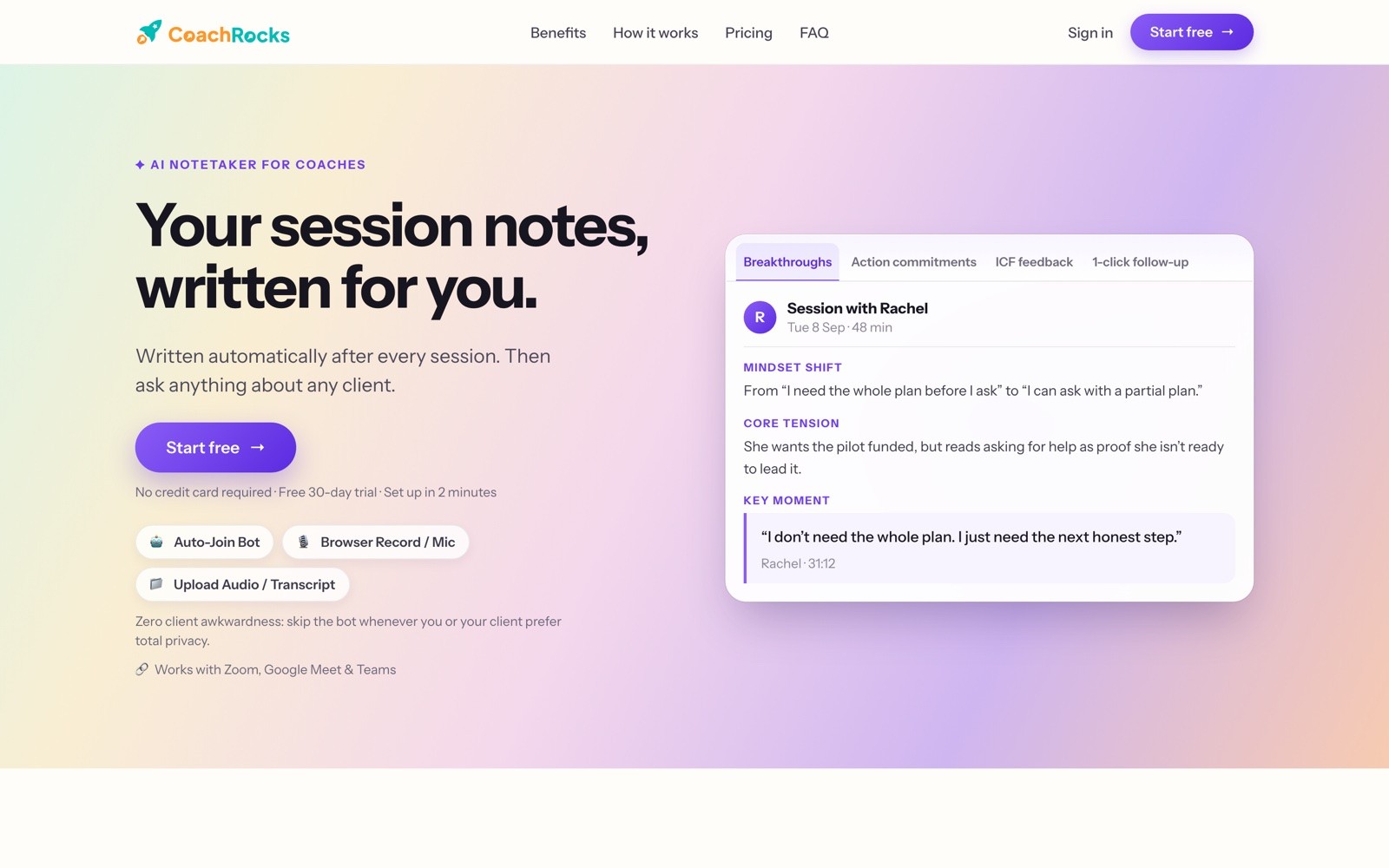
CoachRocks is built for coaches rather than for meetings in general. After a session it writes a summary, action items and goals, and adds feedback on your coaching aligned with the ICF Core Competencies. Before the next session it prepares a brief with last time's recap, a suggested agenda and patterns to watch for, and you can ask questions across a client's whole history.
It captures sessions three ways: an auto-join bot, a browser or microphone recording, or an uploaded file or transcript. It is a cloud service. CoachRocks does not use recordings to train AI models, encrypts sessions in transit and at rest, and replaces names with placeholders before a transcript is analysed.
Key features
Processing location: CoachRocks' cloud
Bot, browser recording or upload, so you can skip the bot when a client prefers
ICF-aligned coaching feedback and an ICF hours log
Next-session prep and cross-session client memory
Works with Zoom, Google Meet and Teams
Best for
Coaches working towards ICF credentials who want feedback on their own coaching
A growing practice that wants client history and follow-up emails in one place
Pricing
Free forever: 10 session analyses and 10 client AI questions a month
Coach: $25 a month for 60 session analyses and 300 client questions, with a 30-day free trial and no card
Pros
Features no general meeting tool has: ICF feedback, prep briefs, client memory
Clear about data handling, including a Data Processing Agreement on request
Cons
Sessions are processed in the cloud, however carefully
The free plan's 10 analyses run out quickly for a coach with a full diary
3. Hedy, best for live prompts during a session
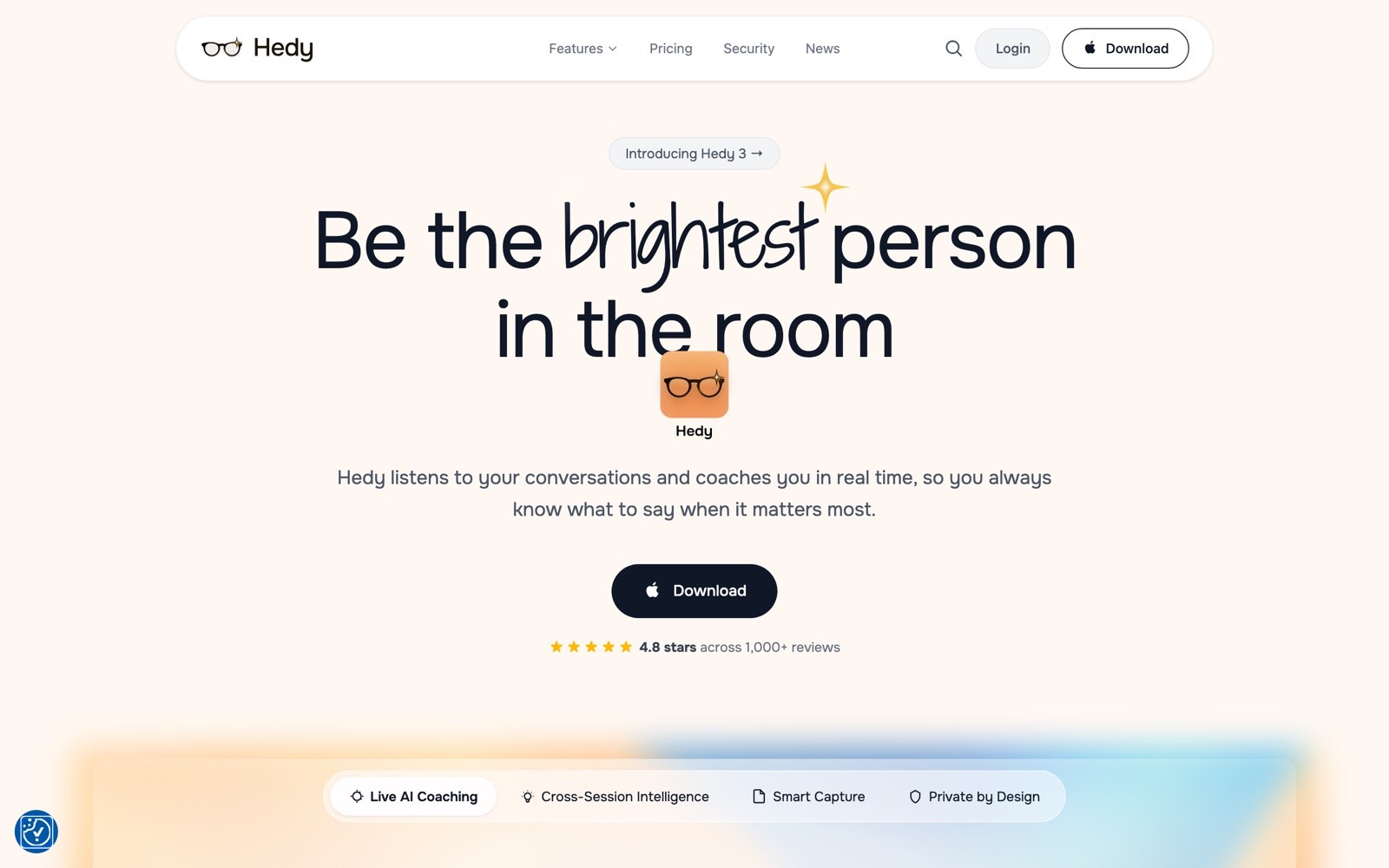
Hedy listens during the conversation and offers suggestions in real time, then keeps notes and themes across sessions. For a coach, that can mean a nudge towards a question you meant to ask, though some coaches will prefer not to read a screen while holding space for a client.
Its processing is hybrid. Speech recognition runs on the device and the audio stays there by default, while AI analysis goes to Hedy's servers in the US or the EU. It also offers an optional mode that runs the AI analysis fully on the device, on Apple Silicon Macs and capable Windows PCs.
Key features
Processing location: on-device transcription, cloud AI analysis by default, optional local mode
Real-time suggestions during the conversation
Notes and chat across past sessions
Mac, Windows, mobile and web
Best for
Coaches who want in-the-moment prompts, especially early in their practice
Coaches who move between phone and laptop
Pricing
Free: up to 5 hours a month, with real-time insights for the first 30 minutes of each session
Pro: $99 a year, about $8.33 a month
Pros
The widest platform coverage on this list
A local option for coaches who want the analysis kept off servers too
Cons
The default sends AI analysis to the cloud, so the local mode has to be chosen deliberately
Live prompts can pull attention away from the client
4. Fathom, best free plan for coaches
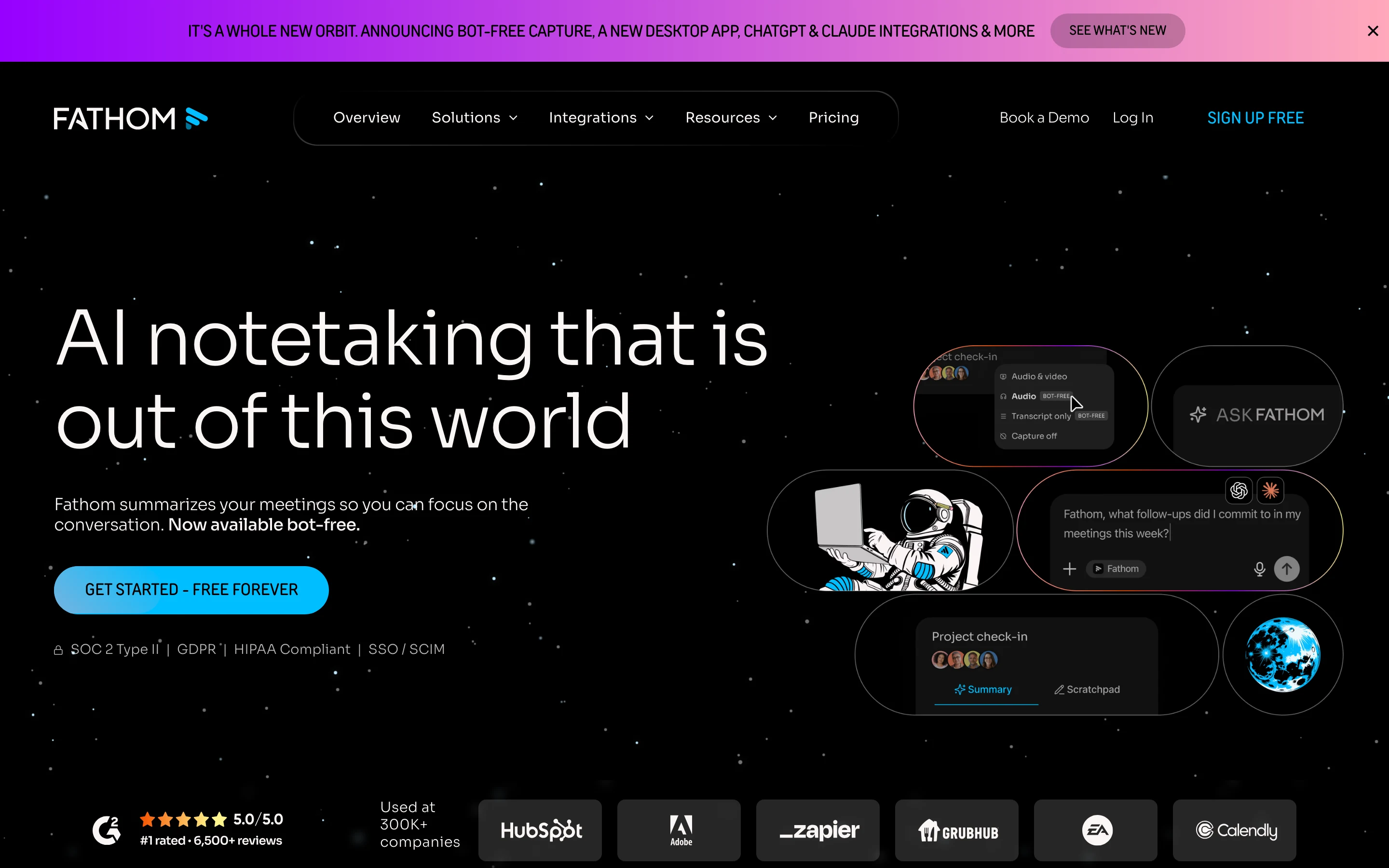
Fathom has the most generous free plan here: unlimited recordings and transcriptions, with instant summaries. For a coach testing whether an AI note taker changes how they work at all, it is the cheapest honest way to find out.
It records with a bot by default, and it now offers bot-free capture as a beta on Mac. Processing happens in Fathom's cloud.
Key features
Processing location: Fathom's cloud
Unlimited recordings and summaries on the free plan
Bot or bot-free capture, with bot-free still a Mac beta
Integrations with CRMs and with AI assistants
Best for
Coaches who want to try an AI note taker at no cost
Coaches whose sessions run long, since there is no minute cap
Pricing
Free: unlimited recordings and transcription
Premium: $20 a month, or $16 billed annually, for individuals
Pros
No cap on sessions or minutes on the free plan
A bot-free option for clients who dislike an extra participant
Cons
Sessions are processed in the cloud
Bot-free capture is still a beta, and only on Mac
5. Otter, best for live transcripts and a session archive
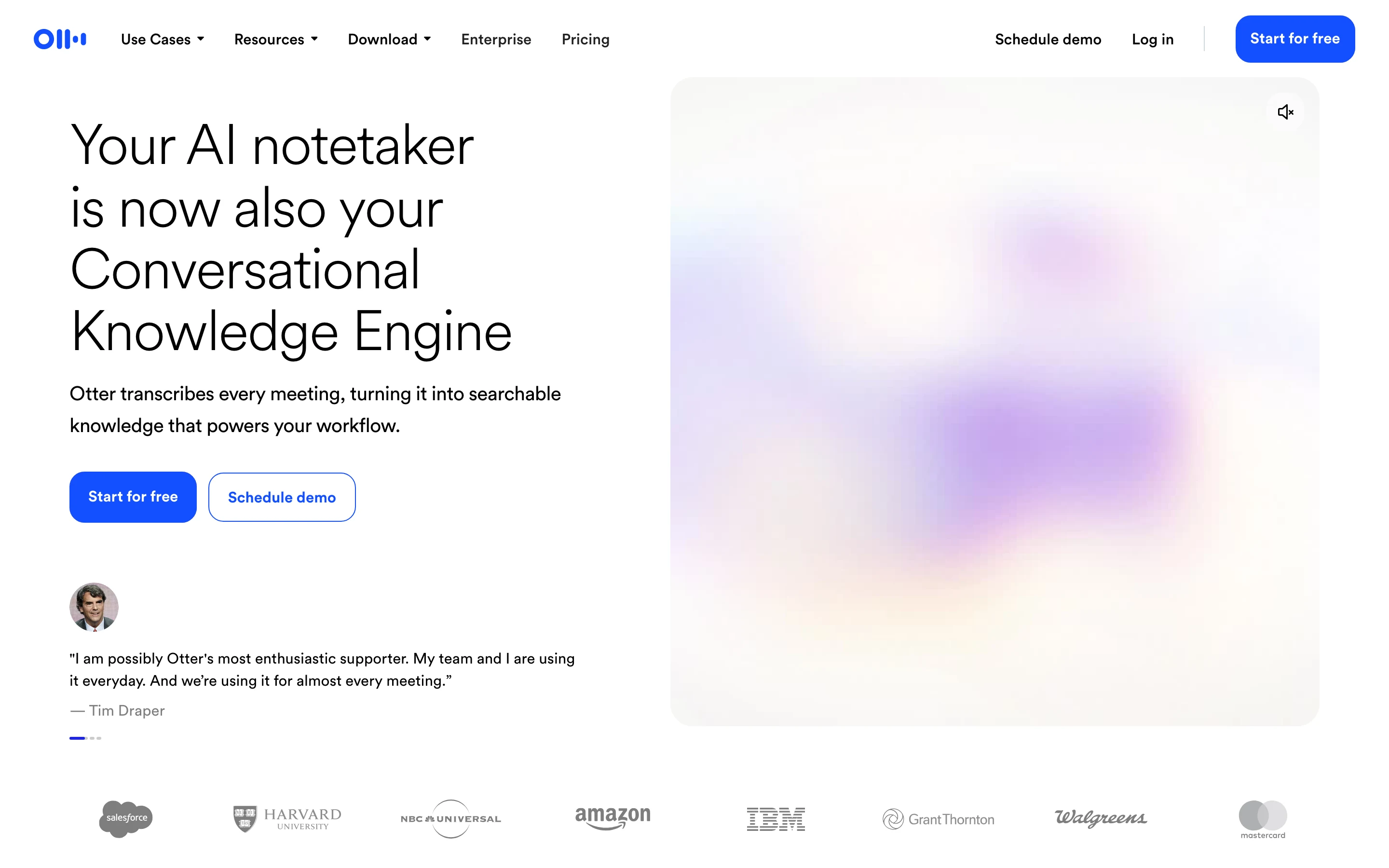
Otter is the most established name here. Its strengths are live transcription as the session happens and AI chat across your whole archive, which helps once you have months of sessions with the same client and want to find when a theme first came up.
Its Notetaker joins calls as a named participant and cannot join without being visible to others. Processing happens in Otter's cloud.
Key features
Processing location: Otter's cloud
Live transcription during the session
Search and AI chat across past sessions
Zoom, Teams and Google Meet, with iPhone and Android apps
Best for
Coaches who like to read a live transcript
Coaches who search back through long client histories
Pricing
Free: 300 minutes a month, 30 minutes per conversation, 3 file imports in total
Pro: $16.99 a month, or $8.33 billed annually, with 1,200 minutes and 90 minutes per conversation
Pros
A mature archive with good search
Mobile apps for in-person sessions
Cons
The free plan stops each conversation at 30 minutes, shorter than most coaching sessions
The Notetaker is always visible in the call
6. Fireflies, best for connecting notes to your other tools
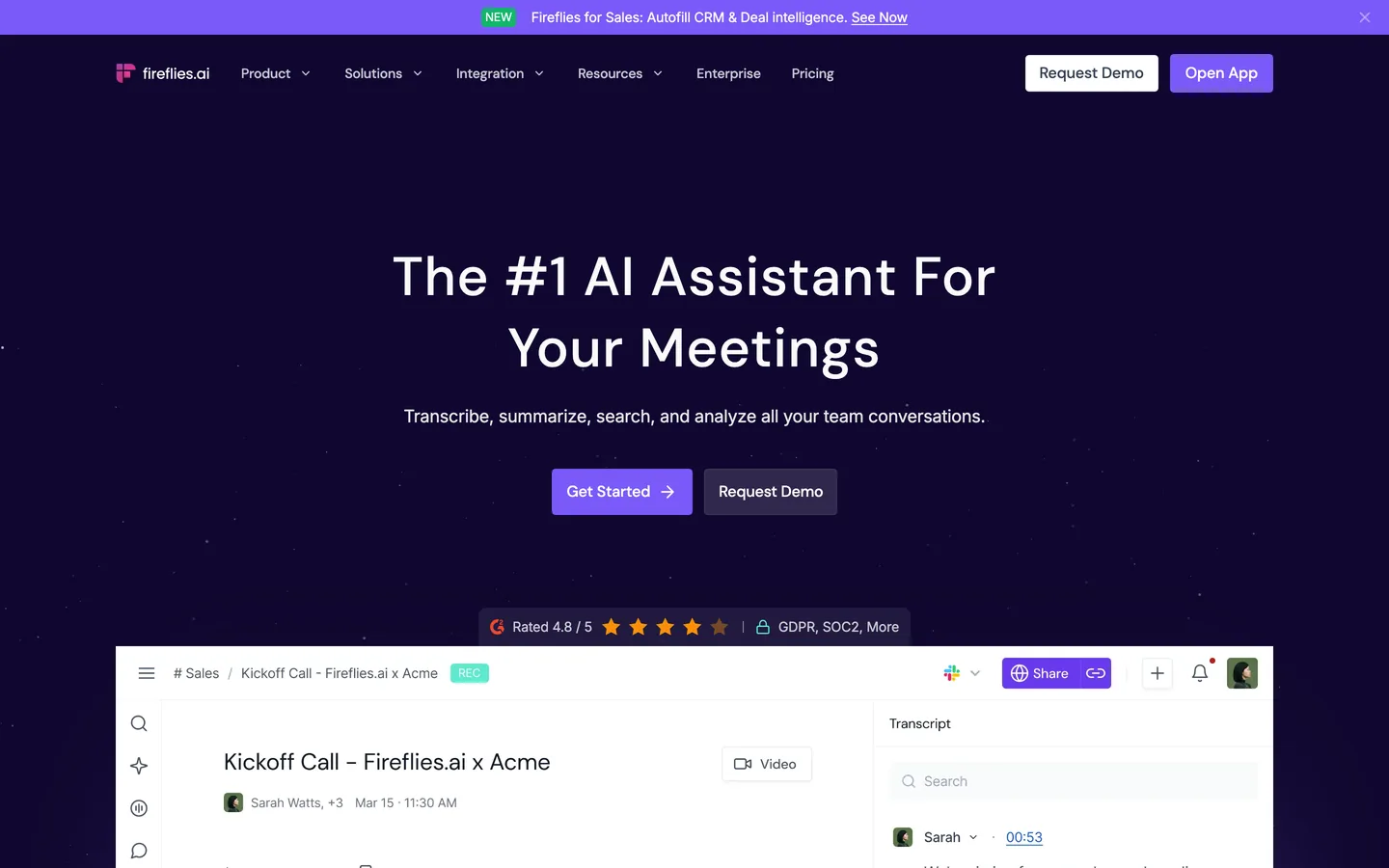
Fireflies connects to most of the tools a practice already runs and transcribes in more than 100 languages, which suits coaches with international clients. It records with a bot by default and can record without one on every plan.
It publishes a Zero Data Retention policy for meeting content and lists SOC 2 Type II and GDPR. Processing happens in Fireflies' cloud.
Key features
Processing location: Fireflies' cloud
More than 100 languages
Bot by default, bot-free recording on every plan
Search and an AI assistant across past sessions
Best for
Coaches working across languages
Practices that want session notes flowing into other systems
Pricing
Free: unlimited transcription when you let it auto-join your calendar, limited summaries, 400 minutes of storage per team
Pro: $10 per seat a month billed annually, or $18 monthly
Pros
Wide integrations and language coverage
Clear security documentation
Cons
Free transcription depends on calendar auto-join, and storage is capped
Sessions are processed in the cloud
7. ChatGPT, best if you already use it for session prep
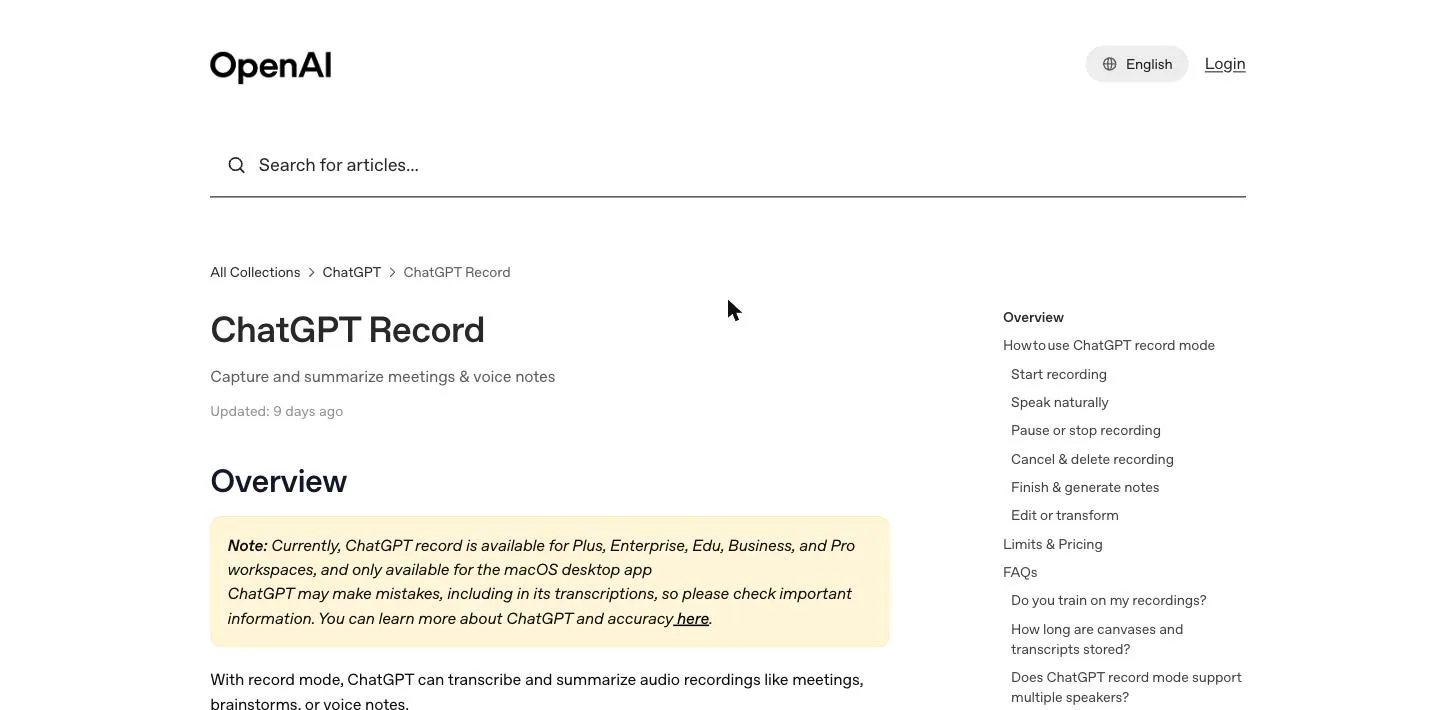
Many coaches already use ChatGPT to prepare for sessions and draft follow-ups. Its Record mode in the macOS desktop app captures a session, labels speakers and turns the transcript into a summary you can rework straight away into a follow-up email or next week's plan.
The audio is uploaded to OpenAI for transcription and deleted afterwards. On the Free, Plus and Pro plans the transcript can be used to train models unless you opt out.
Key features
Processing location: OpenAI's cloud
Record mode captures and summarises sessions up to four hours
The transcript flows straight into prep, follow-ups and planning
Record mode is macOS desktop only
Best for
Coaches who already pay for ChatGPT and use it every day
Coaches who want the session and the follow-up work in one place
Pricing
No meeting capture on the free plan
Plus: $20 a month, the cheapest plan with Record mode
Pros
No new tool to learn if you already use ChatGPT
Strong at turning a session into written follow-up
Cons
Training on transcripts unless you opt out, on consumer plans
Not built for coaching: no client history, no coaching feedback
How to choose the best AI note taker for coaching
Where does the session get processed?
Start here, because it decides the rest. If a client's words should never sit on a vendor's server, the list is short: Weeve keeps everything on the Mac, and Hedy's optional local mode keeps the analysis on the device too. If cloud processing is acceptable, CoachRocks gives you the most coaching-specific features, and Fathom the most free sessions.
Does a bot join the session?
A bot in the participant list changes the room, and clients notice. Weeve and ChatGPT record without joining. CoachRocks, Fathom and Fireflies let you skip the bot, and Otter's Notetaker is always visible. Whatever you choose, ask for consent before you record, and agree how the notes will be kept, which is what the ICF Code of Ethics asks for.
Do you want coaching feedback, or just good notes?
CoachRocks scores your coaching against the ICF Core Competencies, and Hedy prompts you live. Weeve, Fathom, Otter and Fireflies produce notes and leave the coaching to you. Decide which one you want before comparing features.
What does it cost at your real session count?
Count a normal month. At 20 hour-long sessions, Weeve's Starter plan covers 10 recordings, CoachRocks' free plan covers 10 analyses, Hedy's free plan covers 5 hours, and Otter's free plan stops each session at 30 minutes. Fathom's free plan covers all 20. Record two real sessions on a free plan before you pay for anything, and see how recording your coaching sessions fits your practice.
FAQ
What is the best AI note taker for coaches?
It depends on where your sessions are allowed to be processed. For confidential sessions on a Mac, Weeve keeps the recording, transcript and summary on the device. For coach-specific features such as ICF feedback and next-session prep, CoachRocks is built for the job, and for a free plan with no session cap, Fathom leads.
Is it ethical for a coach to record sessions with AI?
Yes, with the client's informed agreement. The ICF Code of Ethics asks coaches to have a clear agreement about how information is exchanged, to store records in a way that protects confidentiality, and to meet those duties through any AI they use. Tell the client what records, where it goes and how long you keep it.
Do I need my client's consent to record a coaching session?
Yes. Recording laws vary by country and by US state, and many require everyone in the conversation to agree. Ask at the start of the engagement and again when a recording starts, and write it into your coaching agreement.
Is there a free AI note taker for coaching sessions?
Yes. Fathom's free plan records unlimited sessions, CoachRocks gives 10 session analyses a month, Hedy gives 5 hours a month, and Otter gives 300 minutes with a 30 minute cap per conversation. Weeve's Starter plan covers 10 recordings a month and keeps them on your Mac.
Can an AI note taker work for in-person coaching sessions?
Yes. Weeve records in-person sessions through the Mac's microphone, and Otter and Hedy have phone apps. Tools that work by sending a bot into a video call cannot capture a session in the room.
Which AI note taker keeps coaching sessions off the cloud?
Weeve does by default: recording, transcription and summarisation all run on the Mac. Hedy transcribes on the device and offers an optional mode that keeps its AI analysis local too. The other tools here process sessions in their own cloud.
Does an AI notetaker join the coaching call as a bot?
Some do. Otter's Notetaker always joins as a visible participant, and CoachRocks, Fathom and Fireflies can use a bot but let you record without one. Weeve and ChatGPT record without joining the call at all.
If you want to compare these tools with general meeting note takers too, our comparison of ten AI note takers covers the wider field.
The best coaching notes are the ones you can promise your client are safe.
If that promise has to be "they never left my Mac", Weeve's free Starter plan covers 10 recordings a month, with the transcript and summary written on the device. It is Mac only, needs Apple Silicon and macOS 14.4 or later, and setup asks you to verify an email address.