Research
10 Best AI Note Takers in 2026, Compared by Privacy

Dylan de Heer

Every meeting leaves you with the same small debt: the conversation happened, and now someone has to remember it. The best AI note taking apps pay that debt for you, capturing the call and handing back a transcript and a summary. The catch is that most of them do it by sending your conversation to a server you do not control.
Summary quality is the easy part. What separates the best AI note taking apps is where the recording goes, who can read it afterwards, and whether that fits the work you do. A team standup and a client therapy session are not the same risk.
So this is an AI note taker comparison built on one axis rather than a feature count: the ten apps below are compared by where each one processes your meeting. The list covers both halves of the real decision, the dedicated notetakers people actually shortlist and the platform assistants you may already pay for, because for a lot of people the question is not which notetaker to buy but whether the one bundled with their existing software is good enough.
This guide ranks ten AI note takers for 2026, from a fully local Mac tool through the dedicated notetakers to the big platform assistants you may already pay for. Each entry says plainly where the processing happens, what it costs, and who it actually suits. If you want the one-line version: pick for where your conversations are allowed to live, then for features. We ran a scripted test recording through Weeve ourselves and checked every other tool against its own pricing and help pages; the method, and what Weeve got wrong, are set out below.
Quick picks
If you need | Pick |
|---|---|
Confidential meetings on a Mac | Weeve, the only one of the ten that keeps the recording, transcript and summary entirely on the device |
To write your own notes during the call | Granola, which tidies what you type against the transcript |
A searchable archive of every call | Otter |
Integrations and a free plan with room in it | Fireflies |
Unlimited free recording | Fathom |
To turn a meeting into follow-up work | ChatGPT |
Meetings that all happen in Google Meet or Microsoft Teams | Gemini or Copilot, already inside the software you pay for |
Notes inside your Notion workspace | Notion AI |
Free notes with nothing to install, on recent Apple hardware | Apple Notes with Apple Intelligence |
Best AI note taking apps: an overview
Tool | Where processing runs | Best for | Starting price | Platform |
|---|---|---|---|---|
Weeve | On your Mac, fully local | Confidential meetings on a Mac | Free Starter, Pro €12,99/mo | macOS (Apple Silicon) |
Granola | Granola cloud | Typing your own notes and having them tidied | Free Basic, Business $14/user/mo | macOS, Windows, iOS, Android |
Otter | Otter cloud | Live transcription and a searchable archive | Free Basic 300 min/mo, Pro $8.33/user/mo billed annually | Web, macOS, Windows, iOS, Android |
Fireflies | Fireflies cloud | Wide integrations and a generous free tier | Free, Pro $10/seat/mo billed annually | Web, desktop, mobile, extension |
Fathom | Fathom cloud | Unlimited free recording and CRM workflows | Free, Premium $16/user/mo billed annually | Web, desktop, mobile |
ChatGPT | OpenAI cloud | Turning meetings into follow-up work | No free capture, Plus $20/mo | Record mode: macOS app |
Google Gemini | Google cloud | Teams that live in Google Meet | No free tier, Google AI Pro $19.99/mo | Google Meet (web, mobile) |
Microsoft Copilot | Microsoft cloud (tenant) | Microsoft 365 organisations | Copilot Business add-on $18/user/mo | Teams (Windows, Mac, mobile) |
Notion AI | Notion cloud | Teams who run on Notion | Trial free, Business $24/member/mo ($20 billed annually) | Notion desktop, web, mobile |
Apple Notes + Apple Intelligence | Mostly on-device | Free built-in notes, no extra app | Free with the OS | macOS, iOS, iPadOS (recent hardware) |
What is an AI notetaker?
An AI notetaker, or AI note taker, records a meeting, turns the audio into a transcript and writes a summary of what was decided and who does what next. Some join the call as a bot participant, some capture the computer's own audio, and some are built into the meeting platform itself. Where they differ most is where that processing happens: on your own device, or on the vendor's servers. That is the axis this comparison uses.
How we compared
The recording. A scripted two-person conversation, 1 minute 41 seconds long, voiced by two of macOS's built-in voices so that every word is known in advance. It packs in 16 things that trip transcription up: five proper nouns (a Dutch investor, an uncommon surname, a Dutch first name, a product name and a web address), four numbers with units, three acronyms said letter by letter, two moments of overlapping speech, one line said much more quietly, and one decision the summary should capture. Synthetic voices are cleaner and steadier than people, so expect a real call to score lower than this.
What we tested ourselves. Weeve's Mac app and Weeve's free browser transcriber, on an Apple M5 Mac. Both are made by Weeve, which publishes this page and ranks itself first. Read the results with that in mind.
What we did not test. Granola, Otter, Fireflies and Fathom need an account to try, and Granola and Fathom do not accept an uploaded file at all. For those tools, and for the platform assistants, every claim on this page comes from the vendor's own pricing pages and help documentation, not from our own use.
1. Weeve, best for confidential meetings on Mac
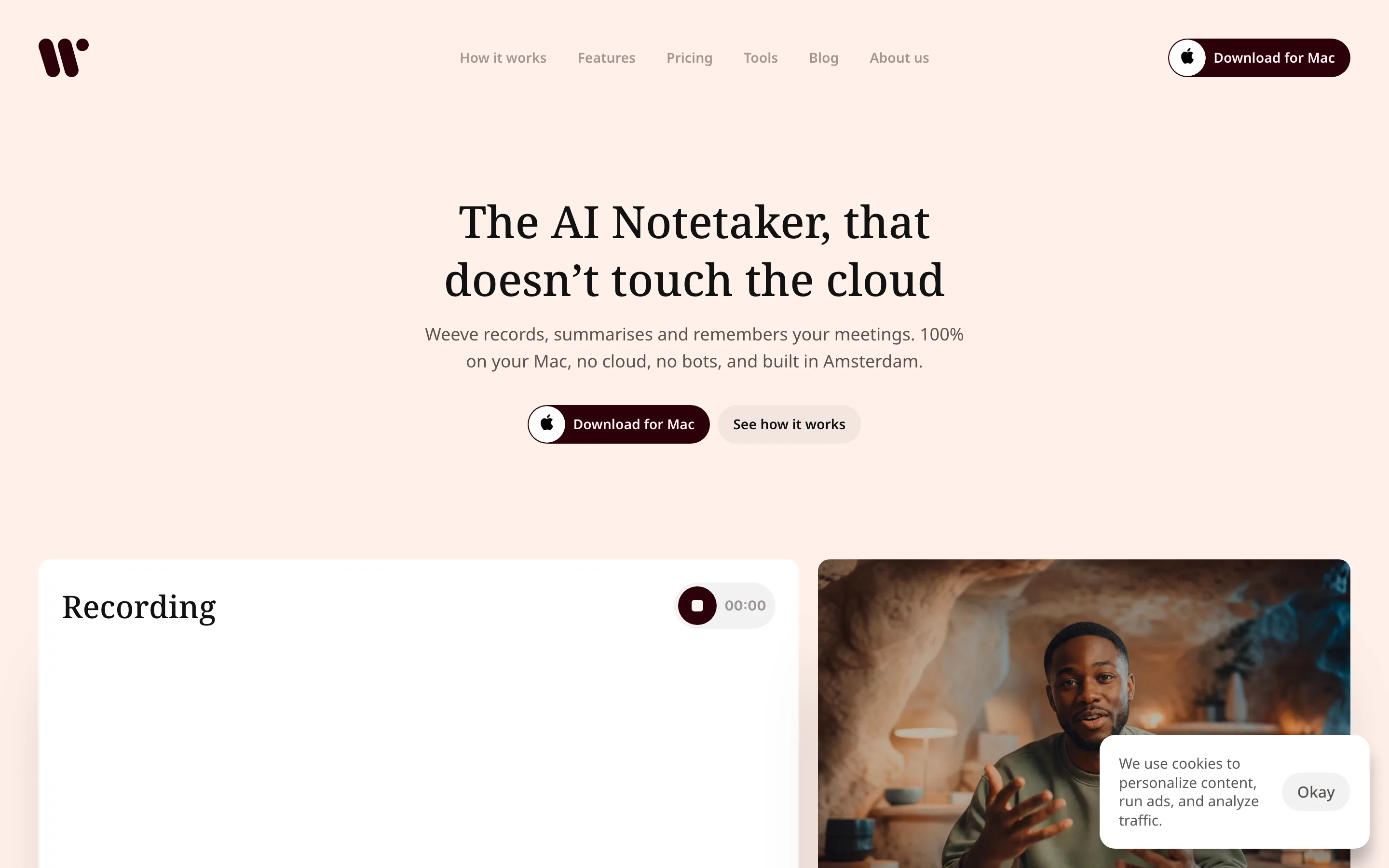
Weeve is the only tool on this list where both the AI and the recording stay on your Mac. It records the meeting audio on the device, transcribes it with a local speech model, and writes the summary with a local model (Gemma 4 on capable hardware), so nothing is uploaded and no bot joins the call. Account and update checks use the internet; the conversation itself does not.
On our test recording, Weeve's Mac app got every number and unit right (12.99 euros a month, the 14th of November, 38%, macOS 14.4), caught the line spoken much more quietly than the rest, and put the meeting's decision in its summary with the right date. It found both speakers and changed speaker at the right moments. It also got all five proper nouns wrong, including our own web address, heard "SOC 2" as "So C2" and "VAT" as "that", and kept only one voice when both people spoke at once. Weeve's free browser transcriber made fewer word errors (3.0% against the app's 5.3%) but writes no summary. Whatever tool you use, check the names before a transcript goes anywhere that matters.
That design is built for people whose meetings are confidential by obligation, not preference: therapists, notaries and small law firms, private clinicians, consultants, and security teams. Because Weeve captures the Mac's own audio, the same workflow covers Zoom, Google Meet, and Microsoft Teams, plus in-person conversations and imported recordings, without any per-platform setup.
Key features
Processing location: fully on-device, on the Mac
No bot joins the call; capture is silent and local
Works across Zoom, Meet, Teams, and in person
Projects and templates to keep notes organised; hold-to-dictate for quick capture
Imports MP4 and other common audio and video files for local transcription
Pricing: Free Starter plan (dictation, 10 recordings in total, 2 projects). Pro is €12,99 a month excluding VAT for unlimited recordings and projects.
Pros: nothing leaves the device; works on any meeting platform; a genuinely free tier that uploads nothing of the meeting. Cons: names and overlapping speech were its weak spots in our test; Mac only, no Windows yet (a Windows version is on the waitlist) and no mobile app; no cloud team workspace; you keep your own backups.
Weeve is the right pick when the meeting belongs to you and your counterpart rather than to a platform. The reasoning behind keeping meeting audio on the device is set out in why AI meeting notes should stay on your laptop.
2. Granola, best for people who write their own notes
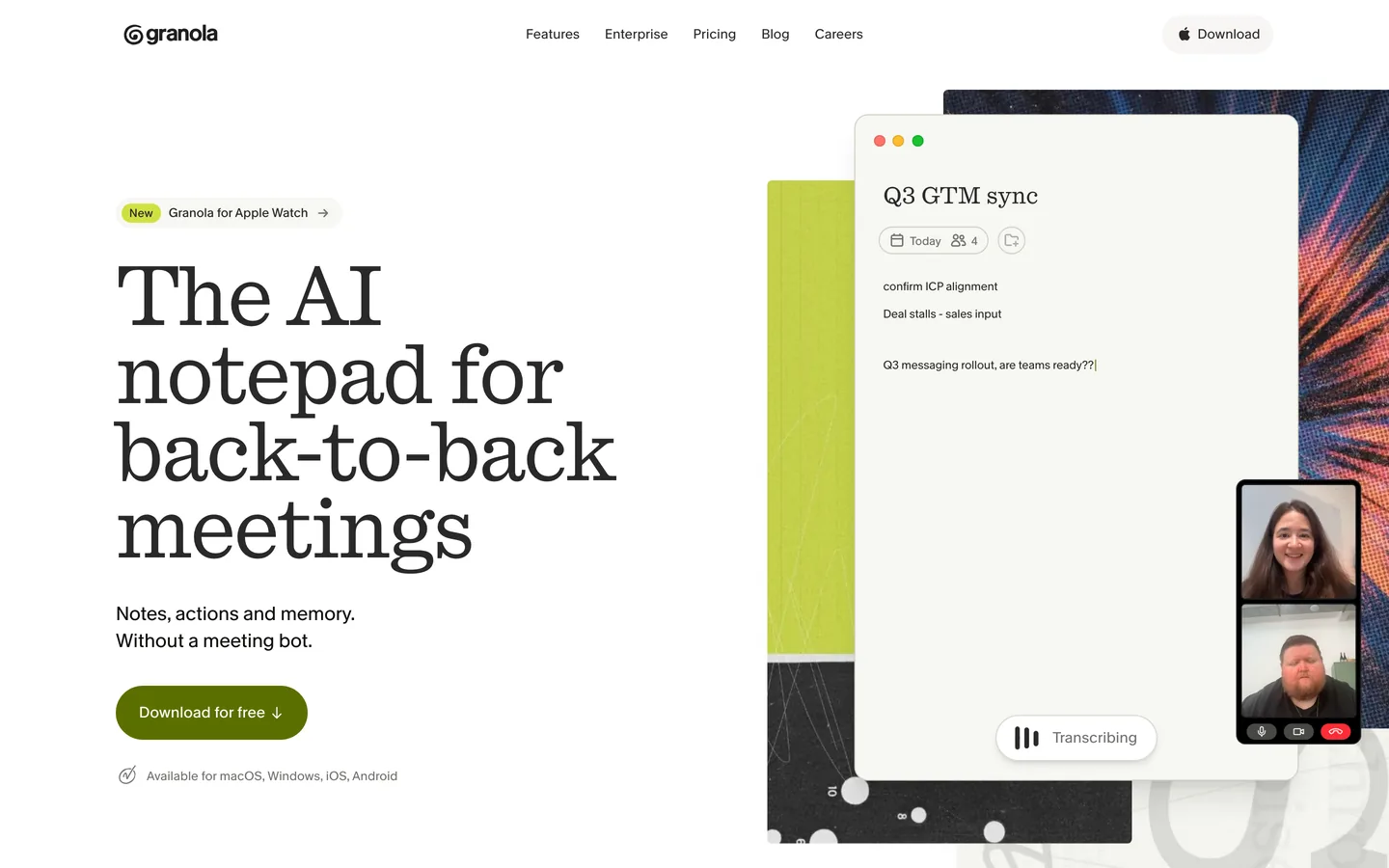
Assessed from Granola's own pricing and help pages, not tested hands-on.
Granola takes a different view of what a notetaker is for. There is no bot and no live transcript pane. You type rough notes during the call as you always did, Granola captures the audio quietly in the background, and afterwards it merges the two. For people who think by writing, that beats a wall of machine transcript.
It is a cloud product, so the audio is processed on Granola's servers rather than your machine. What it removes is the participant in the call, not the upload. Worth knowing before you start: its free plan lists the option to opt out of model training, which tells you what the default is.
Key features
Processing location: Granola's cloud
Your own notes merged with the meeting audio rather than replaced by a transcript
Botless capture, so nothing appears in the participant list
Basic free with 30 days of meeting history, Business $14 per user a month, Enterprise $35
macOS, Windows, iPhone and Android, which covers an in-person conversation too
Who it suits
Anyone who already takes notes by hand and wants them tidied rather than replaced. Less useful if you do not write during calls, because your notes are the raw material it works from.
3. Otter, best for live transcription and a searchable archive
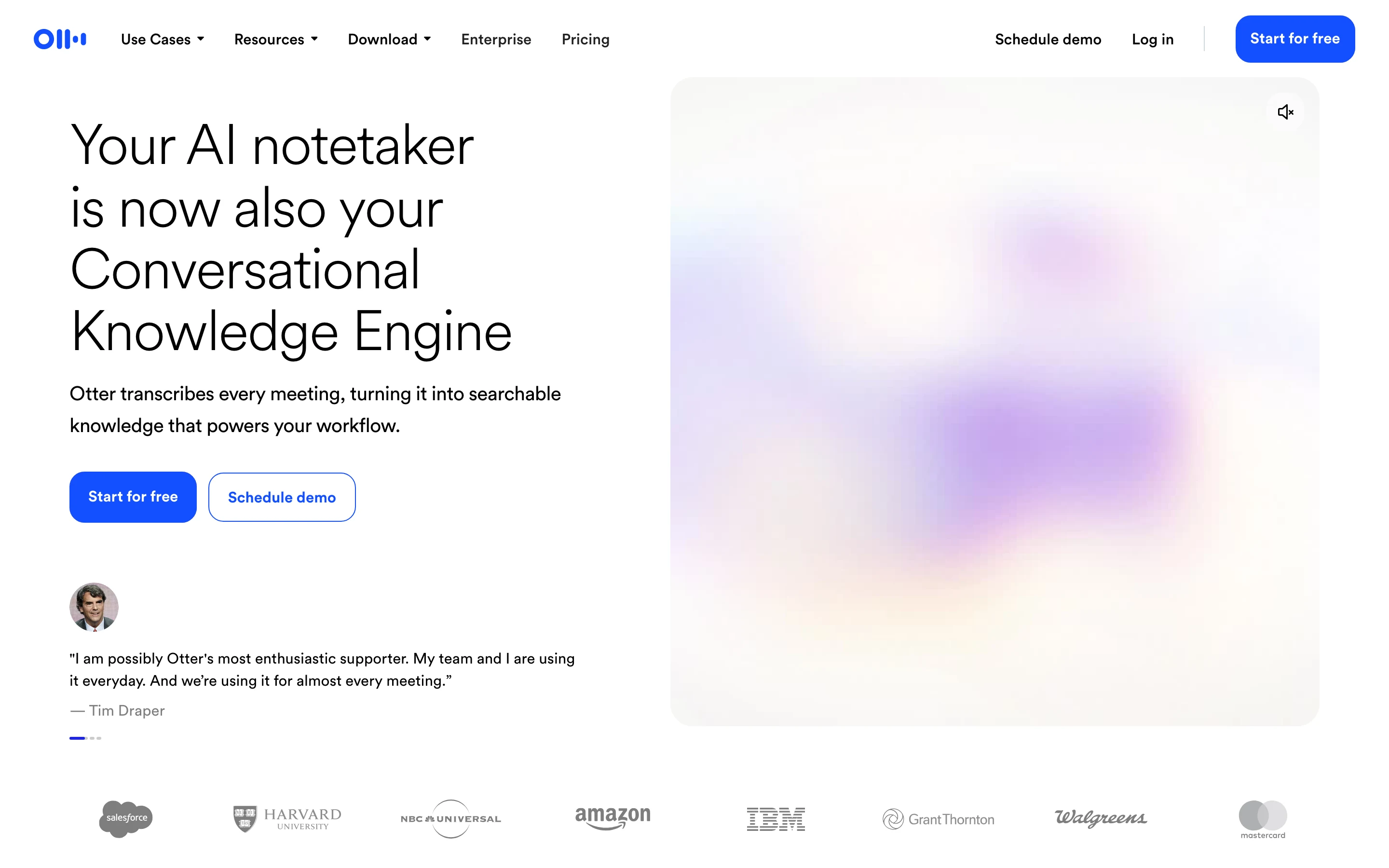
Assessed from Otter's own pricing and help pages, not tested hands-on.
Otter is the most established name here and its strength is the archive. Live transcription as the meeting happens, speaker identification, and AI chat across your whole meeting history, which matters once you have a few hundred calls and need to find the one where a decision was made.
The free tier is real but capped: 300 transcription minutes a month, 30 minutes per conversation, and three file imports in total, ever. Pro is $16.99 per user a month, or $8.33 a month billed annually, and lifts you to 1,200 recording minutes with a 90 minute cap per meeting.
Key features
Processing location: Otter's cloud
Live transcription during the call, not just afterwards
Search and AI chat across the full meeting history
Basic free with 300 minutes a month and 30 per conversation, Pro $16.99 per user a month or $8.33 billed annually
Zoom, Teams and Google Meet, with iOS and Android apps
Who it suits
Teams who need to search back through months of meetings, and anyone who wants to watch the transcript appear live. The three-import lifetime limit on the free plan makes it a poor fit for working through a backlog of existing recordings, and the 30 minute cap cuts off any longer meeting.
4. Fireflies, best for integrations and a generous free tier
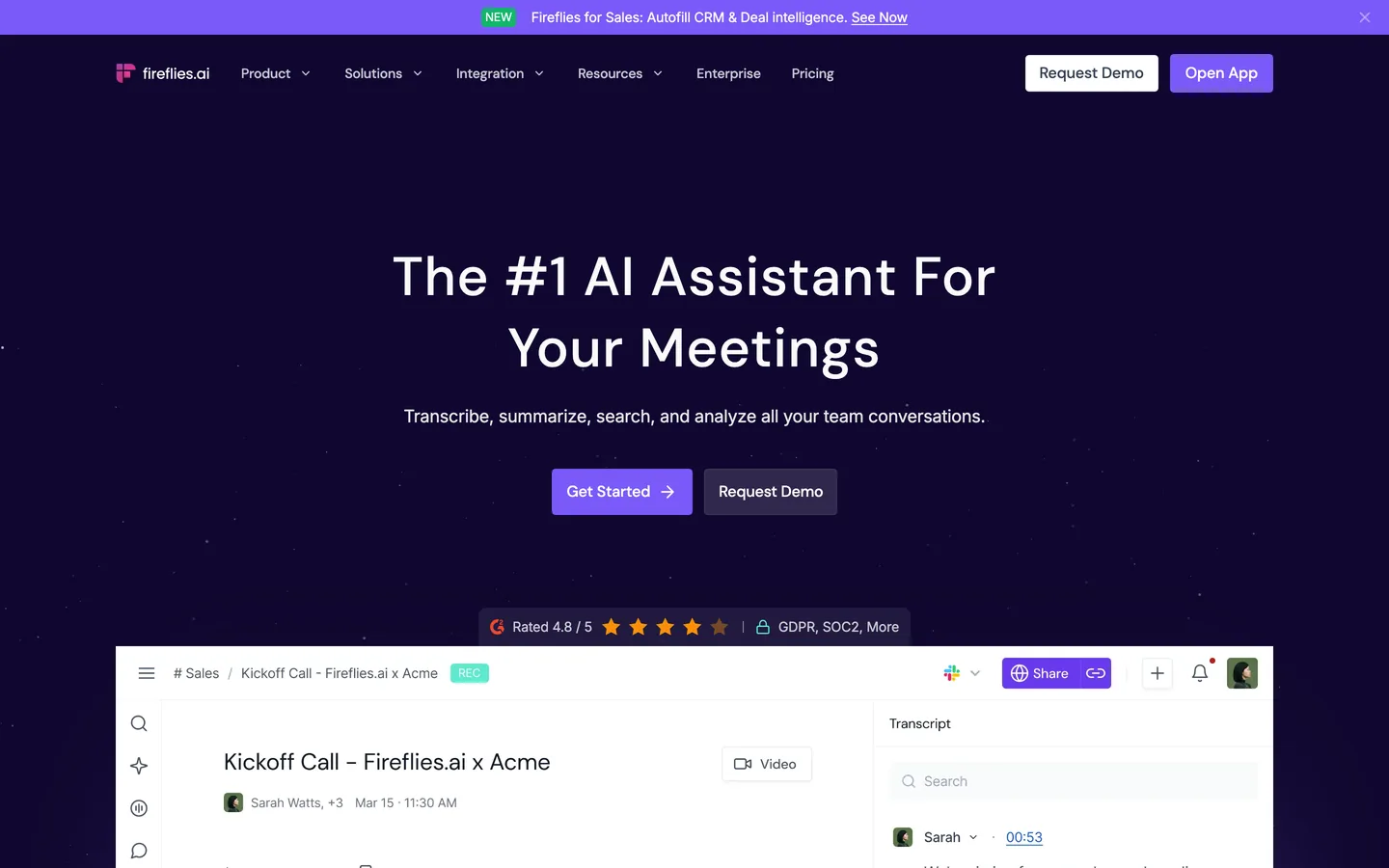
Assessed from Fireflies's own pricing and help pages, not tested hands-on.
Fireflies is the integration play. It connects to most of what a sales or customer team already runs, transcribes in more than 100 languages, and its free plan is the most generous on transcription of anything here.
Two things to know. The free plan's unlimited transcription depends on letting it auto-join your calendar; accounts created from 1 September 2026 get three transcriptions without that. And its security position is unusually explicit for this category: a published Zero Data Retention policy for meeting content, plus SOC 2 Type II and GDPR, with HIPAA listed at the Enterprise tier.
Key features
Processing location: Fireflies' cloud
Bot by default, and recording without the bot is available on every tier including free
More than 100 languages, plus search and an AI assistant across past meetings
Free, Pro $10 per seat a month billed annually or $18 monthly, Business $19 or $29
Web, desktop, mobile and a browser extension
Who it suits
Teams who need the notes to land in a CRM automatically, and anyone whose objection to cloud notetakers is about training rather than storage, because Fireflies documents that question better than most.
5. Fathom, best for unlimited free recording
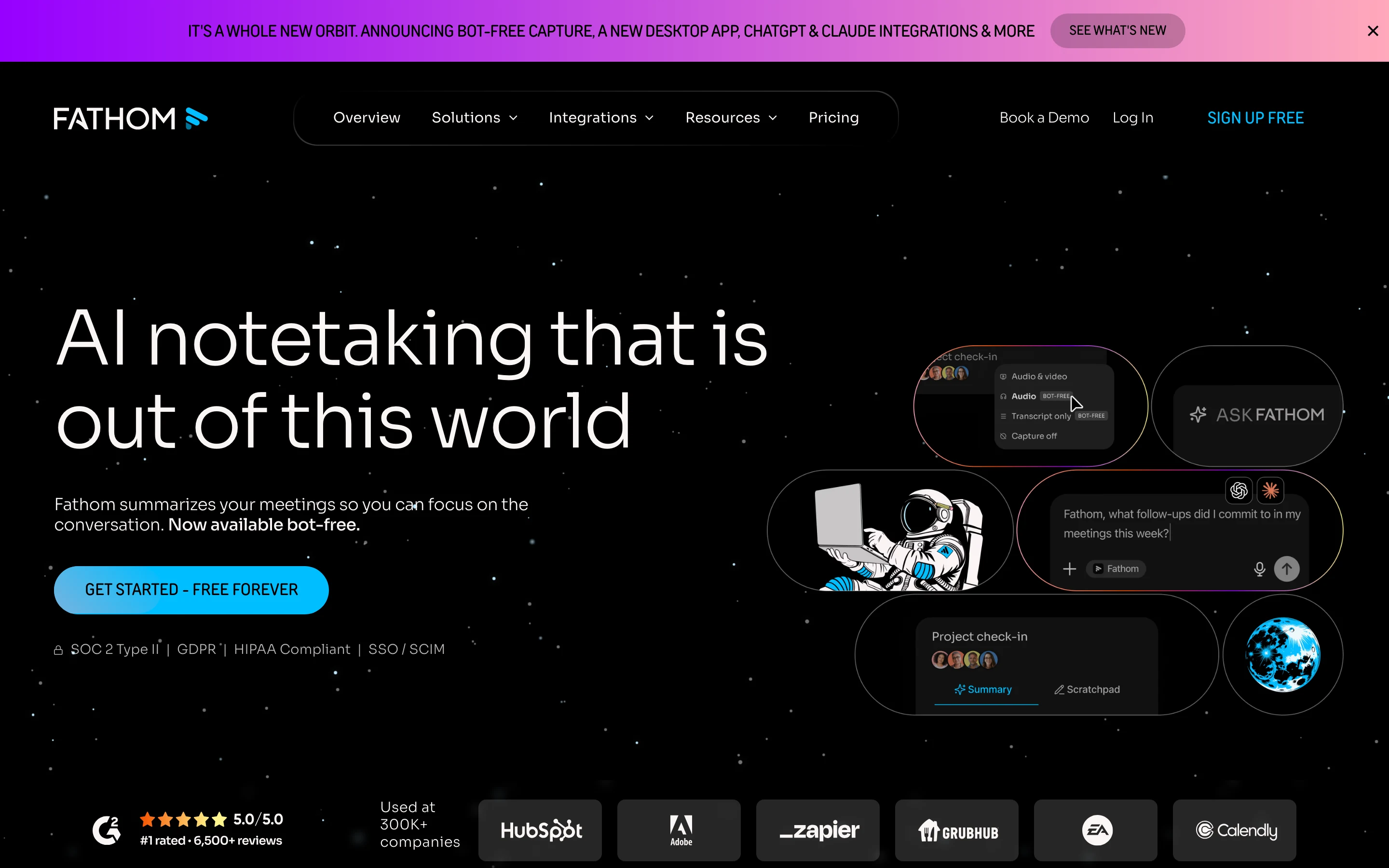
Assessed from Fathom's own pricing and help pages, not tested hands-on.
Fathom has the most usable free plan in the category: unlimited recordings and instant summaries, without a minute cap. If you want to test whether an AI notetaker changes how you work at all, this is the cheapest honest way to find out.
It is cloud-based. Paid plans start with Premium for individuals at $20 a month, or $16 billed annually. Team is $19 per user a month, or $15 billed annually, with a two-user minimum.
Key features
Processing location: Fathom's cloud
Unlimited recordings and summaries on the free plan
A choice of bot or bot-free capture, with bot-free still a beta on Mac
Integrations with CRMs and with LLMs including ChatGPT and Claude
Free, Premium from $16 a month billed annually, Team from $15 per user with a two seat minimum
Web, desktop and mobile
Who it suits
Individuals who want to try the category without a cap, and sales teams who need summaries pushed into a CRM. Bot-free capture is still a beta, and only on Mac.
6. ChatGPT, best for turning meetings into follow-up work
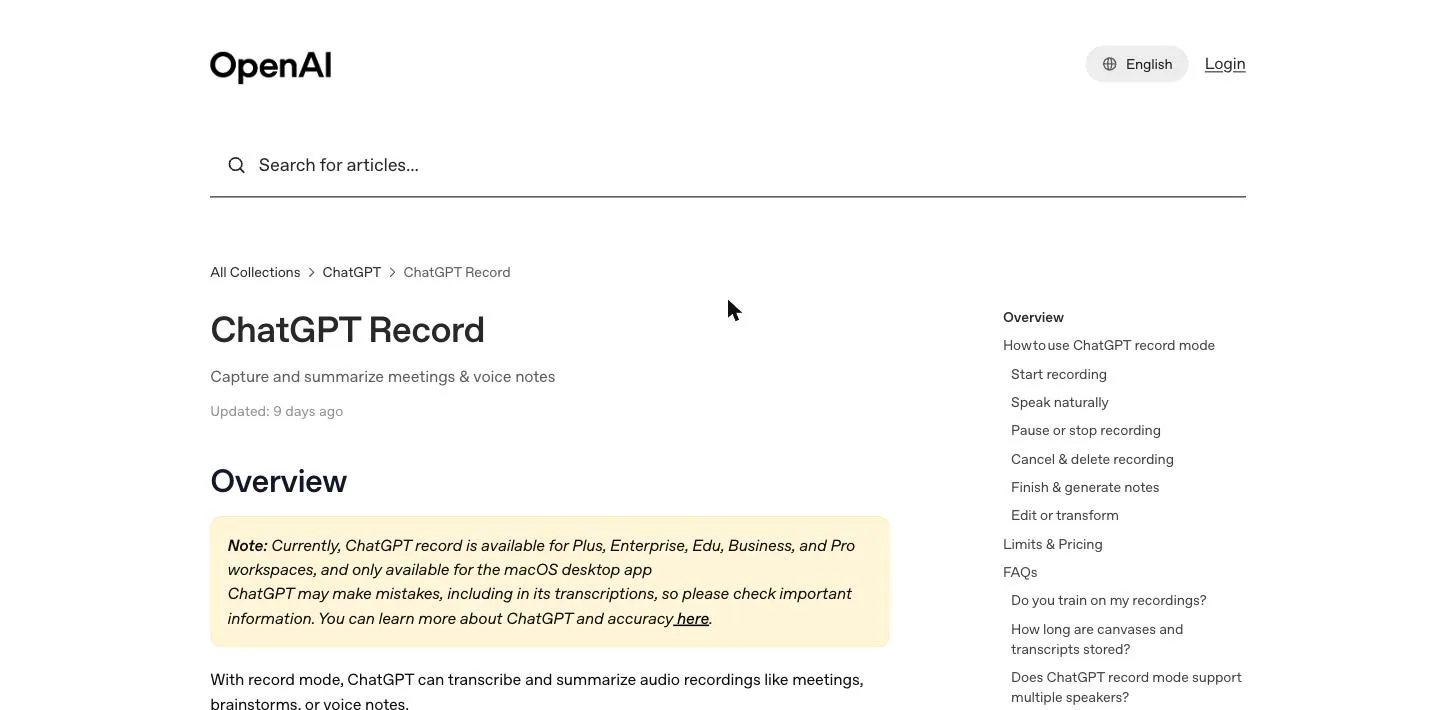
If you already pay for ChatGPT, its Record mode turns the assistant into a meeting notetaker. In the macOS desktop app it captures live audio, transcribes it with speaker labels, and on stop produces a summary as an editable canvas you can immediately rework into an email, a project plan, or a task list using the full model. It can query across past recordings, so "what did we agree on Monday?" is a question you can actually ask. Where the recording goes afterwards is the part worth reading before you turn it on, and what ChatGPT Record mode does with your meeting goes through it.
The strength is that the meeting lands inside the tool you use for everything else, with no separate notetaker to adopt. The trade-off is the cloud: the audio is uploaded to OpenAI for transcription and deleted afterwards, but on the Free, Plus, and Pro plans the transcript and canvas can be used to train models unless you opt out. Business and Enterprise workspaces are excluded from training by default.
Key features
Processing location: OpenAI's cloud; audio deleted after transcription
Record mode captures and summarises meetings and voice notes
Multi-speaker labelling and sessions up to four hours
Turns a transcript into downstream work with the full model
Record mode is macOS desktop only; voice mode is on web and mobile
Pricing: no meeting capture on the free plan. Record mode needs ChatGPT Plus at $20 per user a month, the cheapest eligible tier, and is also on Pro, Business, Enterprise, and Edu.
Pros: the transcript flows straight into real work; strong diarisation; no added cost on Plus. Cons: cloud processing; training on your content unless you opt out on consumer plans; capture is macOS-app only.
Best for existing ChatGPT subscribers who want meeting notes inside the assistant they already run, and who are comfortable with cloud processing.
7. Google Gemini, best for teams that live in Google Meet
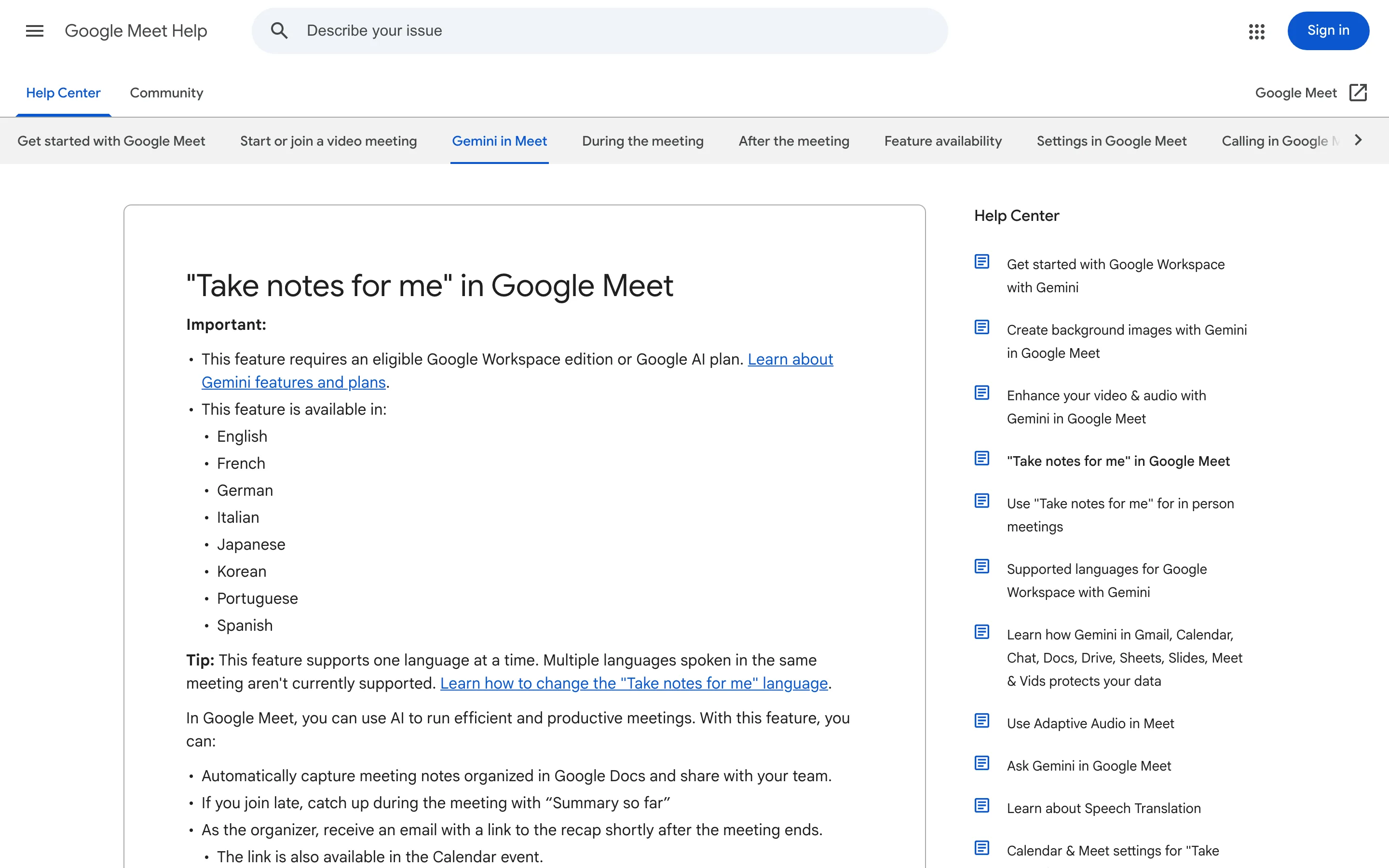
Google's "Take notes for me" is Gemini built directly into Google Meet. Turn it on during a call and Gemini transcribes the conversation, writes a running summary with action items, offers a "summary so far" to late joiners, and saves the finished notes to a Google Doc in the organiser's Drive, then emails a recap link. Because it is native to Meet, no third-party notetaker joins as a participant.
For an organisation already standardised on Google Workspace, this is the lowest-friction option: the notes land in Drive next to everything else, shared with the team automatically. The limits are that it only works inside Google Meet, not Zoom or Teams, and that everything runs in Google's cloud, tied to a Google account or a Workspace tenant with admin controls.
Key features
Processing location: Google's cloud; notes saved to Google Drive
Native to Google Meet, so no bot joins the call
Automatic summary, action items, and "summary so far" for late joiners
Notes shared to a Google Doc and emailed to the organiser
Meet only; does not cover Zoom, Teams, or in-person calls
Pricing: no free tier for the note-taking feature. The cheapest route is Google AI Pro at $19.99 a month, and eligible Google Workspace business and enterprise editions also include it.
Pros: zero setup for Workspace teams; no third-party bot; notes flow into Drive and Gmail. Cons: Google Meet only; cloud processing under Google's account and admin controls.
Best for teams whose meetings already happen in Google Meet and who want notes in shared Google Docs. If the cloud step is the part you want to remove rather than the price, Weeve writes the notes on your Mac instead. The free Starter plan covers 10 recordings in total and needs Apple Silicon with macOS 14.4 or later.
8. Microsoft Copilot, best for Microsoft 365 organisations
Microsoft 365 Copilot brings AI recap to Teams meetings: notes, decisions, and action items grounded in Microsoft Graph, so the summary connects to the same emails, chats, files, and calendar the organisation already runs on. Meeting content is processed and stored inside the Microsoft 365 service boundary, and Microsoft states it does not use tenant prompts, responses, or Graph data to train foundation models.
This is the option for organisations that want meeting intelligence as a governed, organisation-wide record: retention, eDiscovery, and admin control all apply through Microsoft Purview. The same governance is why the meeting becomes tenant data rather than something the individual holds, and the feature only exists inside a Microsoft 365 tenant with Teams.
Key features
Processing location: Microsoft's cloud, within the tenant boundary
Recap, action items, and follow-up native to Teams meetings
Grounded in Microsoft Graph for organisation-wide context
Enterprise governance: retention, eDiscovery, admin controls
Teams only; requires a Microsoft 365 tenant
Pricing: no free tier for Teams meeting recap. The Microsoft 365 Copilot Business add-on is $18 per user a month on annual billing (a promotional rate, from $21 standard) and requires an eligible Microsoft 365 Business plan.
Pros: deep integration with the Microsoft stack; enterprise governance; no model training on tenant data. Cons: cloud and tenant bound; Teams only; a paid add-on on top of Microsoft 365.
Best for organisations standardised on Microsoft 365 that want recaps native to Teams under IT governance.
9. Notion AI, best for teams who run on Notion
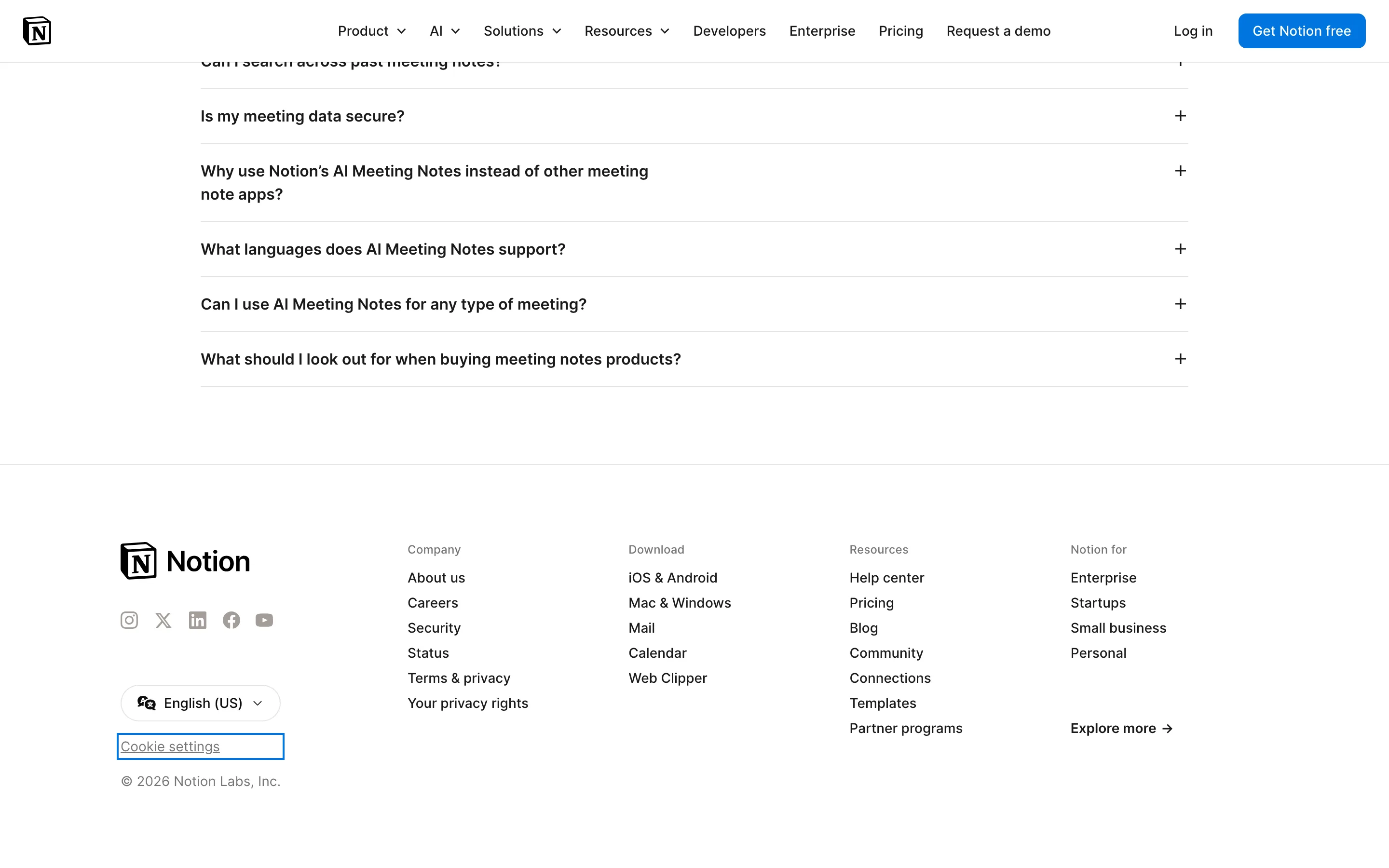
If your team already works in Notion, its AI Meeting Notes capture and summarise a meeting directly inside the workspace, so the summary and action items live next to the tasks, docs, and databases they relate to. The notes are born where the work already happens, which removes the step of copying a summary out of a separate app.
The processing is cloud based: Notion sends the audio and transcript to its own and its subprocessors' models. Speaker labels and the best results need the Notion desktop app rather than the browser. As with the other platform tools, the convenience comes from living inside one vendor's stack.
Key features
Processing location: Notion's cloud and its AI subprocessors
Meeting capture and summary inside the Notion workspace
Notes land beside related tasks, docs, and databases
Speaker labels need the desktop app (macOS or Windows)
Web and mobile supported with reduced functionality
Pricing: the free plan includes only a limited trial of AI features. Full AI Meeting Notes come with the Business plan at $24 per member a month, or $20 billed annually.
Pros: notes live inside your existing workspace; strong for teams already on Notion. Cons: cloud processing; full feature set needs a paid Business seat and the desktop app.
Best for teams who already run their work in Notion and want meeting notes in the same place.
10. Apple Notes and Apple Intelligence, best for free built-in notes
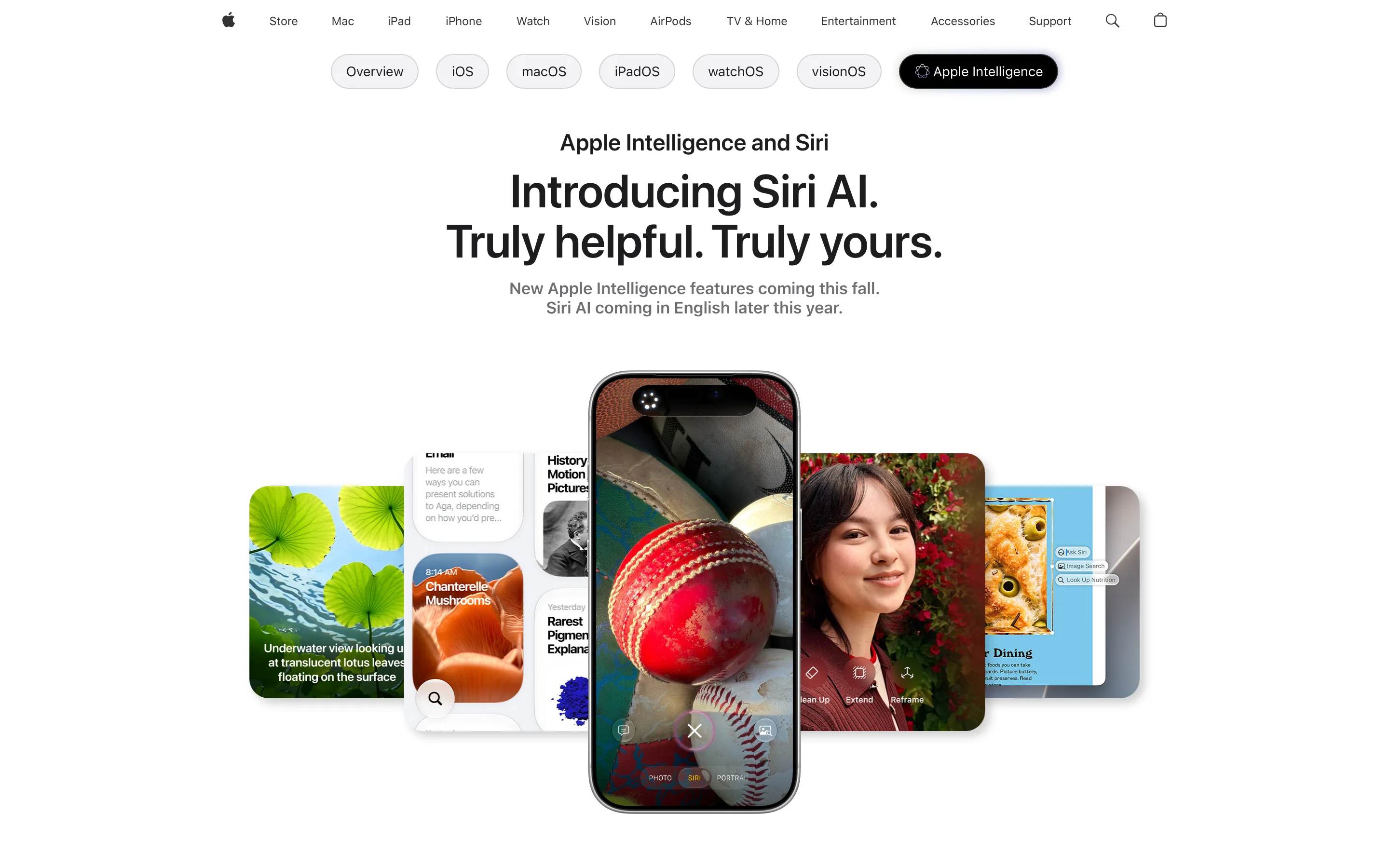
Apple has folded note-taking AI into the operating system. Apple Intelligence records and transcribes phone calls and in-room audio straight into Notes and generates summaries, and it does much of this on the device. It is free with a supported OS and already installed, which makes it the easiest starting point for anyone on recent Apple hardware.
Two honest caveats keep it lower on a meeting-notes list. Apple routes more complex requests to its Private Cloud Compute servers, so processing is not guaranteed to stay entirely on the device the way a purpose-built local tool keeps it. And it is not a dedicated meeting notetaker: there are no meeting projects, no cross-platform meeting capture, and the features need recent Apple Silicon Macs or newer iPhones.
Key features
Processing location: mostly on-device, complex requests to Private Cloud Compute
Call and audio transcription and summaries inside Notes
Free and built into macOS, iOS, and iPadOS
Requires recent hardware (Apple Silicon Macs, newer iPhones)
General notes, not a meeting-centred workflow
Pricing: free. Apple Intelligence is bundled with a supported macOS, iOS, or iPadOS version, with no subscription.
Pros: free, already installed, and mostly on-device. Cons: hardware locked; some processing goes to Apple's cloud; not built specifically for meetings.
Best for Apple users who want free, mostly on-device notes and summaries without installing a separate notetaker.
How to choose the best AI note taking app
The ten tools split cleanly once you ask the right question first.
Where is the meeting allowed to be processed?
This is the deciding question for confidential work. Weeve keeps everything on the Mac; Apple Intelligence keeps most of it on the device but sends complex requests to Apple's cloud; the other eight process in their vendors' clouds. Four of those are dedicated notetakers (Granola, Otter, Fireflies and Fathom) and four live inside software you may already pay for (ChatGPT, Gemini, Copilot and Notion). If your professional code or a client agreement says the conversation cannot leave your control, that narrows the list before features matter. The case for local processing is set out in why your AI note taker should stay off the cloud. Coaches and therapists will find the same question worked through against their own professional codes in the best AI note takers for coaches and the best AI note takers for therapists.
Which platform do your meetings happen on?
Gemini works only in Google Meet and Copilot only in Teams, so a platform-native tool fits best when your meetings all happen in one place. Otter, Fireflies and Fathom cover Zoom, Meet and Teams through their notetakers. Weeve and Granola record the computer's own audio rather than joining the call, so the meeting platform does not matter to them. For meetings in a room rather than on a call, the in-person comparison covers the same question for microphones instead of platforms.
Do you need a shared organisational record?
Copilot and, to a lesser degree, Gemini and Notion are built to make meetings organisation-wide records with governance and search. The four dedicated notetakers sit in between, with per-seat team plans for sharing notes across colleagues. Weeve and Apple keep the notes with the individual. Choose by whether the meeting belongs to the team or to you.
What does the free option actually cover?
Six of the ten record a real meeting on a free plan, and the limits sit a line or two below the headline.
Tool | The headline | The fine print |
|---|---|---|
Weeve | Free Starter plan | 10 recordings in total and 2 projects, on a Mac with Apple Silicon |
Granola | Free Basic plan | Meeting history is kept for 30 days, and the plan lists an opt-out from model training |
Otter | 300 minutes a month | Each conversation stops at 30 minutes, and you get 3 file imports in total, not per month |
Fireflies | "Unlimited transcription", with an asterisk | Storage is capped at 400 minutes per team, AI summaries are limited, and unlimited transcription depends on calendar auto-join |
Fathom | Unlimited recordings | No cap on recordings or transcription; bot-free capture is still a beta, and only on Mac |
Apple Intelligence | Free with the OS | Needs recent Apple hardware, and complex requests go to Apple's servers |
Read plainly: Fathom's free plan is the most generous for cloud recording. Otter's 30 minute limit per conversation is the one most likely to cut a real meeting short. Of the six, only Weeve and Apple process on the device. ChatGPT, Gemini, Copilot and Notion put full meeting capture behind a paid plan. If cost matters and you are on a Mac, judge a free option on a real call before you pay for anything. Try Weeve's free Starter plan: it runs entirely on your Mac and uploads nothing of the meeting.
If none of these ten fit, there are deeper comparisons of the alternatives to Otter, alternatives to Granola and alternatives to Fathom, and head-to-head write-ups of Weeve against Otter and Weeve against Granola.
FAQ
How do the best AI note takers compare?
On the axis that matters, where your meeting is processed, they fall into three groups. Weeve runs everything on the Mac, so the recording, transcript and summary never leave the device. Apple Notes with Apple Intelligence is mostly on-device but is a notes app with transcription rather than a meeting assistant. The other eight process in their vendor's cloud: Granola, Otter, Fireflies and Fathom are dedicated notetakers you add, and ChatGPT, Google Gemini, Microsoft Copilot and Notion AI come inside software you may already pay for. Everything else, summary quality, integrations, pricing, follows from that choice rather than the other way round.
Do I need a separate AI note taker, or will the one I already pay for do?
For most meetings, the one you already pay for. If your organisation runs Microsoft 365 or Google Workspace, Copilot and Gemini capture meetings on those platforms with no extra purchase and no extra vendor to approve. The case for a separate app is narrower than the market implies: you need one when the conversation cannot go to a vendor's cloud, when your meetings happen in a room rather than on a call, or when the platform you meet on is not the platform you pay for.
Is an AI notetaker worth it?
For anyone who spends a good part of the week in meetings, usually yes: you take part properly instead of typing, and the decisions and actions are written down the same day. It is worth less if your meetings are short and informal, or if a platform assistant you already pay for covers them. And it is only worth it if the place it processes the meeting is one you are allowed to use, so for a client or patient conversation, check that before the features. The free plans above are the cheapest way to find out on a real call.
What is the best AI note taking app?
There is no single winner; it depends on where your conversations are allowed to be processed. For confidential meetings on a Mac, Weeve is the strongest fit because everything stays on the device. For a cloud notetaker that follows you across Zoom, Meet and Teams, Fathom has the most usable free plan and Otter the strongest searchable archive. For teams inside Google Workspace or Microsoft 365, the native assistant (Gemini or Copilot) is the lowest-friction choice.
What is the best free AI note taker?
It depends on what the free plan has to cover. Among the cloud tools, Fathom's free plan records without a minute cap and Otter's gives 300 transcription minutes a month, with each conversation capped at 30 minutes. Fireflies' unlimited free transcription depends on calendar auto-join, and Granola's free plan keeps 30 days of meeting history. If the meeting has to stay on your own hardware, the free options are Weeve's Starter plan on a Mac and Apple Intelligence on recent Apple devices. ChatGPT, Gemini, Copilot and Notion all need a paid plan for full meeting capture.
Which AI note takers keep my data private?
Weeve processes and stores everything on your Mac, and Apple Intelligence keeps most processing on the device while sending complex requests to Apple's cloud. The other eight process in the cloud, and they differ on what happens next. Microsoft states it does not train foundation models on tenant data, and Google applies Workspace admin controls. Fireflies publishes a Zero Data Retention policy for meeting content. Granola's free plan lists an opt-out from model training, and ChatGPT's consumer plans can train on your transcripts unless you opt out. Otter, Fathom and Notion hold the recording in their own clouds.
Which AI notetaker is best for lawyers?
One that keeps privileged conversations under the firm's control, because a lawyer has to understand how any tool handles client information before using it. In practice that means a tool that processes on the device, or one covered by the firm's existing Microsoft 365 agreements, rather than a consumer cloud notetaker. The comparison of AI note takers for lawyers covers eight tools, including the verbatim transcription services firms use for depositions.
Does an AI notetaker join the meeting as a bot?
Some do. Otter's Notetaker joins as a named participant and cannot join without being visible. Fireflies uses a bot by default but can record without one on every plan, and Fathom offers a choice of bot or bot-free capture, with bot-free still a Mac beta. Weeve and Granola capture the computer's audio, Apple records into Notes, Gemini and Copilot are native to Meet and Teams, and ChatGPT and Notion record through their own apps, so none of those adds a participant. Ask for consent to record regardless of the tool.
How accurate are AI notetakers?
Accurate on ordinary words and numbers, weaker on names and on people talking over each other. On our scripted test, Weeve's Mac app got every number and unit right and 0 of 5 proper nouns, and kept only one voice when two people spoke at once; its word error rate was 5.3%. Synthetic test voices are easier than a real room, so treat any tool's transcript as a draft and check the names before it goes into a client file.
What is the most accurate AI note taker?
No one can name a single winner honestly without running the same recording through every tool, and published accuracy figures are not measured on the same audio, so they do not compare. What decides accuracy in practice is the recording: one clear voice at a time near the microphone scores far better than a room of people talking over each other. Our scripted test of Weeve is in the answer above. To compare tools yourself, record one short call with names, numbers and a moment of crosstalk, run it through each free plan, and count the errors.
Can I use an AI note taker with Zoom, Google Meet, and Teams?
Weeve, Granola and Notion's desktop app work across all three because they capture the computer's own audio, and Otter, Fireflies and Fathom support all three through their notetakers. Gemini is limited to Google Meet and Copilot to Microsoft Teams. ChatGPT's Record mode captures any audio playing on the Mac but only through its desktop app.
Is it legal to record meetings with an AI note taker?
AI note takers are not illegal. Recording a meeting with one is legal wherever the people on the call have given the consent the law requires, the same as any other recording. Most US states need one participant's consent, around a dozen need everyone's, and in the EU and UK GDPR adds a lawful basis and a duty to tell people. Ask first, always; it is the one rule that works everywhere, and it keeps trust in client work. The guide to whether it is legal to record a meeting sets out the US consent rules and what GDPR adds. Where the recording is stored afterwards is a separate question worth answering before you rely on any tool; you can test a fully local option with the free audio transcriber.
The best AI note taker is the one whose answer to "where does this get processed" you can defend to whoever asks.
If that answer has to be "on my own Mac", Weeve's free Starter plan covers 10 recordings in total, with the transcript and summary written on the device. It is Mac only, needs Apple Silicon and macOS 14.4 or later, and setup asks you to verify an email address.

