Research
6 best AI note takers for in-person meetings in 2026

Dylan de Heer

Most AI note takers assume the meeting is a video call. They join as a bot, or they listen to the audio your computer is already playing. Put six people around a table and both tricks fail: there is no call to join and nothing coming out of the speakers. An AI note taker for in-person meetings has to do something older and harder, which is listen to a room through a microphone and still work out who said what.
That changes which tools are worth your time. Some send the room recording to a cloud service, which matters when the meeting is a client intake or a board session. Some will not record anything until you are on a paid plan. One of them is a device you buy.
This guide compares six AI note takers for in-person meetings on the things that decide the outcome in a room: where the audio is processed, what physically sits on the table, and what each one costs when you use it every week.
Best AI note takers for in-person meetings: an overview
Fully on the device
Weeve: best for confidential meetings recorded on a Mac. The Mac on the table records the room, and the transcript and summary are written on that same Mac.
Built into the phone you already carry
Apple Voice Memos and Notes: best free option already in your pocket. Recording and transcription are built into the iPhone and the Mac, with no meeting features around them.
Hardware plus cloud
Plaud: best raw audio in a large room. A dedicated recorder or clip-on captures the audio; Plaud's service transcribes and summarises it.
Cloud, inside a tool you may already pay for
ChatGPT Record mode: best for turning the room's notes into follow-up work, if you already pay for ChatGPT and have the macOS app.
Notion AI Meeting Notes: best for teams who already run on Notion, with browser and mobile modes Notion itself recommends for in-person conversations.
Microsoft 365 Copilot: best for Microsoft 365 organisations, provided the room meeting runs as a Teams meeting.
Tool | Where processing runs | Best for | Starting price | What sits on the table |
|---|---|---|---|---|
Weeve | On your Mac, fully local | Confidential meetings recorded on a Mac | Free Starter, Pro €12,99/mo | Your MacBook, open |
Plaud | Device records, Plaud cloud transcribes | Boardroom-length tables | Hardware from $159, free 300 min/mo | A card-sized recorder or a clip-on |
ChatGPT Record mode | OpenAI cloud | Turning notes into follow-up work | Plus $20/mo | A Mac running the ChatGPT app |
Notion AI Meeting Notes | Notion cloud | Teams who already run on Notion | Business $20/seat/mo (annual) | A laptop, or a phone |
Microsoft 365 Copilot | Microsoft cloud, tenant bound | Microsoft 365 organisations | Copilot Business from $18/user/mo | A laptop in a Teams meeting |
Apple Voice Memos and Notes | Not stated by Apple for Voice Memos | Free, already installed | Free with the OS | Your iPhone |
What actually sits on the table
Ask most people how they would record an in-person meeting and they describe a phone in the middle of the table. For raw audio that is a fine answer, and two of the six tools below live on a phone. But the tools that hand you a transcript with speaker names and a summary within a minute of the room breaking up mostly run on a laptop, and Weeve in particular has no phone app at all: it is a Mac app, so the Mac is what goes on the table.
That is worth knowing before you choose. A laptop open in the centre of a table is a visible object, which is a good thing for consent and a slight thing for atmosphere. For a table of two to six people the built-in microphone copes well when the machine sits flat on the wood, not on a notepad. Past six people, or along a long boardroom table, dedicated hardware wins on audio and you should use it. The placement rules are in how to record an in-person meeting.
One rule applies to all six. Nothing on a screen announces an in-room recording, so you say it out loud before you press record and wait for the yes. Whether recording is legal varies by country; whether it is trusted depends on you asking.
1. Weeve, best for confidential meetings recorded on a Mac
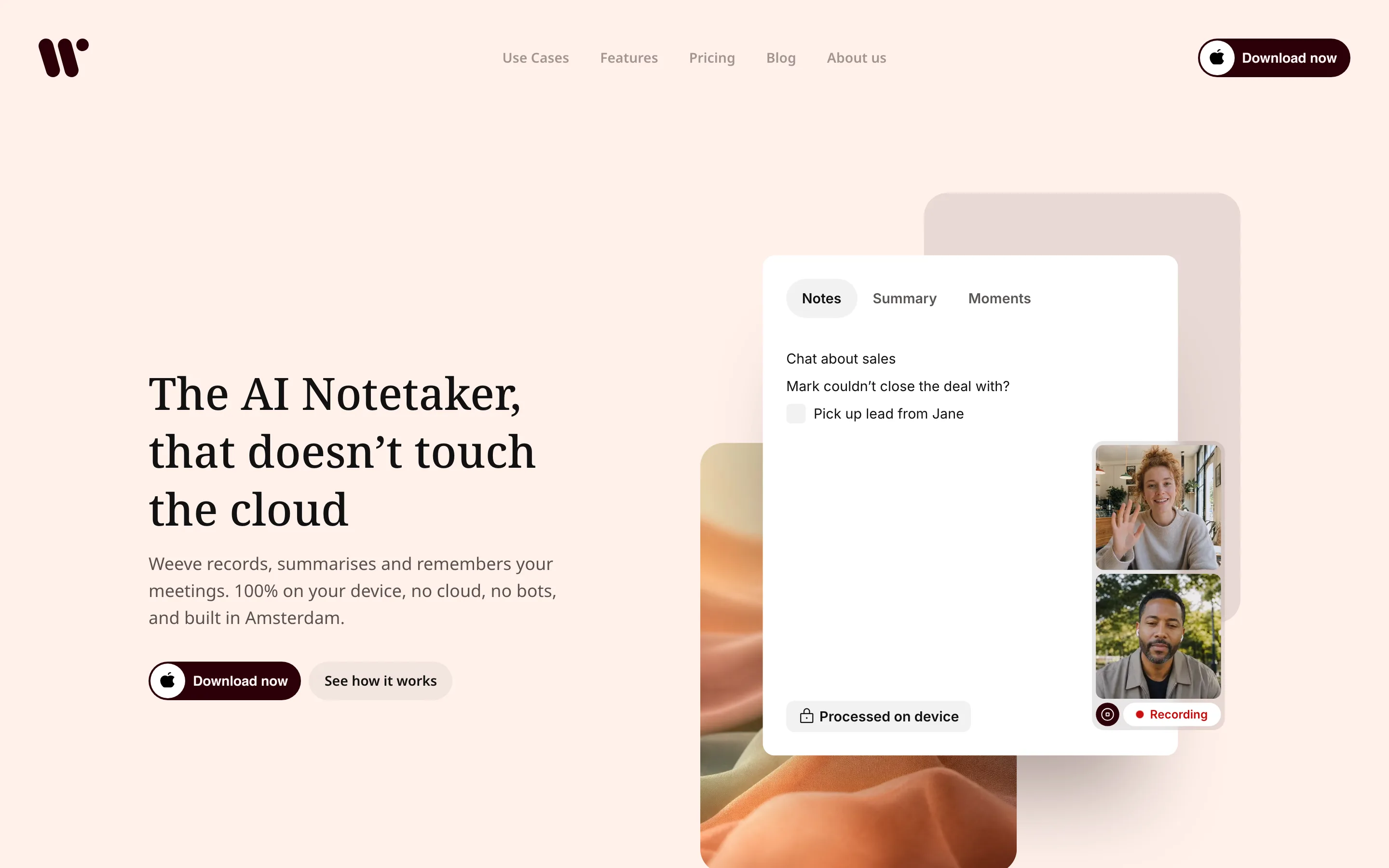
Weeve is a Mac app that records the room through the Mac's own microphone and does everything else on the same machine. You open it before people sit down, say that you are recording, press record, and put the MacBook flat in the centre of the table. Transcription runs on the Mac with Parakeet, an open speech model, and the summary is written by a local model too (Qwen or Gemma 4, depending on your Mac's hardware). Nothing uploads, no bot exists to join, and no account on someone else's server ever holds the conversation.
That design matters most when the room is a therapy practice, a notary's office, a small law firm or a supervision session, where the recording itself is the sensitive record. It also means the notes are ready when the room breaks up, because there was never an upload step to wait behind or to fail. Weeve's own page on recording conversations shows what that looks like day to day.
Features
Processing: fully on the Mac, transcript and summary included
Records the microphone directly, so nothing has to join and nothing has to be playing
Speaker identification, and 25 European languages detected automatically
Projects keep one client's meetings together; mark a moment while it is happening
Imports audio files, so a phone recording from a room where you had no Mac can still be transcribed locally afterwards
Best for
A therapist or coach whose MacBook is already on the desk
A consultant running client workshops of two to six people
Anyone whose professional code says the recording cannot leave their control
Pricing
Starter: free, 10 recordings in total, 2 projects, speaker identification, dictation, export
Pro: €12,99 a month excluding VAT, unlimited recordings and projects
Pros
Nothing leaves the Mac, which is the whole compliance argument in one sentence
The summary is written by the time you have shaken hands
The free tier keeps every recording on the Mac; only your sign-in email lives on Weeve's servers
Cons
Mac only, needs Apple Silicon and macOS 14.4 or later, and there is no phone app, so the Mac has to be in the room
One built-in microphone in one fixed spot, and like all speech recognition, its accuracy drops with heavy accents, overlapping speakers and noisy rooms
No shared team workspace: the notes belong to the person whose Mac recorded them
2. Plaud, best raw audio in a large room
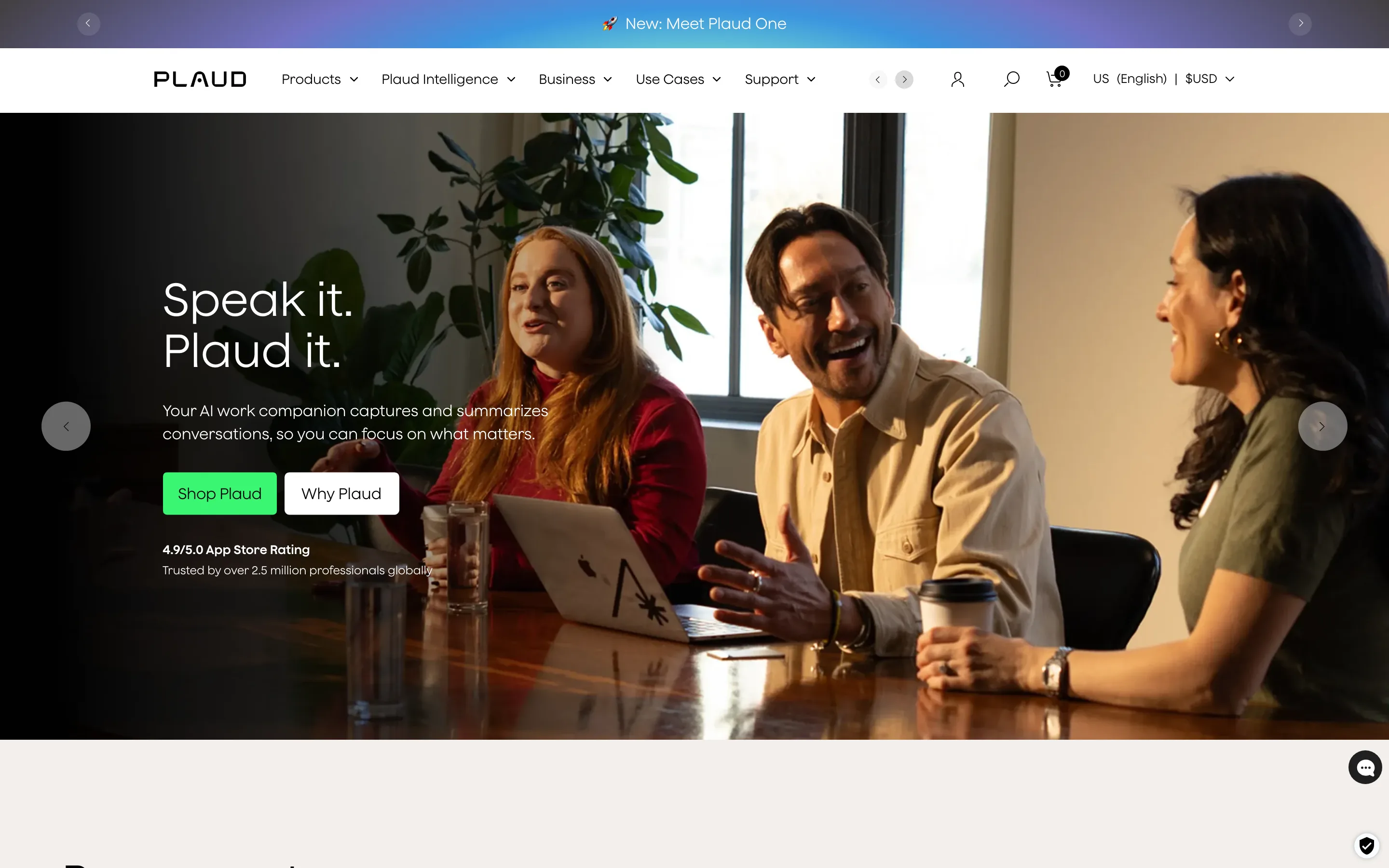
Plaud sells dedicated recorders rather than software: the card-sized Plaud Note ($159), the Note Pro ($189), and the wearable NotePin ($159) and NotePin S ($179). The device records the room; the Plaud app then sends the audio to Plaud's service for transcription and a summary. That service is metered in minutes: 300 a month on the free Starter plan, 1,200 on Pro, and no cap on Unlimited.
Where it wins is any room too big for one laptop microphone. The recorder sits in the centre of a long table, or the clip-on sits on your lapel, and the raw audio from the far end is better than a laptop manages. You also do not need a computer open at all, which some people prefer in a client's office. The trade is that the transcript is produced in Plaud's cloud, and that you now own another thing to keep charged.
Features
Dedicated recorder or wearable clip-on, built for rooms and conversations
Transcription and summaries produced by Plaud's cloud service, metered in minutes
Phone app for review and export, so no laptop needs to be open
Wearable option for walking meetings and site visits
Metered free tier, so occasional use costs nothing beyond the hardware
Best for
Boardroom-length tables where one laptop mic will miss the far end
People who do not want a laptop open in front of a client
Site visits and meetings on the move
Pricing
Hardware: Plaud Note $159, Note Pro $189, NotePin $159, NotePin S $179 (US prices)
Plans: Starter free with 300 transcription minutes a month; Pro with 1,200 minutes a month at $17.99 a month or $99.99 a year; Unlimited with no minute cap at $29.99 a month or $239.99 a year
Pros
The best audio in this list once the room gets large
No laptop needed during the meeting
Free minutes cover light use
Cons
The recording leaves the room to be transcribed
Another device to carry and keep charged
Hardware cost plus a subscription once you pass the free minutes
3. ChatGPT Record mode, best for turning the room's notes into follow-up work
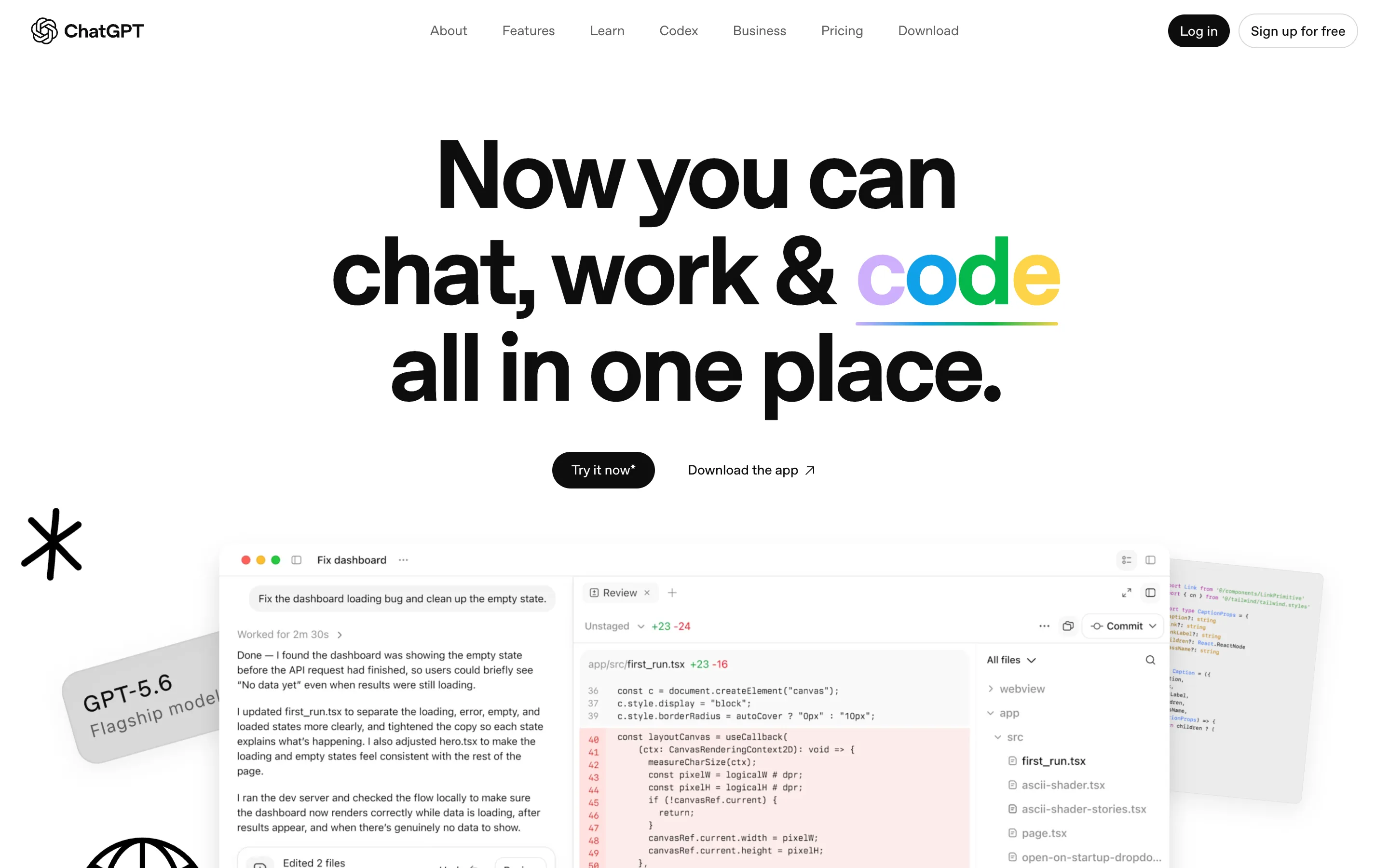
If you already pay for ChatGPT, its Record mode turns the macOS desktop app into a room recorder. It captures the Mac's microphone and transcribes with speaker labels. When you stop, it hands you a summary in an editable canvas. Because the full model sits behind it, the transcript of a workshop becomes a project plan or an email to the client in one more prompt. For meetings whose point is what happens next, that is the strongest workflow here.
Two facts to weigh. The audio is uploaded to OpenAI for transcription and deleted afterwards; on the Free, Plus and Pro plans the transcript and canvas can be used to train models unless you opt out, while Business and Enterprise workspaces are excluded by default. And Record mode exists only in the macOS app, so the Mac still goes on the table.
Features
Processing: OpenAI's cloud, with audio deleted after transcription
Records the Mac's microphone; no bot, no call needed
Speaker labels and sessions of up to four hours
The summary lands in a canvas the full model can rework into follow-up work
macOS desktop app only
Best for
Existing ChatGPT subscribers who want room notes inside the tool they already use
Workshops where the output is a plan or a task list rather than a record
People comfortable with cloud processing of the conversation
Pricing
No recording on the free plan
ChatGPT Plus at $20 a month is the cheapest tier with Record mode; also on Pro, Business, Enterprise and Edu
Pros
The transcript flows straight into real work
Good speaker labelling
No extra cost if you already pay for Plus
Cons
Cloud processing, with training on your content unless you opt out on consumer plans
Mac app only, and no free capture
4. Notion AI Meeting Notes, best for teams who already run on Notion
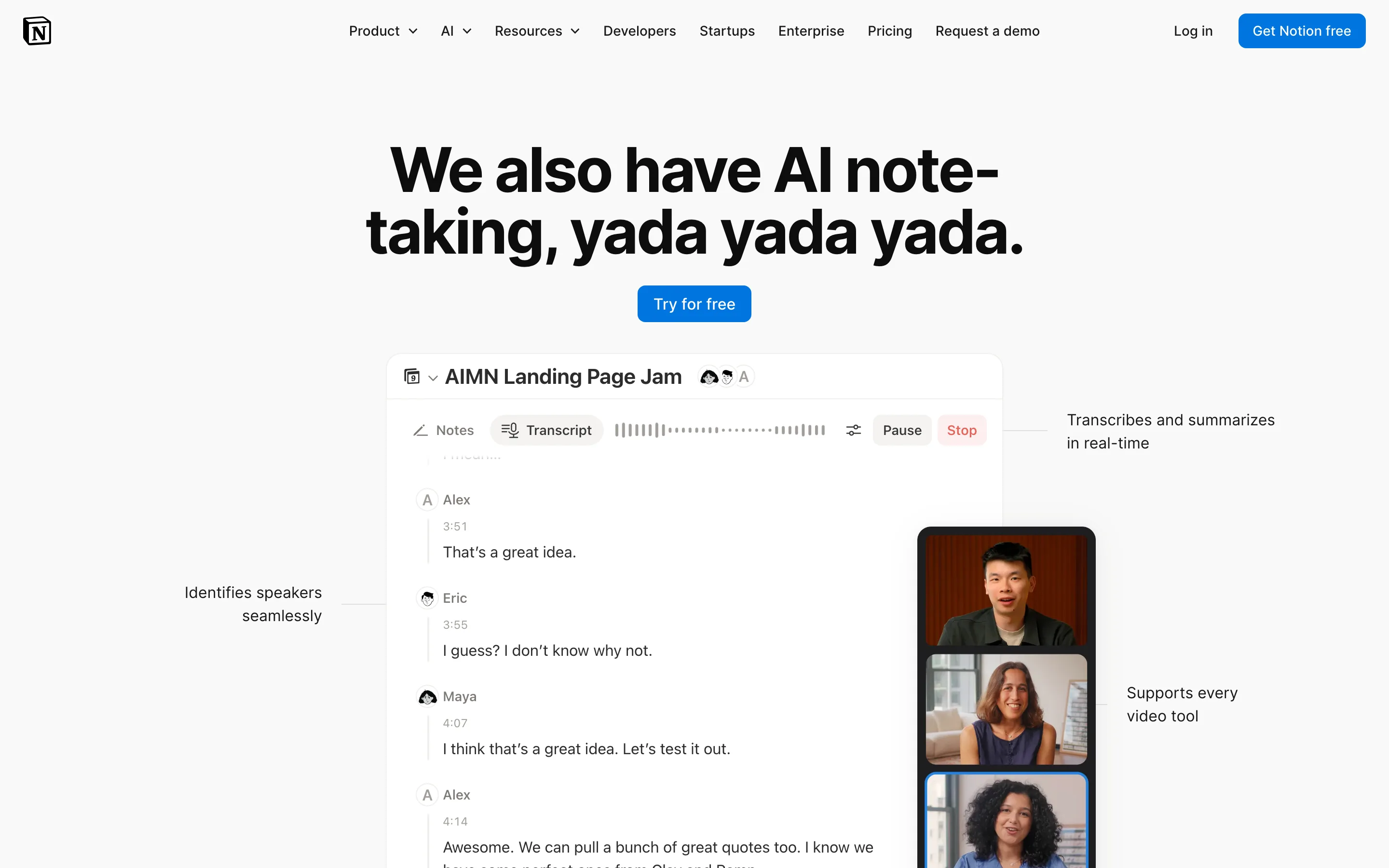
Notion AI Meeting Notes records and summarises a meeting inside a Notion page, so the notes land next to the project and the client database they belong to. It is one of the few tools in this list that says out loud how to use it in a room: the browser version only hears your microphone, which Notion describes as best suited to in-person conversations, and the mobile app is recommended for in-person meetings for the same reason. The desktop app adds system audio for calls.
Processing is in Notion's cloud and its AI subprocessors, and the feature is gated to the Business and Enterprise plans. On a Mac you need macOS 13 or later and desktop app 4.7.0 or newer. For a team that lives in Notion, the convenience is real: nobody copies a summary from one app into another.
Features
Processing: Notion's cloud and its AI subprocessors
Browser and mobile modes record the microphone, which Notion recommends for in-person meetings
Notes are created inside the Notion page they belong to
Transcript and summary with action items, editable like any Notion block
Desktop app on macOS 13 or later (version 4.7.0 or newer), plus web and mobile
Best for
Teams whose projects and docs already live in Notion
Agencies who want client meeting notes filed in the client's workspace
Anyone who would rather record from a phone than open a laptop
Pricing
AI Meeting Notes requires the Business or Enterprise plan, or an eligible mobile subscription that includes Notion AI
Business is $20 per seat a month on annual billing; Plus at $10 gets only a limited trial
Pros
Notes are born where the work happens
Honest, documented in-person modes on browser and phone
No separate note taker to adopt
Cons
Cloud processing
Locked to a paid Business seat, so the whole team pays for the feature
Speaker separation and the full feature set favour the desktop app
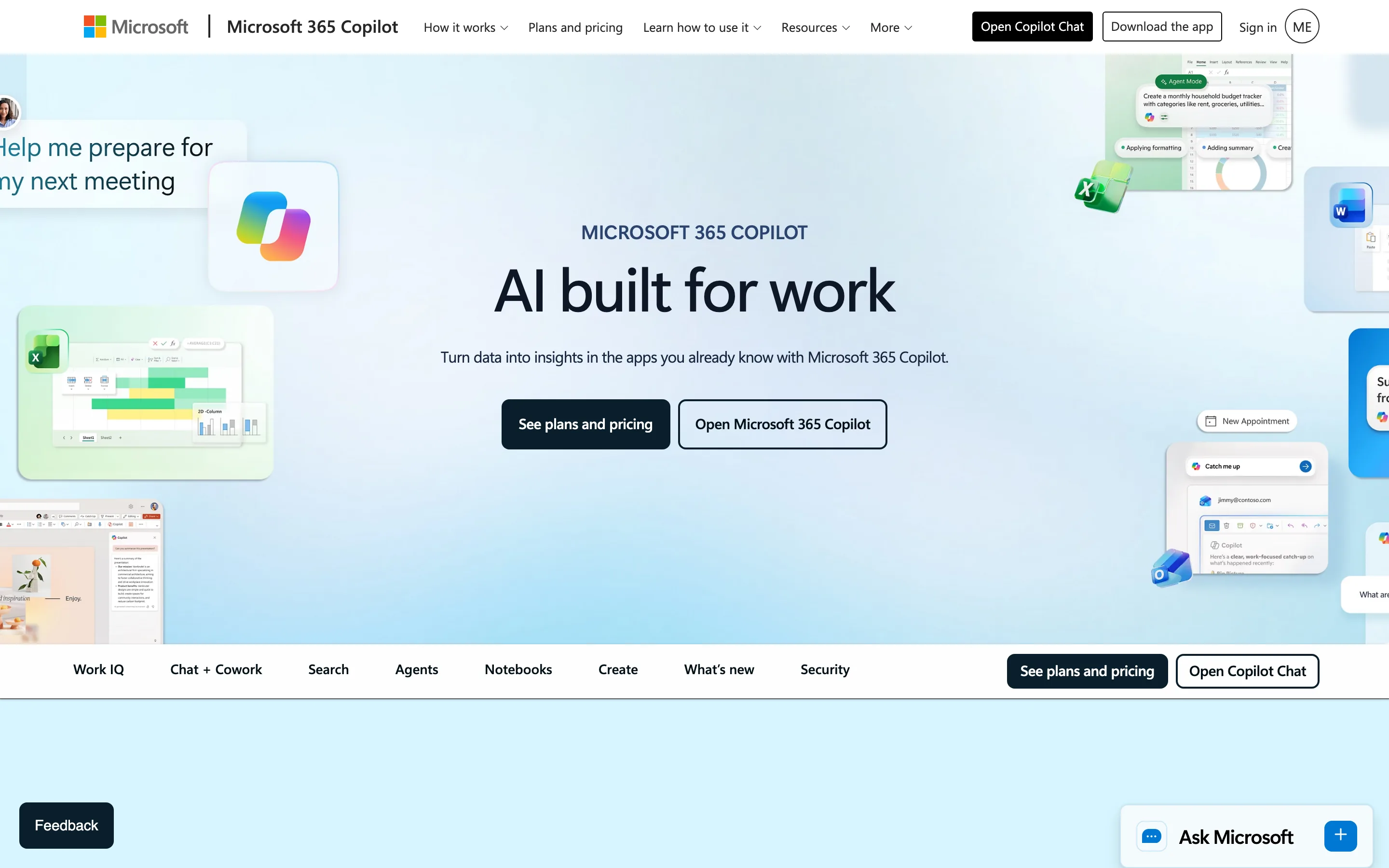
5. Microsoft 365 Copilot, best for Microsoft 365 organisations that meet in Teams
Microsoft 365 Copilot writes meeting recaps and action items inside Microsoft Teams, and answers "what did I miss" from the same mail and files the organisation already runs on. Microsoft states that prompts, responses and data reached through Microsoft Graph are not used to train its foundation models. Retention and eDiscovery apply through the tenant, which is what a governed organisation wants.
The catch for a room is that Copilot's recap is built around a Teams meeting with transcription running. To use it in person you start a Teams meeting on your own laptop, let it transcribe the room, and the recap follows. It works, and for an organisation already standardised on Teams it needs no new vendor, but it is a video-call tool asked to do a room's job. Keep it to one laptop in the room; two devices in the same call in the same room usually feed back.
Features
Processing: Microsoft's cloud, under the tenant's admin controls
Recap and follow-up questions native to Teams meetings
Grounded in Microsoft Graph, so the recap links to the related mail and files
Enterprise governance: retention and eDiscovery under tenant admin control
Requires a Teams meeting with transcription running, even when everyone is in the room
Best for
Organisations standardised on Microsoft 365 and Teams
Rooms where the meeting is already a hybrid Teams call with remote participants
IT departments that want one governed record rather than personal notes
Pricing
No free tier for Teams meeting recap
Copilot Business is $18 per user a month on annual billing (a promotional rate, from $21), as an add-on to an eligible Microsoft 365 business plan
Microsoft 365 Copilot on its own is $30 per user a month on annual billing
Pros
Deep integration with the Microsoft stack and its governance
No training on tenant data
Already approved in many organisations
Cons
Cloud and tenant bound, and a paid add-on on top of Microsoft 365
A room meeting has to be dressed up as a Teams meeting first
6. Apple Voice Memos and Notes, best free option already in your pocket
Apple Voice Memos is the recorder most people already carry, and on a current iPhone or Mac it produces a transcript of the recording without an extra app or a subscription. Notes can record and transcribe audio too, and on Apple Intelligence hardware it can summarise the transcript. Apple's guides do not say where Voice Memos transcription runs, so this entry makes no claim about it. For a two-person conversation in a quiet room, the iPhone on the table is genuinely enough to get the words down.
What it is not is a meeting tool. There are no projects and no speaker names in the transcript, and the summary depends on having Apple Intelligence hardware. It is the right answer when the question is "did anyone record that", and the wrong one when the question is "who agreed to what".
Features
Processing: not stated in Apple's Voice Memos guides
Recording and transcription built into Voice Memos on iPhone and Mac
Audio recording and transcription in Notes, with transcript summaries on Apple Intelligence hardware
Free with the operating system
General notes and memos, not a meeting workflow
Best for
Two-person conversations where you only need the words captured
Anyone who wants zero cost and zero installation
A backup recorder when the laptop stays in the bag
Pricing
Free with a supported version of iOS or macOS
Pros
Free and already installed
The phone is the device people expect to see on a table
Cons
No speaker names or projects, and no summary without Apple Intelligence hardware
You do the organising afterwards
How to choose an AI note taker for in-person meetings
Four questions settle it. Answer them in this order, because the first one removes tools before the others get a vote. If most of your meetings happen on calls rather than around a table, our comparison of the best AI note takers covers the wider field.
1) Where does the room recording get processed?
If the conversation is confidential by obligation, this is the filter. Weeve processes everything on the Mac that recorded it. Plaud, ChatGPT, Notion and Copilot all send the room audio to a cloud service, with Microsoft and Notion adding organisational controls around theirs. Apple does not say where Voice Memos transcription runs, so treat it as unknown. A room recording has no meeting link and no invitation trail, so where the file goes afterwards is the only record of who could hear it.
2) What will you actually put on the table?
Be honest about your habits. If you will not open a laptop in front of a client, choose between Plaud's recorder and Apple's phone, and accept the trade each one makes. If a MacBook on the table is normal for you, Weeve, ChatGPT Record mode and Notion's desktop app are all in play, and Weeve is the one that keeps the recording on that machine.
3) How big is the room?
Up to about six people around one table, a laptop or phone microphone in the centre works. Beyond that, or along a long boardroom table, one microphone starts missing the far end and speaker separation starts guessing. That is where Plaud's dedicated hardware earns its price, and where Copilot's Teams-meeting approach at least lets remote participants hear properly.
4) What does it cost at your real usage?
Count the meetings, not the sticker price. Copilot and Notion put recording behind paid plans for the whole organisation; ChatGPT needs Plus at $20 a month; Plaud is $159 or more up front plus $17.99 a month once you pass 300 minutes. Weeve's Starter plan and Apple's built-in apps are the two free ways to record a room today.
Weeve's Starter plan is free and runs entirely on your Mac, so trying it costs nothing and uploads nothing of the meeting. Record one real meeting around a real table and judge the transcript yourself. Test it on one real meeting.
FAQ
Can an AI note taker work in an in-person meeting without a bot?
Yes. A bot only exists in a video call, so every tool for a room records a microphone instead. Weeve and ChatGPT Record mode use the Mac's microphone, Notion's browser and mobile modes use the phone or laptop microphone, Plaud uses its own hardware, and Apple Voice Memos uses the iPhone. Nothing joins anything.
What is the best AI note taker for in-person meetings?
For a confidential meeting recorded on a Mac, Weeve, because the recording, transcript and summary never leave the machine on the table. For a large room, Plaud's dedicated recorder captures the far end of the table better than any laptop. For teams already inside Notion or Microsoft 365, the built-in option is the lowest-friction choice.
Do I have to tell people I am recording an in-person meeting?
Yes, say it before you press record and wait for the answer. In a room nothing on a screen announces the recording, so consent is your job rather than the software's. Laws differ by country and often require every participant to agree; is it legal to record a meeting covers the common cases.
Can ChatGPT record an in-person meeting?
Yes, through Record mode in the macOS desktop app, which records the Mac's microphone and produces a transcript with speaker labels and a summary. It needs ChatGPT Plus or a higher plan, and the audio is processed in OpenAI's cloud.
Does Notion AI work for in-person meetings?
Yes, and Notion documents it. The browser version records only your microphone, which Notion describes as best suited to in-person conversations, and the mobile app is recommended for in-person meetings. AI Meeting Notes requires the Business or Enterprise plan.
Is there a free AI note taker for in-person meetings?
Two genuinely free routes exist. Weeve's Starter plan includes 10 recordings in total on a Mac with the transcript and summary written on the device, and Apple Voice Memos produces transcripts on an iPhone or Mac at no cost. Plaud offers 300 free transcription minutes a month once you own the hardware.
How do I get speaker names in an in-person transcript?
Choose a tool with speaker identification and place one microphone equidistant from everyone. Weeve, ChatGPT Record mode and Plaud label speakers; Apple Voice Memos does not. Overlapping talk and a microphone at one end of the table are the two things that break speaker separation in every tool, so the centre of the table matters more than the brand.
Where should the microphone go for an in-person meeting?
Flat in the centre of the table, on the hard surface, roughly an arm's length from whoever talks most and within about a metre and a half of everyone. Keep it away from the air conditioning vent and the projector fan, and never in a bag or a pocket.
A video call can be recorded from anywhere. A room can only be recorded from inside it, so choose the tool by what you are willing to put on the table and where the recording goes when you pick it up.