Business
5 Best AI Note Takers for Therapists in 2026

Dylan de Heer

Your client sessions are the most confidential conversations you have all week. Most AI note takers for therapists send every word of them to a company's servers to be transcribed and summarized, then store the result in a cloud database you have to trust. That is the trade at the centre of this whole category, and it is worth looking at squarely before you pick a tool.
The privacy question comes first for a reason. Your professional code treats what a client says as a protected record, so before you weigh note formats or price you have to answer one thing: where does the recording of the session actually go? The tools below split cleanly on that answer. Four of them are cloud platforms built specifically for clinical documentation, and they are genuinely good at it. One keeps the entire session on your own Mac and never uploads it at all.
The same question applies to the sessions where you are the one being supervised. Recording clinical supervision means a recording that discusses your clients exists as well, and it carries the same duty of care as the session it discusses.
This guide compares five AI note takers for therapists on the things that decide the choice: where the audio gets processed, whether they produce structured progress notes, how they handle an EHR, their HIPAA posture, and what they cost. There is a decision framework at the end so you can match a tool to your own practice.
Best AI note takers for therapists: a brief overview
Fully on-device
Weeve: Best when the session cannot leave your Mac. Recording, transcript, and summary all run locally, so there is no cloud copy of the conversation to protect.
Cloud, built for clinical documentation
Mentalyc: Best for structured, insurance-ready notes across many formats, with progress tracking built in.
Upheal: Best for solo and telehealth therapists who want notes and a full EHR in one place.
Blueprint: Best for pay-per-session flexibility plus assessments and clinical prep.
Supanote: Best for simple, affordable per-note documentation with a fast setup.
The split at the top of that list is the real decision. A cloud tool writes the polished SOAP or DAP note for you, and processes protected health information (PHI) in its cloud to do it, under a signed business associate agreement (BAA). Weeve does not write a clinical note format, but nothing it hears ever leaves your machine. Which of those matters more depends on your practice, and the sections below spell out the difference.
Tool | Where AI runs | Clinical note formats | EHR | HIPAA posture | Price | Platform |
|---|---|---|---|---|---|---|
Weeve | On your Mac | General summary, no SOAP/DAP | None | PHI stays on device; GDPR-compliant by default; not certified | Free Starter; Pro €12,99/mo | macOS (Apple Silicon) |
Mentalyc | Cloud | SOAP, DAP, BIRP, GIRP and more | Copy to any EHR | HIPAA, SOC 2 Type 2, signs a BAA | 14-day trial; from $19.99/mo | Web |
Upheal | Cloud | SOAP, DAP, BIRP and more | Built-in EHR plus integrations | HIPAA, SOC 2, signs a BAA | Free plan after a 30-day trial; $1/session | Web, mobile |
Blueprint | Cloud | Progress notes, treatment plans | Alongside your EHR or its own | HIPAA, SOC 2, BAA available | 5 free sessions; from $0.99/session | Web |
Supanote | Cloud | SOAP, DAP, intake | Copy to EHR; integration on Pro | HIPAA, signs a BAA | 14-day trial; from $19.99/mo | Web |
Three ways therapists use AI for notes
Before comparing tools, it helps to see that therapists use AI for notes in three different ways, and each one answers the confidentiality question differently.
Record the session and let a cloud scribe write the note
The scribe records the session, processes it in its own cloud under a signed BAA, and returns a structured SOAP, DAP or BIRP note, often straight into your EHR. Mentalyc, Upheal, Blueprint and Supanote all work this way. It does the most clinical writing for you, and the recording of the session exists on the vendor's servers to do it.
Do not record at all: dictate or type a recap afterwards
After the client leaves, you speak or type a short recap and the AI turns it into a note. Mentalyc and Upheal both offer this alongside recording. The client's voice is never captured, so there is less to consent to and less to protect. The trade is that the note only holds what you remember to say. Weeve's dictation fits here too: it types your spoken recap into any app, including your EHR, and runs on the Mac.
Record the session, but keep it on your own Mac
The recording, the transcript and the summary are all made on your machine, and nothing of the session is uploaded. This is the answer to the question "is there an AI note taker that doesn't upload my sessions?", and it is the only way Weeve works. You still write the clinical note yourself, from a complete record instead of from memory.
1. Weeve, best for sessions that cannot leave your Mac
Weeve is an AI notetaker that runs entirely on your Mac. You ask the client for consent, start a recording before the session, and Weeve captures the audio on the device itself, so no bot joins the call and nothing uploads. The transcript builds while you talk, and when the session ends the summary is already written, processed by a local model on your machine. Recordings, transcripts, and summaries never leave the Mac. For confidential work that is the entire point: there is no cloud copy of the session to audit, no processor to vet, and no upload step that can fail halfway through.
Be clear about what Weeve is and is not for a clinician. It is a private meeting-memory tool, not a clinical documentation platform. It does not generate an insurance-ready SOAP or DAP note, it does not compute CPT codes, and it does not write into your EHR. What it gives you is a faithful, private transcript and summary that you turn into your own progress note. If your hard constraint is that the raw session must never touch a third party's servers, that constraint is met by architecture rather than by a promise.
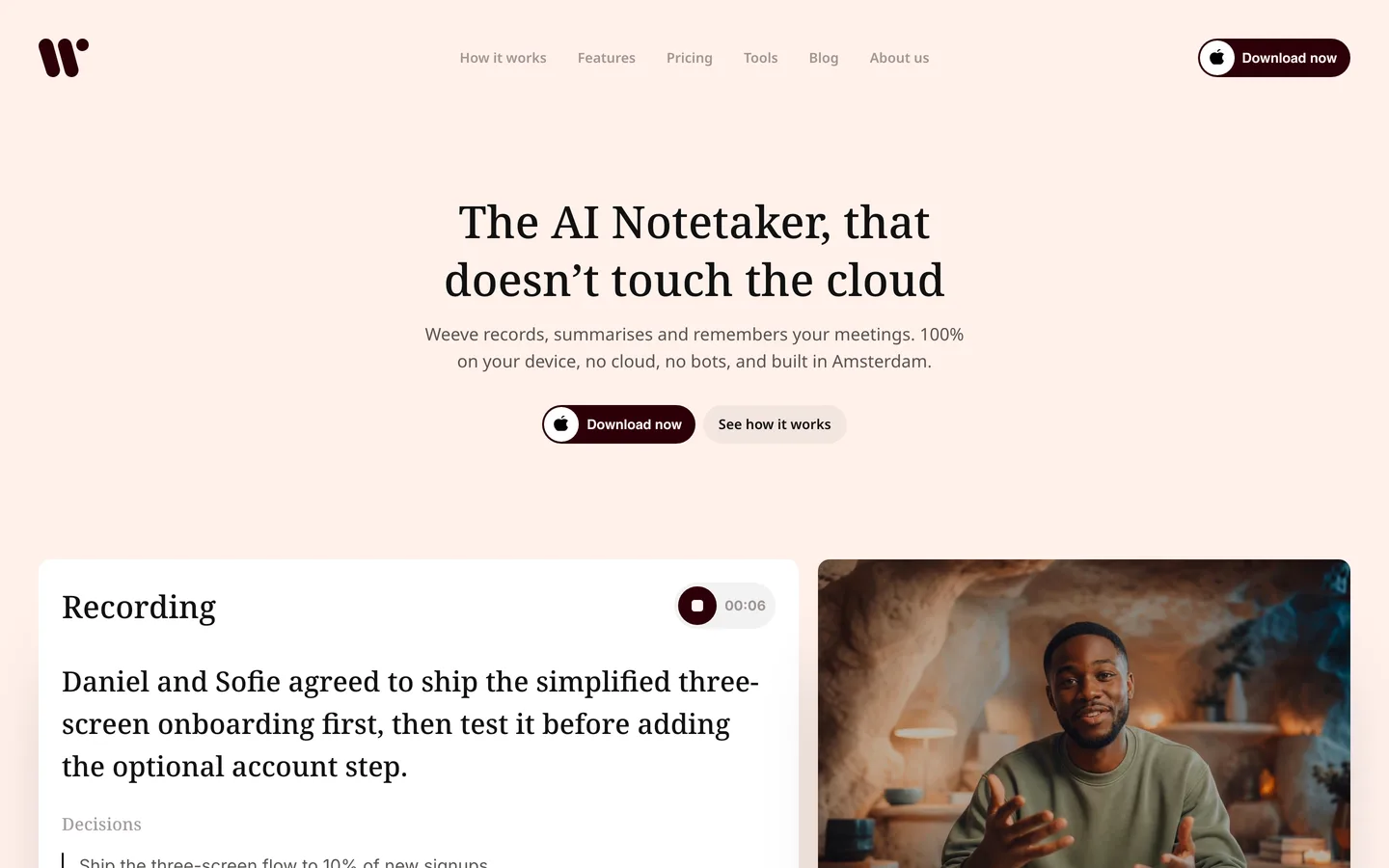
Key features
Recording, transcription, and summary all run on the Mac; nothing is uploaded
No bot joins the call; Weeve captures the Mac's own audio for Zoom, Google Meet, and Teams
Imports existing audio and video files and transcribes them locally
Local AI models generate the summary on-device
Templates you write yourself, so the summary can follow the headings you use for your own notes
Hold-to-dictate types a spoken recap into any app, including your EHR, on the device
GDPR-compliant by default because the data never leaves the device
Best for
A private-practice therapist on a Mac whose first rule is that the session stays off the cloud
A clinician who keeps their own note style and just wants a private transcript to work from
Pricing
Free Starter plan: up to 10 recordings in total, 2 projects and dictation, nothing of the session uploaded
Pro: €12,99 a month excluding VAT for unlimited recordings and projects
Pros
The session never becomes a cloud record, so there is no BAA to chase and no external store to explain to a client
No upload step means no upload step to fail, and the summary is ready when the session ends
Consent is a one-sentence answer: the recording never leaves this Mac
Cons
Mac only today: it needs Apple Silicon and macOS 14.4 or later, with no Windows or mobile app
No built-in EHR integration and no SOAP or DAP note templates, so the structured clinical note is still your work
The summary arrives after the session, not live during it
Weeve is built and backed in Europe, in Amsterdam, by a team that took investment from Achmea Impact Ventures. You can read more about the team behind Weeve if procurement or data-residency questions come up in your practice.
Clients get nervous when they are recorded, and they are right to ask where the recording goes. With Weeve the honest answer is one sentence: it never leaves this Mac. Ask for consent, record locally, and the session notes are done when the session is. Try Weeve free.
2. Mentalyc, best for structured, insurance-ready notes
Mentalyc is a cloud platform built specifically for mental health professionals, and it is the most established name here, with the company citing more than 30,000 clinicians. You record a session, upload a file, or dictate, and it returns a structured note in the format you use. It covers a wide spread of them: SOAP, DAP, BIRP, GIRP, PIRP, and PIE, plus intake notes. It also tracks progress across sessions and surfaces therapeutic-alliance insights.
The trade is where the work happens. Mentalyc processes and stores session data in its cloud, which is why the BAA and its security posture matter. The company states it is HIPAA and SOC 2 Type 2 compliant and offers immediate deletion of audio after transcription. For a therapist who wants the finished, defensible note written for them and is comfortable with a vetted cloud processor, it is a strong pick.
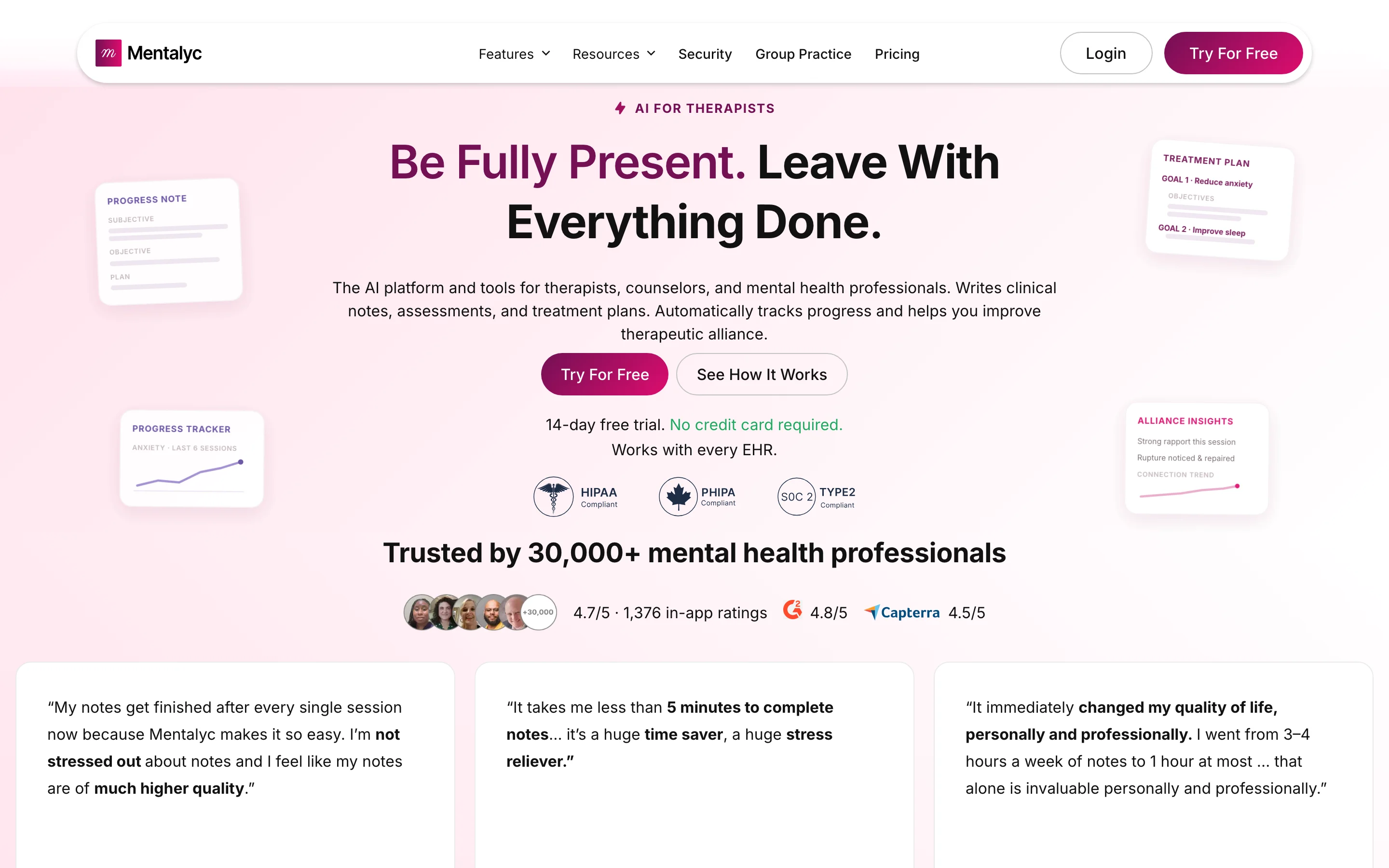
Key features
Structured notes in SOAP, DAP, BIRP, GIRP and several more formats
Progress tracking and treatment planning across a client's history
Therapeutic-alliance insights across a course of treatment
Works alongside any EHR by copying the finished note across
Best for
A therapist who bills insurance and needs audit-ready notes in a specific format
A clinician tracking longitudinal progress across many clients
Pricing
14-day trial of Pro with 15 notes, no card required
Paid plans from $19.99 a month (Mini, 40 notes) up to $119.99 (Super, 330 notes)
Team plan $59.99 per seat a month, or $49.99 per seat billed annually
Pros
The widest range of clinical note formats in this list
Progress and alliance tracking that a solo tool does not attempt
Cons
Session data is processed and stored in the cloud under a BAA, not kept on your device
No permanent free plan, only a time-limited trial
3. Upheal, best for solo and telehealth practices
Upheal aims to be more than a note writer. It generates AI progress notes in formats including SOAP, DAP, GIRP, BIRP, and PIRP, then adds the pieces a solo practice needs around them: HIPAA-compliant telehealth, scheduling with calendar sync, a client portal, intake forms, and billing with superbills and insurance claims. The pitch is that it can replace your EHR when you are ready, which suits a therapist who would rather run everything in one place.
Like the others in this group, Upheal runs in the cloud, and it states it is HIPAA, PHIPA, PIPEDA, GDPR, and SOC 2 compliant. Its pricing is unusually forgiving for a low-volume practice: one dollar per session with no minimum spend, a 30-day trial, and a free plan with limited features afterwards. If your caseload varies week to week, paying per session rather than a flat fee can work out cheaper.
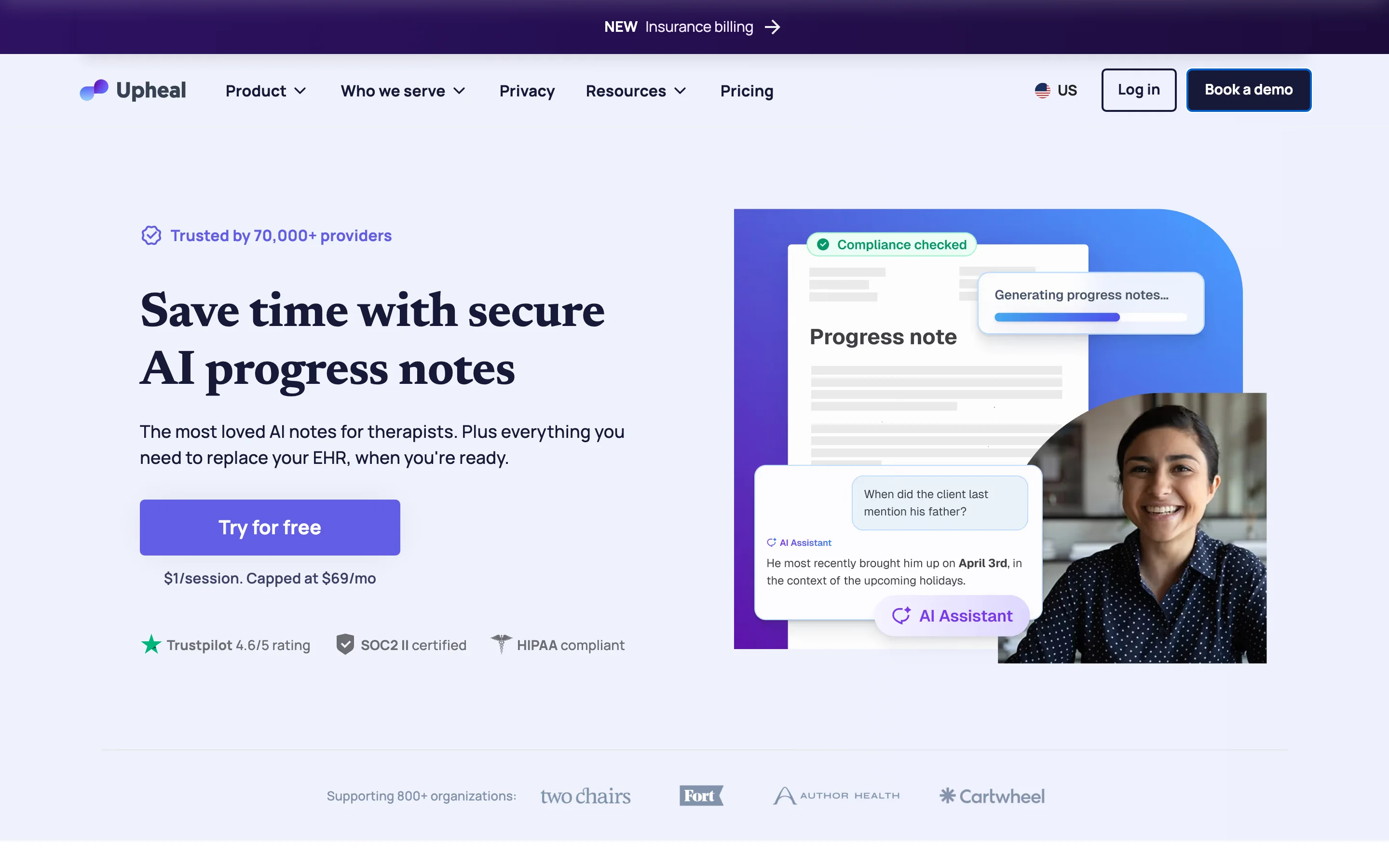
Key features
AI progress notes plus treatment plans and compliance checking
Built-in HIPAA-compliant telehealth and a client portal
Scheduling, intake forms, superbills, and insurance claim submission
Session capture by audio, video, text, or file upload
Best for
A solo or telehealth-first therapist who wants notes and practice management together
A variable caseload where per-session pricing beats a flat monthly fee
Pricing
Free plan with limited features after the trial
Individual: $1 per session, no minimum spend, with a 30-day trial
Group and Enterprise plans are custom-priced
Pros
Per-session pricing that scales down for a light caseload
Covers telehealth, scheduling, and billing on top of the notes
Cons
Session data is processed and stored in Upheal's cloud
The breadth can be more than a therapist who only wants a note generator needs
4. Blueprint, best for pay-per-session flexibility and clinical prep
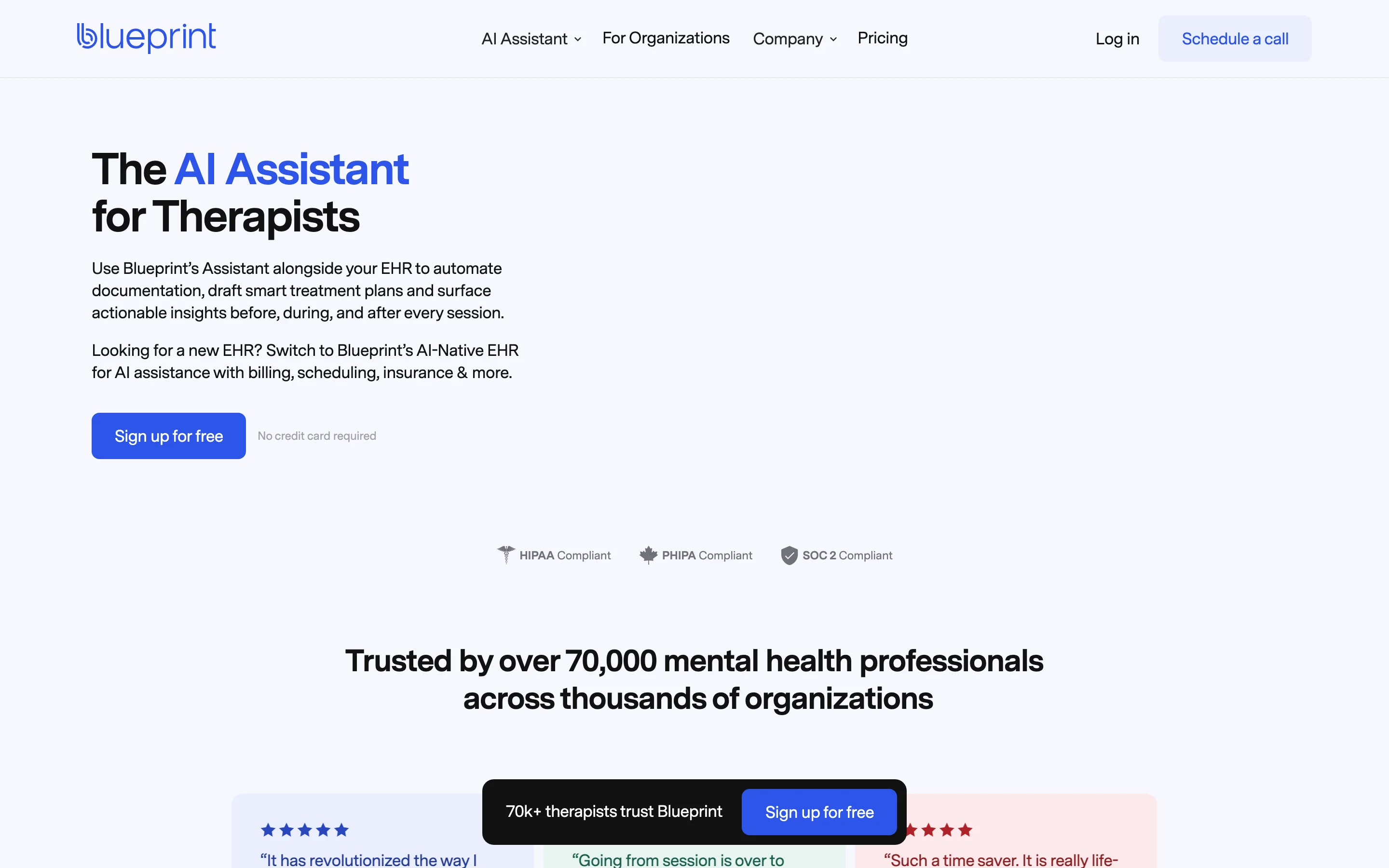
Blueprint markets itself as the AI assistant for therapists, designed to sit alongside your existing EHR or replace it with its own AI-native one. Beyond drafting session notes, treatment plans, and discharge summaries, it leans into the clinical side: pre-session recaps, suggested focus areas, and recommended assessments, worksheets, and interventions pulled from a clinical library. The company reports more than 70,000 mental health professionals on the platform.
Blueprint runs in the cloud and states it is HIPAA, PHIPA, and SOC 2 compliant, with a BAA available. Its pricing is per session and among the lowest here, starting at $0.99 a session on the tier that runs alongside your EHR, with 5 free sessions to start and a 60-day money-back guarantee. It fits a therapist who wants documentation help and light clinical decision support in the same tool.
Key features
AI-drafted notes, treatment plans, and discharge summaries
Session prep with prior-session recaps and suggested focus areas
Suggested assessments, worksheets, and interventions from a clinical library
Works alongside your EHR or as a standalone AI-native EHR
Best for
A therapist who wants clinical prep and assessment suggestions alongside the note
A practice testing AI documentation before committing to a monthly fee
Pricing
5 free sessions to start
Alongside your EHR: $0.99 a session; All-in-one EHR: $1.49 a session
60-day money-back guarantee, no contracts
Pros
Some of the lowest per-session pricing in this comparison
Clinical support features beyond documentation
Cons
Session data is processed and stored in the cloud
The assessment and EHR breadth may be more than a documentation-only user wants
5. Supanote, best for simple, affordable per-note documentation
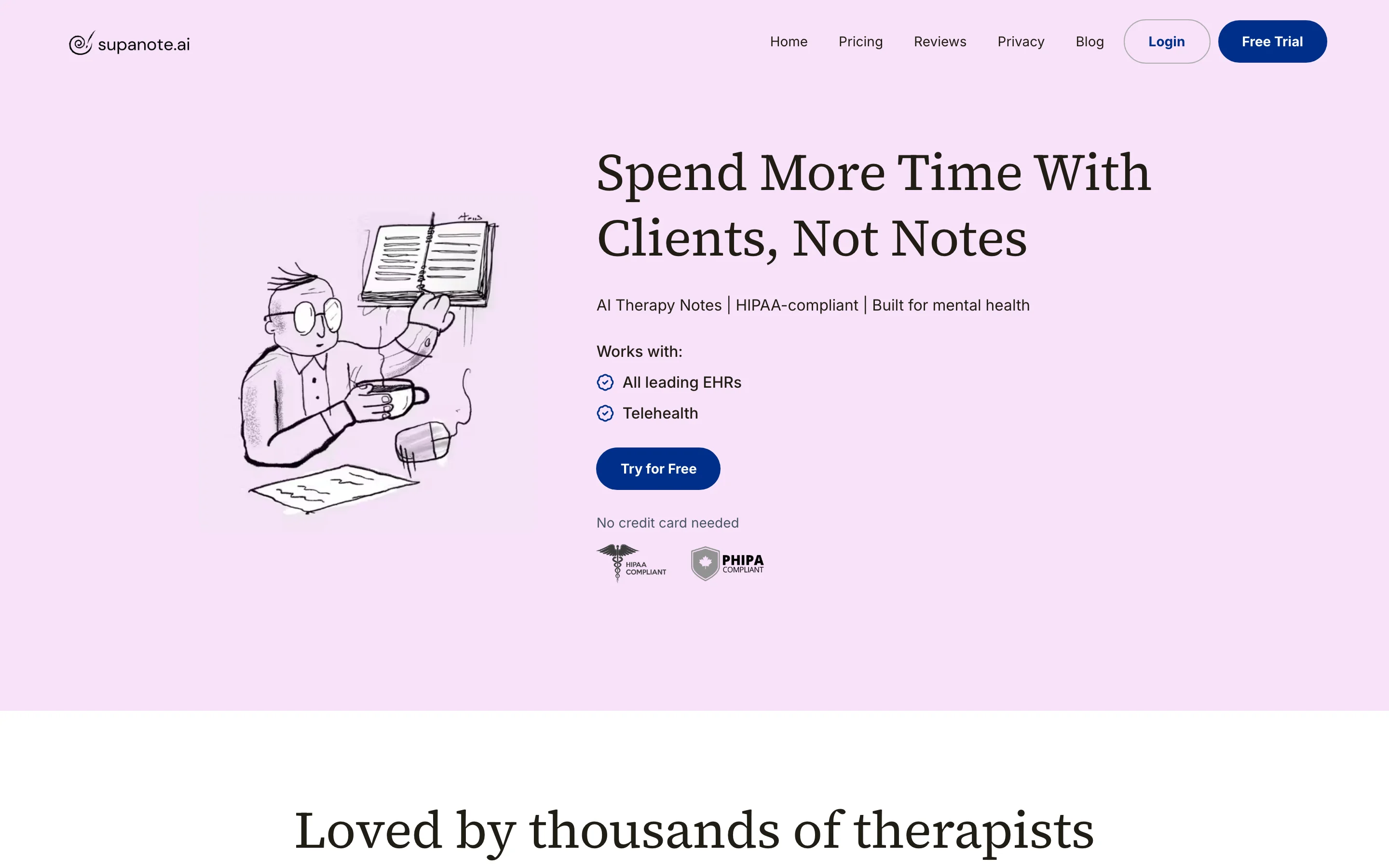
Supanote keeps its scope tight: it turns a recorded, uploaded, or dictated session into a clinical note, and does that one job cleanly. It supports custom templates including SOAP, DAP, intake, and treatment plans, works in more than 120 languages, and lets you request edits in plain English. It strips personally identifiable information from transcripts and notes, and states that recordings are deleted immediately after the note is scribed.
Supanote runs in the cloud and stores data in what it describes as HIPAA and PHIPA compliant databases, with a BAA available and PII scrubbing applied automatically. Pricing is straightforward: a 14-day free trial, then Starter at $19.99 a month for 40 notes, Pro at $39.99 for unlimited notes with EHR integration, and XL at $69.99 for group sessions. For a therapist who wants a no-fuss note generator without a wider platform, it is the most focused option here.
Key features
Notes from recordings, uploads, or dictation in SOAP, DAP, and intake formats
Custom templates and plain-English edit requests
Automatic PII scrubbing from transcripts and notes
120+ language support with automatic detection
Best for
A therapist who wants a straightforward note generator, not a full platform
A multilingual practice documenting sessions in several languages
Pricing
14-day free trial, no card needed
Starter: $19.99 a month for 40 notes
Pro: $39.99 a month for unlimited notes and EHR integration; XL: $69.99 a month
Pros
Simple and affordable at the entry tier
Automatic PII scrubbing and strong language coverage
Cons
Session data is processed and stored in the cloud
Fewer surrounding features than the broader platforms here
How to choose the best AI note taker for your practice
The five tools do not compete on a single axis, so the right one depends on which of these questions carries the most weight in your practice.
1) Where does the session get processed?
This is the filter that comes before features. Your professional code treats the session as a confidential record, so decide first whether it can be processed off your device at all.
If the recording cannot leave your machine under any circumstances: Weeve, because the audio, transcript, and summary all stay on your Mac and there is no cloud copy to protect.
If a vetted cloud processor under a signed BAA is acceptable: Mentalyc, Upheal, Blueprint, or Supanote, all of which state HIPAA compliance and sign a BAA.
If you would rather not record the client at all: dictate or type a recap after the session, either in a cloud scribe's no-recording mode or with Weeve's dictation, which runs on the Mac and types into your EHR.
There is no free lunch in that choice. The cloud tools write the structured clinical note for you and take on PHI in their cloud to do it. Weeve keeps everything local but leaves the formatted progress note as your work.
2) Do you need a structured clinical note, or a private record?
If you bill insurance and need an audit-ready SOAP, DAP, or BIRP note generated automatically, a cloud tool is doing real work you would otherwise do by hand: Mentalyc for the widest format range, Upheal or Blueprint if you also want scheduling or assessments, Supanote for a focused note generator. If you already have a note style you trust and mainly want a private, accurate transcript to write from, Weeve fits and keeps the raw session off the cloud entirely.
3) What does it cost at your real caseload?
Sticker price and real cost diverge here. Per-session pricing (Blueprint from $0.99, Upheal at $1 with no minimum) rewards a light or variable caseload, while flat monthly tiers (Mentalyc and Supanote from $19.99, Weeve's Pro at €12,99) suit a steady schedule. Weeve's free Starter plan and the free tiers on Upheal and Blueprint all let you test on real sessions before paying. Record one real session on a free tier and read the output before you commit.
For work where confidentiality is a professional obligation, the simplest architecture is the one where nothing leaves the device. The cloud platforms here earn their place by writing the clinical note for you; a local tool earns its place by making sure the raw session never becomes someone else's record. Decide which of those you are optimising for, then test your shortlist on one real session before you commit.
FAQ
Is there an AI note taker for therapists that does not use the cloud?
Yes. Weeve runs the recording, transcription, and summary entirely on your Mac, so the session is never uploaded to a server. That is different from the cloud tools built for therapy notes, which process and store the session in their own infrastructure under a business associate agreement. If keeping the raw session off third-party servers is your priority, a fully local tool is the only architecture that guarantees it. You can read more about why an AI note taker should stay off the cloud.
Which AI note taker is safest for therapy sessions?
Safety depends on what you are guarding against. If the risk you care about is the session ever existing as a cloud record, Weeve is the strongest choice because nothing leaves your Mac, so there is no external store to breach. If you need a vetted processor to write insurance-ready notes, Mentalyc, Upheal, Blueprint, and Supanote all state HIPAA compliance and sign a BAA.
Can an AI note taker be HIPAA-compliant?
A cloud AI note taker supports HIPAA compliance by signing a BAA and applying encryption and access controls; the four cloud tools here do that. Weeve takes a different route: because PHI never leaves your Mac, there is no processor relationship to cover with a BAA in the first place. That is a HIPAA-friendly architecture rather than a certification, and Weeve does not claim SOC 2, HIPAA, or ISO certification. Confirm any tool's current compliance documents before relying on them for your practice.
Do I have to tell clients I am recording the session?
Yes. Recording a therapy session means getting the client's informed consent first, and that is true whatever tool you use. The practical difference is what you can honestly tell them about where the recording goes. With a cloud tool the answer involves a third-party processor and a BAA; with a local tool like Weeve the answer is that the recording stays on your Mac and is never uploaded. Ask before recording, and keep the consent on file. The rules on recording consent differ by state and country, so check the ones that apply to your practice.
Can I use AI for therapy notes without recording the session?
Yes. You can dictate or type a short recap after the client leaves and let the AI structure it, so the session itself is never captured. Mentalyc and Upheal both offer this as well as recording, and Weeve's dictation runs on your Mac and types the recap into any app, including your EHR. The limit is that the note only holds what you remember to say.
What is the difference between Weeve and a tool like Mentalyc or Upheal?
Mentalyc and Upheal are clinical documentation platforms: they process the session in the cloud and return a structured, insurance-ready note in a format like SOAP or DAP, plus features like progress tracking or telehealth. Weeve is a private meeting-memory tool: it keeps the whole session on your Mac and gives you a transcript and summary to build your own note from. The cloud tools do more of the clinical writing for you; Weeve does more to keep the session private.
Is there a free AI note taker for therapists?
There are free options with limits. Weeve's Starter plan is free and runs entirely on your Mac with up to 10 recordings in total. Upheal offers a permanent free plan with limited features, and Blueprint gives you 5 free sessions. Mentalyc and Supanote offer time-limited free trials. Record one real session on a free tier and judge the output before you pay.
Can I transcribe a session I already recorded?
Yes. If you have an existing audio or video file, Weeve imports common formats and transcribes them locally on your Mac, without uploading the file. You can try this on Weeve's local transcription tool before installing anything. Most of the cloud tools here also accept uploads, though in those cases the file is processed in their cloud rather than on your device.
Does Weeve write SOAP or DAP progress notes?
No, and it is worth being clear about it. Weeve produces a general transcript and summary of the session, not a structured clinical note in a format like SOAP, DAP, or BIRP, and it does not write into an EHR. If you need the formatted, insurance-ready note generated for you, one of the cloud tools here does that. If you keep your own note style and mainly want a private, accurate record of what was said, Weeve fits. For a wider view of local and cloud options, see our roundup of the best AI note takers.