Research
Best AI notetakers for consultants in 2026: 5 compared

Dylan de Heer

Client work runs on conversation. The discovery call where the real problem finally surfaces, the stakeholder interview where someone tells you what they would never put in writing, the steering meeting where a decision quietly changes scope. You are expected to remember all of it accurately, and you are usually the one running the conversation rather than writing it down. That is why the discovery call is worth capturing properly: recording what the client actually asked for is what makes a scope argument six months later a matter of record rather than a matter of memory.
So most consultants end up with an AI notetaker. The catch is what it does with the recording. Almost every one of them uploads your client's audio to a server you do not control, which is an awkward thing to explain when the engagement letter says the material is confidential and the client's own IT team is asking who else holds a copy.
This page compares five AI notetakers for consultants: Weeve, Microsoft 365 Copilot, Google Gemini in Meet, Plaud and Rev. You get a comparison table, where each one actually processes your audio, honest pricing, and a way to choose based on how sensitive your client work is.
Best AI notetakers for consultants: a brief overview
Fully on-device
Weeve: best for confidential client calls. Recording, transcription, speaker identification and summaries all run on your Mac, nothing is uploaded, and no bot appears in the participant list.
Hybrid
Plaud: best for in-person client meetings and site visits. Dedicated hardware captures the room, then sends the audio to the cloud for processing.
Cloud
Microsoft 365 Copilot: best if your consultancy already runs on Microsoft 365. The meeting recap is already inside the tenant you have, with no new vendor to onboard.
Google Gemini in Meet: best if you are a Google Workspace shop. Same logic as Copilot, inside Google's ecosystem instead.
Rev: best when the transcript is the deliverable. A transcription service rather than a notetaker, with a human tier for material that has to be exact.
Tool | Where AI processing runs | Key strength | Pricing | Platform |
|---|---|---|---|---|
Weeve | On your Mac | Fully local capture, transcript and summary | Free Starter plan; Pro EUR 12,99/mo | macOS |
Plaud | Cloud, on hardware-captured audio | Records in-person meetings without a laptop | One-off hardware purchase plus an app plan | Hardware plus iOS and Android |
Microsoft 365 Copilot | Microsoft cloud, inside your tenant | Recap and action items already inside Teams | Add-on to a Microsoft 365 plan, priced per user | Web, desktop, mobile |
Google Gemini in Meet | Google cloud, inside your tenant | Notes and summaries native to Google Meet | Included with eligible Workspace plans | Web, mobile |
Rev | Rev's servers | Human-grade verbatim accuracy on demand | Per minute, AI tier and human tier | Web, mobile |
Non-Weeve pricing is described in shape rather than exact figures on purpose. All three vary by licence tier, region or hardware bundle, and a stale number in a budgeting decision is worse than no number at all, so each vendor's own pricing page is the source to use.
1. Weeve, best for confidential client calls that stay on your Mac
Weeve is a fully local AI notetaker for Mac. It records the meeting, transcribes it, identifies who spoke and writes the summary, and every one of those steps happens on your machine. There is no upload step in the core workflow, which means there is no copy of your client's conversation sitting on a vendor's server waiting to be subpoenaed, breached or quietly used for something else.
For consultants the practical difference shows up in two places. The first is the awkward question, when a client's security review asks where recordings are stored and you can answer that they never left the laptop. The second is quieter and matters more day to day: the write-up. The summary and the action items exist by the time the call ends, so the hour you normally lose reconstructing a conversation from memory turns into a few minutes of editing.
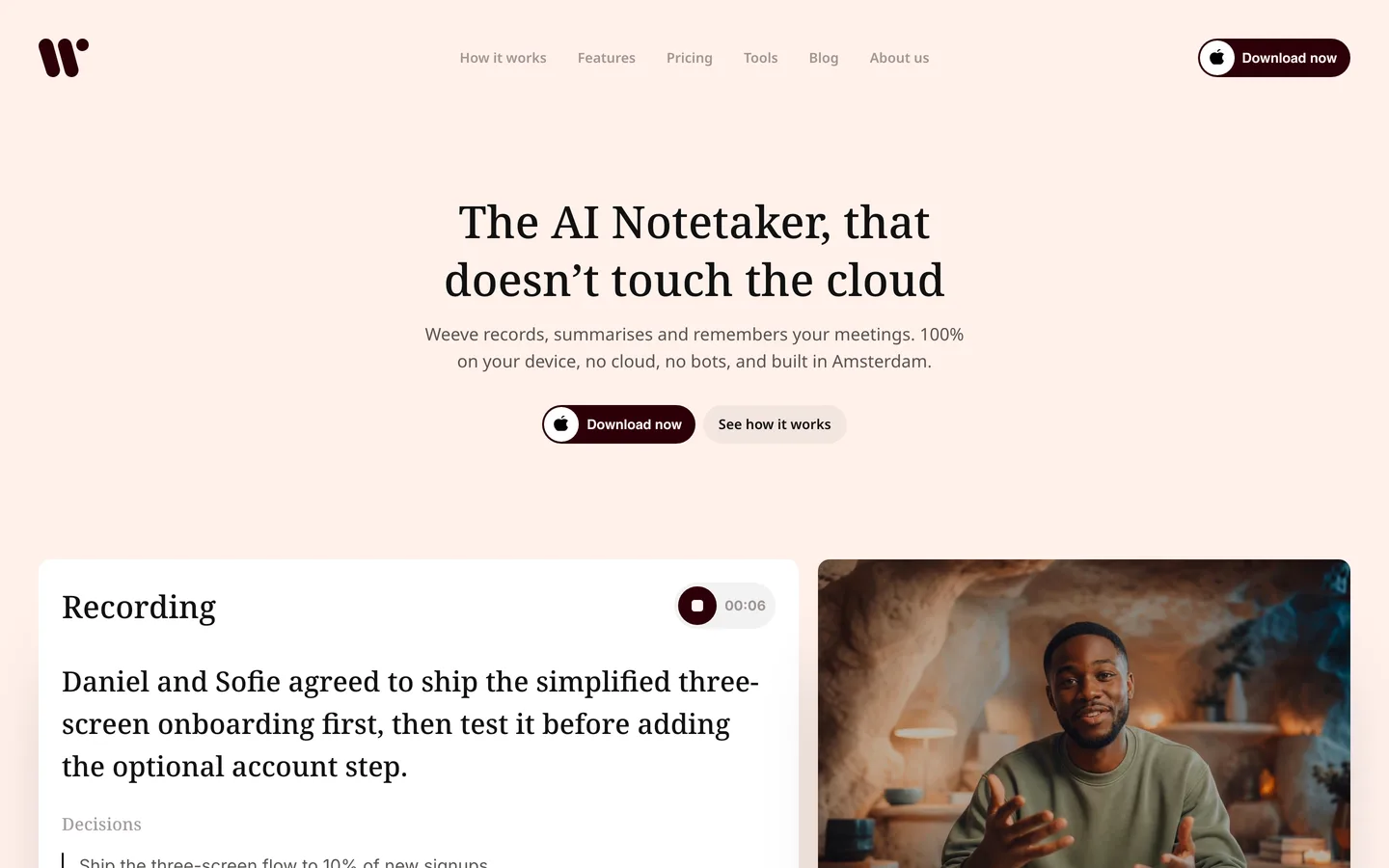
Weeve captures the Mac's own audio rather than joining as a participant, so nothing announces itself in the call. That is a courtesy, not a licence. Ask before you record. On-device processing means the recording never leaves the room, and saying so out loud is usually what gets you the yes.
Key features
Recording, transcription, speaker identification and summaries all run on the Mac
No bot joins the call, so nothing appears in the participant list
Works with Zoom, Google Meet, Microsoft Teams and Webex, because it captures the Mac's audio rather than integrating with each platform
Imports existing audio and video files and transcribes them locally
Runs Parakeet for transcription and Qwen or Gemma 4 for summaries depending on your hardware, across 25 European languages
Uses macOS's dedicated system audio API, not screen recording, so nothing on screen is captured
Best for
Independent consultants and small advisory firms on Macs running confidential client calls
Anyone whose client contracts or the client's own IT policy rules out cloud transcription
Pricing
Free Starter plan: 10 recordings in total, 2 projects, speaker identification, dictation and export
Pro at EUR 12,99 a month
Pros
The confidentiality answer is architectural rather than contractual, so it survives a security review
The write-up is mostly done when the call ends, which is where the recovered time actually comes from
No bot in the participant list, so client calls do not start with an explanation of what the robot is
Cons
Mac only, and it needs Apple Silicon with macOS 14.4 or later. No Windows and no mobile app
No shared workspace, no team seats and no admin console, so a firm that wants central oversight of everyone's notes is not the fit
Like all speech recognition, its accuracy drops on heavy accents, overlapping speakers and noisy rooms, which is worth knowing before you rely on it in a crowded workshop
2. Microsoft 365 Copilot, best for consultancies already on Microsoft
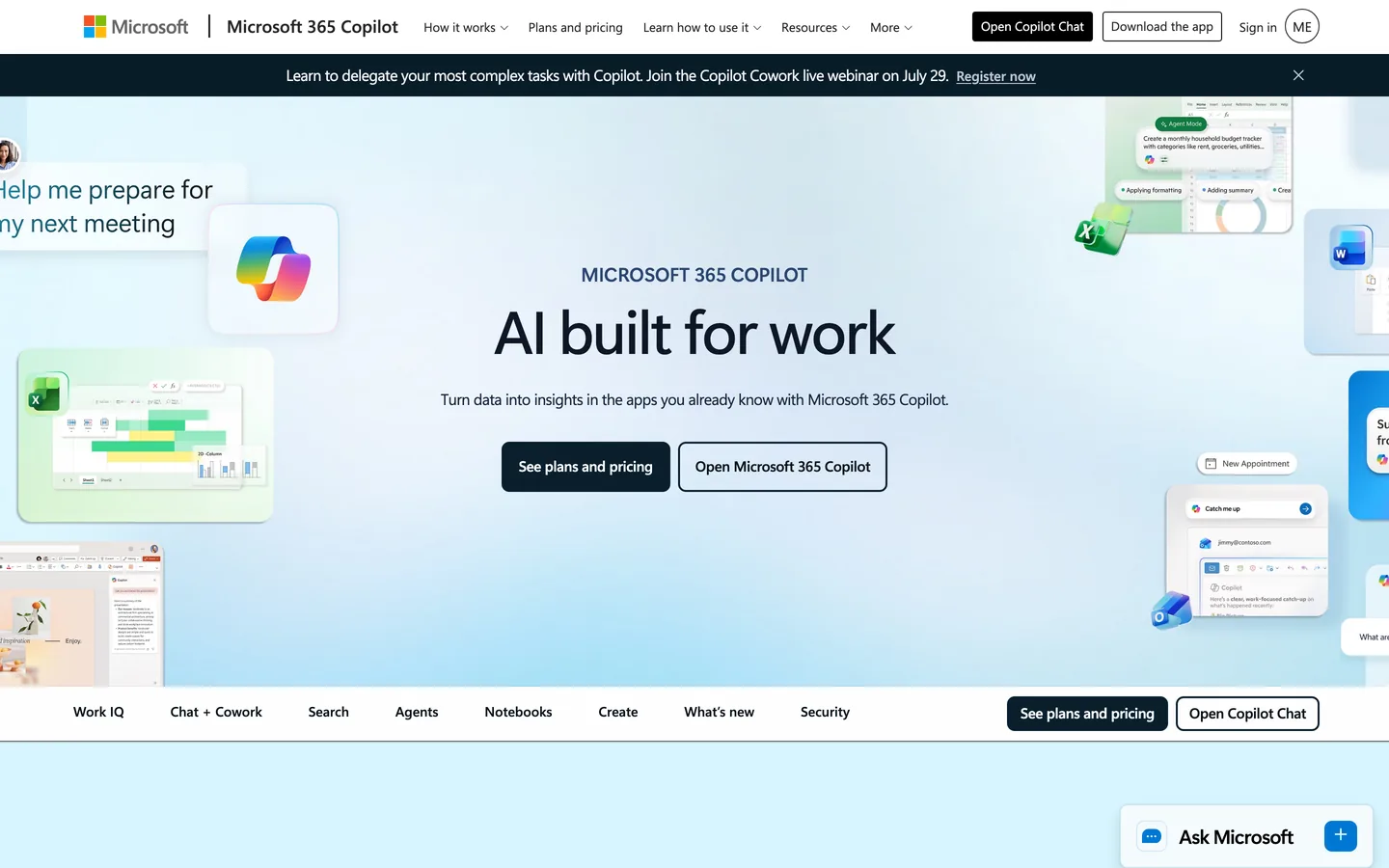
If your firm already runs on Microsoft 365, the meeting recap is sitting there waiting to be switched on. Copilot summarises Teams meetings, pulls out action items and answers questions about what was said, working from the transcript Teams already produces. Nothing new gets procured and no additional vendor gets access to client material, which is often the shortest path through your own internal approval process.
The honest framing is that Copilot is convenient rather than private. Processing happens in Microsoft's cloud, inside your tenant, under the agreement your firm already has with Microsoft. For a great many consultancies that is a perfectly reasonable answer, because Microsoft already holds the email and the documents for the same engagement. It is a weaker answer when a client asks specifically who else holds a recording of the conversation, and it does nothing for calls that are not on Teams.
Key features
Meeting recap and suggested action items inside Teams with no separate tool to deploy
Live transcription has to be switched on to ask Copilot about the meeting after it ends
Governed by your existing Microsoft tenant, admin controls and retention policies
Reaches beyond meetings into Word, Outlook and the rest of Microsoft 365
Available on web, desktop and mobile
Best for
Consultancies standardised on Microsoft 365 where IT wants one vendor rather than two
Teams whose client meetings genuinely all happen on Teams
Pricing
Sold as a per-user add-on to a Microsoft 365 plan. Check current pricing with your reseller or on Microsoft's own pricing page, as it varies by agreement
Pros
No new procurement, no new data processor, no new security questionnaire
Recap quality is strong and it reaches beyond meetings into the documents around them
Cons
Processing happens in Microsoft's cloud, so the recording does leave the device
Only covers Teams calls, which rarely matches the reality of client-side platforms
Needs the right licence tier before it appears at all, with intelligent recap sitting behind Teams Premium or a Copilot licence
Asking it about the meeting afterwards depends on live transcription being on during the call, which everyone present can see
3. Google Gemini in Meet, best for consultancies on Google Workspace
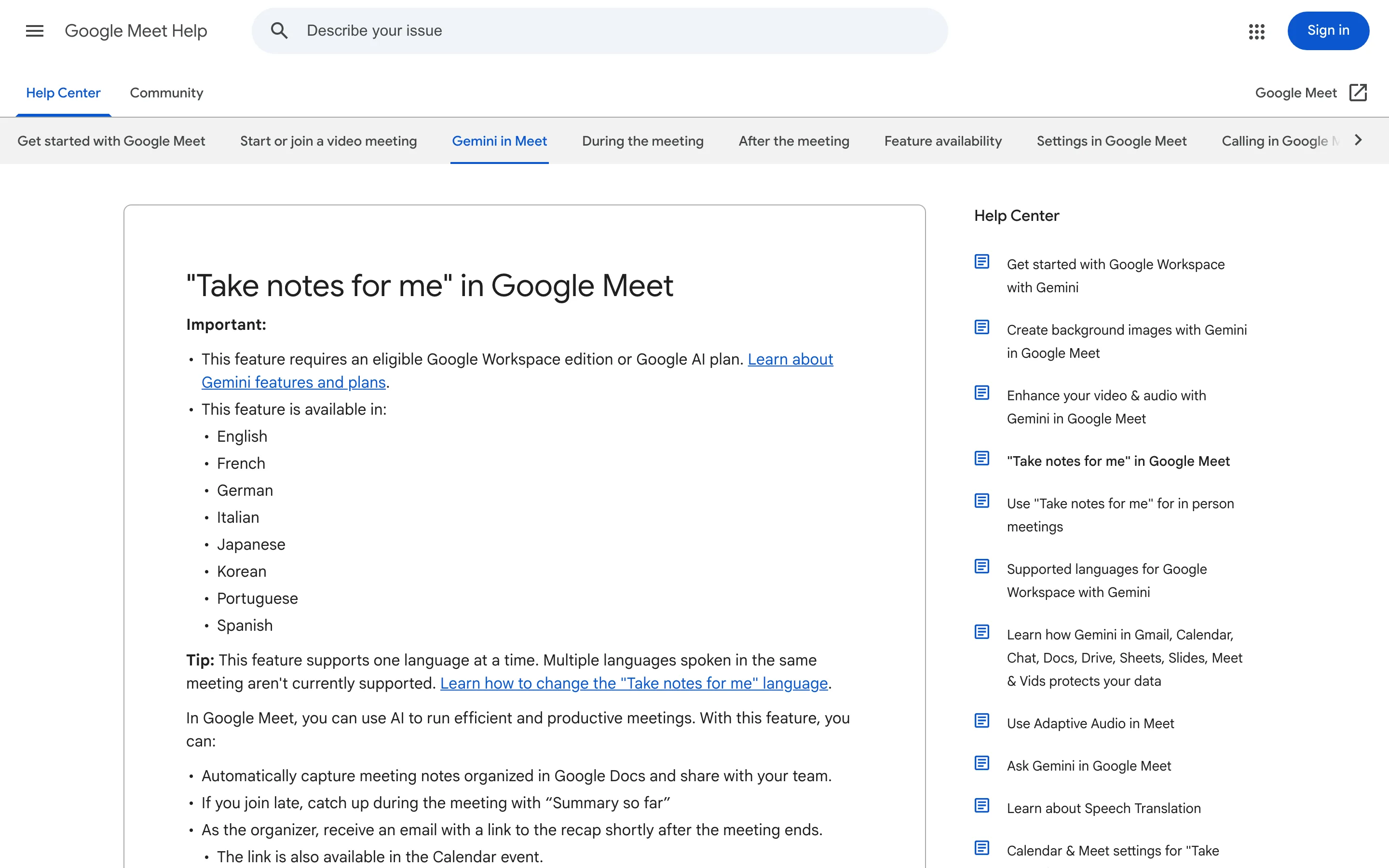
Gemini plays the same role for Google Workspace that Copilot plays for Microsoft. If your firm lives in Google Meet, it can take notes for you during the call and produce a summary afterwards, filed in Drive alongside everything else for that client. The appeal is the same: it is already inside the tools you pay for, so there is no separate app for anyone to learn and no new processor to add to your records.
The trade is also the same. Audio and transcript are handled in Google's cloud under your Workspace agreement, and the coverage stops at Google Meet. If half your client calls happen on the client's Zoom or the client's Teams, which for most consultants they do, the notes exist for some engagements and not others. That inconsistency tends to be the thing that eventually pushes people to a capture tool that does not care which platform the call is on.
Key features
Note-taking and summaries native to Google Meet, with output landing in Google Drive
Governed by your existing Workspace agreement and admin controls
No separate application to install or roll out
Available on web and mobile
Note-taking currently runs in eight languages: English, French, German, Italian, Japanese, Korean, Portuguese and Spanish
Best for
Google Workspace consultancies whose client meetings genuinely happen on Meet
Firms that want notes filed automatically into the Drive structure they already use
Pricing
Included with eligible Google Workspace plans rather than sold separately. Confirm which tier you are on, as availability differs by plan
Pros
Effectively zero rollout effort for a Workspace firm
Notes land where the rest of the client folder already lives
Cons
Processing happens in Google's cloud
Google Meet only, which leaves client-hosted calls on other platforms uncovered
Availability depends on your Workspace tier or a Google AI plan, so it is not universally switched on
Eight supported languages, which is thin for a European practice working across more of them
4. Plaud, best for in-person client meetings and site visits
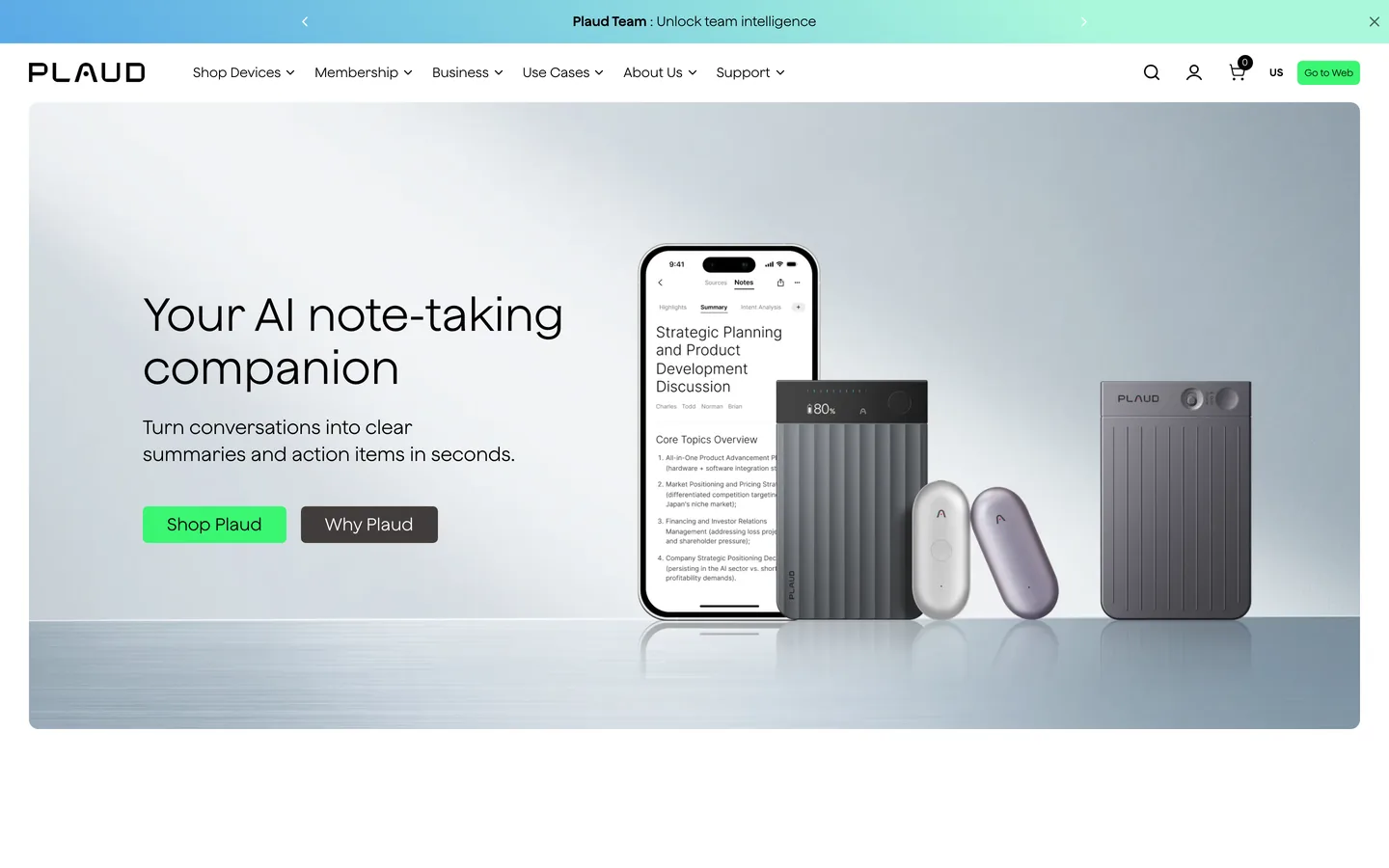
Plaud is hardware. It is a small recorder, sold as the Note, the Note Pro or the wearable NotePin, that captures a conversation and turns it into a transcript and summary in a companion app. For consultants the use case is specific and real, because a great deal of the work is not on a call at all. The workshop, the site visit, the interview across a meeting-room table. No software can join a conversation that has no dial-in, and a laptop notetaker has nothing to capture.
Read Plaud's privacy story carefully, because it is easy to misread in a way that matters for client work. Plaud lets you decide what syncs, and recordings can stay on the device rather than being retained in its encrypted cloud. But Cloud Sync governs storage, not processing. Plaud's own trust page states that data is transferred to the cloud for processing, and names GPT, Claude and Gemini among the model providers that handle it. Turning sync off means Plaud does not retain the audio, not that the audio never leaves the device. It holds ISO 27001, ISO 27701 and SOC 2 Type II, states GDPR and HIPAA compliance, and says customer data is not used to train models by default unless you opt in.
Key features
Dedicated recording hardware, so in-person conversations are covered without a laptop present
Transcript and summary generated in the cloud and returned to the companion app
Cloud Sync controls whether Plaud retains the recording, not whether it is processed remotely
ISO 27001, ISO 27701 and SOC 2 Type II certified, with stated GDPR and HIPAA compliance
No model training on customer data by default unless you opt in
Best for
Consultants who spend more time in rooms than on calls, running workshops and site visits
Anyone who wants one capture device that does not depend on whose meeting link it is
Pricing
A one-off hardware purchase for the device, plus an app plan for higher transcription volumes. Check current figures on Plaud's own store, as the device and plan prices move
Pros
Covers the in-person half of consulting work that call-based tools structurally cannot
Strong certification posture if your client's procurement team asks for paperwork
Cons
Processing is in the cloud regardless of the sync setting, which is the detail most people get wrong
It is another object to own, charge and remember to bring
Recording someone in a room needs consent just as much as recording a call, and hardware makes it easier to forget to ask
5. Rev, best when the transcript itself is the deliverable
Rev is a transcription company rather than a meeting notetaker, and for some consulting work that distinction is the whole point. Research programmes, expert interviews, regulatory or investigative work: sometimes what the client is paying for is an accurate record of exactly what was said, not a tidy summary of the gist. Rev offers two routes through the same platform, a fast AI pass for volume, and human transcription for anything that has to be exact. It advertises 99% or better accuracy on the human tier with turnaround inside 12 hours.
That is a genuinely different job from summarising a client call, and Rev is clear about which tier is which. On security, Rev states that uploaded content is not sold or used for third-party model training, and offers end-to-end encryption. The audio still goes to Rev's servers, which is the trade you are making in exchange for a human transcriber and an audit trail.
Key features
AI transcription at 95%+ accuracy, or human transcription at 99%+, in one workflow
99%+ accuracy claimed on the human tier, with turnaround in 12 hours or less
No third-party model training on uploaded content, with end-to-end encryption
Handles large volumes of recorded material rather than single meetings
Best for
Research-heavy engagements built on expert or stakeholder interviews
Any deliverable where a verbatim record has to stand up to scrutiny
Pricing
AI transcription at USD 0.25 a minute, advertised at 95%+ accuracy in five minutes or less
Human transcription at USD 1.99 a minute, 99%+ accuracy, delivered in 12 hours or less, with rush options from two hours
Pros
The human tier gives you an accuracy level no on-device or cloud AI currently matches
Genuinely built for volume, which suits interview programmes
Cons
Audio goes to Rev's servers, so it is the wrong shape for material a client will not let off-premises
It produces transcripts, not meeting memory. There is no running record of your client relationship
Per-minute pricing gets expensive fast at consulting call volumes
How to choose the best AI notetaker for consulting work
1) Where does the audio get processed?

This is the question a client's security review will ask, and it is the only one with an architectural answer. If the recording is processed on your own machine, as with Weeve, then the honest answer is that nobody else holds it. If processing happens in a vendor's cloud, as with Copilot, Gemini, Rev and Plaud, then the answer is a contractual one: someone else does hold it, governed by an agreement.
Neither is automatically wrong. A Microsoft-standardised firm handing audio to the same Microsoft tenant that already holds the client's email has not meaningfully widened its exposure. Adding a sixth independent vendor to the chain for the sake of nicer summaries is a different decision, and worth making deliberately rather than by default. There is more on that trade in why your AI note taker should stay off the cloud.
2) Are your client calls on your platform or theirs?
Consultants rarely control the meeting link. You join the client's Zoom, the client's Teams, occasionally their Webex. That single fact rules out more tools than any privacy consideration does, because platform-native options only cover their own platform. Copilot covers Teams. Gemini covers Meet. If your engagements span three clients on three stacks, a tool that captures your machine's audio regardless of platform will cover all of them, and a native one will cover a third of them.
3) How much of the work is in a room rather than on a call?

If a real share of your billable conversation happens face to face, in workshops or on site, call-based tooling has a structural gap. Plaud exists for exactly that gap. It is worth being honest with yourself about the ratio before choosing, because the tool that handles 90% of your conversations is more useful than the one that handles the 40% you happened to think of first.
4) Do you need a summary or a record?
A summary is for acting on. A record is for proving. Most client calls need the first, which is what a notetaker gives you. Expert interviews, regulatory work and anything that could later be disputed need the second, which is where Rev's human tier earns its cost. Some engagements need both, and there is no shame in running a notetaker day to day and sending the two conversations that matter to a human transcriber. If it is the summary you are after, how to write a meeting summary covers what actually belongs in one.
To see these next to tools built for every kind of meeting, the best AI notetakers are compared side by side on privacy.
One more thing worth settling before any of this: whether you are allowed to record at all. Consent rules vary by jurisdiction and by who is on the call, and client contracts sometimes address it directly. Is it legal to record a meeting goes through it properly.
Try Weeve for confidential client work
If your client conversations are the kind you would rather not hand to a third party, Weeve keeps the whole thing on your Mac: the recording, the transcript and the summary. The free Starter plan gives you 10 recordings in total, which lets you test it on real client calls before upgrading.
FAQ
What is the best AI notetaker for consultants?
It depends on where your client work sits. For confidential engagements on a Mac, Weeve is the strongest option because the recording, transcript and summary never leave your machine, which is an answer that survives a client security review. For a firm already standardised on Microsoft 365 or Google Workspace, Copilot or Gemini give you most of the value with no new vendor. If much of your work is in person, Plaud covers a gap the others structurally cannot.
Can I record a client call without telling them?
Ask first. Consent rules differ by jurisdiction and by where the participants are, and quite apart from the law, being caught recording a client without saying so damages the relationship far more than the notes are worth. In practice a short sentence at the top of the call is enough, and explaining that the recording stays on your own machine is usually what turns a hesitant yes into an easy one.
Do AI notetakers work if the client sends the meeting link?
Not all of them. Platform-native tools like Copilot and Gemini only work inside their own platform, so if you join a client's Zoom from a Microsoft-based firm, Copilot will not be there. Tools that capture your computer's audio directly, like Weeve, do not depend on whose meeting it is, which matters for consultants specifically because you almost never own the link.
Is a local AI notetaker accurate enough for professional work?
For meeting summaries and action items, yes, and the models running on-device now are strong. Weeve itself states that accuracy drops with heavy accents, overlapping speakers and noisy rooms, which is a fair caveat for anyone planning to use it in a busy workshop. Where you need a verbatim record that has to be exact, a human transcription tier of the kind Rev offers is still meaningfully more accurate than any automated option.
What about my whole team, not just me?
This is where honesty matters more than a sales pitch. Weeve is built around an individual's Mac. There is no shared workspace, no team seats and no admin console, so if what you need is central oversight of every consultant's client notes, it is not the right tool today. The cloud platforms are considerably stronger on that, and Copilot in particular inherits the admin controls your firm already runs.
Does it work on Windows?
Weeve does not. It is Mac only and needs Apple Silicon with macOS 14.4 or later. Copilot, Gemini and Rev are all platform-agnostic, and Plaud is hardware with iOS and Android apps, so any of those cover a mixed-device firm better.