Research
Best AI notetakers for recruiters: 5 compared

Dylan de Heer

A recruiter runs six to ten interviews on a busy day, and in every one of them is the person asking the questions rather than the person taking notes. So the notes get written afterwards, from memory, in the four minutes before the next call. By Thursday the Tuesday morning screen has blurred into the Tuesday afternoon one.
The catch is not whether a tool can transcribe the call. They all can. The catch is what happens to the recording. A CV walkthrough, a stated salary expectation and forty-five minutes of someone explaining why they are leaving their current employer are personal data about a third party: a candidate who never signed up for your vendor, has no relationship with them, and did not choose where their voice gets stored. Most tools on this market upload that to a server in another country and put a visibly named bot in the participant list while they do it.
This page compares five tools on where the audio is processed, whether a bot joins, how they fit an applicant tracking system, and what they actually cost. One thing worth saying before the list rather than burying at the bottom: the specialist recruiting notetakers beat everything here on ATS integration, and there is a section below that says exactly where that matters more than anything else on this page.
Best AI notetakers for recruiters: a brief overview
Tool | Where the audio is processed | Bot joins the call? | ATS sync | Platform | Price |
|---|---|---|---|---|---|
Weeve | On your Mac | No | None | macOS 14.4 or later, Apple Silicon only | Free Starter, Pro EUR 12,99 a month |
Microsoft 365 Copilot | Microsoft cloud, your tenant | No, native to Teams | None natively | Teams, cross-platform | USD 21 per user a month paid yearly, plus a qualifying Microsoft 365 licence |
ZoomMate | Zoom cloud | No, native to Zoom | None natively | Zoom, cross-platform | Limited features free on Workplace Basic; from USD 20 per user a month, or USD 16,67 billed annually, for 2,200 AI credits |
Gemini in Google Meet | Google cloud, your Workspace domain | No, native to Meet | None natively | Google Meet, cross-platform | Included in Workspace, Business Standard EUR 13,60 per user a month on a one-year plan |
Plaud | Uploaded to Plaud's cloud | No call to join, it is hardware | None | Hardware, works anywhere | Device purchase plus a plan: free 300 minutes a month, Pro USD 17,99 a month for 1,200 minutes |
1. Weeve, best for interviews that never leave your Mac
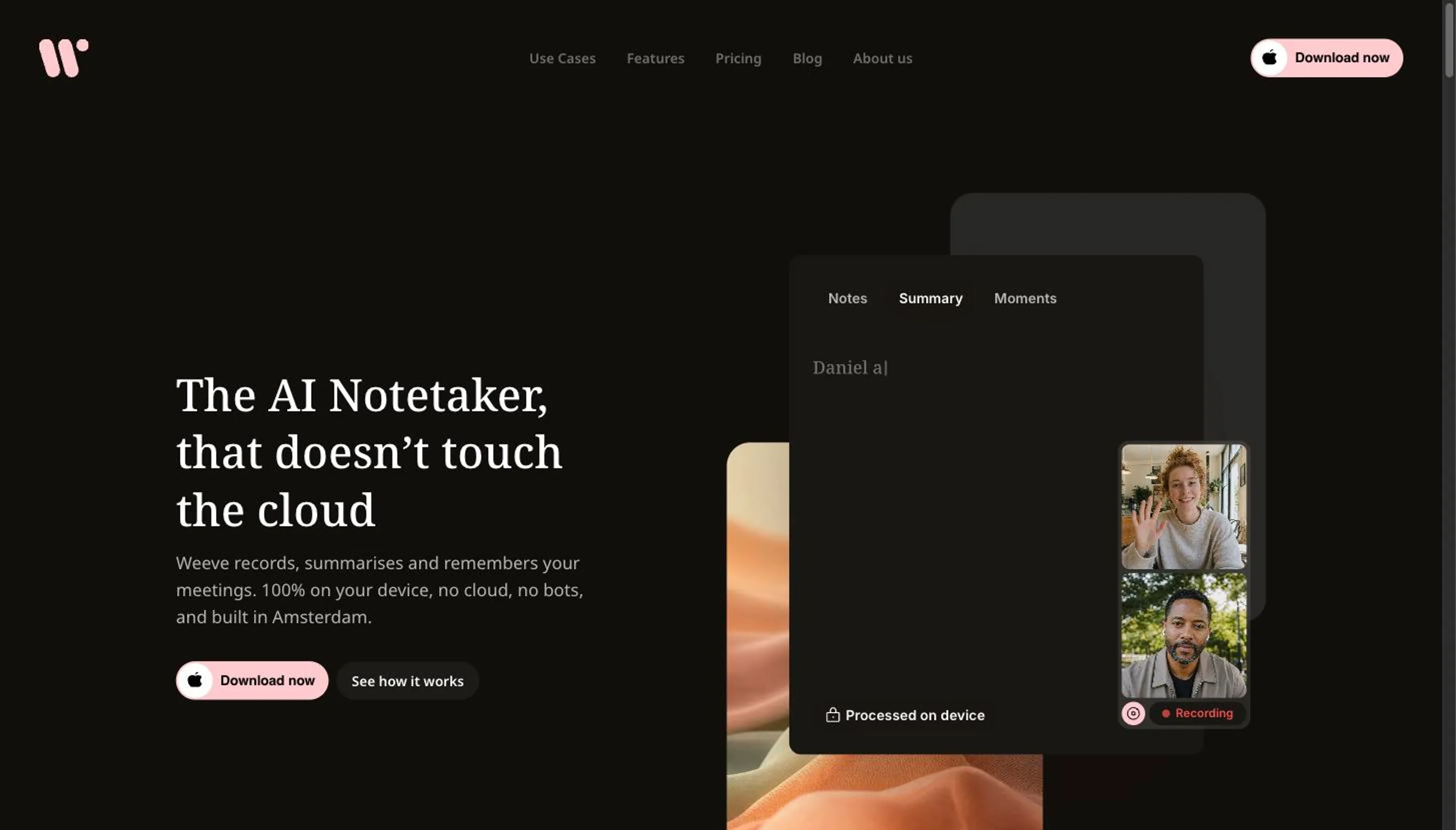
Weeve runs the whole job on the machine. Recording a job interview, transcription, speaker identification and the summary all happen on the Mac itself, using models that run on Apple Silicon. Nothing uploads. No bot appears in the participant list, so what the candidate sees is a normal video call with a person on the other end of it.
For a recruiting desk that matters in specific places rather than in general. Back-to-back screening calls where you are trying to remember which of four candidates mentioned the visa question. Salary conversations. Reference calls, where you are discussing a named third party who is definitely not in the room. And executive search, where the fact that a conversation happened at all is the confidential part, and a vendor's server log is a record that the conversation happened.
The free Starter plan covers 10 recordings in total and two projects. Pro is EUR 12,99 a month. It transcribes twenty-five European languages, and it will import an audio or video file you recorded somewhere else and transcribe that locally too.
Now the part that decides whether this is your tool. Weeve is Mac only. It needs Apple Silicon and macOS 14.4 or later, and there is no Windows version and no mobile app, so a recruiting team on Windows laptops should stop here. There is no applicant tracking system integration of any kind. There is no shared workspace and there are no team seats, so notes live on one recruiter's machine rather than in a pooled library. Weeve holds no compliance certifications, and its own accuracy limits are the ones that bite in recruiting specifically: accuracy drops on heavy accents, on overlapping speakers, and in noisy rooms. If you hire internationally, that third point is not theoretical.
2. Microsoft 365 Copilot, best for hiring teams already living in Teams
If the interview happens in Teams and the organisation already pays for Microsoft 365, the recap is sitting there after the call and there is nothing new to buy into. No bot joins, because Copilot is part of the platform rather than a guest in it. For a hiring manager who does four interviews a quarter and lives in Outlook, this is the path of least resistance and it is a real answer.
The costs are structural. Processing happens in Microsoft's cloud, and the recording and transcript land in the tenant, which means they sit inside a system your IT department administers and where anyone with the right permissions can retrieve them later. For most internal hiring that is fine and arguably correct. For a confidential search, or for a recruiter at an agency handling another company's candidates, "it is in our tenant" is the beginning of a conversation rather than the end of one. Copilot is USD 21 per user a month paid yearly, on top of a qualifying Microsoft 365 licence, and Microsoft is running a promotional rate through the end of 2026.
3. ZoomMate, best when candidates join on Zoom
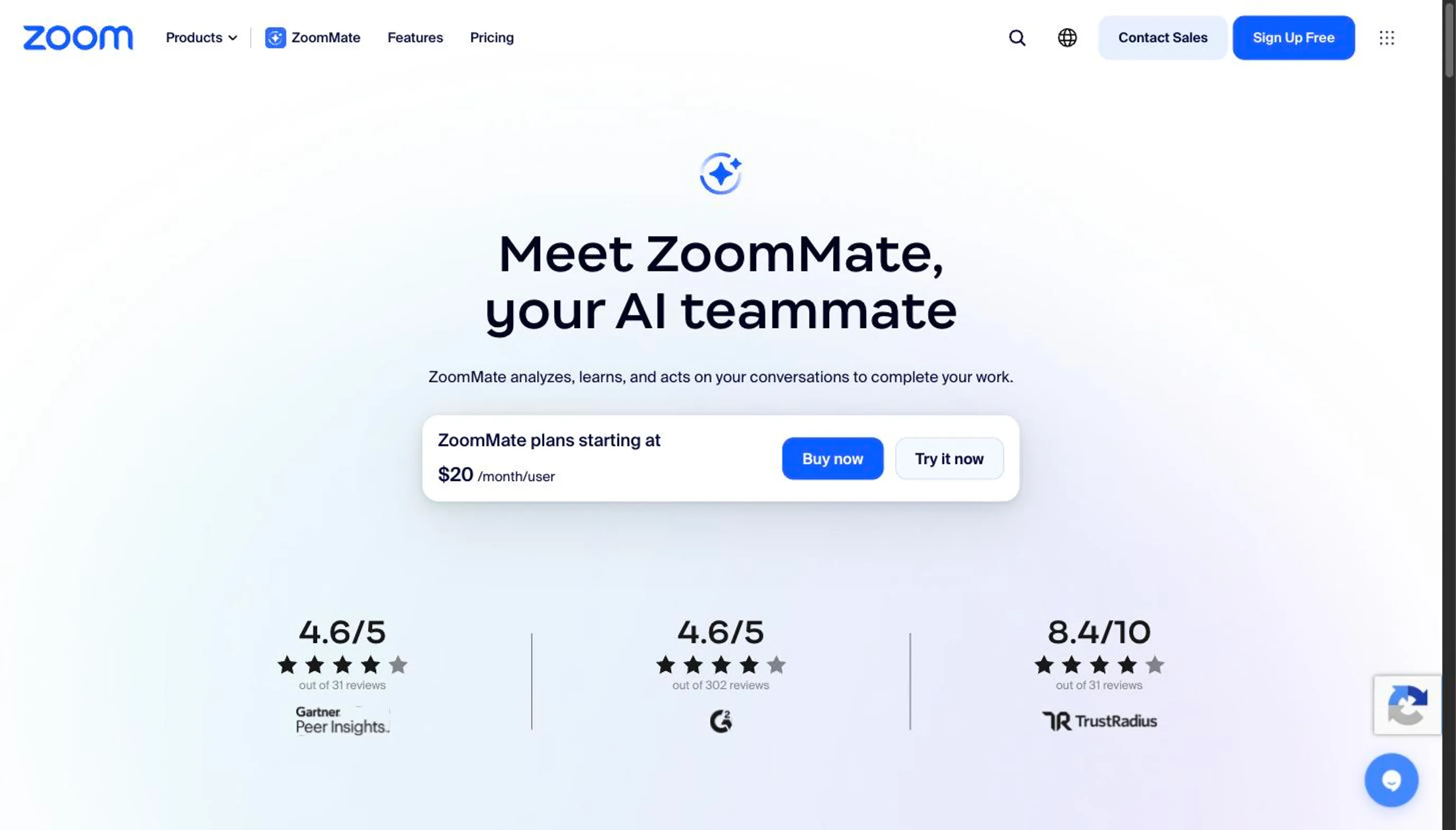
Zoom is where a great deal of agency screening actually happens, because it is the link a candidate will open without asking what it is. Zoom's assistant is native, so again there is no bot in the participant list, and admins control whether it is on at all.
Two honest caveats. Processing is in Zoom's cloud, on the same terms as the meeting itself. And Zoom has restructured how the assistant is sold: there is a limited free tier attached to Workplace Basic, and the paid tier starts at USD 20 per user a month, or USD 16,67 if you commit annually, metered in AI credits, 2,200 of them. That is a different shape from the flat "included with your paid plan" this category assumed for the last two years, so check what your account actually has rather than what a comparison post told you.
4. Gemini in Google Meet, best for hiring on Google Workspace
Native to Meet, and the output lands in Drive alongside the rest of the hiring file, which is genuinely useful when the CV, the scorecard and the notes all want to be in one folder. Gemini is included in Workspace rather than sold as a separate add-on, with Business Standard at EUR 13,60 per user a month on a one-year plan.
The trade-offs run the same way as the other platform tools. Processing is Google's cloud, the capability you get depends on the Workspace tier your organisation bought, and everything is retained inside the domain's Drive under whatever retention policy your admin set, which may well be forever. Worth knowing that Google's own pricing page sells Gemini in Meet as an assistant rather than as meeting notes, so confirm the specific note-taking feature is available on your tier before you build a process on it.
5. Plaud, best for onsite and campus interviews

The others all assume a call. Plaud is hardware, which means it works in a room where there is nothing to join: the assessment centre, the campus careers fair, the site visit, the interview that happens at a table because the candidate came in. That is a real gap in every software answer on this page, and hardware fills it.
The costs are equally concrete. It uploads to Plaud's cloud for transcription, so the candidate's audio leaves the room and the building. It is a device you have to buy, charge and remember, and it is a visible object sitting on the table, which is its own kind of disclosure. Plans run from a free tier at 300 transcription minutes a month to a Pro tier at 1,200 minutes for USD 17,99 a month, or USD 99,99 a year, with an unlimited tier above it.
Where Weeve loses to the ATS-native recruiting tools
This is the section to read if you are choosing seriously.
There is a category of recruiting notetaker built specifically for hiring, and what those tools do is write structured interview feedback straight back into the applicant tracking system. They map a candidate's answers to scorecards and competencies. They give a hiring manager a shared candidate library where every interviewer's notes on the same person sit together, in the system where the hiring decision is actually made.
Weeve does none of that. There is no integration with Greenhouse, Lever, Workday or Ashby. There is no scorecard mapping and no structured feedback fields. There are no team seats, no shared workspace and no admin console. Notes reach your ATS by copy and paste, and they live on one recruiter's Mac rather than in a pool the hiring manager can open.
So if the buying criterion is ATS sync, a local Mac tool is the wrong tool, and no amount of privacy argument changes that. Buy the integrated one.
What you get in exchange, stated without inflating it: the candidate's audio never leaves the machine. There is no processor to add to your record of processing activities for that audio, no bot in the participant list, and no vendor holding a copy of a conversation about someone who never agreed to be their data subject.
Candidate data is third-party personal data
Nobody on this SERP wants to talk about this, and it is the thing that should worry a recruiter most.
A candidate is not your customer. They did not accept your vendor's terms, they have no account, and in many cases they will never hear the vendor's name. Under GDPR the recording, your notes about their CV and their stated salary expectation are all personal data you are processing about a third party. That brings a lawful basis you have to be able to name, a retention period you have to have decided, an entry in your processor records for every vendor that touches the file, and a subject access request you have to be able to answer within a month, from a rejected candidate who is annoyed.
What changes when the file never leaves the Mac is narrow but real. There are fewer processors to disclose, because the audio did not go to one. Retention becomes a folder you control rather than a setting in someone else's console. Deletion means the file is gone, rather than gone from your view of a system that keeps backups.
None of that makes anyone compliant, and Weeve does not claim it does. Weeve holds no compliance certifications. The architecture reduces the surface, it does not do your paperwork. Our piece on why local processing changes the GDPR picture goes through what it does and does not cover.
Telling the candidate there is a bot in the room
There is a practical problem with a visibly named bot in a screening call, separate from any legal one. A candidate who is already nervous reads an unfamiliar participant called something like "Notetaker" as being recorded for assessment, and it changes how they answer. People get shorter and more careful. You end up interviewing a version of the person.
That is not an argument for recording quietly. It is an argument for telling them yourself, in a sentence, at the start: that you are recording so you can pay attention rather than write, that it is for your notes, and that you will delete it after the process closes. Ask, and wait for the answer.
The legal floor varies. Some jurisdictions need only one party to consent and some need everyone, and for an international pipeline the practical rule is to ask every time rather than to work out which rule applies to a candidate in another country. Our guide to the legality of recording a meeting covers the detail. Because Weeve records the Mac's own audio without joining the call, nothing on screen discloses anything, which makes telling the candidate entirely your job.
What a free AI notetaker for recruiters actually gets you
Weeve's Starter plan is free, needs no card, and gives you 10 recordings in total across two projects, with the same on-device processing as the paid tier.
Be realistic about what ten recordings is. For a recruiter doing eight screens a day, that is a light week, or one search, or the shortlist stage of one role. It is enough to find out whether the workflow suits you and not enough to run a desk on. That is the honest shape of it.
If volume is the problem and the interviews already happen on Teams, Zoom or Meet on licences your company pays for, the native recap costs nothing extra at the margin and will cover a high-volume desk. The reason to pay for something else is the candidate's audio, not the transcript.
How to choose an AI notetaker for recruiting
1) Does it have to write back into your ATS?
Answer this one first, because it eliminates most of the field either way. If the hiring manager expects structured feedback in Greenhouse or Ashby and will not accept a pasted summary, buy an ATS-native tool and stop reading comparison posts. If notes are for you, and the ATS gets a tidy paragraph you paste in, the field opens up.
2) Where does the candidate's audio physically end up?
Not the marketing answer, the storage answer. Which company holds the file, in which country, for how long, and who inside your organisation can pull it up in eight months. A recruiter should be able to answer this for a candidate who asks, without opening a ticket.
3) Will a bot appear in the participant list?
Native platform assistants and on-device tools do not add a participant. Third-party notetakers usually do. This affects how the interview feels, and it decides whether disclosure is handled by the screen or by you.
4) Do you need a summary or a verbatim record?
Different jobs. A summary is for remembering a screening call. A verbatim, speaker-attributed transcript is for quoting someone accurately, which matters for reference calls and for any decision you might have to justify later. Our page on interview transcription software covers the verbatim side properly. For meetings beyond hiring, see which is the best AI notetaker for general use in our ten-tool comparison.
Try Weeve for candidate interviews
If the part that bothers you is that a candidate's voice ends up on a vendor's server, that is the specific problem Weeve was built for. The free Starter plan is 10 recordings in total with no card. It is Mac only, and it needs Apple Silicon and macOS 14.4 or later, which is worth checking before you download it rather than after.
FAQ
What is the best AI notetaker for recruiters?
It depends on whether ATS integration is a requirement. If it is, a specialist recruiting notetaker that writes into Greenhouse, Lever or Ashby will beat everything on this page. If it is not, and the concern is where the candidate's audio ends up, Weeve keeps the whole job on the Mac. If the interviews are already on Teams, Zoom or Meet and budget is the constraint, the native assistant you already pay for is the sensible answer.
Does Weeve integrate with Greenhouse, Lever or Workday?
No. Weeve has no applicant tracking system integration at all, and none is planned that we can point at. The workflow is that Weeve produces the transcript and summary on your Mac and you paste what matters into the candidate record. If automatic write-back is what you need, Weeve is the wrong tool.
Do I have to tell a candidate I am recording the interview?
Legally it varies: some jurisdictions require only your consent, others require everyone's. Practically, for a pipeline that crosses borders, tell them every time. It takes one sentence at the start, it is the only rule that works everywhere, and a candidate who finds out afterwards will remember your company for it.
Is there a free AI notetaker for interviews?
Yes, several. Weeve's Starter plan is free with 10 recordings in total and two projects, and Zoom has a limited free tier. If your employer pays for Google Workspace, Gemini is included in the plan rather than sold separately, which for a high-volume desk is the cheapest workable answer. Microsoft is the exception worth knowing: Copilot is a paid add-on on top of your Microsoft 365 licence, not something your existing subscription already covers.
Does it work on Windows?
No. Weeve is Mac only and needs Apple Silicon with macOS 14.4 or later. There is no Windows version and no mobile app. If your recruiting team is on Windows laptops, use one of the platform-native options or an ATS-native recruiting tool instead.
Can my whole recruiting team share the notes?
No. Weeve has no shared workspace, no team seats and no admin console. Notes stay on the machine that recorded them, and sharing means exporting and sending. For a team that needs a pooled candidate library, that is a genuine reason to choose something else.
A tool that keeps a candidate's voice is holding something they only lent you.