Research
Best Fireflies alternatives for confidential client work

Dylan de Heer

People leave Fireflies for two reasons that have nothing to do with how well it works. The first is Fred: the bot that joins the call as a visible participant, which is fine for an internal standup and awkward in a client intake or a supervision session. The second is the architecture underneath. Every meeting is uploaded to Fireflies to be transcribed, and for some kinds of work that upload is the thing that has to stop, whatever protections sit around it.
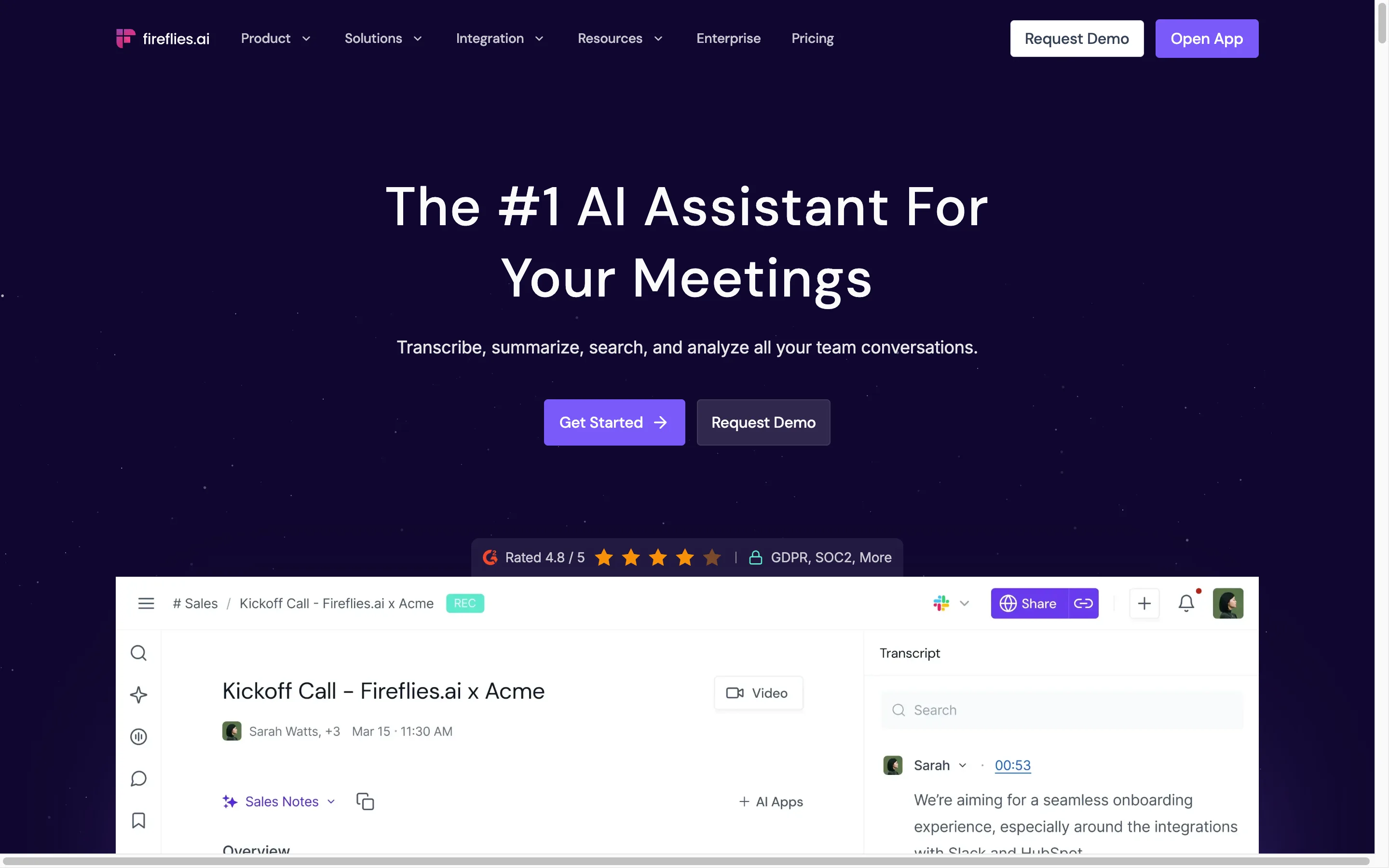
Fireflies is a strong product and worth being fair about. It transcribes in more than 100 languages, its free plan gives unlimited transcription if you let it auto-join your calendar, it plugs into nearly everything, and its security posture is unusually explicit: SOC 2 Type II, GDPR and HIPAA certification, a zero data retention policy for meeting content, and a written statement that customer meetings are not used to train AI models. If your objection is that you do not trust cloud notetakers in general, Fireflies has done more than most to answer that.
This page compares four alternatives on the thing that actually differs between them: where your meeting is processed, and whether anything joins the call. Summary table first, then each tool with real pricing, honest pros and honest cons.
Best Fireflies alternatives: a brief overview
Weeve: the fully local option. The AI and your recordings both stay on your Mac, nothing is uploaded, and no bot joins your calls.
Granola: the botless cloud notepad. You type rough notes during the call and it merges them with the audio afterwards, without a participant appearing.
Jamie: the botless option that works beyond the Mac, with EU hosting and meeting notes across platforms.
MacWhisper: the one-off purchase. A Mac and iPhone app that transcribes files and records meetings without a bot, bought once rather than rented.
Tool | Key strength | Starting price | Best for |
|---|---|---|---|
Weeve | The AI and the data both stay on the Mac | Free Starter, Pro €12,99/month excl. VAT | Confidential conversations on a Mac |
Granola | Botless capture around notes you type yourself | Free Basic, Business $14/user/month | People who write their own notes during calls |
Jamie | Botless capture with EU hosting, beyond the Mac | Free 10 meetings, Plus €21/month billed annually | European teams that are not all on Macs |
MacWhisper | Local transcription, bought once | Free version, Pro €65 one-off licence | A backlog of files, and meetings without a monthly bill |
What is Fireflies?
Fireflies is a cloud meeting assistant used, by its own count, across more than a million companies. Its best known capture route is a bot: you invite fred@fireflies.ai to a call, or let it join your calendar meetings automatically, and it records, transcribes and summarises. It also offers a desktop app, a Chrome extension, mobile apps for Android and iOS, and API access, so the bot is not the only way in.
Architecturally it is a cloud service. Meeting audio goes to Fireflies to be transcribed, and transcripts and summaries live in your workspace there. The company documents a zero data retention policy for that meeting content, saying it is not stored by third-party vendors after processing, not accessed once the service completes, and not used to train internal or external AI models. One point of precision: its security page claims GDPR, SOC 2 Type II and HIPAA certification, while its pricing grid lists HIPAA compliance as an Enterprise line item rather than something every plan carries.
Pricing runs from a free plan with unlimited transcription and 400 minutes of storage per team, through Pro at $10 per seat a month billed annually, or $18 monthly, with 8,000 minutes of storage per seat. Business is $19 per seat billed annually, or $29 monthly, and Enterprise is $39 per seat, annual only.
Its genuine strength is reach: more than 100 languages, apps on every platform, and integrations with nearly everything. Its genuine limitation, for a particular kind of buyer, is that the recording still has to leave the room.
How Fireflies compares to the top alternatives
Feature | Fireflies | Weeve | Granola | Jamie | MacWhisper |
|---|---|---|---|---|---|
Where AI processing happens | Fireflies cloud | On the Mac, fully local | Cloud | EU cloud | On the Mac, or a cloud model if you connect one |
Where recordings are stored | Fireflies workspace | On the Mac | Cloud | EU cloud, audio deleted after transcription | On the Mac |
Bot joins the meeting | Yes, or desktop app and extension | No | No | No | No |
Works with Zoom, Meet and Teams | Yes | Yes, captures the Mac's audio | Yes | Yes | Yes, Zoom, Teams, Webex, Skype, Chime, Discord and browser calls |
Captures an in-person conversation | Yes, via the mobile app | Yes | Yes, via the mobile app | Yes | Yes, from the Mac's microphone |
AI summaries | Yes | Yes, from a local model | Yes | Yes | Yes |
Audio and video file import | Yes | Yes | Not listed | Not listed | Yes, this is the product |
Languages | 100+ | 25 European | 31 on desktop, 17 on mobile | 99+ | 100 |
Platforms | Mac, Windows, web, mobile | Mac only | Mac, Windows, iOS, Android | Mac, Windows, mobile | Mac, iPhone and iPad |
Mobile app | Yes | No | Yes | Yes | Yes, iPhone and iPad |
Team workspace | Yes | No | Yes | Yes | No |
Free tier | Yes, unlimited transcription | Free Starter, 10 recordings in total | Free Basic | Free, 10 meetings a month | Free version |
Starting paid price | $10/seat/month billed annually | €12,99/month excl. VAT | $14/user/month | €21/month billed annually | €65 one-off |
Read that table for the first row and the third. Everything else is preference. Those two are architecture, and architecture is the only thing you cannot change later by upgrading a plan.
1. Weeve: best for keeping the AI and your data on your Mac
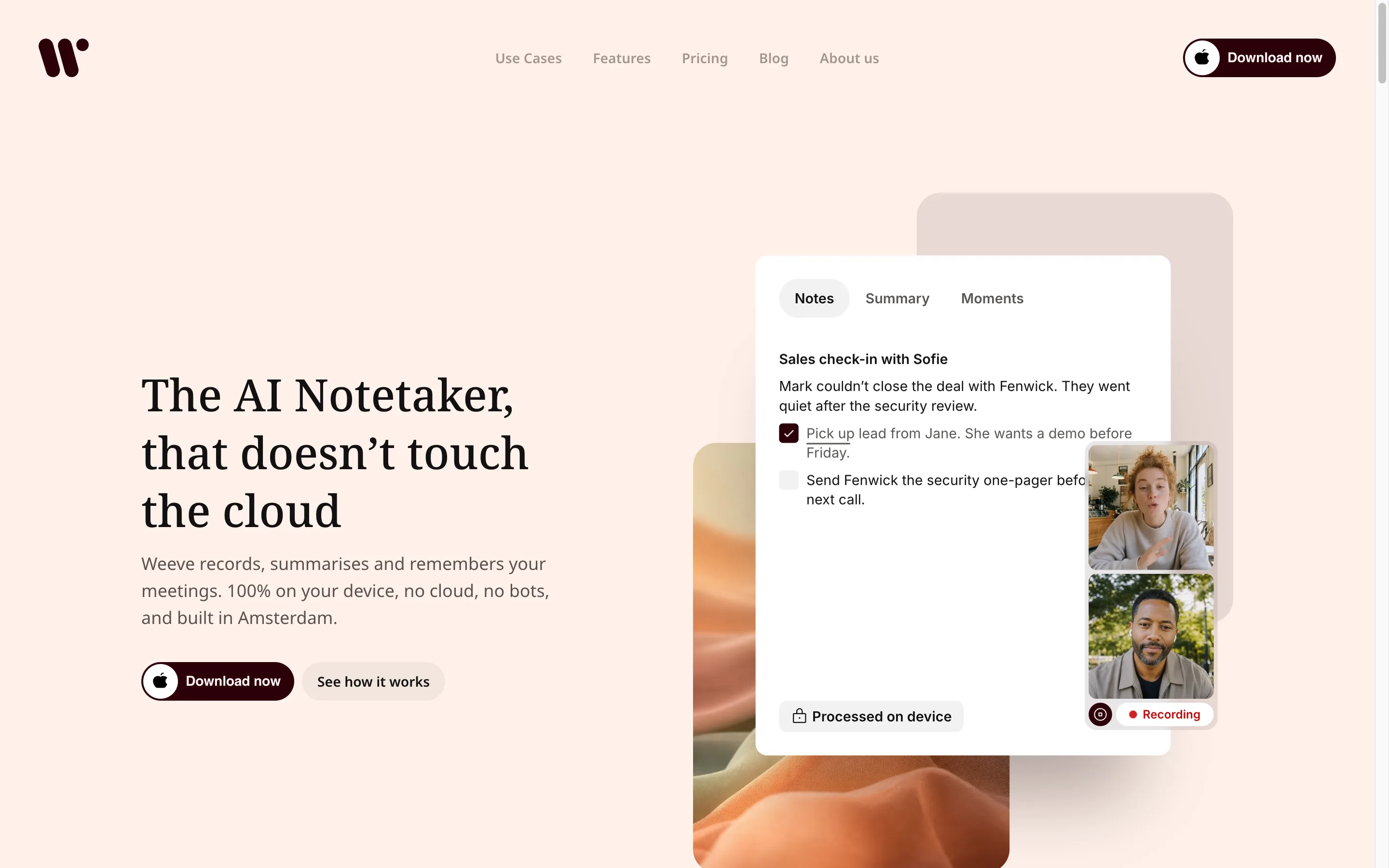
If you came here because a client asked where the recording goes, this is the section that answers it. Weeve is a Mac app that records the meeting through the Mac itself, transcribes it with a local speech model, and writes the summary with a local model too. No meeting content is uploaded, so there is no processor handling the recording and no retention policy covering it. You sign in with an email address; the meeting itself goes nowhere. Because it captures the Mac's own audio rather than joining a call, it covers Zoom, Google Meet, Microsoft Teams and a conversation across a table with the same workflow, and nobody sees a participant appear.
That last part still needs you. Nothing on screen announces an in-room recording, so say you are recording and wait for the yes. On-device means the recording never leaves the room; it does not mean you can skip asking. Whether recording is legal varies by country.
Key features
Transcription and summaries both run on the Mac, with Parakeet for speech and Qwen or Gemma 4 for summaries depending on your hardware
No bot and no participant, because it captures the Mac's audio rather than joining the call
Works across Zoom, Meet, Teams and in-person conversations with one workflow
25 European languages, detected automatically
Imports audio and video files, so an old recording can be transcribed locally too
Projects to keep one client's meetings together, and speaker identification
Best use cases
A therapist or coach running client sessions from a MacBook, where the session notes are the sensitive record
A small law firm or notary practice where privileged conversations cannot sit in a vendor's workspace
A consultant who wants the follow-up written by the time the call ends, without an upload step that can fail
Pricing
Starter: free, 10 recordings in total, 2 projects, speaker identification, dictation and export
Pro: €12,99 a month excluding VAT, unlimited recordings and projects
Pros
The recording, the transcript and the summary all stay on the machine that made them, which turns a contractual privacy question into an architectural one
No bot means nothing for a client to react to, which matters more in a first session than it does in a standup
No upload step means no upload step to fail, and the summary is ready when the call ends
The free tier is enough to judge the transcript on a real meeting
Cons
Mac only, and it needs Apple Silicon with macOS 14.4 or later. No Windows and no mobile app
No team workspace and no shared cloud library, so Fireflies wins outright if you need either. Weeve exports the finished notes rather than syncing into a CRM
25 European languages against Fireflies' 100 plus, and like all speech recognition, its accuracy drops with heavy accents, overlapping speakers and noisy rooms
Fireflies is the better tool for a sales team that lives in a CRM. Weeve is the better tool when the conversation itself is the thing that must not travel.
If the upload is the part you want gone rather than the price, that is exactly the step Weeve removes, and the free Starter plan covers 10 recordings in total while uploading nothing of the meeting.
2. Granola: best for people who write their own notes
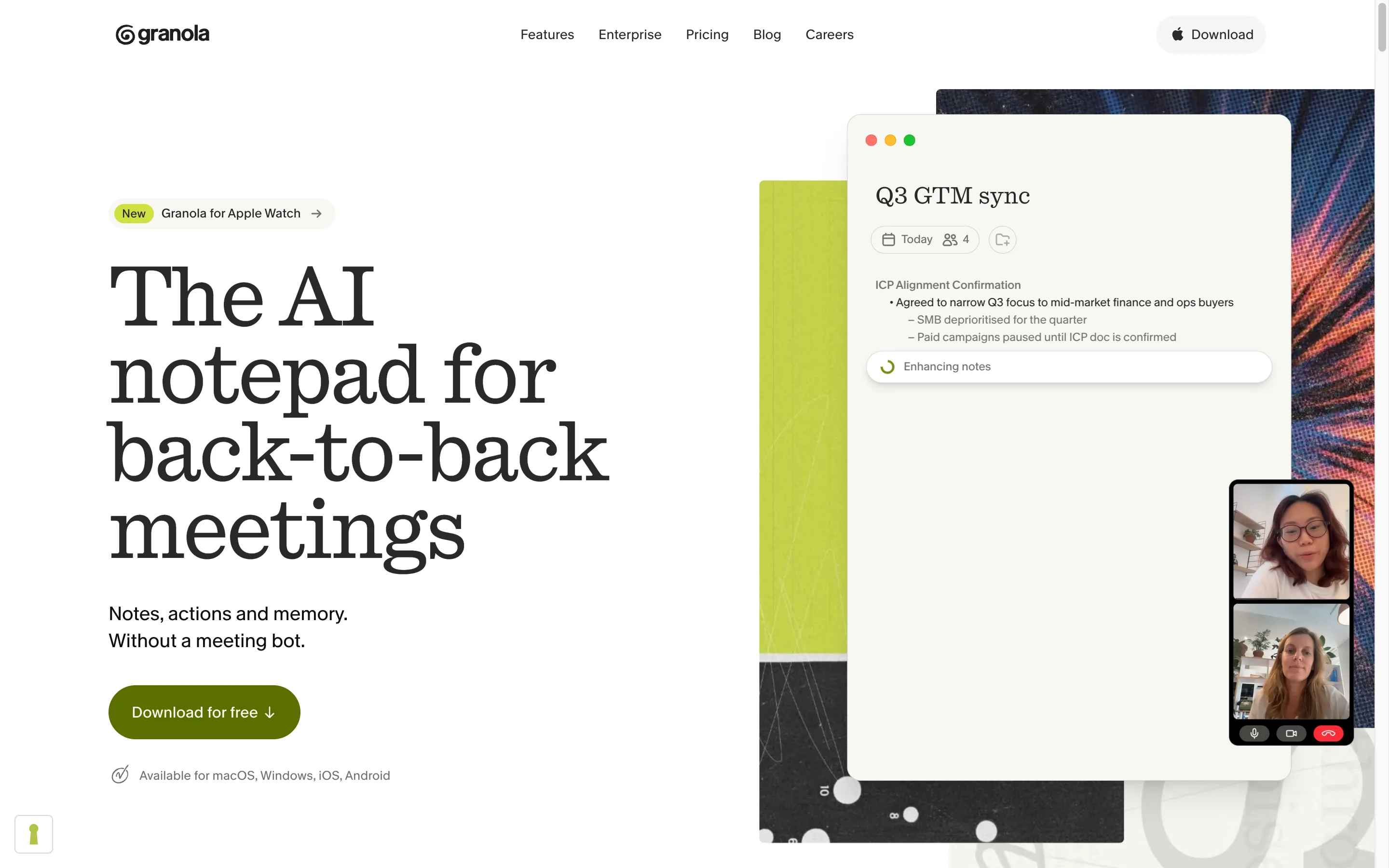
Granola takes a different view of what a notetaker is for. There is no bot and no live transcript pane. You type rough notes during the call as you always did, Granola captures the audio quietly in the background, and afterwards it merges the two into something coherent. For people who think by writing, that is a better fit than a wall of machine transcript they have to reread.
It is still a cloud product, so the audio is processed on Granola's servers rather than your machine. What it removes is the participant in the call, not the upload.
Key features
Botless capture, so nothing appears in the participant list
Your own notes merged with the meeting audio rather than replaced by a transcript
AI chat within a meeting and across your meeting history
Shared folders for teams
iPhone and Android apps, which is how it handles a conversation away from the laptop
Best use cases
Someone who already takes notes by hand and wants them tidied rather than replaced
Teams who want meeting history searchable in one shared place
Pricing
Basic: free, with limited meeting history
Business: $14 per user a month, unlimited notes and history
Enterprise: $35 per user a month, with admin controls and single sign-on
Pros
The botless capture removes the most visible objection to Fireflies without changing how you work
The notes read like something a person wrote, because half of them are
Free tier is genuinely usable for judging it
Cons
Cloud processing, so it answers the bot objection and not the upload one
Less useful if you do not take notes during calls, since that is the raw material
3. Jamie: best for teams that are not all on Macs
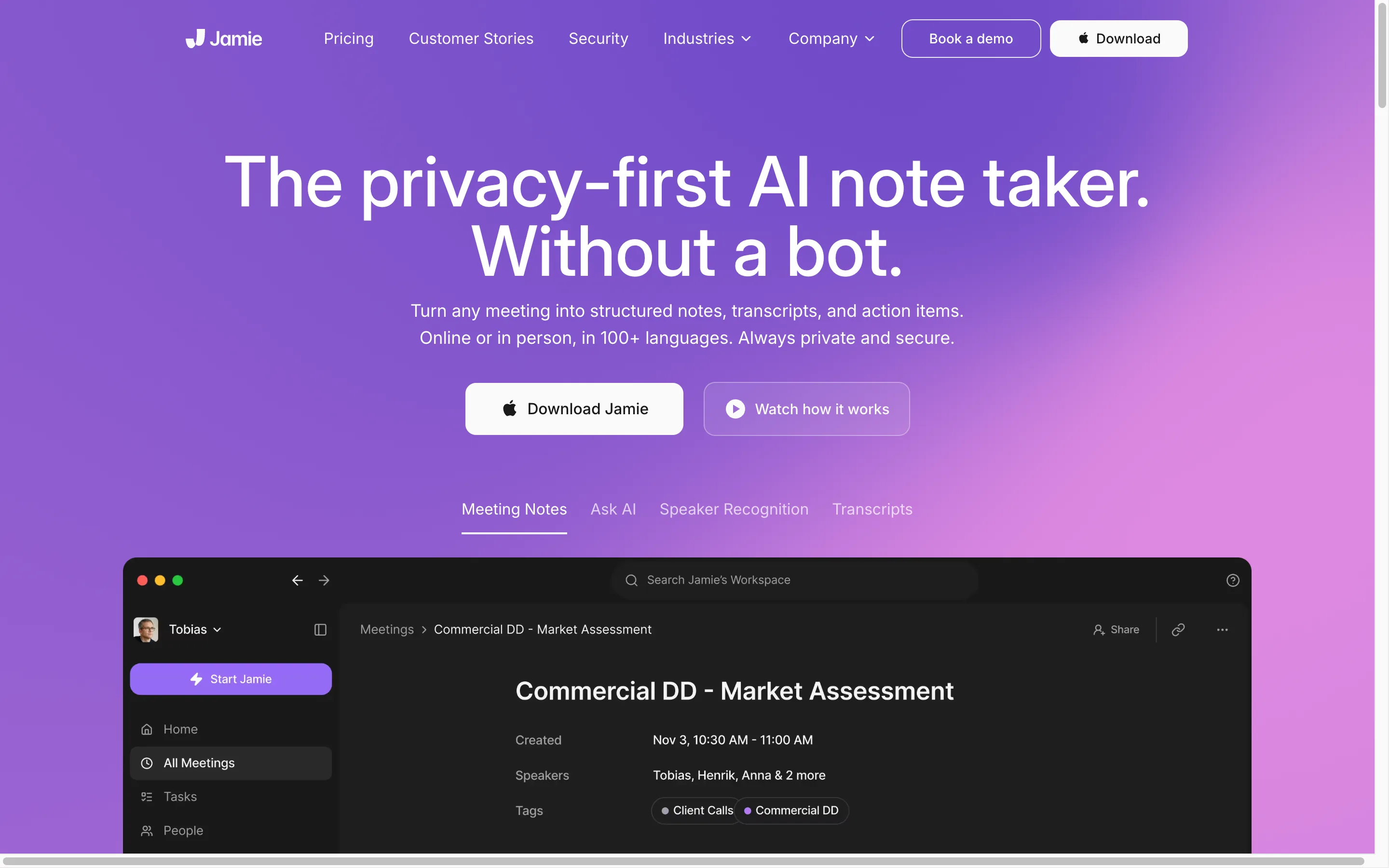
Jamie is the botless option for organisations that cannot standardise on one operating system. It works across online, hybrid and in-person meetings, produces transcripts, structured summaries and action items, and nothing joins the call. It states that storage and processing take place in the EU and that meeting audio is deleted after transcription.
For a European team where half the people are on Windows, this is the closest thing on this list to a like-for-like Fireflies replacement that removes the participant.
Key features
Botless capture on Mac, Windows and mobile
EU hosting, with audio deleted after transcription
Structured summaries and action items
Notion, Google Docs and OneNote on the free plan, with Salesforce, HubSpot and Asana higher up
Best use cases
A European company with mixed Mac and Windows laptops
Teams that want an EU processing commitment in writing
Pricing
Free: €0, 10 meetings a month with a 30 minute limit
Plus: €21 a month billed annually, 20 meetings a month with a 2 hour limit
Pro: €39 a month billed annually, unlimited meetings with a 5 hour limit
Team: €33 per seat a month billed annually, plus VAT
Pros
Removes the bot without narrowing you to one platform
EU hosting is a real answer for organisations whose objection is jurisdiction rather than the cloud itself
Meeting caps on the paid tiers are generous enough for most individual users
Cons
Cloud processing: EU hosting moves where the audio goes, it does not remove the upload
The meeting count and duration caps bite if you are in back-to-back calls all day
4. MacWhisper: best for local transcription without a subscription
MacWhisper is the odd one out here, and the closest thing on this list to Weeve's architecture. It is a native Mac app that runs speech models on your own machine, Whisper and Nvidia's Parakeet. Drag in an audio or video file and it gives you a transcript back. It also records meetings, botlessly, with automatic start and end detection for Zoom, Teams, Webex, Skype, Chime, Discord and calls in a browser, and it can capture the Mac's microphone or the audio from any app. There is an iPhone and iPad version too, where every feature including the local models is free. You pay once for the Mac licence.
The caveat is worth stating before the feature list, because it is the difference between MacWhisper and Weeve. MacWhisper can run local models, and it can also connect to remote ones: OpenAI, Anthropic, Gemini, Deepgram and others are all supported providers. Local is a setting you choose, not the shape of the product. Point it at a cloud model and your audio or your text goes out to that vendor, on that vendor's terms.
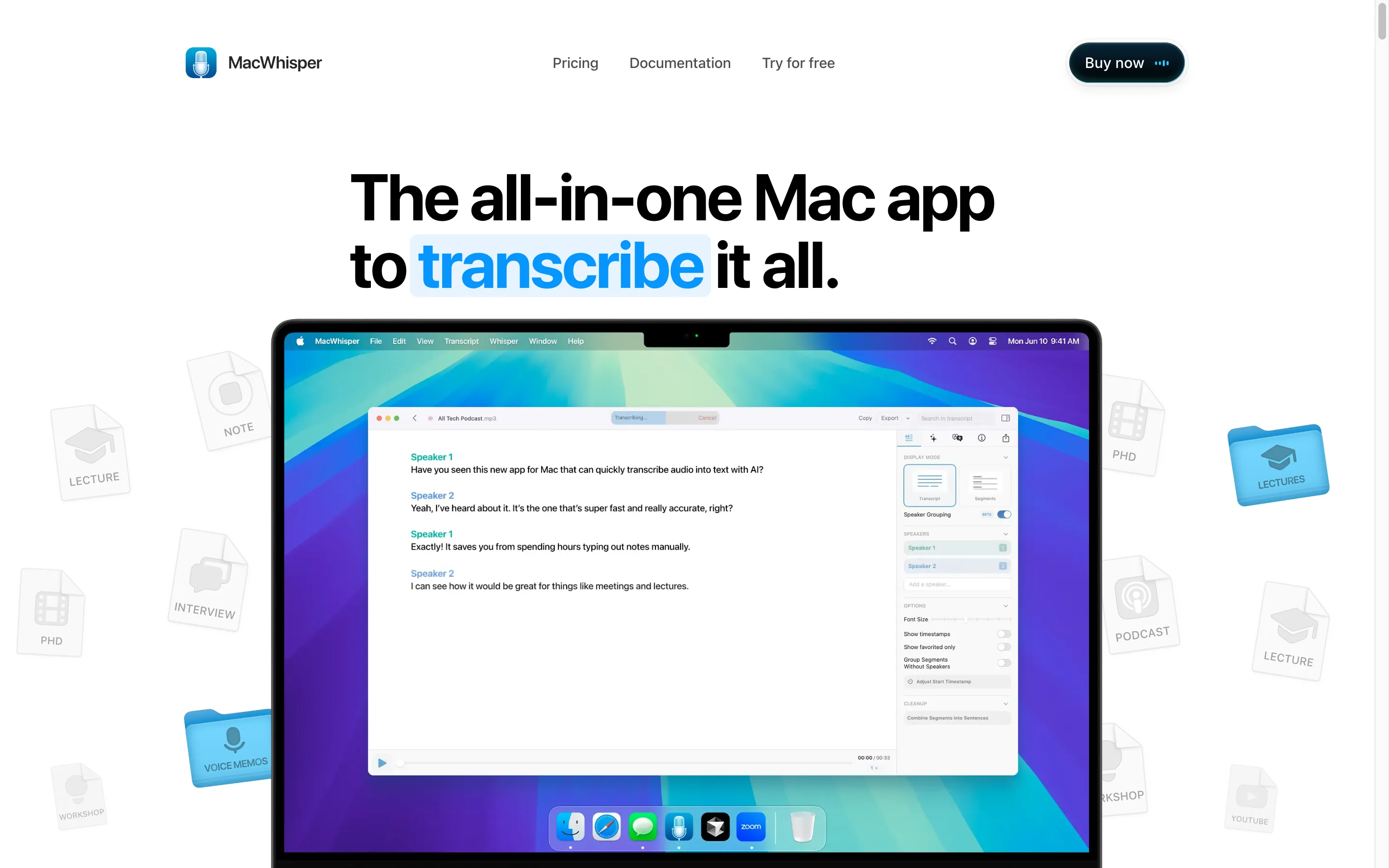
One more thing to know before the feature list: the free version covers file transcription and recording from the Mac's microphone, and that is it. Meeting recording, app audio capture, batch transcription, watched folders and the AI features are all Pro.
Key features
Whisper and Parakeet models running on the Mac, with larger models available as a download
Drag in audio or video and get a transcript back, in batches or from a watched folder
Records online meetings without a bot, with automatic start and end detection (Pro)
Records from the Mac's microphone on the free version, which covers a conversation in the room; capturing another app's audio is Pro
AI summarise, chat and custom prompts on top of the transcript, using your own API key, a local model, or its optional Assistant subscription
100 languages
One-off purchase for the Mac licence, with lifetime updates
Best use cases
A researcher with a backlog of interview recordings to transcribe
Anyone who wants local transcription and meeting capture without another monthly cost
People comfortable choosing their own model and managing their own files
Pricing
Free version: €0
Pro: €65 for a single licence on Gumroad, with volume licences from €54 each for five down to €44 each at fifty
Pros
No subscription, which over two years is cheaper than any tool on this page
It genuinely records meetings, not just files, and it does it without a bot
Local processing is available for the whole pipeline if you keep it on local models
The free version is enough to test the output quality
Cons
Local is a choice rather than a guarantee. Connect a cloud provider and the privacy argument goes with it, which is the one thing you cannot misread on a page like this
The free version is file transcription and microphone recording only. Meeting capture, app audio and the AI features need the Pro licence
You are picking models, managing files and running your own backups. There are no projects and no shared library, and nothing to share a conversation with a colleague, though it does sell volume licences and supports MDM deployment
Apple platforms only, no Windows, and the vendor's own two pages disagree on the Pro price, €65 on Gumroad against €64 on its website
How to choose a Fireflies alternative
Three questions, in this order, because the first one removes tools before the others get a vote.
Does the meeting audio have to stay on your device?
If a professional code, a client agreement or your own judgement says the conversation cannot go to a vendor, only Weeve and MacWhisper qualify, and MacWhisper only while you keep it on local models. Weeve has no cloud model to switch to, which is the difference between a setting and an architecture. Fireflies, Granola and Jamie all process in a cloud, with varying and in Fireflies' case well-documented protections around it. That is a different promise from the audio never leaving.
Is the problem the bot, or the upload?
These are not the same objection and the answer differs. If clients react badly to a participant appearing, Granola and Jamie both fix that while staying in the cloud. If the upload itself is the problem, they do not, and bot-free is not the same as cloud-free goes through why that distinction matters.
Who else needs to use it?
Weeve is Mac only with no team workspace, so a mixed-platform team that shares a meeting library should be looking at Jamie or staying with Fireflies. Be honest about this one before you switch: the privacy gain is real, and so is the loss of Windows, mobile and shared workspaces.
FAQ
What is the best Fireflies alternative?
It depends on which part of Fireflies you are leaving. For confidential conversations on a Mac, Weeve is the only option here that keeps both the AI and the recording on your device. For a botless replacement that still works across Windows and mobile, Jamie is the closest fit. For local transcription and meeting capture on a one-off payment, MacWhisper does it, as long as you buy Pro and leave it on local models.
Does Fireflies train AI models on my meetings?
No, by its own documentation. Fireflies states that it does not use personal information for AI model training and contractually prohibits its vendors from doing so, and it publishes a zero data retention policy for meeting content. We checked their own pages rather than assuming, and which AI notetakers train on your data covers how the rest of the category compares.
Is there a Fireflies alternative without a bot?
Yes, several. Weeve captures your Mac's own audio so nothing joins the call, Granola records quietly behind the notes you type, and Jamie captures without a participant across platforms. Fireflies itself also offers a desktop app and Chrome extension, so the bot is not compulsory there either.
Is there a free Fireflies alternative?
All four have a free tier. Weeve's Starter plan covers 10 recordings in total with everything processed on the Mac, Granola's Basic plan gives AI notes with limited history, Jamie's free plan covers 10 meetings a month up to 30 minutes each, and MacWhisper's free version transcribes files and records from the Mac's microphone, with meeting capture reserved for Pro. Fireflies' own free plan is the most generous on transcription minutes, with one condition its help centre spells out: accounts created from 1 September 2026 get three transcriptions unless you switch on auto-join, and inviting Fred manually does not lift that cap. The free plan is generous if you let the bot into your calendar.
Which Fireflies alternative works offline?
Weeve processes on the Mac rather than in a cloud, and MacWhisper does too as long as you have not connected a remote model. Weeve still needs a connection for signing in and usage counting, so it is not a wholly offline product, but recording, transcription and summarising do not depend on one. Granola, Jamie and Fireflies all require a connection because the processing happens elsewhere.
Can I switch from Fireflies without losing my old transcripts?
Export them first. Your existing transcripts live in your Fireflies workspace, and any tool you move to starts empty. If the archive matters, download it before you cancel. A downloaded audio file can be transcribed again locally afterwards if you want it out of the cloud entirely.
Fireflies answers the privacy question with certificates and contracts, and it answers it better than most. Weeve answers it by never having the file.
If that is the answer your work needs, Weeve's free Starter plan records, transcribes and summarises on your Mac, 10 recordings in total. It needs Apple Silicon and macOS 14.4 or later, and it is Mac only.

