Research
Best Granola AI alternatives: 5 notetakers compared

Dylan de Heer

People rarely leave Granola because the notes are bad. They leave because of what happens around the notes: every transcript is processed by third-party AI providers and stored in a US-hosted cloud, the raw audio is not kept so there is nothing to replay when a line looks wrong, and the free plan's meeting history runs out just as the tool becomes a habit. If one of those is your reason for searching for Granola AI alternatives in 2026, this comparison is for you.
Credit where it is due: Granola earned its following. It records without pushing a bot into the call, the notes read clean, and it now covers Mac, Windows, and mobile. For plenty of people it is the right tool.
Below are five notetakers compared on the thing that actually separates them: where your meeting goes after the call ends. You get a summary table, a feature-by-feature comparison, real pricing for each tool, and a short framework for picking one.
Best Granola AI alternatives: a brief overview
Weeve: the fully local option. The AI and your recordings both stay on your Mac; nothing is uploaded and no bot joins your calls.
Otter: best for live transcription. Captions scroll during the meeting and the free plan includes 300 minutes a month.
Fathom: best free tier for meeting recording. Unlimited recordings and transcriptions at no cost, with bot or bot-free capture.
Fireflies: best for team workspaces and integrations. Meeting notes flow into channels, tasks, and your CRM.
Jamie: best botless option beyond the Mac. No bot, Windows and mobile apps, and EU data residency for a European team.
Tool | Key strength | Starting price | Best for |
|---|---|---|---|
Weeve | AI and data both stay on the Mac | Free Starter; Pro €12,99/month | Privacy-sensitive Mac professionals |
Otter | Live captions and a generous free tier | Free; Pro $16.99/month | Real-time transcription and teams |
Fathom | Unlimited free recordings | Free; Premium $20/month | Getting started at zero cost |
Fireflies | Team channels and CRM integrations | Free; Pro $18/month | Sales and cross-team meeting workflows |
Jamie | Botless capture on Mac, Windows, and mobile | Free; Plus €21/month billed annually | Botless notes outside the Mac |
Prices are each vendor's own currency and billing terms; the per-tool sections below give the detail.
What is Granola AI?
Granola is an AI notepad for meetings. It captures your computer's audio during a call, so no bot appears in the participant list, then turns your rough notes and the transcript into a polished summary. It runs on Mac, Windows, iOS, and Android, and its free Basic plan has no meeting cap, though it limits how much meeting history you keep. The Business plan at $14 per user a month adds unlimited history, integrations such as Notion, Slack, and HubSpot, and API access.
Architecturally, Granola is a cloud tool. Its security page states that notes are stored encrypted in a US-hosted AWS cloud, transcription runs through Deepgram and AssemblyAI, and AI features run through OpenAI and Anthropic. Raw audio is not retained, which also means you cannot replay a passage to check the transcript later. Granola trains on anonymized customer data for product improvement unless you opt out in settings.
How Granola compares to the top alternatives
Feature | Granola | Weeve | Otter | Fathom | Fireflies | Jamie |
|---|---|---|---|---|---|---|
Where AI runs | Cloud | On the Mac | Cloud | Cloud | Cloud | Cloud (EU) |
Bot joins the call | No | No | Optional | Optional | Yes | No |
Keeps the raw audio | No | Yes, on your Mac | Yes | Yes | Yes | No |
Platforms | Mac, Windows, mobile | Mac only | Web, Mac, Windows, mobile | Web, desktop | Web, mobile | Mac, Windows, mobile |
Mobile app | Yes | No | Yes | No | Yes | Yes |
Team workspace | Business tier | No | Business tier | Team tier | Yes | Team tier |
Free tier | Yes, limited history | Yes, 10 recordings in total | Yes, 300 min/month | Yes, unlimited recordings | Yes, limited storage | Yes, 10 meetings/month |
Starting paid price | $14/user/month | €12,99/month | $16.99/user/month | $20/user/month | $18/seat/month | €21/month (annual) |
Every tool here is a real option for someone leaving Granola; they just resolve different complaints. The sections below take them one at a time, Weeve first because it answers the complaint the others cannot: the cloud itself.
1. Weeve: best for keeping the AI and your data on your Mac
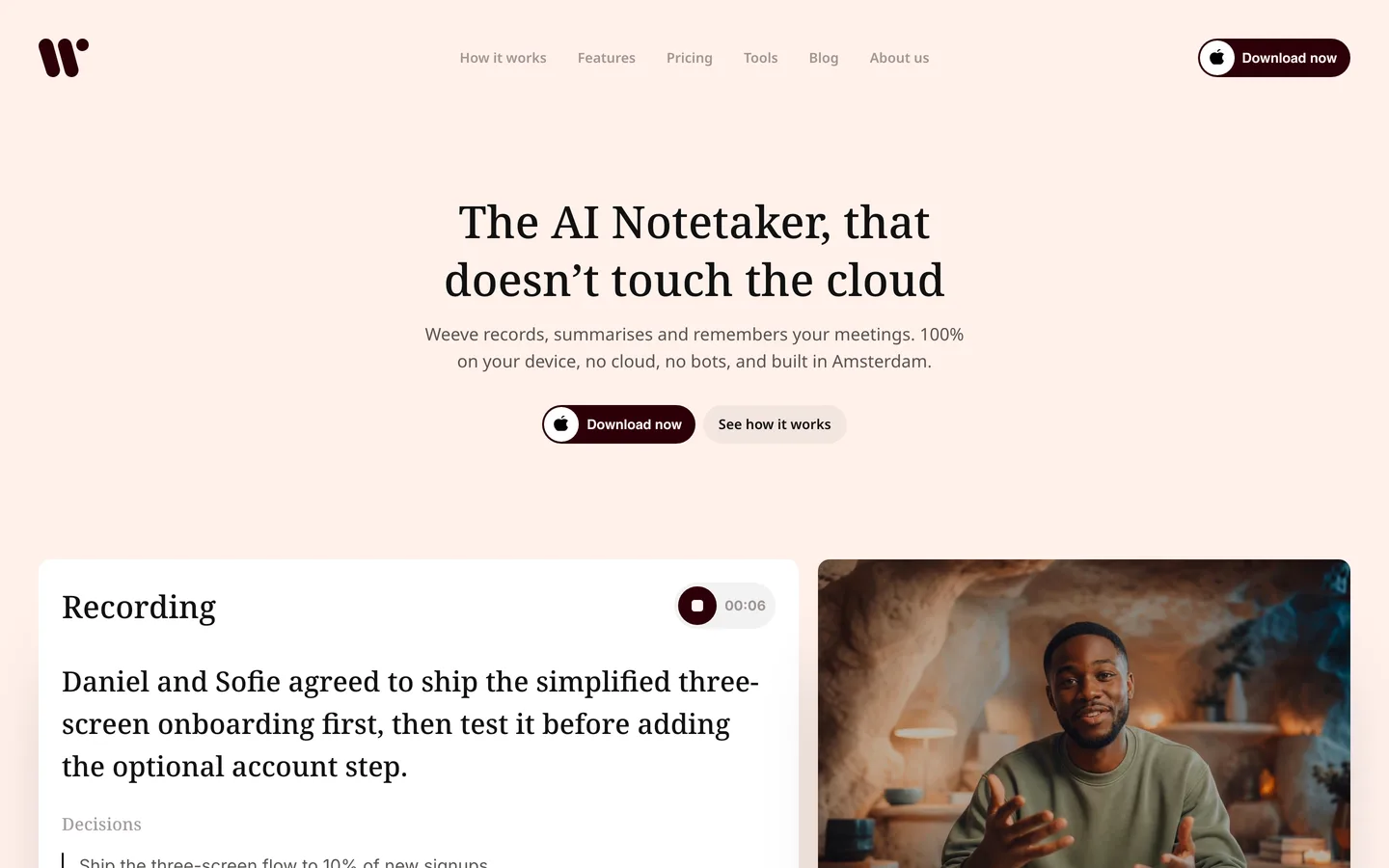
If your reason for leaving Granola is the sentence "your notes are stored in a US-hosted cloud and processed by OpenAI and Anthropic," Weeve removes the sentence entirely. It is a fully local AI notetaker for Mac: you ask for consent, hit record, and the audio is captured, transcribed, and summarized on the machine in front of you. There is no upload step, no third-party AI provider, and no cloud copy of a conversation a client asked you to keep private. The recording never leaves the room it was made in.
Like Granola, Weeve works without a bot, capturing the Mac's own audio in Zoom, Google Meet, and Teams. Unlike Granola, it keeps the original recording on your Mac, so you can replay any passage and check the transcript against what was actually said. It also imports existing audio and video files and transcribes them locally. The summaries come from local models, with support for Gemma 4 announced. Weeve is built in Amsterdam by a team backed by Achmea Impact Ventures, which matters if data residency questions come up in your work. The wider argument for this architecture is in why your AI note taker should stay off the cloud.
Key features
Recording, transcription, and AI summaries all run on the Mac; nothing is uploaded
No bot joins the call; Weeve captures the Mac's audio in Zoom, Meet, and Teams
Keeps the raw audio locally, so you can replay and verify the transcript
Imports audio and video files (MP4 and common formats) and transcribes them on-device
Local AI models, with Gemma 4 support announced
Best for
A consultant, therapist, or lawyer on a Mac whose sessions must never become a cloud record
Anyone who liked Granola's botless capture but not the cloud behind it
Pricing
Free Starter plan: 10 recordings in total, 2 projects, nothing uploaded
Pro: €12,99 a month, excluding VAT, for unlimited recordings and projects
Pros
The only tool in this list where both the AI and the data stay on your machine by default, with no setup
No upload step to fail; the summary is ready when the call ends
Consent is a one-sentence conversation: the recording never leaves this Mac
Cons
Mac only, with no Windows yet.
No team workspace or cloud sharing; it is a single professional's private archive
Try it against your next few meetings on the free plan: download Weeve for Mac.
2. Otter: best for live transcription and a generous free tier
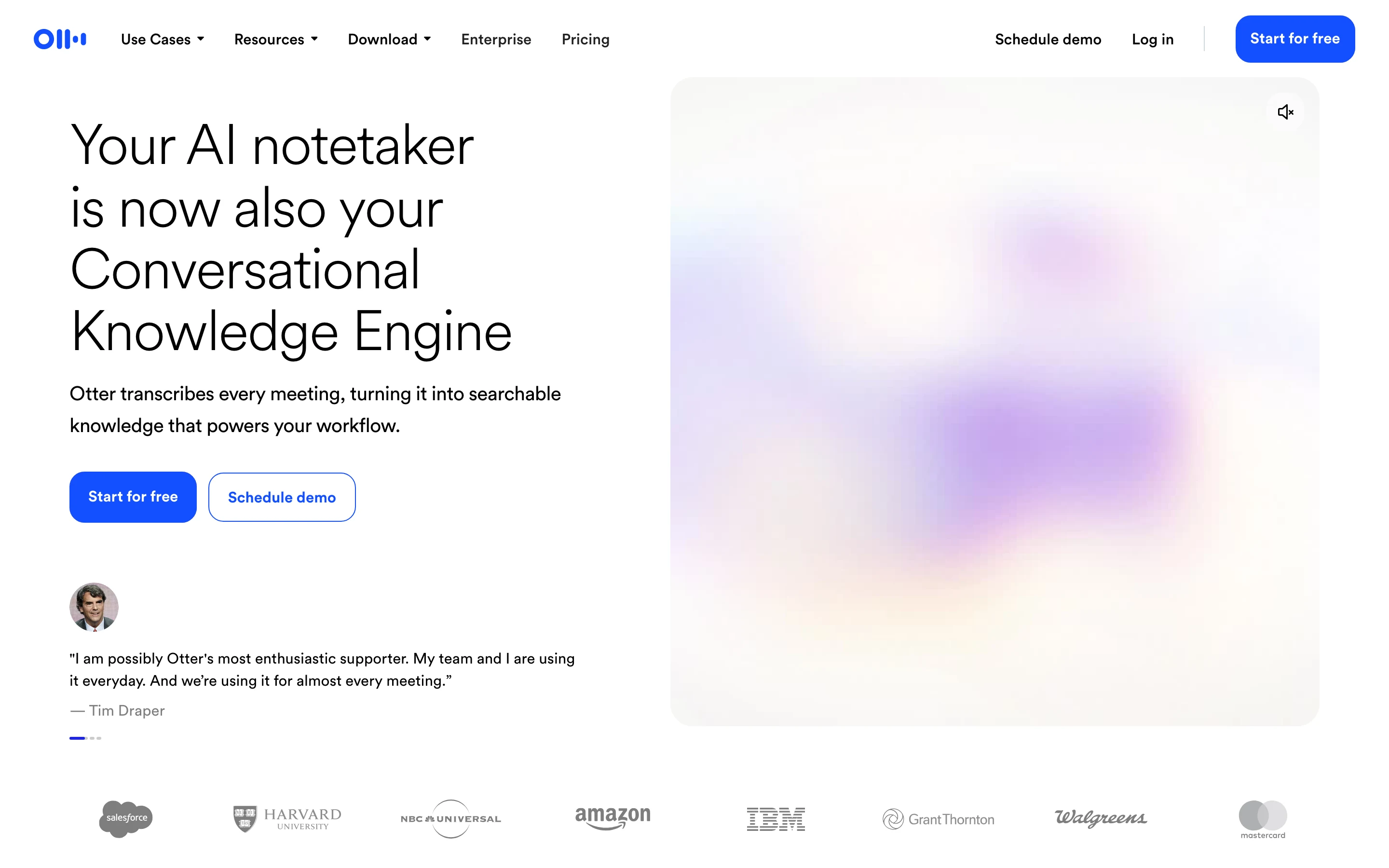
Otter is the established name in meeting transcription, and it does something neither Granola nor Weeve attempts: live captions that scroll while people talk, which a whole team can watch and edit together. It can send an assistant into a scheduled Zoom, Meet, or Teams call, or record bot-free from the desktop and Chrome, and either way the audio is processed in Otter's cloud. The free Basic plan includes 300 transcription minutes a month with a 30-minute cap per conversation, which is a real amount of usable transcription at no cost.
The trade-offs are the cloud ones. Recordings and transcripts are stored on Otter's servers, and Otter trains its models on de-identified content unless you turn that off in settings. If those are the exact things pushing you off Granola, Otter moves you sideways rather than out.
Key features
Real-time transcription with live captions during the call
Team collaboration: shared notes, comments, and highlights
Salesforce and HubSpot integrations on paid tiers
Audio and video file imports, capped by tier
Pricing
Basic: free, 300 minutes a month, 30 minutes per conversation, 3 lifetime file imports
Pro: $16.99 per user a month, or $8.33 a month billed annually, with 1,200 monthly minutes
Pros
Live captions are genuinely useful in accessibility and multi-tasking situations
Strong free tier for light users
Mature product with wide platform coverage
Cons
Cloud processing and storage, with model training on by default
The optional meeting assistant appearing in calls can unsettle clients
3. Fathom: best free tier for meeting recording
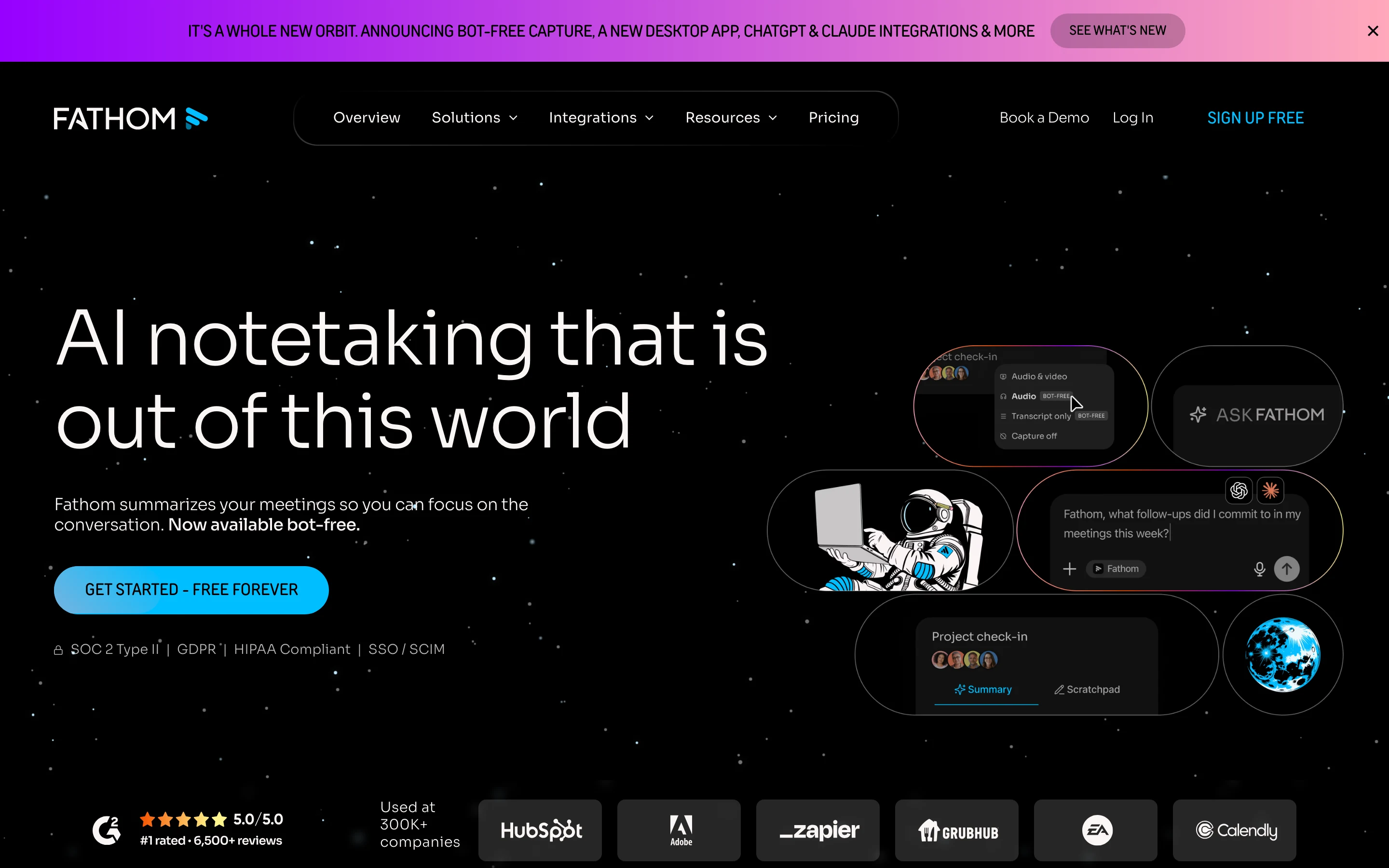
Fathom is the pick if the constraint is budget. Its free plan includes unlimited recordings and transcriptions, which no other tool in this list matches, and it offers a choice between sending a bot into the call and a bot-free capture mode, currently in beta. Instant AI summaries, clips, and call search are included at no cost, and the paid tiers add advanced summaries, action items, and CRM sync for sales teams.
Fathom is a cloud service, so recordings and transcripts live on its servers. For an internal team that mainly wants meetings captured and searchable without a bill, that is a fine trade. For confidential client work it is the same cloud question as Granola, asked of a different vendor.
Key features
Unlimited free recordings and transcriptions
Choice of bot capture or bot-free capture (beta)
Instant AI summaries, clips, playlists, and call search
CRM field sync and coaching metrics on Business tier
Pricing
Free: unlimited recordings and transcriptions
Premium: $20 per user a month, or $16 billed annually, adding advanced summaries and action items
Pros
The most generous free tier in this comparison
Bot-free option means it can capture without a visible participant
Team features scale up for sales organisations
Cons
Cloud processing and storage
The richest features, like CRM sync, sit on the higher team tiers
4. Fireflies: best for team workspaces and integrations
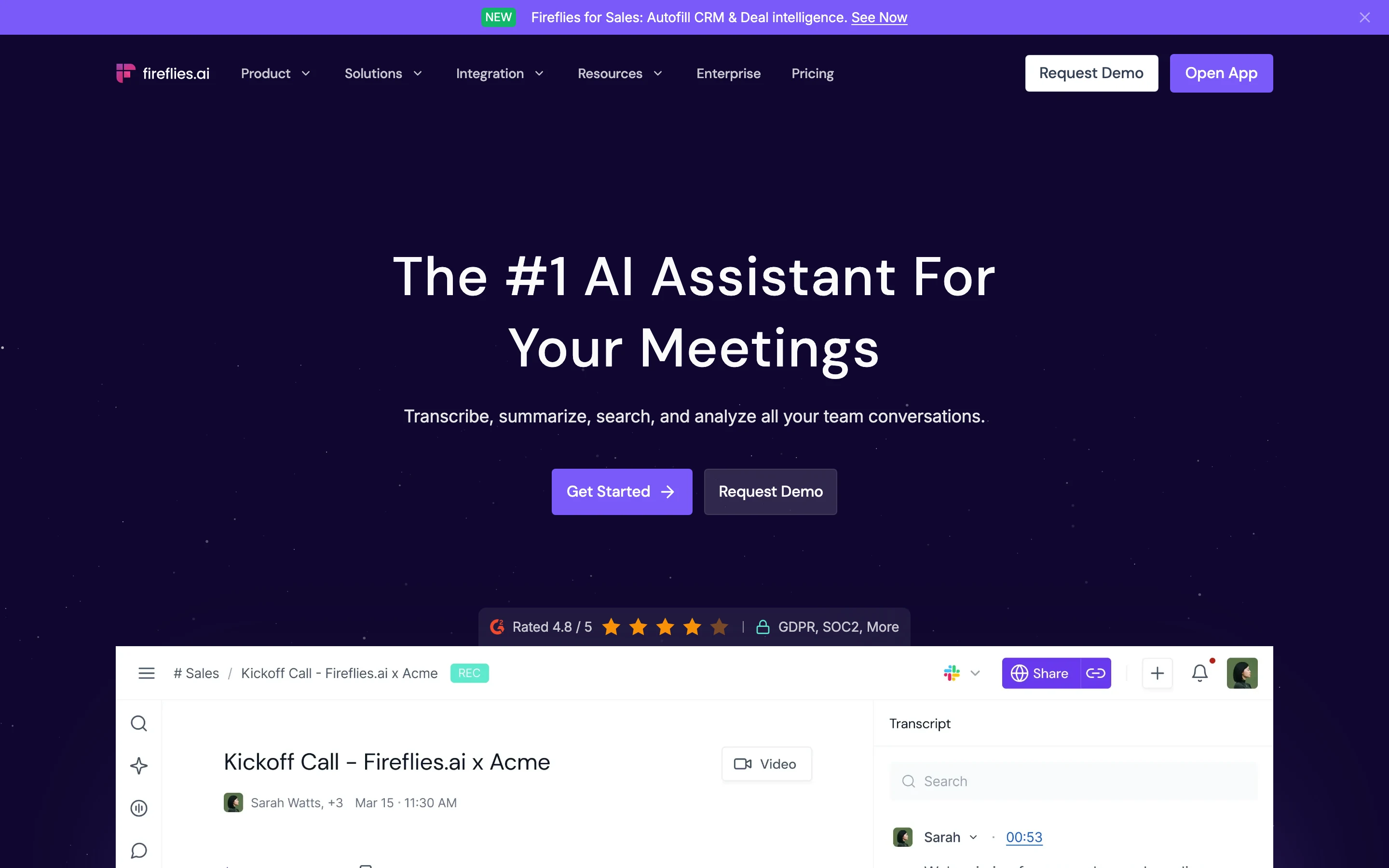
Fireflies is built for teams that treat meetings as shared data. Its notetaker joins the call as a participant, records, and pushes transcripts into channels where colleagues can search, comment, and turn discussion into tasks. It connects to a long list of tools, from CRMs to project managers, and its analytics show how teams actually talk in meetings. The free plan offers unlimited transcription with 400 minutes of storage per team, and Pro at $10 per seat a month billed annually is among the cheaper paid tiers here.
The two things to weigh: the bot is visible in every call, which is exactly what Granola users chose to avoid, and everything is processed and stored in Fireflies' cloud.
Key features
AI notetaker records and transcribes meetings into shared channels
Task creation, comments, and search across the team's whole meeting history
Wide integration list, including CRMs and project tools
Conversation intelligence and team analytics on Business tier
Pricing
Free: unlimited transcription, 400 minutes of storage per team
Pro: $10 per seat a month billed annually, or $18 monthly
Pros
Strong team collaboration around meeting content
Competitive annual pricing
Deep integration ecosystem
Cons
A bot joins every call, visible to all participants
Cloud processing and storage
5. Jamie: best botless option beyond the Mac
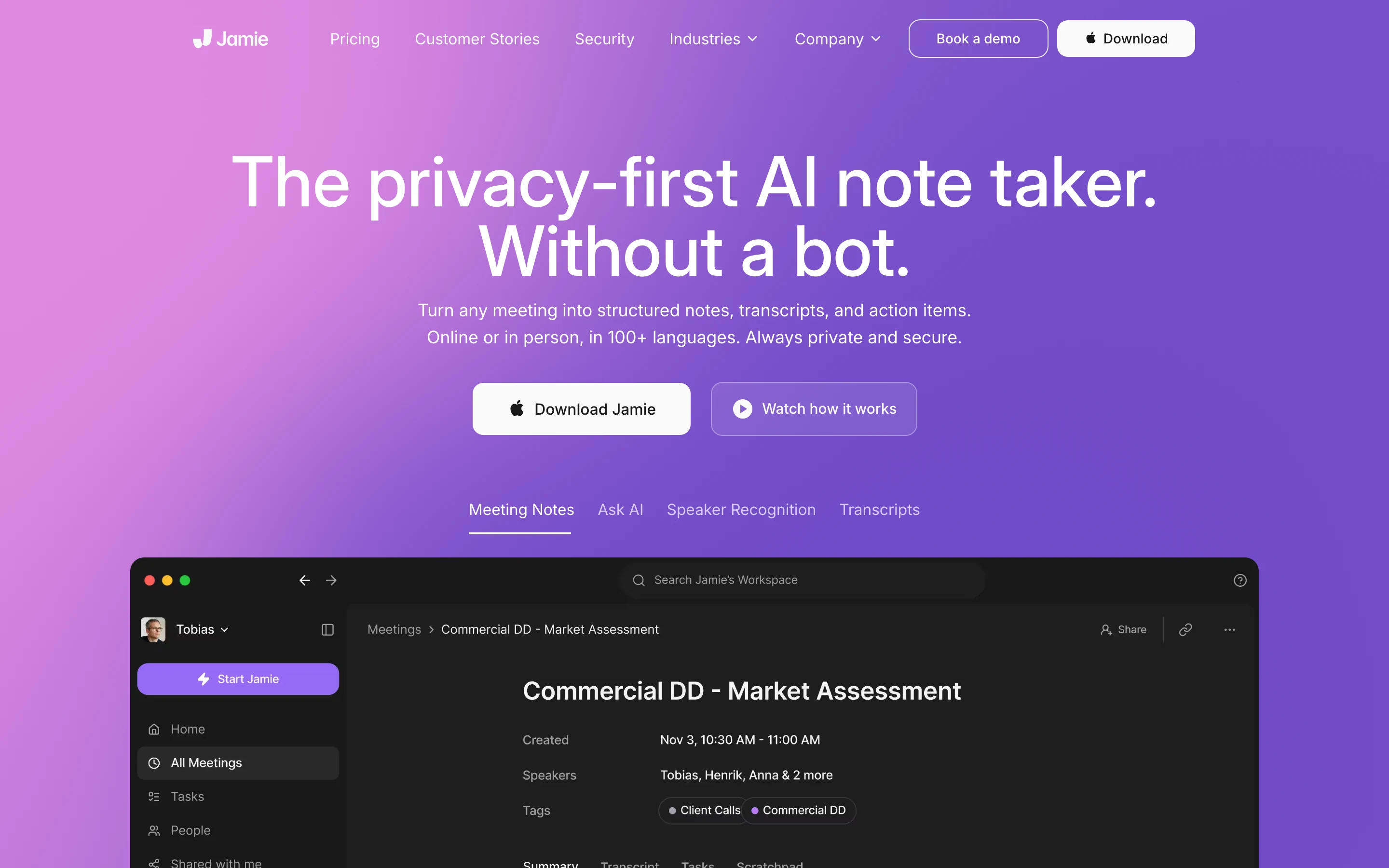
Jamie is the closest match to Granola's core appeal, botless capture, for people who work across platforms. It records without a bot on Mac, Windows, iPhone, and Android, supports 99+ languages, and generates notes with speaker recognition. Its privacy posture is unusually strong for a cloud tool: full EU data residency for storage and processing, audio deleted after transcription, no model training on customer data, and ISO 27001 certification, per its site as of August 2026. For a European company that wants botless notes on Windows, Jamie is a serious answer.
It is still a cloud service: the meeting is processed on Jamie's servers, in the EU rather than on your device. The free plan covers 10 meetings a month capped at 30 minutes each, and paid plans are priced in euros.
Key features
Botless capture on Mac, Windows, iPhone, and Android
EU data residency for storage and processing
Audio deleted after transcription; no model training on customer data
99+ languages with speaker recognition
Pricing
Free: 10 meetings a month, 30 minutes each
Plus: €21 a month billed annually; Pro at €39 a month adds unlimited meetings and CRM integrations
Pros
Botless like Granola, but with Windows and mobile apps
The strongest published privacy posture among the cloud tools here
EU processing suits European compliance conversations
Cons
Still cloud processing, just in a different region
The free tier's 30-minute cap rules out longer calls
Paid tiers cost more than most in this list
Which Granola alternative is right for you?
If your conversations are confidential by profession
Choose Weeve. Client sessions, privileged calls, and health conversations stay on your Mac, so there is no cloud processor to explain to a client or a regulator, and you still get the transcript and summary. Coaches, therapists, lawyers, and consultants are the obvious fits.
If you want botless notes on Windows or mobile
Choose Jamie. It keeps Granola's no-bot experience, adds Windows and mobile apps, and processes in the EU with a strong published privacy posture. If budget is the constraint instead, Fathom's free unlimited tier is the pragmatic pick.
If your team lives in shared workspaces and a CRM
Choose Fireflies for channels, tasks, and integrations, or Otter if live captions during the call matter more than the integration list. Both are cloud tools, and for open internal meetings that is usually an acceptable trade.
FAQ
What is Granola AI?
Granola is an AI meeting notepad that captures your computer's audio without a bot, then combines your notes with the transcript into a polished summary. It runs on Mac, Windows, iOS, and Android. It processes and stores notes in its US-hosted cloud, using third-party providers for transcription and AI, which is the main reason privacy-focused users look for alternatives.
Is Granola free?
Granola's Basic plan is free with no meeting cap, but it limits how much meeting history you keep. The Business plan at $14 per user a month, as of August 2026, adds unlimited history, integrations, and API access. There is no time-limited trial mechanic; the free plan simply persists with its limits.
What is the best alternative to Granola AI?
It depends on why you are leaving. If the reason is the cloud itself, Weeve is the strongest alternative: it keeps recording, transcription, and summaries entirely on your Mac, though it is Mac-only with no mobile app. If you want botless notes across more platforms, Jamie is the closest cloud match. If cost is the reason, Fathom's free tier is unmatched.
Is there a Granola alternative that does not use the cloud at all?
Yes. Weeve keeps the whole pipeline, recording, transcription, and summary, on your Mac with no setup and no upload step. Every other alternative here, including the privacy-strong Jamie, still processes your meeting on its own servers.
Does Granola keep a recording of my meetings?
No. Granola's security page states that raw audio is not retained; it stores the transcript and your notes. That protects the audio itself, but it also means you cannot replay a passage to verify what was said. Weeve, Otter, Fathom, and Fireflies all keep the recording, Weeve locally on your Mac and the others in their cloud.
Is Granola safe for confidential client meetings?
Granola publishes a serious security posture: SOC 2 Type 2, encryption, a GDPR data processing agreement, and no raw audio retention, per its site as of August 2026. Whether that is safe enough depends on your obligations. If a cloud copy of the conversation is acceptable under them, Granola qualifies. If it is not, only a fully local tool such as Weeve removes the cloud from the question.
Can I try the local approach before switching?
Yes. Weeve's Starter plan is free, uploads nothing, and covers 10 recordings in total, which lets you test it on real meetings before upgrading. For a one-off file, Weeve's free browser-based transcriber produces a transcript without the recording leaving the page. If setup questions come up, Weeve support covers audio configuration and file formats. For the wider category beyond Granola switchers, see the best AI note takers in 2026.