Product updates
Best free transcription software in 2026: 5 tools compared

Stefan Weiss

The best free transcription software depends on what you are transcribing and where the audio is allowed to go. For meetings on a Mac, Weeve records, transcribes and summarises on the device. For audio files on a Mac, MacWhisper transcribes locally. OpenAI Whisper is the free open-source engine for technical users on any system, Apple Voice Memos transcribes quick recordings on an iPhone or Mac, and Google Docs voice typing handles live dictation in the browser. All five have a free version that needs no subscription.
Transcription is one of the few jobs software genuinely does for free now. The catch is that every free tool pays for "free" differently: some cap your minutes, some make you upload the audio to their servers, and some quietly do both. If the recording is a confidential client call rather than a podcast episode, that difference matters more than any feature.
This comparison covers the best free transcription software in 2026: five tools that cost nothing to start, what each free tier actually includes, and, because it decides which ones suit sensitive work, where each tool processes your audio. None of them are trial-shaped tricks; each has a genuinely usable free version.
By the end you will know which tool fits a confidential meeting, which fits a one-off file, and which is already installed on your machine.
Best free transcription software: a brief overview
Fully on your device
Weeve: Best for free meeting transcription that never touches a server: recording, transcript, and AI summary all happen on your Mac.
MacWhisper: Best for dragging audio files into a Mac app and getting text back, processed locally.
Weeve's browser transcriber: Best for one file on any operating system, with no install and no upload. The MP4 to transcript tool does the work in the tab.
OpenAI Whisper: Best for technical users who want a free, open-source transcription engine they run themselves.
Built into tools you already have
Apple Voice Memos: Best for quick recordings on an iPhone or Mac with transcripts included, no extra app.
Google Docs voice typing: Best for free live dictation straight into a document, in the browser. On a Mac, dictation runs on the device instead.
Tool | Where AI processing runs | Key strength | Pricing | Platform |
|---|---|---|---|---|
Weeve | On your Mac | Meeting recording, transcript, and summary, fully local | Free Starter plan; Pro €12,99/month | macOS |
MacWhisper | On your Mac | Drag-and-drop file transcription with Whisper models | Free version; Pro €64 one-time | macOS |
OpenAI Whisper | On your device | Open-source engine, free forever, any language | Free (MIT licence) | Mac, Windows, Linux (command line) |
Apple Voice Memos | Not stated by Apple | Built-in recorder with transcripts | Free with macOS and iOS | macOS, iOS |
Google Docs voice typing | Browser speech service | Live dictation into a document | Free with a Google account | Any browser (Chrome, Edge, Safari) |
The "where AI processing runs" column is the quiet decider. Three of these five never send your audio anywhere, which is why this list looks different from roundups built purely on feature counts.
How we compared
We ran both of Weeve's free routes, the Mac app and the browser transcriber, on the same scripted recording: a 1 minute 41 second conversation between two of macOS's built-in voices, packed with names, numbers, acronyms said letter by letter, two moments of overlapping speech and one quiet line. Because the script is known word for word, every error can be counted.
The browser transcriber's word error rate was 3.0% and the Mac app's 5.3%. Both got every number and unit right. Both were weak on names, with 2 of 5 proper nouns right in the browser and 0 of 5 in the app, and both kept only one voice when two people spoke at once. Synthetic voices are cleaner than a real room, so expect a real call to score lower.
We make Weeve, so read those numbers as a vendor's own test. The other four tools were assessed from their own pricing and help pages, not tested hands-on.
1. Weeve, best for free meeting transcription that stays on your Mac
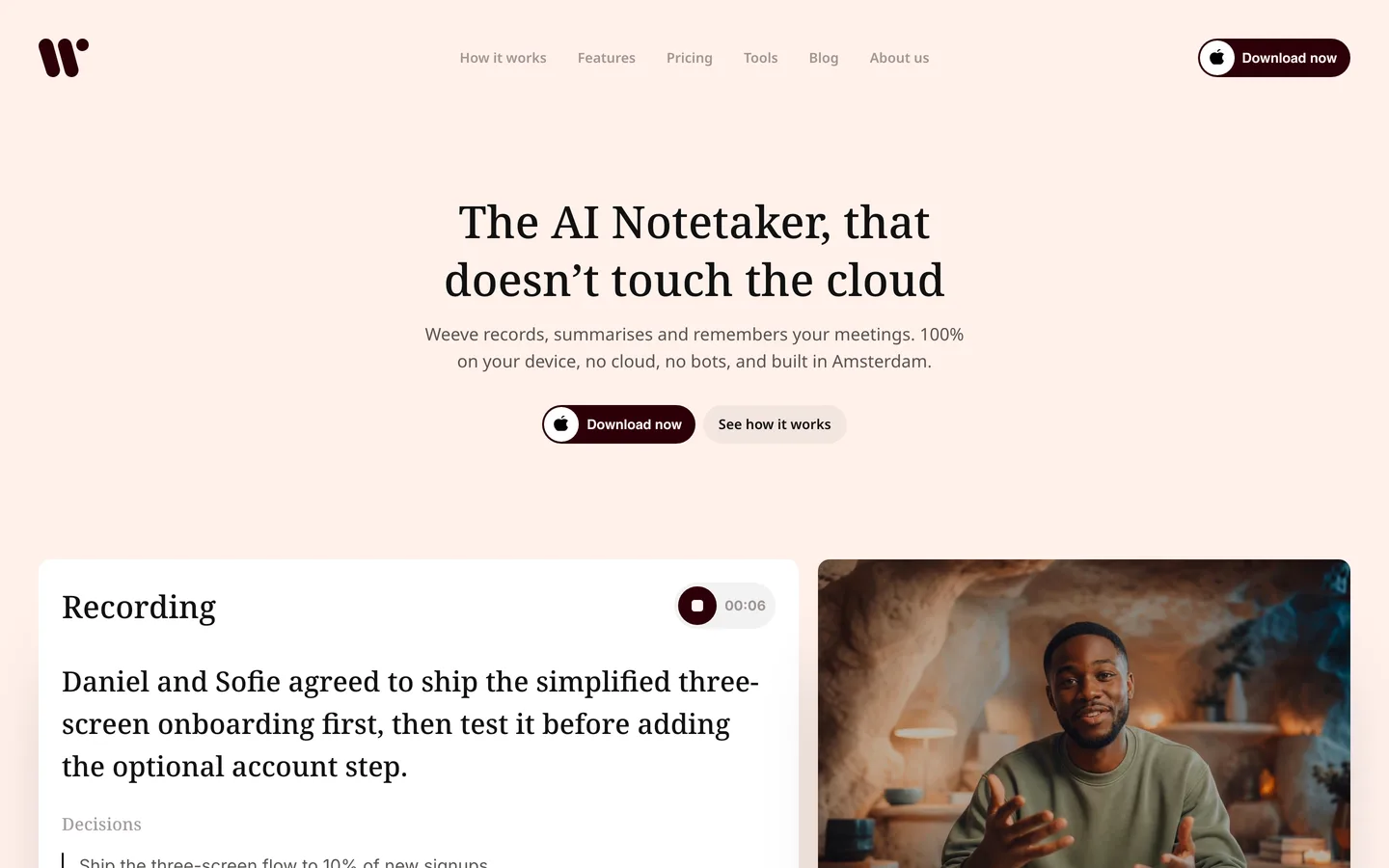
Weeve is an AI notetaker that runs entirely on your Mac. You start a recording before the call, Zoom, Google Meet, or Teams, and Weeve captures the audio on the device itself, so no bot joins and nothing uploads. The transcript builds while you talk, and when the meeting ends the summary is already written, produced by a local model on your machine. For confidential work that is the whole point: there is no cloud step to explain to a client, and no upload step to fail mid-call.
The free Starter plan includes 10 recordings in total, with no monthly reset. And for a one-off file there is a second free route: Weeve's browser-based transcriber turns a recording into a speaker-labelled transcript without the file leaving the page.
Key features
Recording, transcription, and AI summary all run on the Mac; nothing is uploaded
No bot joins the call; Weeve captures the Mac's own audio
Imports existing audio and video files (MP4 and common formats) and transcribes them locally
Speaker-labelled transcripts across 25 European languages, and a free in-browser transcriber for one-off files
Local AI models, with Gemma 4 support announced
Best for
A consultant, coach, or therapist on a Mac whose calls must stay confidential
Anyone who wants the meeting summarised, not just transcribed, without paying or uploading
Pricing
Free Starter plan: 10 recordings in total, 2 projects
Pro: €12,99 a month, excluding VAT, for unlimited recordings and projects
Pros
The only tool here that gives you a free meeting summary along with the transcript
Audio, transcript, and summary never leave the device, so consent conversations are simple
No per-minute meter on the free plan: 10 recordings in total, with no monthly reset
Cons
Mac only, with no Windows or mobile app
The free plan's 10 recordings in total will not cover a heavy meeting schedule
Ask before you record, everywhere: consent rules apply to every tool on this list. What Weeve changes is the answer you can give when someone asks where the recording goes. Try the free Starter plan and see: download Weeve for Mac.
2. MacWhisper, best for drag-and-drop file transcription on a Mac
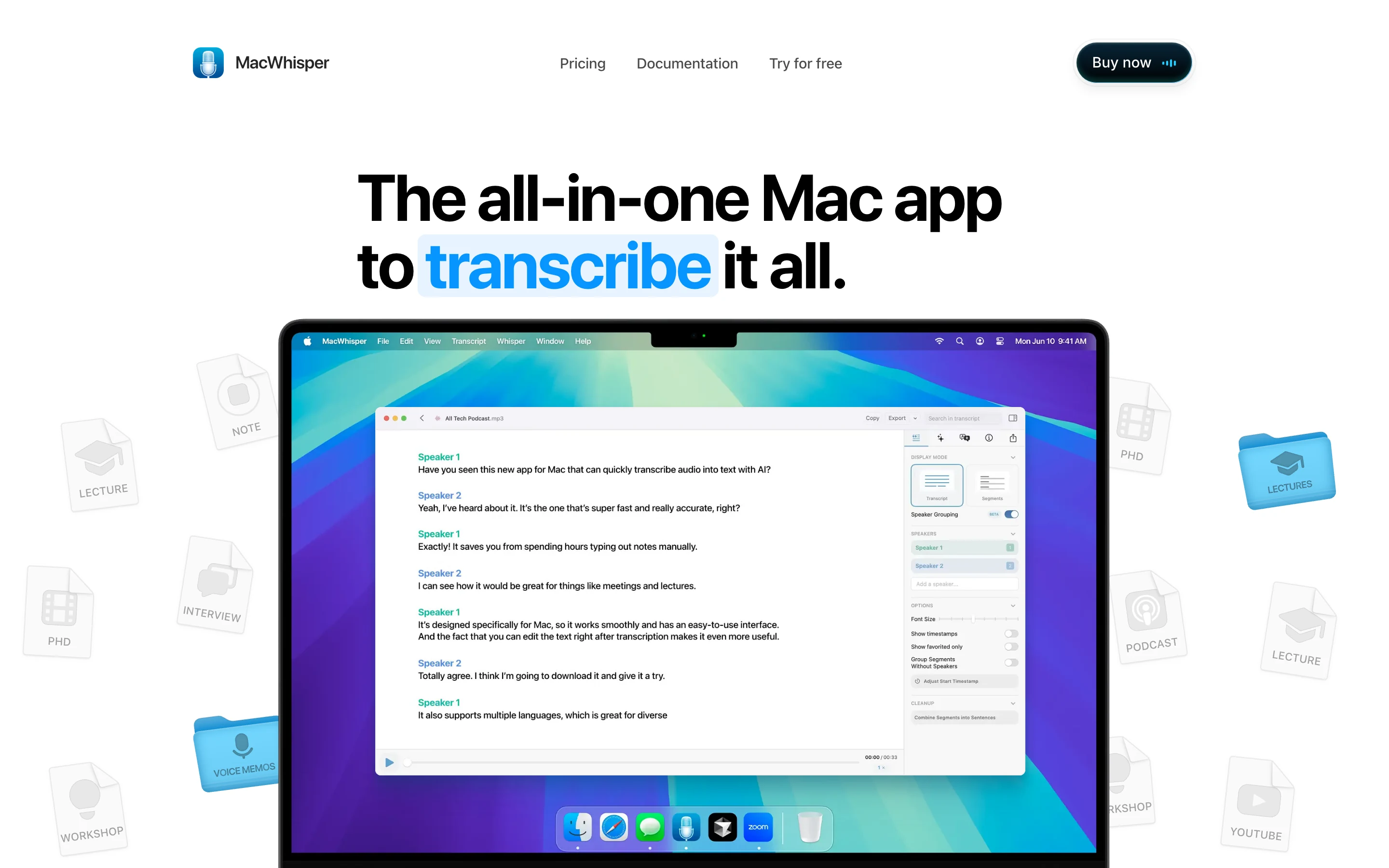
MacWhisper wraps OpenAI's Whisper models in a native Mac app: drag an audio or video file in, pick a model, and the transcript is produced on your Mac. The free version covers the core job, local file transcription with export to TXT and subtitle formats. A one-time Pro purchase, €64 on its own pricing page, adds batch transcription, system audio capture, and speaker recognition. For a single file with nothing to install, Weeve's browser converters take MP3, WAV, FLAC and a saved voicemail, and the audio never leaves the tab.
It is a transcription utility rather than a meeting notetaker: nothing joins your calls, and it does not write summaries or action items. Recording meeting audio from apps like Zoom and Teams is possible, but that sits in the Pro tier. For turning a folder of interviews or voice notes into text without uploading them anywhere, the free version is exactly the right shape.
Key features
Local transcription of audio and video files with Whisper models
Free tier includes file transcription and text export
TXT and subtitle export formats
No account required; processing happens on the Mac
Best for
A researcher or journalist transcribing recorded interviews on a Mac
Anyone with existing files to transcribe privately, no meeting features needed
Pricing
Free version with local file transcription and text export
Pro: €64 one-time purchase for batch processing, system audio capture, and speaker recognition
Pros
Genuinely local processing with a simple, native Mac interface
One-time pricing instead of a subscription for the paid tier
Cons
No summaries or action items; it stops at the transcript
Meeting recording, batch processing, and speaker labels sit behind the paid tier
3. OpenAI Whisper, best free open-source transcription engine
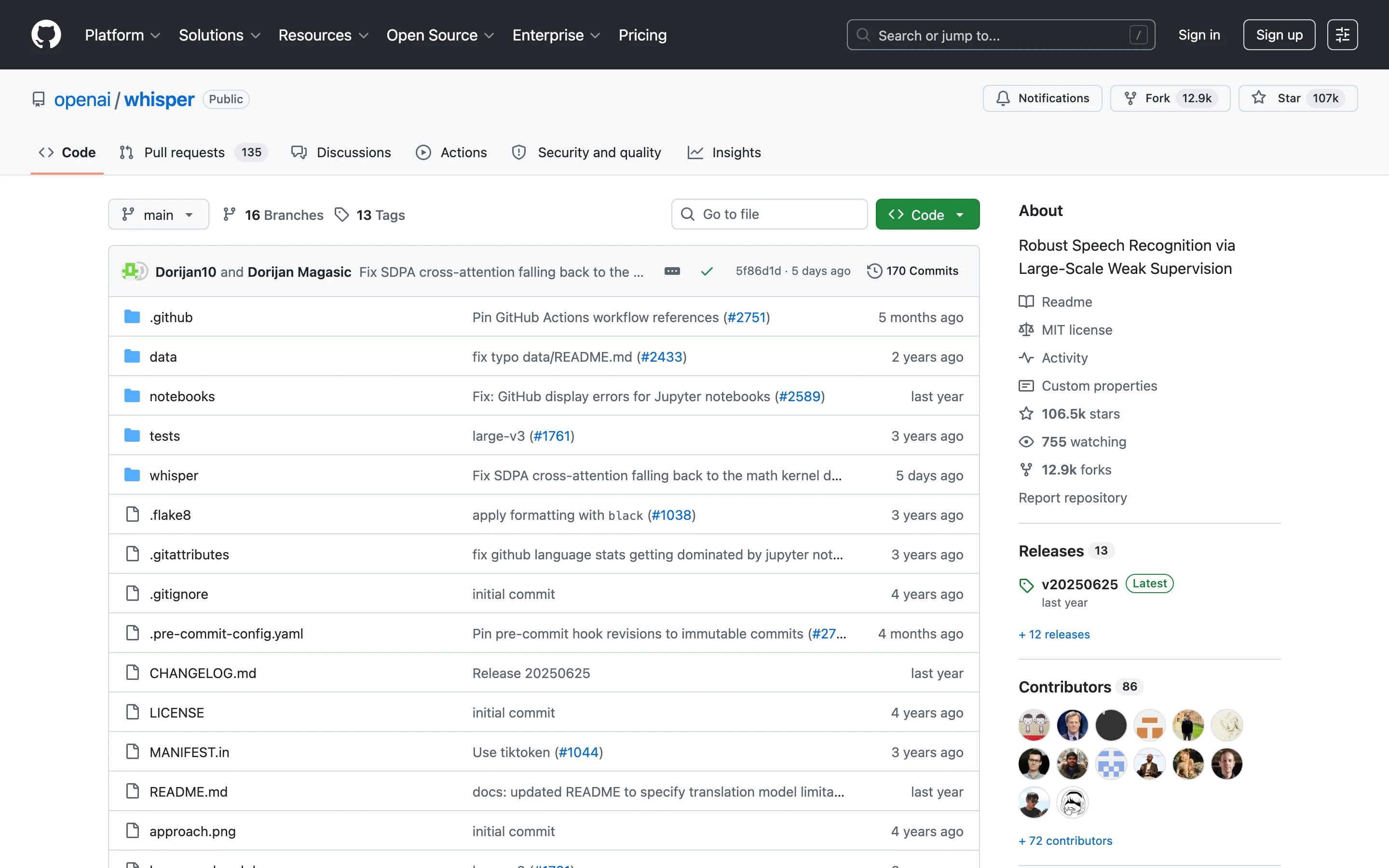
OpenAI Whisper is the engine several tools in this category are built on, and it is free to use directly: the code and model weights are released under the MIT licence. Install it with Python, point it at an audio file from the command line, and it transcribes locally in a long list of languages, with model sizes from tiny (runs on almost anything) up to large (needs a capable machine, around 10GB of VRAM for the biggest model).
The honest trade is that Whisper is a tool for people comfortable with a terminal. There is no interface, no recording, and no support; you assemble the workflow yourself. In exchange you get unlimited, offline, genuinely free transcription with no caps of any kind.
If the command line is the part you want to avoid, there is a graphical route to the same engine. Audacity, the free open-source audio editor, ships an OpenVINO plug-in pack whose Whisper transcription effect transcribes audio to text using OpenAI's Whisper model, on your own hardware. You get a window instead of a terminal, and you keep the offline guarantee. It is still an audio editor rather than a meeting tool, so there is no recording of calls and no summary at the end.
Key features
Free and open source under the MIT licence, no usage caps
Runs fully on your own hardware, offline once installed
Multilingual transcription and translation
Six model sizes to match your machine's power
Best for
A developer or technical user automating transcription for many files
Privacy-sensitive work where the audio must never leave your infrastructure
Pricing
Free, including commercial use
Pros
No caps, no accounts, no cloud, ever
The accuracy benchmark most consumer tools are built on
Cons
Command-line setup: Python, PyTorch, and FFmpeg before your first transcript
No speaker labels out of the box, and larger models need serious hardware
4. Apple Voice Memos, best built-in recorder with transcripts
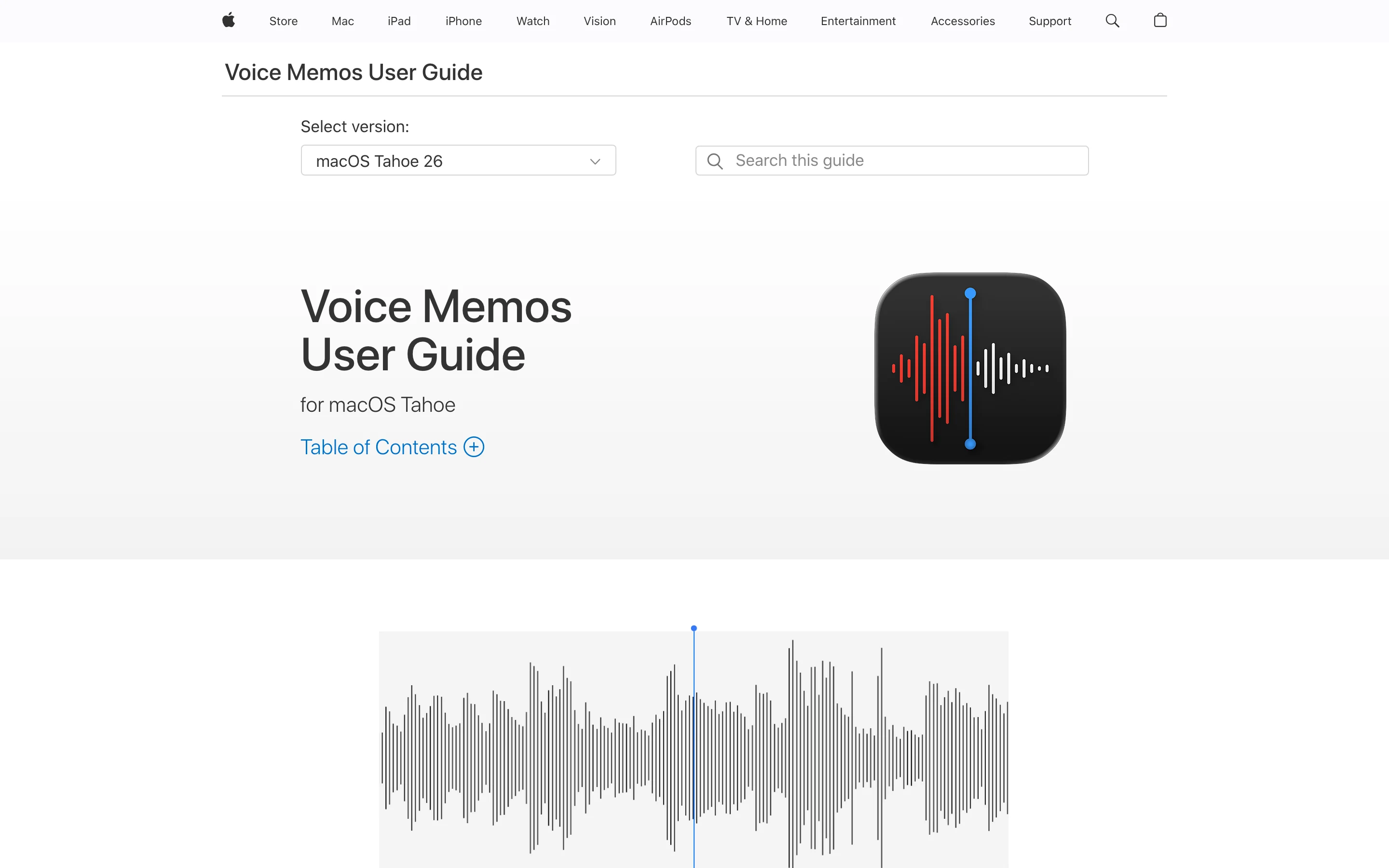
Apple Voice Memos is already on your iPhone and Mac, and on recent versions of iOS and macOS it produces transcripts of your recordings in supported languages. Record a conversation, a lecture, or a thought on the go, then open the transcript view, search it, and copy the text. For capturing in-person conversations with zero setup and zero cost, nothing beats the app that is already installed.
It is a recorder first: the transcript is functional rather than polished, there are no speaker labels, and language support is narrower than the dedicated tools here. Summaries exist only through Apple Intelligence Writing Tools on supported devices. But as the free baseline for "I need this conversation as text," it has quietly become very good.
To copy the transcript itself on a Mac, how to transcribe voice memos and copy the text walks through Apple's steps. A Voice Memos recording exports as an M4A file. If you want the words without opening another app, the M4A to text converter turns it into a transcript in the browser.
Key features
Built into iPhone and Mac, no installation or account
Transcripts of recordings on recent iOS and macOS versions, in supported languages
Search and copy text from the transcript view
Syncs recordings across your Apple devices
Best for
In-person conversations, lectures, and voice notes on the device already in your pocket. For a recorded lecture specifically, the lecture transcription tool turns the file into timestamped text in the browser
Anyone who wants a free transcript occasionally, without adding software
Pricing
Free with iOS and macOS
Pros
Zero cost, zero setup, always with you
Transcripts appear right next to the recording
Cons
No speaker labels; summaries require Apple Intelligence on supported devices
Transcription is limited to supported languages and recent OS versions
5. Google Docs voice typing, best free live dictation in the browser
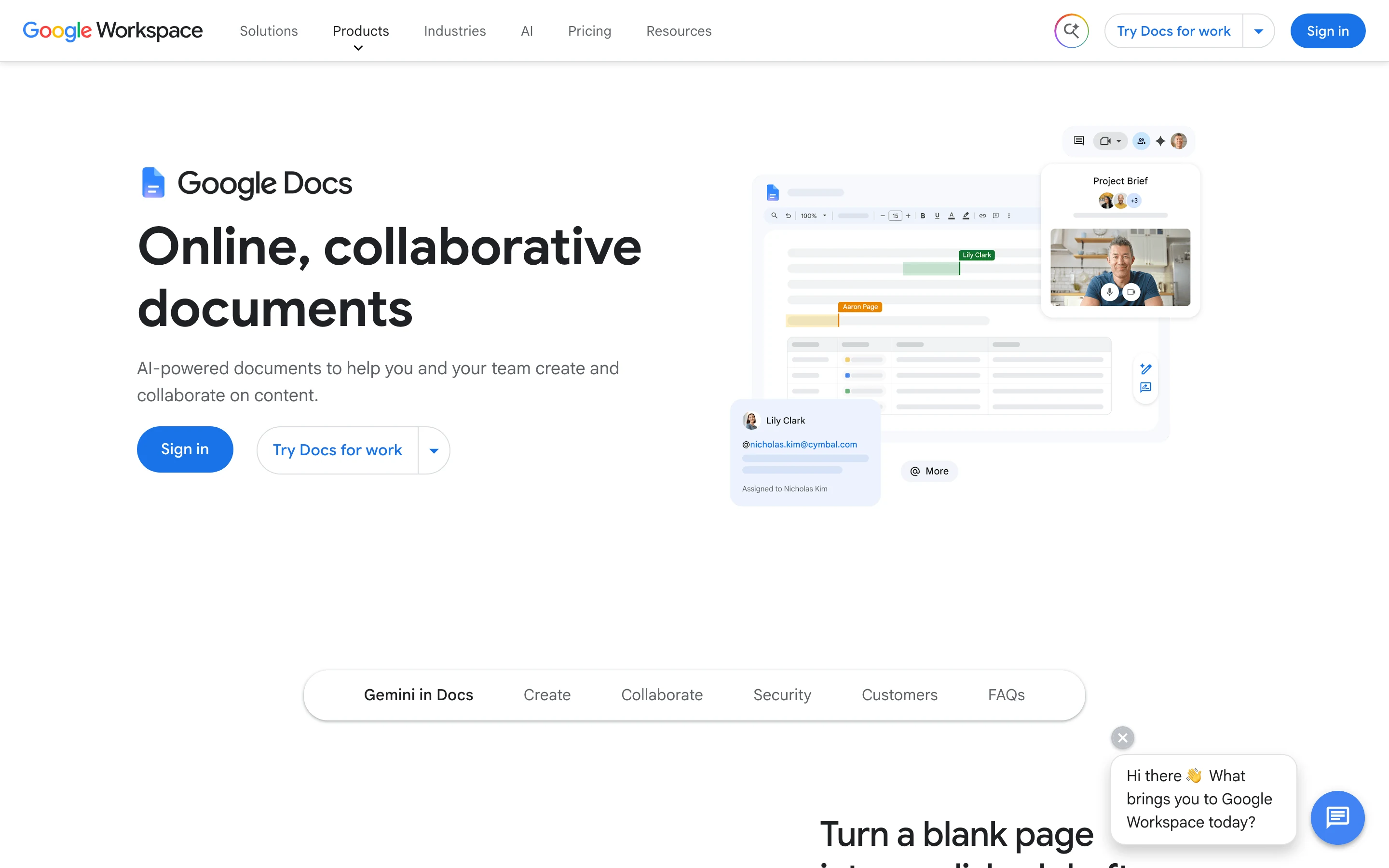
Google Docs voice typing transcribes your speech as you talk, straight into a document, and it is free with a Google account. Open a Doc, turn on voice typing, and speak: it supports well over 100 languages and works in current versions of Chrome, Edge, and Safari. For dictating a first draft, meeting minutes from your own summary, or notes while thinking aloud, it costs nothing and needs nothing installed.
Two limits define it. It transcribes live speech only, so it cannot open an audio file, and per Google's own documentation your browser controls the speech-to-text service, meaning the audio is handled by that service rather than on your device. It is a dictation feature, not a meeting or file transcription tool.
Key features
Free live dictation directly into a document
Works in current Chrome, Edge, and Safari, nothing to install
Supports 100+ languages and dialects
Voice commands for punctuation and formatting in English
Best for
Dictating drafts, notes, and summaries faster than typing
Occasional transcription needs inside a workflow already built on Google Docs
Pricing
Free with a Google account
Pros
Instant to start and available on any computer with a browser
Wide language support for dictation
Cons
Live speech only: it cannot transcribe an existing recording
Speech is processed by the browser's speech service, not on your device
Free transcription software for Mac
Four of the five run on a Mac, and the choice between them comes down to what you are transcribing.
Weeve and MacWhisper are Mac-native and both process on the machine, so nothing is uploaded. Weeve records the meeting as it happens and writes the summary; MacWhisper takes a file you already have and returns the text. OpenAI Whisper also runs locally on a Mac but expects you to be comfortable at the command line. Apple Voice Memos is already installed and transcribes short recordings with no setup at all.
Google Docs voice typing is the exception. It works on a Mac in Chrome, but the speech goes through Google's service rather than staying on the machine, which is the distinction that matters if the recording is confidential.
If you want the best free transcription software for Mac and the audio is sensitive, the practical shortlist is Weeve for meetings and MacWhisper for files. Both keep the audio on the device, and both are free to try on a real recording before you commit.
How to choose the best free transcription software
1) Where does the audio get processed?
If the recording is confidential, this is the filter that comes before every feature. Weeve, MacWhisper and Whisper all process on your own machine, so the audio never leaves it, and all three keep working offline once their models have downloaded. That is a stronger guarantee than a privacy policy, because there is no server in the path to trust. Google Docs voice typing routes speech through the browser's speech service, and that is fine for dictating a blog draft, not for a privileged call. The reasoning behind that line is laid out in why your AI note taker should stay off the cloud.
2) Do you need a transcript, or the meeting handled?
A transcript is raw material; most people actually want the summary and the action items. Weeve is the only tool here that drafts those for free, on-device. If you genuinely just need text from a file, MacWhisper or Whisper do that with less around it.
3) Live speech or existing recordings?
Google Docs voice typing and Apple Voice Memos capture what is happening now. MacWhisper and Whisper convert what you already recorded. Weeve does both for meetings: it records live and imports existing audio and video files. If the recordings you want are specifically Zoom calls, the setup is covered in how to transcribe Zoom meetings automatically, and if you need to capture the meeting in the first place, see the roundup of free meeting recorder apps.
4) What does free actually cover at your usage?
Whisper is uncapped but costs setup time. Weeve's Starter covers 10 recordings in total. MacWhisper's free tier handles one file at a time. Voice Memos and Docs voice typing are uncapped but narrow. Record one real meeting or file with your shortlist before deciding; ten minutes of testing beats any comparison table, including this one.
FAQ
What is the best free transcription software?
It depends on what you are transcribing. For meetings on a Mac, Weeve's free Starter plan is the strongest option because it records, transcribes, and summarises locally without uploading anything. For existing audio files, MacWhisper's free tier or the open-source Whisper engine do the job on your own machine. For live dictation, Google Docs voice typing is free and instant.
What is the best free transcription software for Mac?
Weeve for meetings and MacWhisper for files, if the audio is sensitive. Both are Mac-native and both process on the machine, so nothing is uploaded. Whisper also runs locally on a Mac but needs command-line setup, and Apple Voice Memos handles short recordings with nothing to install. Google Docs voice typing works on a Mac but sends the speech to Google's service, so it is the wrong choice for a confidential recording.
Is there free transcription software that works offline?
Yes. OpenAI Whisper runs fully offline once installed, MacWhisper processes files locally on a Mac, and Weeve transcribes and summarises meetings on-device without a cloud connection for processing. Google Docs voice typing is the exception: it needs the browser's online speech service. Apple does not publish where Voice Memos transcription runs, though it requires recent Apple hardware.
Is there a free transcription tool that does not upload my audio to the cloud?
Yes, three in this list. Weeve keeps recording, transcript, and summary on your Mac; MacWhisper transcribes files locally; and Whisper runs entirely on your own hardware. If a recording is confidential, choosing one of these removes the upload question instead of managing it.
Is there a free AI notetaker for Mac?
Yes. Weeve's Starter plan is free and covers 10 recordings in total with on-device transcripts and AI summaries. It is Mac only, which is the honest limitation. For the wider category beyond free tools, see the roundup of the best AI notetakers.
Is OpenAI Whisper really free?
Yes. Whisper's code and model weights are released under the MIT licence, which permits personal and commercial use at no cost. What you supply is the hardware and the setup: it runs from the command line, needs Python and FFmpeg, and the largest, most accurate model wants a machine with around 10GB of VRAM.
Can my Mac or iPhone transcribe recordings without extra software?
Yes. On recent versions of iOS and macOS, Apple Voice Memos shows a transcript of your recordings in supported languages, searchable and copyable. It has no speaker labels, and summaries only arrive via Apple Intelligence on supported devices, so it suits quick personal recordings better than meetings, but it costs nothing and is already installed.
Is Microsoft Word's Transcribe feature free?
No. Transcribe in Word needs a Microsoft 365 subscription, and uploaded recordings are capped at 300 minutes a month. It works in Word for the web and in Word for Microsoft 365 on Windows, and it takes WAV, MP4, M4A and MP3 files.
Is there transcription software without a subscription?
Yes. All five tools here have a free version with no subscription. If you outgrow a free tier, MacWhisper Pro is a one-time €64 licence with lifetime updates, and Whisper stays free under its MIT licence. Weeve's Pro plan, at €12,99 a month, is the only recurring upgrade on this list.
Do I need permission to record a meeting before transcribing it?
Yes. Ask before recording, whatever tool you use: in many places everyone on the call must agree, and asking is the professional norm everywhere. A tool that processes on-device makes that conversation easier, because you can honestly say the recording never leaves your machine, but it never replaces asking.
Does free transcription software limit accuracy?
Sometimes, and it is worth knowing where. MacWhisper's free tier stops at single-file transcription, with batch processing and speaker labels in the paid tier. Weeve's free Starter uses the same on-device pipeline as its paid tier; the cap is the number of recordings, not the quality. Test with one real, imperfect recording rather than a clean sample.
Free transcription is easy to find. Free transcription that never receives your file is the rarer thing.
The browser transcriber is the second kind: it runs in the tab on any operating system and the audio never leaves the page. On a Mac, Weeve's free Starter plan does the same for meetings as they happen, 10 recordings in total, and needs Apple Silicon and macOS 14.4 or later.