Research
Fathom Alternatives: 6 Tools for Confidential Meetings

Dylan de Heer

Fathom is a good product, and the free plan is genuinely unusual: unlimited recordings and transcriptions, no card, your choice of a bot in the call or bot-free capture, which is still in beta. For most teams that is enough, and there is no reason to look further.
Then a client asks where the recording of your conversation is kept, and the answer matters more than the feature list. Fathom's own privacy policy says it "may use and create de-identified data generated from Meeting Content Information to improve our Services by training, improving, and customizing our in-house artificial intelligence models", with an opt-out in your account settings. Its help centre says all Fathom data is stored in the United States. Neither of those is a scandal, and the opt-out is one setting, but if the meeting is privileged, clinical, or under an NDA, "we train on a de-identified version unless you switch it off" is a sentence you have to be willing to say out loud to the other person in the room.
This guide compares six Fathom alternatives on the things that decide the choice for confidential work: where the audio is processed, whether the vendor trains on your meetings, whether anything visible joins the call, and what each one costs.
Fathom alternatives: a brief overview
Fully on-device
Weeve: Best when the conversation cannot leave your Mac. Recording, transcript and summary all run locally, so there is no cloud copy to govern.
MacWhisper: Best for local transcription on a one-off licence. Pro records meetings too, without a bot, but gives you a transcript rather than notes.
Cloud, and states it will not train on your meetings
Jamie: Best for European organisations. Processing stays in the EEA, Switzerland and the UK, and audio is deleted after transcription.
tl;dv: Best if you want Fathom's breadth on EU infrastructure. Records with or without a bot, and states that no customer data trains its AI.
Fireflies: Best free tier and the widest integration set. Says a Zero Data Retention policy means your meetings are never used for AI training.
Cloud, and trains on your meetings unless you opt out
Granola: Best for people who take their own notes and want the AI to clean them up, with a published subprocessor chain.
The split at the top of that list is the decision. Every cloud tool creates a second copy of the conversation on infrastructure you do not own, and then the question becomes what that vendor does with it. Weeve and MacWhisper avoid the question by never uploading. Jamie answers it with jurisdiction and deletion, tl;dv with jurisdiction and a flat refusal to train. Fireflies answers it with a Zero Data Retention policy at its vendors, though it is US-hosted unless you pay for Enterprise. Granola answers it with disclosure, and is the one here that trains by default.
Tool | Where processing runs | Trains on your data? | Bot in the call? | Pricing | Platform |
|---|---|---|---|---|---|
Fathom (for reference) | Cloud, US | Yes, de-identified, opt-out in settings | Optional, bot-free in beta | Free unlimited; Premium $20/mo ($16 annual) | Web, desktop |
Weeve | On your Mac | No, nothing is uploaded | No | Free Starter; Pro €12,99/mo excl. VAT | macOS |
Jamie | Cloud, stated EEA/CH/UK | States no, by them or any model provider | No | Free 10 meetings/mo; Plus €21/mo annual | Web, desktop, mobile |
tl;dv | Cloud, hosted and stored in the EU | States no customer data trains its AI | Optional, desktop app records bot-free | Free unlimited recordings; Pro $18/seat/mo annual | Web, desktop, mobile |
Granola | Cloud, US | Yes by default, opt-out on every plan | No | Free with limited history; Business $14/user/mo | macOS, Windows, iOS, Android |
Fireflies | Cloud, US by default; residency of your choice on Enterprise | States no, with Zero Data Retention at its vendors | Bot by default, or bot-free capture on any plan including Free | Free, unlimited transcription with 400 mins storage; Pro $10/seat/mo annual | Web, desktop, mobile, extension |
MacWhisper | On your Mac by default, optional cloud | No, nothing is uploaded by default | No, records meetings bot-free on Pro | Free tier; Pro €65 one-off | macOS |
Prices are listed in the currency each vendor publishes, so the column mixes euros and dollars and is not a like-for-like comparison. Weeve's price excludes VAT; the others are quoted as shown on their own pricing pages.
1. Weeve, best when the conversation cannot leave your Mac
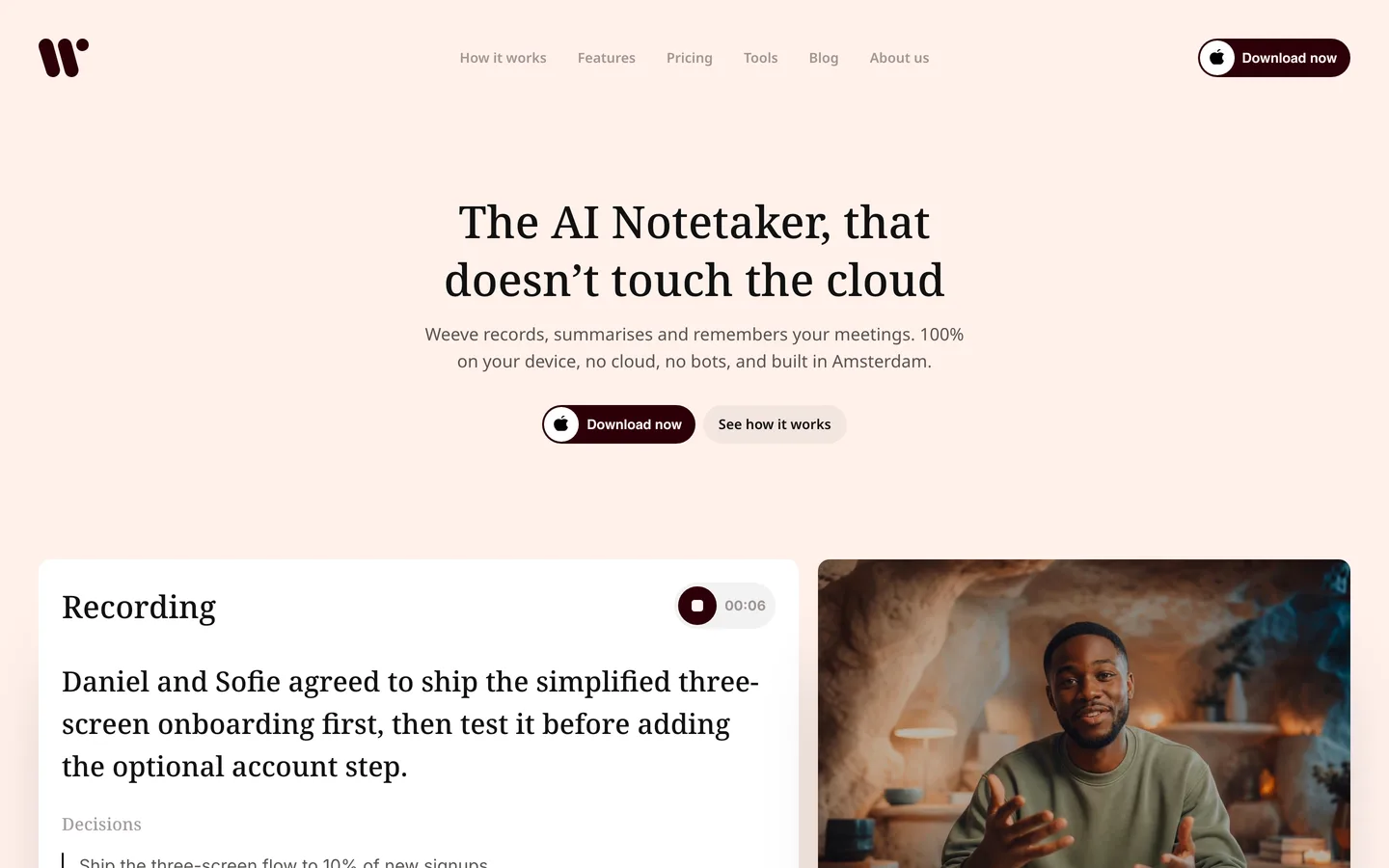
Weeve is an AI notetaker that runs entirely on your Mac. You ask for consent, press record, and it captures the audio from the machine itself, so nothing joins the Zoom, Meet or Teams call. The transcript builds while you talk and the summary is written by a model running on your device when the call ends. The recording, the transcript and the summary never leave the Mac.
For confidential work that architecture answers the training question by removing it. There is no de-identified copy to opt out of, because there is no copy. There is no storage region to ask about and no subprocessor list to audit. Be precise about the promise, though: Weeve uses online services for sign-in, billing, updates and content-free analytics, the same as most desktop software. What it does not do is send your meeting anywhere.
Key features
Recording, transcription, speaker labels and summary all run on the Mac, with no upload step
No bot joins, because Weeve captures the Mac's own audio for Zoom, Google Meet and Teams
Imports existing audio and video files and transcribes them locally
Works in any Mac conferencing app, and in person with the Mac on the table
Once the models are installed, the core workflow continues offline
Best for
A solo practitioner or small firm on Macs whose first rule is that client audio stays off third-party servers
Anyone who has already had to explain a vendor's data policy to a client and would rather not do it again
Pricing
Free Starter: 10 recordings in total and 2 projects
Pro: €12,99 a month excluding VAT, unlimited recordings and projects
Pros
The training question disappears rather than being managed with a setting
No upload step means no upload step to fail mid-conversation
Consent is a one-sentence answer when someone asks where the recording goes
Cons
Mac only, with no Windows client and no mobile app, so mixed-platform teams are out
The summary arrives when the call ends rather than live during it
No web app, so a recording lives on the Mac that made it rather than in a browser you can open anywhere
For work where confidentiality is a professional obligation, the simplest architecture is the one where nothing leaves the device. That is Weeve's entire design: the AI runs on your Mac, and so does everything it hears. No processor agreements to chase, no cloud audit trail to explain. Keep your meetings on your Mac.
2. Jamie, best for European organisations
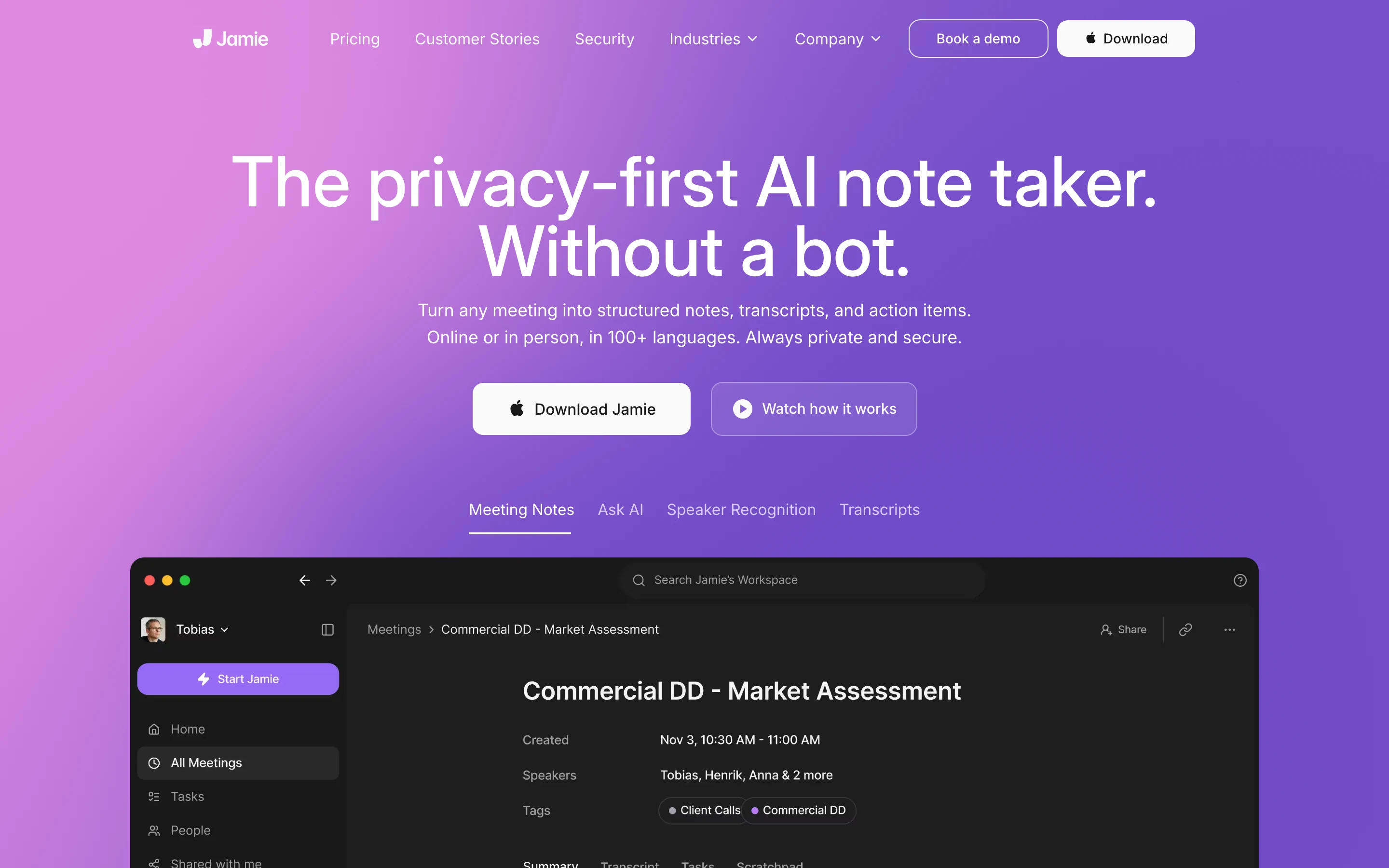
Jamie is bot-free and takes the clearest jurisdictional position of any cloud tool here. It states that all data storage and processing stays within the EEA, Switzerland and the UK, that meeting audio is deleted after transcription, and that your data is never used to train models, by Jamie or by any model provider. It holds ISO 27001 certification.
For a European company with a procurement process, that is a specific, checkable answer rather than a vague reassurance, and it is a genuinely different posture from a US-hosted tool that trains on de-identified content. The honest caveat is the one that applies to every tool in this section: the audio is still processed somewhere that is not your laptop. Jamie captures on the device, but its own privacy policy describes an audio and summarisation pipeline running on cloud services, and names a US provider handling interim data including temporary audio files under standard contractual clauses. That is a normal, disclosed arrangement, and it is worth reading next to the marketing line about data never leaving those jurisdictions. Capture is local; processing is not.
Key features
No bot joins the call, and no participant sees a third party in the meeting
States that all storage and processing stays within the EEA, Switzerland and the UK
Meeting audio deleted after transcription
No training on customer data, by Jamie or by its model providers
ISO 27001 certified, GDPR compliant
Best for
European organisations where data residency is a procurement requirement, not a preference
Teams that need Windows and mobile as well as Mac
Pricing
Free: €0, 10 meetings a month, 30 minutes per meeting
Plus: €21 a month billed annually, 20 meetings, 2 hours per meeting
Pro: €39 a month billed annually, unlimited meetings, 5 hours per meeting
Team: €33 per seat a month billed annually
Pros
The residency and training commitments are specific enough to hand to a compliance reviewer
Deleting audio after transcription genuinely reduces what there is to lose
Cons
Noticeably more expensive than Fathom, and Fathom's free tier is far more generous
Meeting caps on the lower tiers, where Fathom's free plan is unlimited
Still a cloud tool: the recording leaves your machine to be processed
3. tl;dv, best for EU hosting without giving up breadth
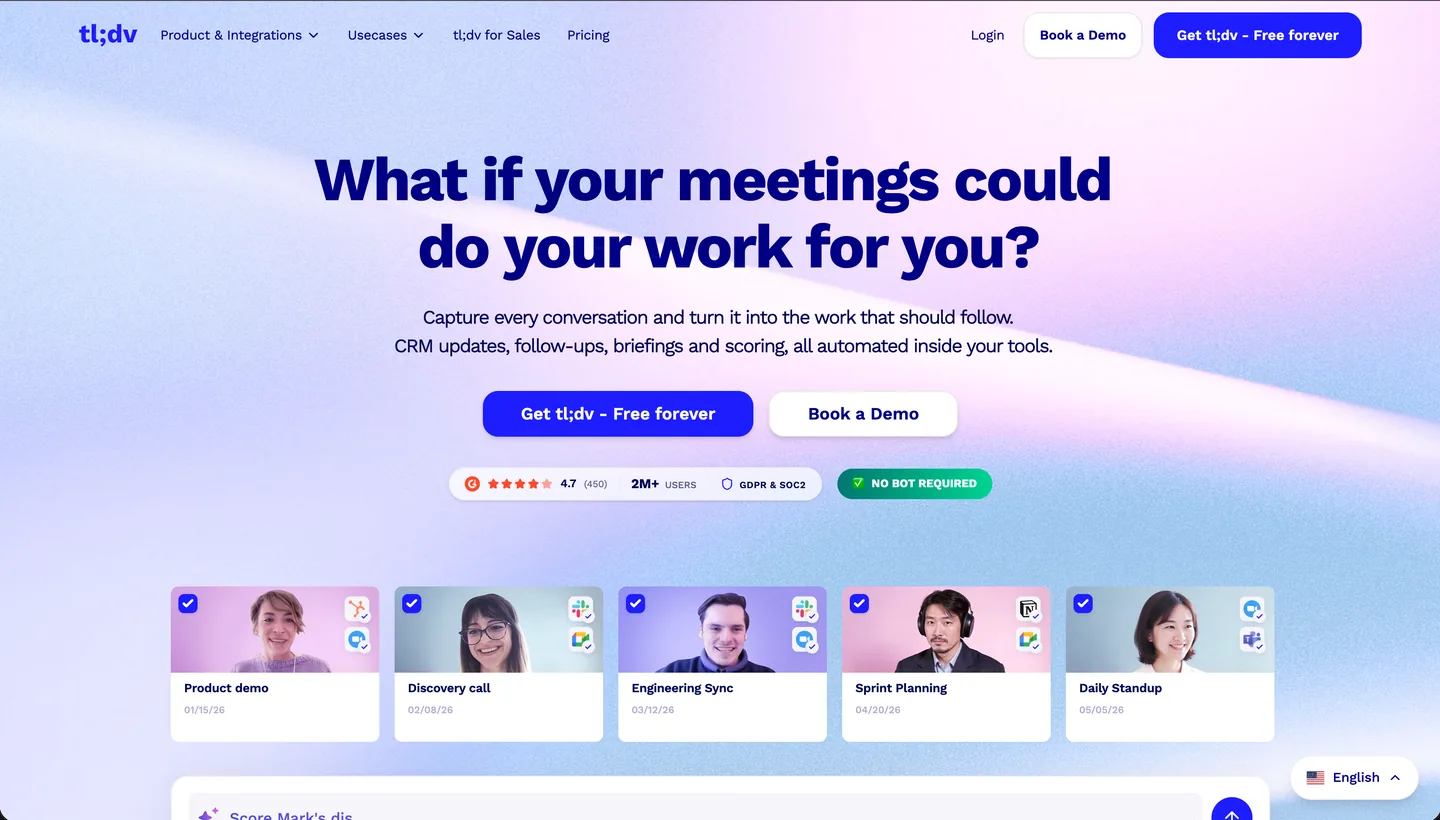
tl;dv is a German company, and the claim on its pricing page is unusually direct for this category: hosted and stored in the EU. Its security page states that no customer data is used to train the AI, and it goes further than most by describing what happens with the model provider it uses. Metadata such as your name, email address and company name is anonymised before processing. Meetings are broken into short pieces with the sequence randomised, so the provider never receives more than a fragment and cannot tell which fragments belong to the same conversation. The model provider it names is Anthropic. It holds SOC 2 Type II, and it states GDPR and EU AI Act compliance. Any account can choose in its preferences whether the AI runs in Europe or the US, which makes EU-only processing a default posture rather than something you buy your way up to. Privately hosted AI is the part reserved for Enterprise.
The desktop app records with or without a bot, so the visible participant is a choice rather than a condition of using the product. What bot-free does not change is where the recording ends up: the audio still uploads to your tl;dv library to be transcribed and turned into notes. Hold on to that distinction when comparing it with Weeve. Bot-free describes the call. It says nothing about whether the audio stays on your machine.
Key features
Records Google Meet, Zoom and Teams with a bot, or bot-free from the desktop app
Hosted and stored in the EU, with European or US AI hosting selectable in account preferences
States that no customer data is used to train its AI
SOC 2 Type II, with stated GDPR and EU AI Act compliance
Over 5,000 integrations, CRM field mapping, API and webhooks
Best for
European teams that want a mainstream, heavily integrated notetaker without a US data path
Sales teams that need notes written back into a CRM and cannot accept US hosting to get it
Pricing
Free: unlimited recordings and transcription, capped at 40 web recordings a week, AI notes on up to 10 meetings, data kept up to three months
Pro: $18 per seat a month billed annually, unlimited AI notes and integrations
Business: $29 per seat a month billed annually, adds premium transcription and multi-meeting insights
Enterprise: custom, adds SSO, SCIM provisioning and privately hosted AI
Pros
The EU hosting and no-training statements are both specific enough to hand to a compliance reviewer
Bot-free recording is available without dropping to a smaller, less capable product
The free tier is generous, with unlimited recordings and transcription, though Fathom's has no weekly cap
Cons
Bot-free is not cloud-free: the recording still uploads to be processed, it just does not announce itself in the call
Free-plan data is kept for up to three months, so the free tier is not a permanent archive
Pro costs more per seat than Fathom Premium does on an annual plan Jamie and tl;dv move the processing into the EU. Neither removes the upload. If that is the thing you are trying to get away from, Weeve keeps the recording and the notes on your Mac. Try the free Starter plan on one real call and judge the transcript yourself.
4. Granola, best for people who write their own notes
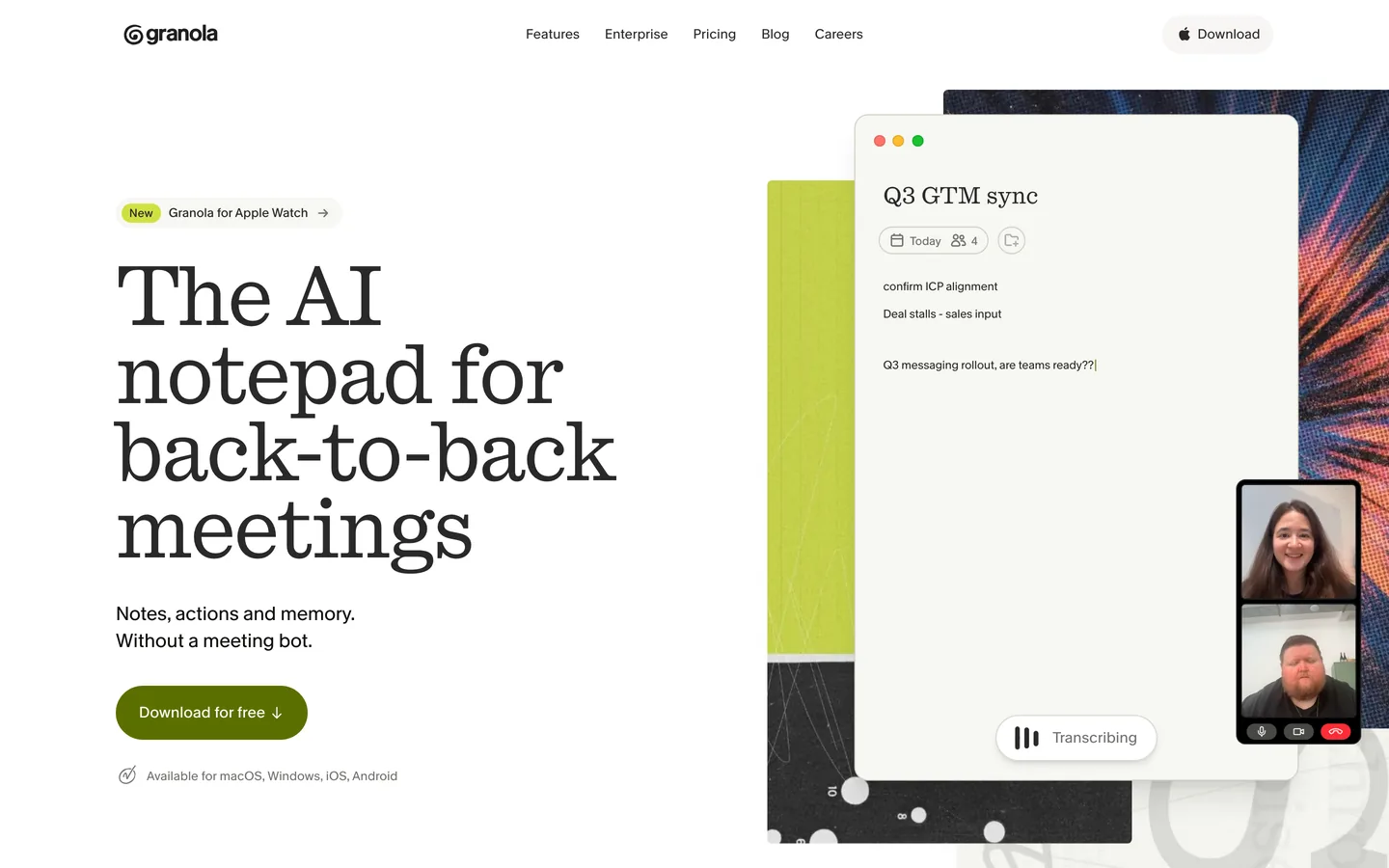
Granola is the closest in spirit to Fathom's bot-free mode. It does not put a bot in your call, it captures your microphone and your computer's audio, and the product is built around you typing rough notes during the conversation while it fills in what you missed.
It also publishes more of its chain than most, which is why it is easy to assess honestly. Transcription runs through providers like Deepgram and AssemblyAI, the AI models come from OpenAI and Anthropic, and notes are held in a US-hosted AWS virtual private cloud, encrypted at rest and in transit. It states plainly that it does not store meeting audio, which is a genuinely good decision. On training it sits in the same place as Fathom: model training is on by default with an opt-out, and the opt-out is available on every plan including the free one. Enterprise workspaces are the exception and are opted out from the start.
Key features
No bot joins; captures microphone and computer audio
Built around your own notes, with AI filling the gaps rather than replacing them
Does not store meeting audio, only transcripts and your notes
Publishes its transcription and model providers
Opt out of model training on every plan, including free, and off by default on Enterprise
Best for
People who already take notes in meetings and want them tidied rather than replaced
Teams on mixed platforms: macOS, Windows, iOS and Android
Pricing
Basic: free, with limited meeting history and the training opt-out included
Business: $14 per user a month, unlimited history and advanced integrations
Enterprise: $35 per user a month, SSO and organisation-wide auto-deletion
Pros
More transparent about its subprocessors than almost anything else in the category
Cheaper than Fathom's Premium tier for a comparable individual use case
Cons
Training on your data is on unless you turn it off, the same trade Fathom asks you to make
US-hosted, so EU data residency is not available
The note-first workflow is a genuine preference: if you want to stop writing entirely, this is not the tool
5. Fireflies, best free tier and integration set
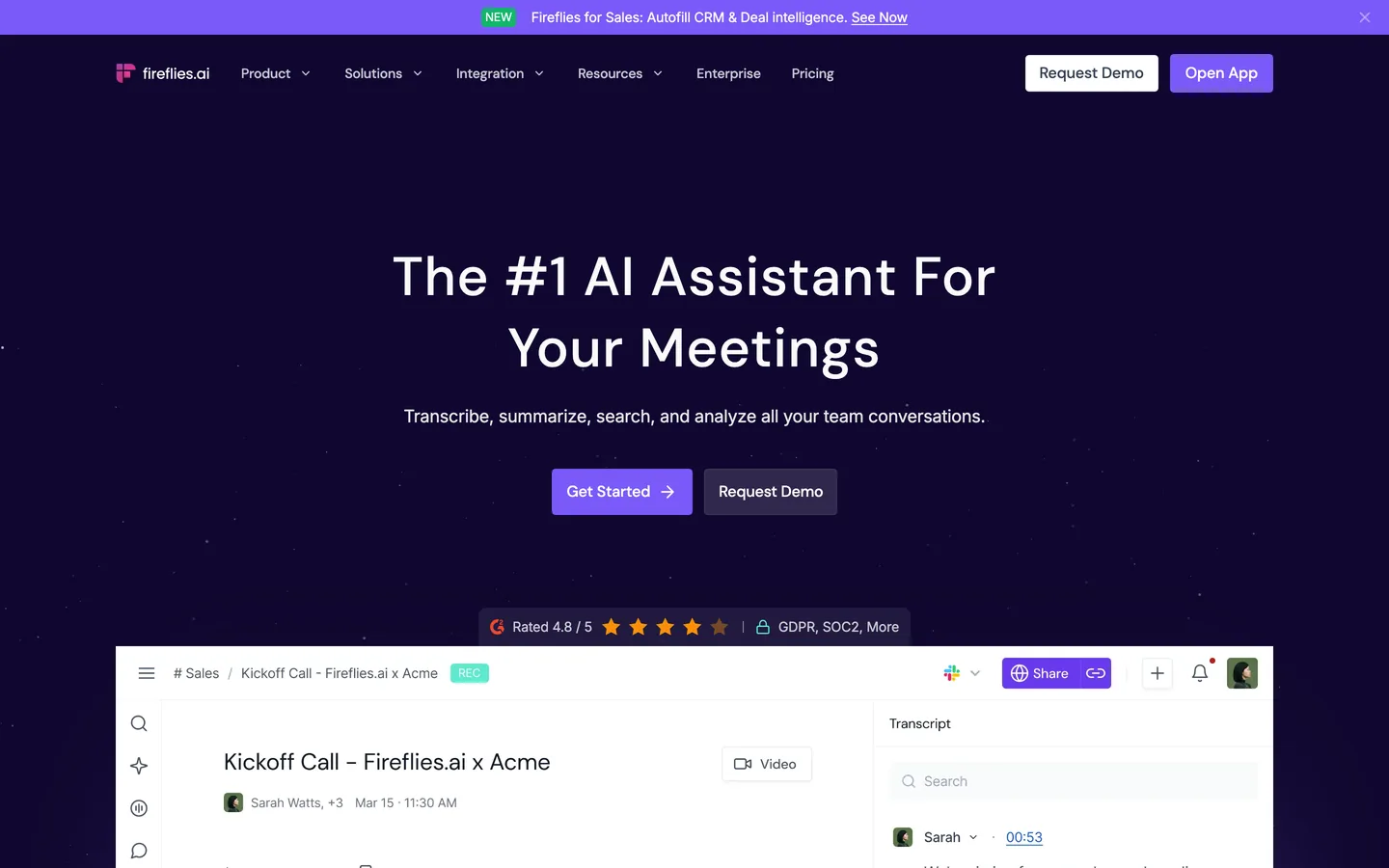
If the cloud is not your objection, Fireflies is the most capable general-purpose alternative on this list, and if it is Fireflies you are thinking of leaving, the Fireflies alternatives covers that the other way round. It transcribes, summarises, searches across your whole meeting history and connects to most of the tools a sales or CS team already runs. It holds SOC 2 Type II and states GDPR compliance, with HIPAA and a BAA on Enterprise.
On training it takes a clearer public position than Granola does, and it is worth saying so. Its security page states that a Zero Data Retention policy means your meeting data is never used for AI model training, and that the same Zero Data Retention policy applies to its vendors and partners.
The bot deserves to be described properly rather than used as a straw man. Fireflies sends one by default, but that is no longer the only option: the Mac and Windows desktop app records from system audio with nothing appearing in the call. One condition comes with it: bot-free capture does not keep the raw audio or video for playback, which for some teams is the main reason to let the bot in. The capture route itself is not gated behind a paid plan, and Fireflies' own pricing table ticks recording without its bot on every tier including the free one.
Key features
Unlimited transcription on every tier, including free
A bot by default, or bot-free recording from the desktop app on Pro and above
Search and AI chat across your entire meeting history
Wide integration set: CRM, Slack, task tools
SOC 2 Type II and GDPR, with HIPAA and a BAA on Enterprise
Desktop, mobile and browser extension as well as web
Best for
Sales and customer-facing teams that live in a CRM and need the notes to land there
Anyone who needs a shared, searchable team archive of conversations
Pricing
Free: unlimited transcription, with 400 minutes of storage per team and 20 AI credits
Pro: $10 per seat a month billed annually, $18 monthly, 8,000 minutes per seat
Business: $19 per seat a month billed annually, unlimited storage
Enterprise: $39 per seat a month, annual only, adds SSO, audit logs and HIPAA
Pros
The free tier is genuinely usable rather than a trial, with transcription uncapped
The integration coverage is the widest here
It states plainly that meeting data is never used to train AI models
Cons
US-hosted by default, with storage in a location of your choosing only on Enterprise
Bot-free recording needs a paid plan, and it gives up the playable audio and video
Credit and storage limits mean the real cost depends on your volume
6. MacWhisper, best for local transcription on a one-off licence
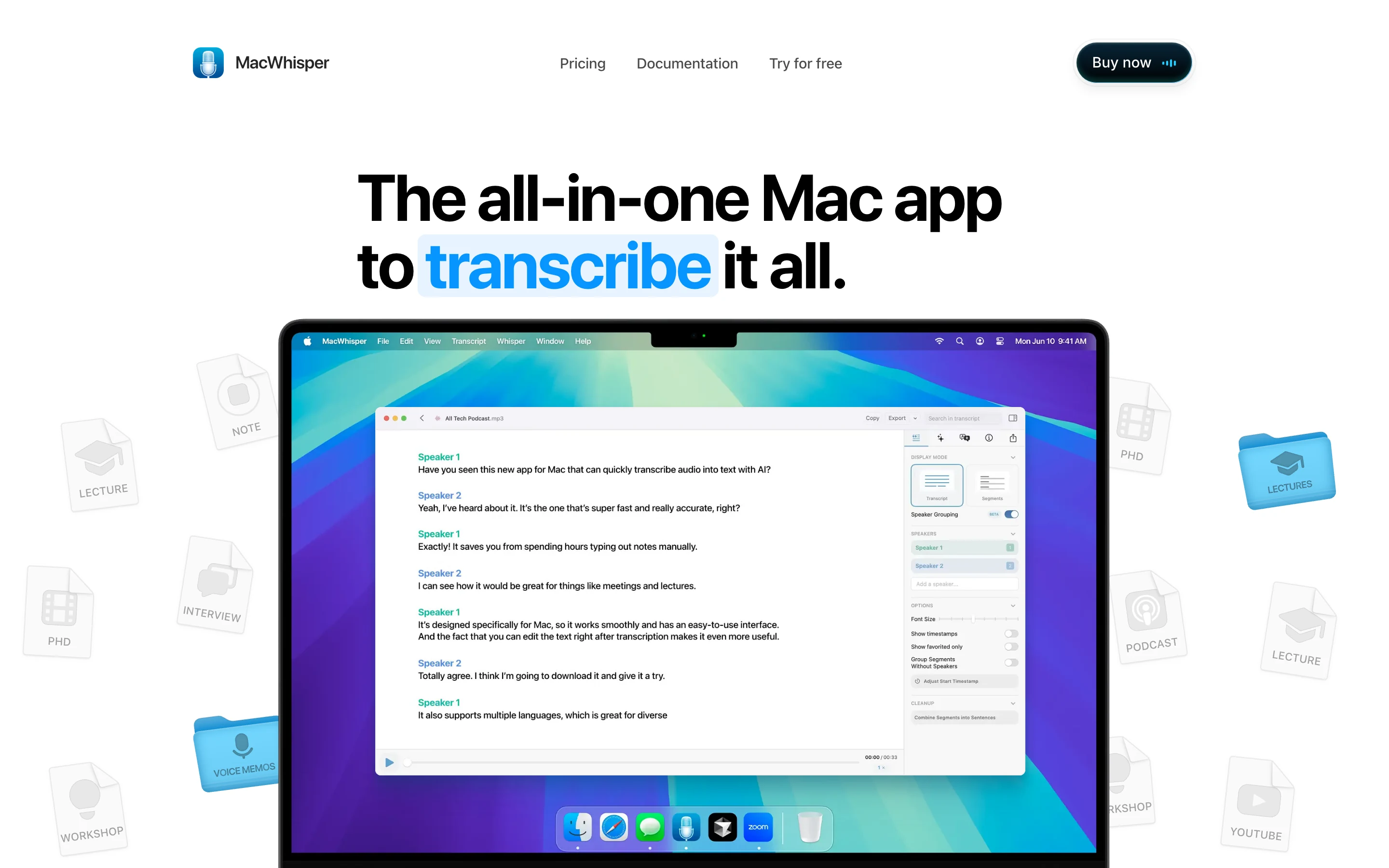
MacWhisper is a native Mac app that runs Whisper and Parakeet models on your own machine. It transcribes audio and video files you already have, and on the Pro licence it also records Zoom, Teams, Webex, Skype and Discord calls in the background, with no bot joining. Its own homepage puts it plainly: no bots joining.
That makes it a closer alternative to Weeve than a file-transcription tool would be, and it is worth being straight about. The difference is not capture, it is what you get afterwards. MacWhisper gives you a transcript. A notetaker gives you a structured summary, decisions and action items. If a transcript is what you actually need, MacWhisper is the cheapest honest option here and it is bought once rather than rented.
One caveat on the privacy claim. Local is the default rather than a lock: Pro can also route transcription to cloud services including OpenAI, Deepgram, ElevenLabs and Gladia if you switch that on. Left alone, nothing leaves the Mac.
Key features
Runs Whisper and Parakeet models locally on the Mac by default
Records Zoom, Teams, Webex, Skype and Discord calls in the background on Pro, with no bot
Transcribes audio and video files in a wide range of formats
One-off purchase rather than a subscription
No account required
Best for
Anyone whose need is a transcript rather than meeting notes and action items
Transcribing existing recordings privately, without adding another subscription
Pricing
Free tier available
Pro: €65 as a one-off licence, including lifetime updates
Pros
Nothing is uploaded by default, and there is no vendor holding your files
A single payment rather than a per-seat monthly cost
Meeting recording without a bot, on a tool you are not renting
Cons
No summaries, decisions or action items in the way a notetaker produces them
Cloud transcription is available if you turn it on, so the local guarantee is a default rather than an architecture
Mac only
How to choose a Fathom alternative
1) Is the training opt-out enough for you?
Fathom and Granola both train on de-identified meeting content unless you turn it off. That is a legitimate design and the switch is easy to find. The question is whether "unless you turn it off" is a sentence you are comfortable with when the conversation is privileged.
If it is fine: stay on Fathom, or move to Granola for the cheaper individual tier
If it is not: Jamie and tl;dv both state that no customer data trains their models, and Weeve has nothing to train on
2) Where is the data allowed to live?
Must stay on the device: Weeve for meeting notes, MacWhisper for transcripts
Must stay in Europe: Jamie, which commits to the EEA, Switzerland and the UK, or tl;dv, which is hosted and stored in the EU
US hosting is fine: Fathom, Granola or Fireflies
3) Can a bot join the call?
No, never: Weeve, Jamie and Granola all capture without a participant appearing. tl;dv's desktop app does the same if you choose it, and so does Fireflies on Pro and above
Yes, and I want the video recording that comes with it: Fathom's bot mode, or Fireflies, where the bot is the thing that preserves a playable recording
4) What are you actually replacing?
Fathom does live capture, transcription, summaries and a searchable archive. Few of these do all four.
All of it, privately: Weeve, accepting Mac-only
All of it, in the cloud, in Europe: Jamie, or tl;dv if you also need CRM writeback and a wide integration set
The archive and the integrations: Fireflies
Transcripts rather than structured notes, bought once: MacWhisper
Record one real meeting on a free tier before you commit. Every tool here has one, and transcript quality on your own audio, with your own accents and vocabulary, tells you more than any comparison table.
Weeve's Starter plan is free and runs entirely on your Mac, so trying it costs nothing and uploads nothing. Record one real client call and judge the transcript against the tool you use now. Download the free Starter plan.
FAQ
Why would I leave Fathom if the free plan is unlimited?
Usually not for features. The reasons people move are that Fathom stores data in the United States and trains its own models on de-identified meeting content unless you opt out. For internal meetings neither matters much. For privileged, clinical or NDA-covered conversations, both are things you may have to explain to the other person.
Does Fathom train on my meetings?
Its privacy policy says it may use de-identified data from meeting content to train and improve its in-house AI models, and that you can opt out in your account settings. Separately it states that third parties such as OpenAI, Anthropic and Google are not authorised to train on your data. Those are two different commitments and it is worth reading them as such.
Which Fathom alternative keeps everything on my own machine?
Weeve, for meeting notes: recording, transcription, speaker labels and summary all run on the Mac and nothing is uploaded. MacWhisper, if a transcript is enough; it runs locally by default and its Pro licence records meetings without a bot, though it can be pointed at cloud transcription if you choose to. Both are Mac only, which is the trade.
Is there a Fathom alternative that keeps data in the EU?
Two of them. Jamie states that all storage and processing stays within the EEA, Switzerland and the UK, and that no data leaves those jurisdictions. tl;dv states that data is hosted and stored in the EU, and lets you choose in your account preferences whether the AI itself runs in Europe or the US. Jamie is the stricter of the two because it also deletes the audio after transcription; tl;dv is the broader product. Weeve sidesteps the question entirely by not uploading meeting content at all.
Which alternatives avoid a bot joining the call?
Weeve, Jamie and Granola all capture without adding a participant. tl;dv gives you the choice: its desktop app records bot-free, or you can send the bot in. Fireflies sends a bot by default, and also records bot-free from its desktop app on Pro and above, at the cost of the playable recording. Fathom itself offers both, which is worth knowing before you switch: if the bot is your only objection, you can turn it off where you already are.
Do I still need consent if the notetaker is local?
Yes. Consent is about recording a person, not about where the file ends up, and in many places the law requires it. There is a fuller breakdown in the guide on whether it is legal to record a meeting. What changes with on-device capture is what you can honestly promise when someone says yes.
Can I test a transcript before installing anything?
Yes. Weeve's free browser-based transcriber produces a transcript from a file without it leaving the page, which is a reasonable way to judge accuracy on your own audio before committing to any tool on this list.