Product updates
8 Best AI Note Takers for Lawyers in 2026

Dylan de Heer

A privileged conversation is the one asset in your practice you cannot replace. Most AI notetakers for lawyers handle it by sending the audio to a vendor's servers, transcribing it there, and storing the result in a database that the vendor controls and you do not. That is the trade at the heart of this category, and it deserves a straight look before you pick a tool.
The confidentiality question comes first, and it comes first for a specific reason. Your duty under Model Rule 1.6 is not satisfied by a vendor's marketing page. ABA Formal Opinion 512, issued in July 2024, put it plainly: a lawyer using a generative AI tool has to understand how that tool handles the information put into it, and has to take reasonable steps to prevent unauthorised disclosure. So the first question about any notetaker is not how good the summary reads. It is where the recording of a privileged conversation physically ends up, and who else can be compelled to hand it over. The ethical duties sitting on top of that choice, including the consent rule the New York City Bar set out in Formal Opinion 2025-6, are covered in can lawyers use AI note takers.
This guide compares eight AI note takers and transcription tools that lawyers actually use, on the things that decide the choice: where the audio is processed, whether anything visible joins the call, how accurate the transcript is when accuracy is the whole point, and what each one costs. There is a section on legal transcription specifically, a note for notaries, and a decision framework at the end.
Best AI note takers for lawyers: a brief overview
Fully on-device
Weeve: Best for privileged client calls that must never leave your Mac. Recording, transcript, and summary all run locally, so there is no cloud copy of the conversation for anyone to subpoena.
Cloud, built for legal transcription
Rev: Best for depositions and case audio that has to be accurate to the word, with human transcription on top of the AI pass.
Verbit: Best for firms running high volumes of proceedings that need human review built into the workflow.
Sonix: Best for paying by the hour rather than by the seat, with SOC 2, HIPAA and a BAA available.
Platform and hardware
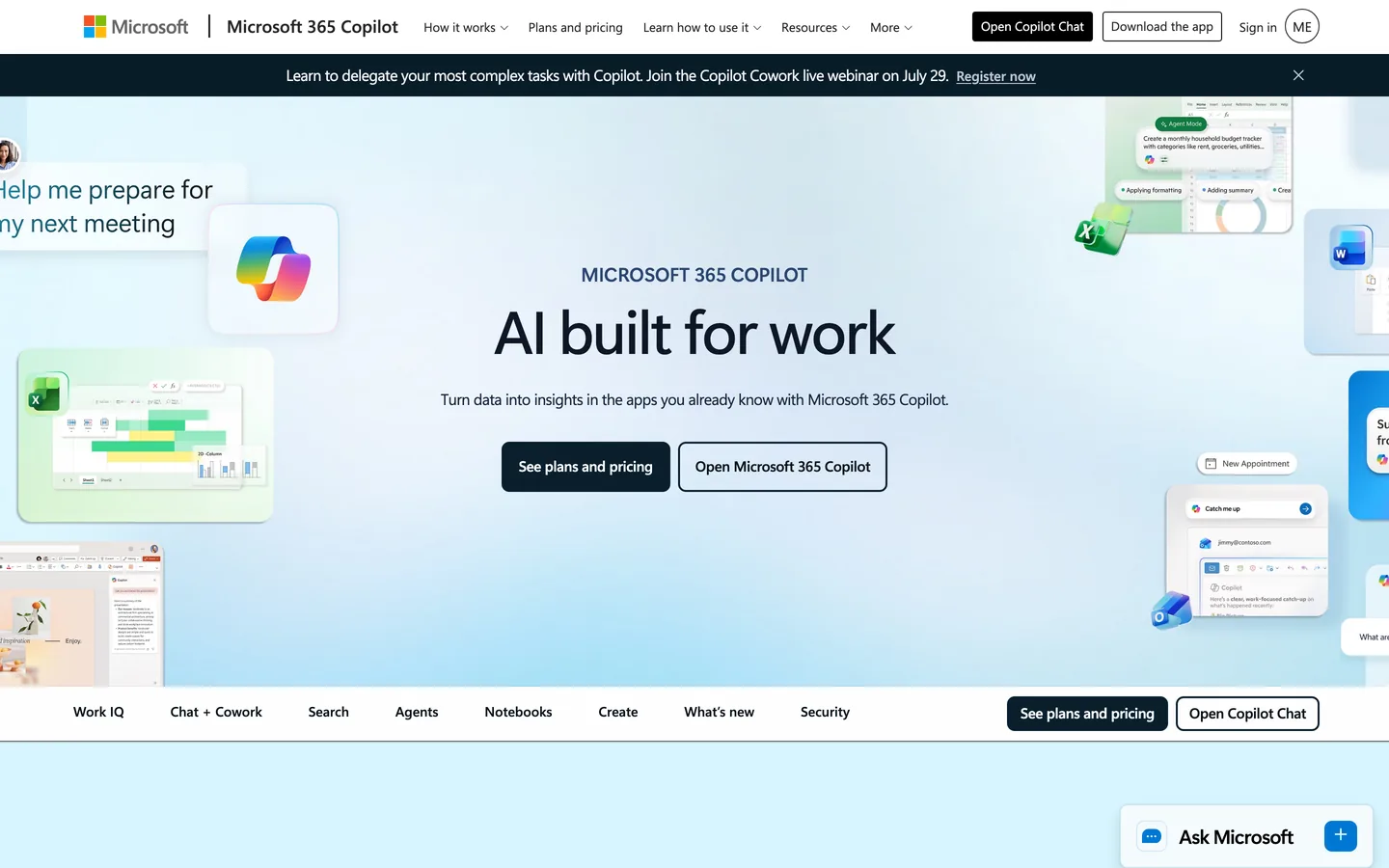
Microsoft 365 Copilot: Best for firms already standardised on Microsoft 365, where the recap lives inside the tenant you already administer.
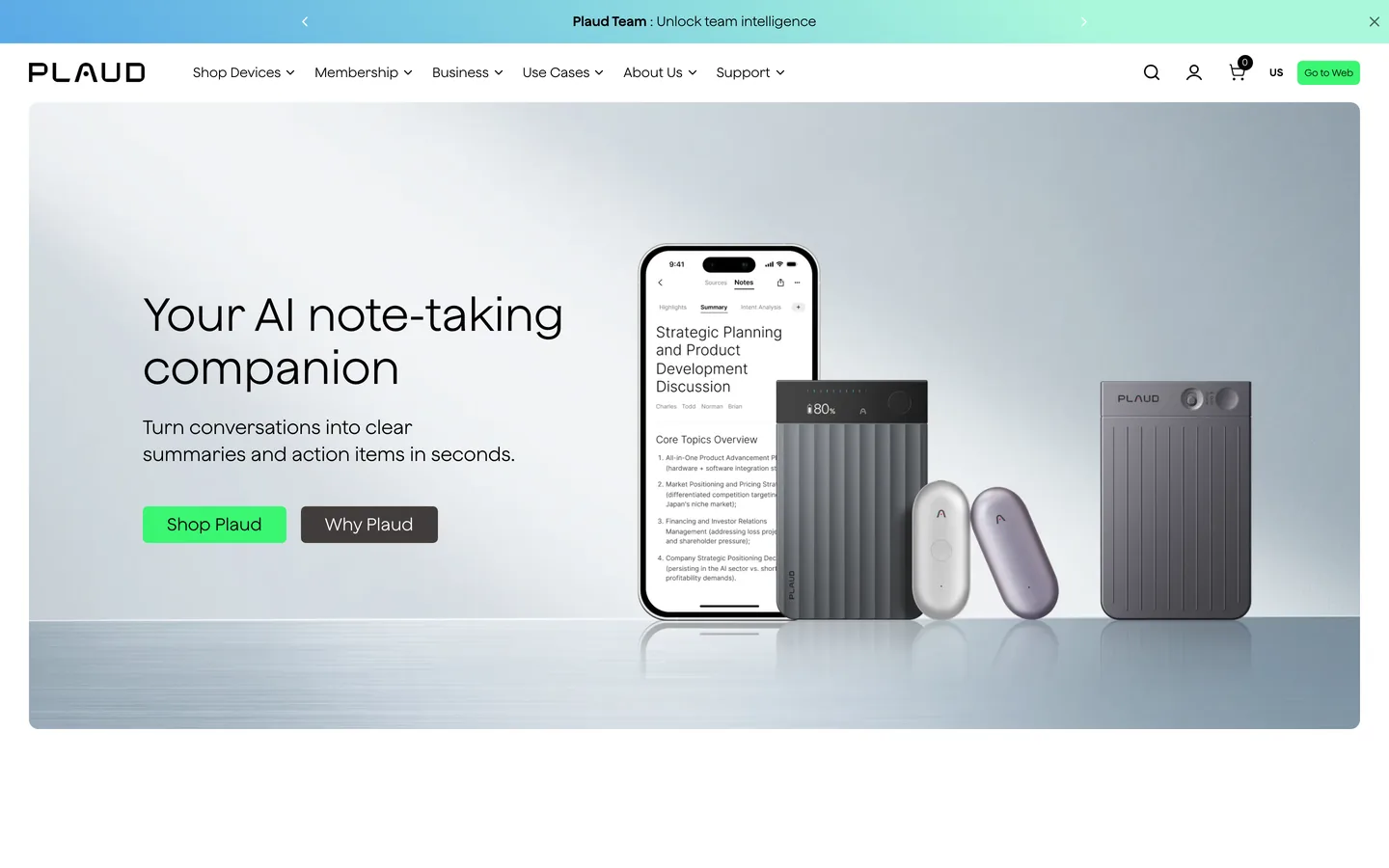
Plaud: Best for in-person client meetings and signings, where there is no call for software to join. Note that the recording is captured on the device but transcribed in the cloud.
Already on your machine
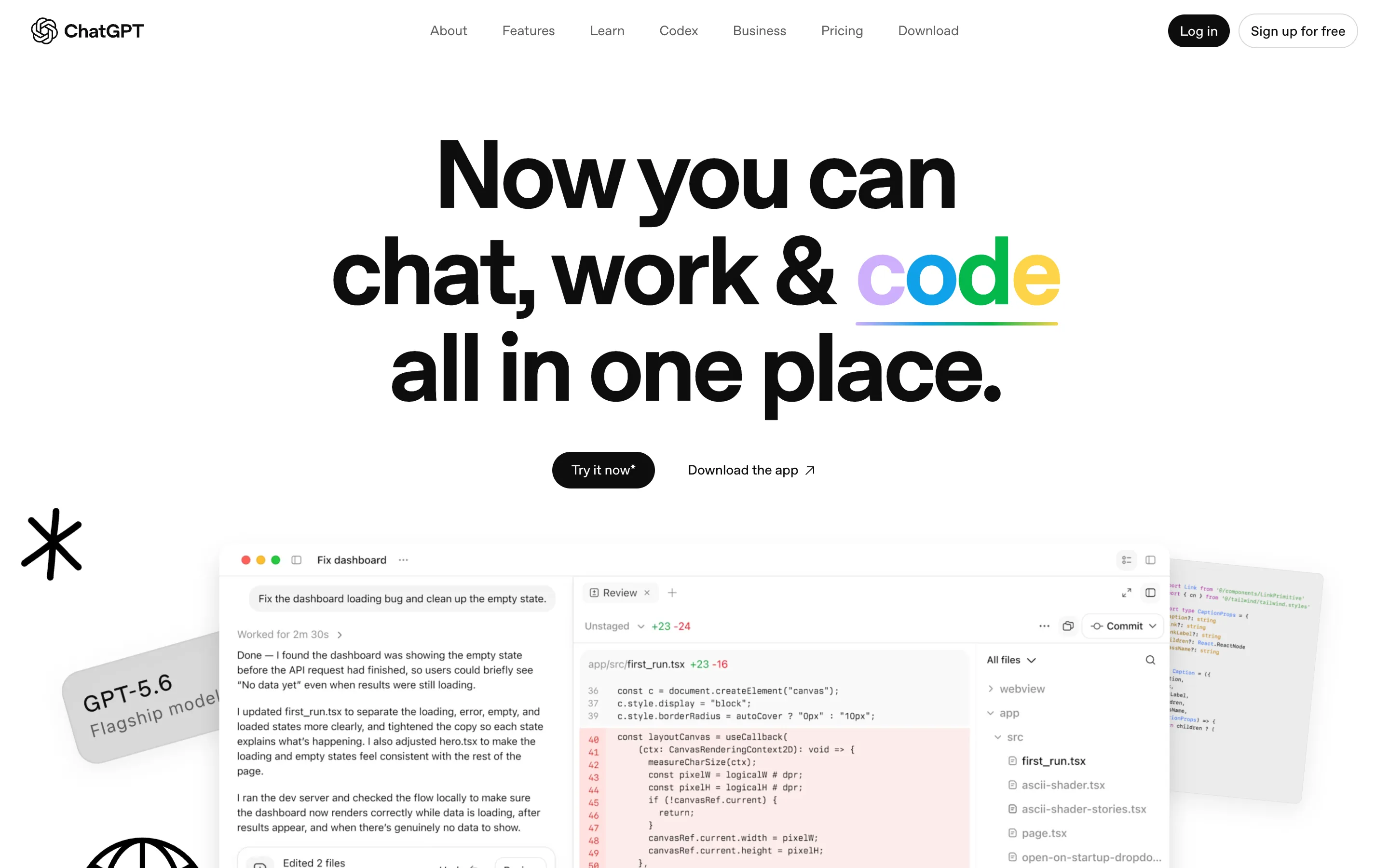
ChatGPT Record mode: Best if the firm already pays for ChatGPT and the conversation is not privileged. Read the training caveat below before using it on client work.
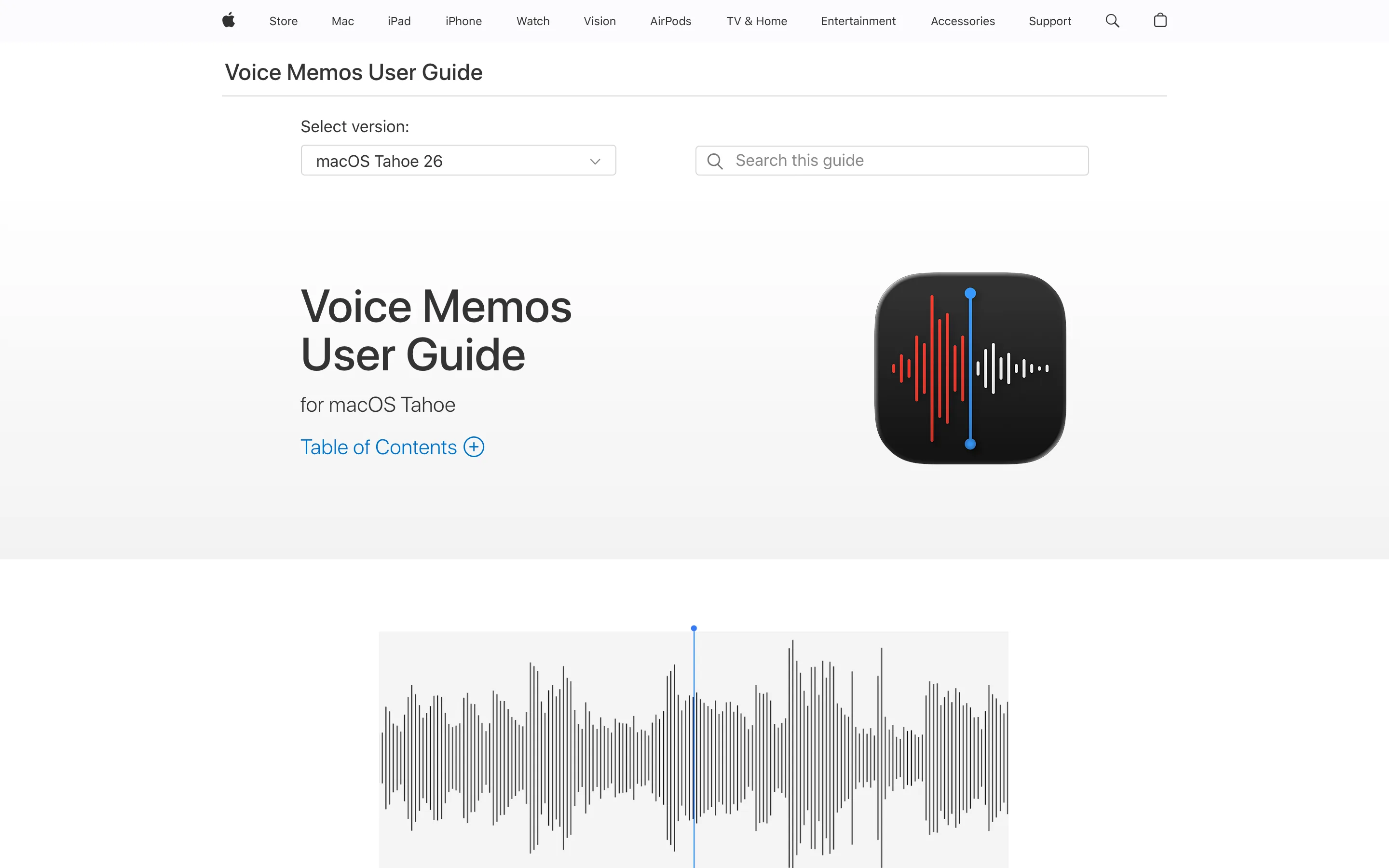
Apple Voice Memos: Best for a corridor conversation you did not plan for. Free, already installed, and it gives you a transcript with no summary.
The split at the top of that list is the real decision, and it is not about features. A cloud tool creates a second copy of a privileged conversation on infrastructure you do not own. Sometimes that is fine, and sometimes it is exactly what a transcript of a deposition needs, because a court record benefits from a professional transcriber and an audit trail. For a first client interview about a matter that has not been filed yet, it is a different calculation.
Tool | Where AI processing runs | Best for | Pricing | Platform |
|---|---|---|---|---|
Weeve | On your Mac | Privileged client calls, no bot in the meeting | Free Starter; Pro €12,99/mo excl. VAT | macOS |
Rev | Cloud | Verbatim depositions and case audio | From $25.49/seat/mo billed yearly | Web, mobile |
Verbit | Cloud | Human-reviewed transcripts of proceedings | From $24/user/mo billed yearly; 5-day trial | Web |
Microsoft 365 Copilot | Microsoft cloud, inside your tenant | Firms already running Microsoft 365 | $21/user/mo billed yearly, as an add-on | Web, desktop, mobile |
Sonix | Cloud | Paying by the hour, and IT reviews that need certifications | $10/hr pay as you go; from $25/mo for 5 hrs | Web |
Plaud | Cloud, with recording on the device | In-person meetings and signings | Device from $159; free tier 300 min/mo | Hardware plus iOS, Android, desktop, web |
ChatGPT Record mode | OpenAI cloud | Non-privileged firm meetings, if you already pay for it | Included from ChatGPT Plus at $20/mo | macOS desktop app |
Apple Voice Memos | Apple does not state | An unplanned conversation, with no summary | Free | iPhone 12 or later, macOS 15+ on Apple silicon |
1. Weeve, best for privileged client calls that stay on your Mac
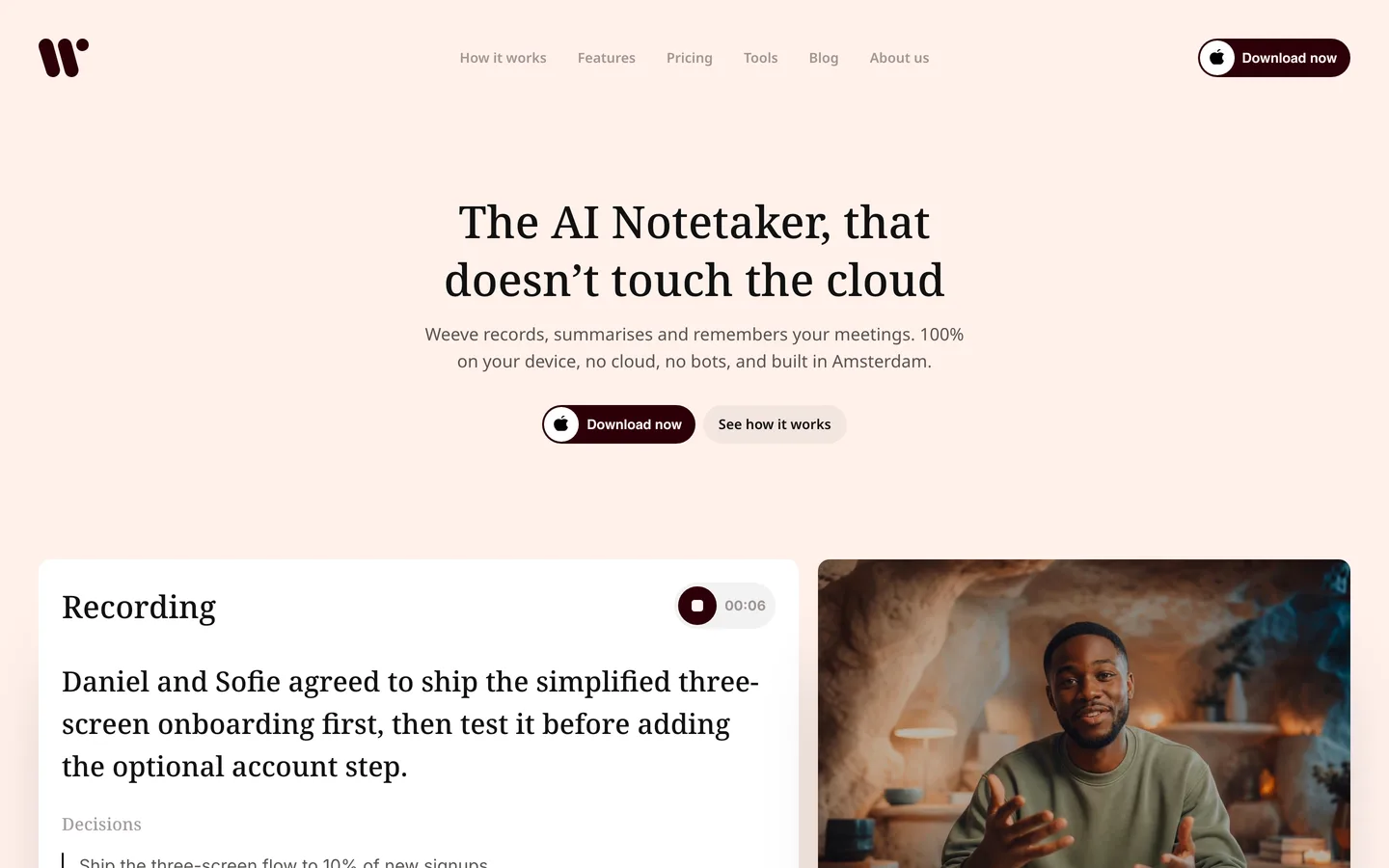
Weeve is an AI notetaker that runs entirely on your Mac. You tell the client you are recording, press record, and Weeve captures the audio from the machine itself. Nothing joins the Zoom, Meet, or Teams call, so there is no extra participant in a conversation where an extra participant is a problem in its own right. The transcript builds while you talk, and when the call ends the summary is already written by a model running on your device. The recording, the transcript, and the summary never leave the Mac.
For legal work that architecture answers a question a policy cannot. A privacy policy is a promise that can be revised, which is the reason to stop trusting cloud meeting notes on the strength of the terms alone, and a vendor that holds your client audio can be served with process directly. If the audio was never uploaded, there is no third party to serve, no processor agreement to negotiate, and no breach notification that could reach your client's matter. Be clear about what Weeve is, though: it is a private meeting-memory tool, not a court reporting service and not a practice management system. It gives you a faithful transcript and summary to work from. It does not produce a certified transcript.
Key features
Recording, transcription, and summarisation all happen on the Mac, with no upload step
No bot joins the call, because Weeve captures the Mac's own audio for Zoom, Google Meet, and Teams
Imports existing audio and video files and transcribes them locally, which covers dictated notes and old recordings
Local AI models generate the summary on-device
GDPR-compliant by default, because the data never leaves the device
Best for
A solo practitioner or small firm on Macs whose first rule is that client audio stays off third-party servers
A partner taking early-stage matter calls before anything is filed, where a discoverable cloud copy is an unnecessary risk
Pricing
Free Starter plan: 10 recordings in total and 2 projects. Signing in needs an email address, but no audio or transcript is ever uploaded
Pro: €12,99 a month excluding VAT, for unlimited recordings and projects
Pros
The conversation never becomes a record held by anyone else, which removes an entire category of disclosure risk
No upload step means no upload step to fail halfway through a client interview
Consent is a one-sentence answer when a client asks where the recording goes
Cons
Mac only today, with no Windows client and no mobile app, which rules it out for mixed-platform firms. The AI notetaker for Mac page covers what that means in practice
Not a certified transcript, so it does not replace a court reporter for a deposition
No compliance certifications to hand to a corporate client's procurement team; the argument is architectural
For work where confidentiality is a professional obligation, the simplest architecture is the one where nothing leaves the device. That is Weeve's entire design: the AI runs on your Mac, and so does everything it hears. No processor agreements to chase, no cloud audit trail to explain. Keep your meetings on your Mac.
2. Rev, best for verbatim depositions and case audio
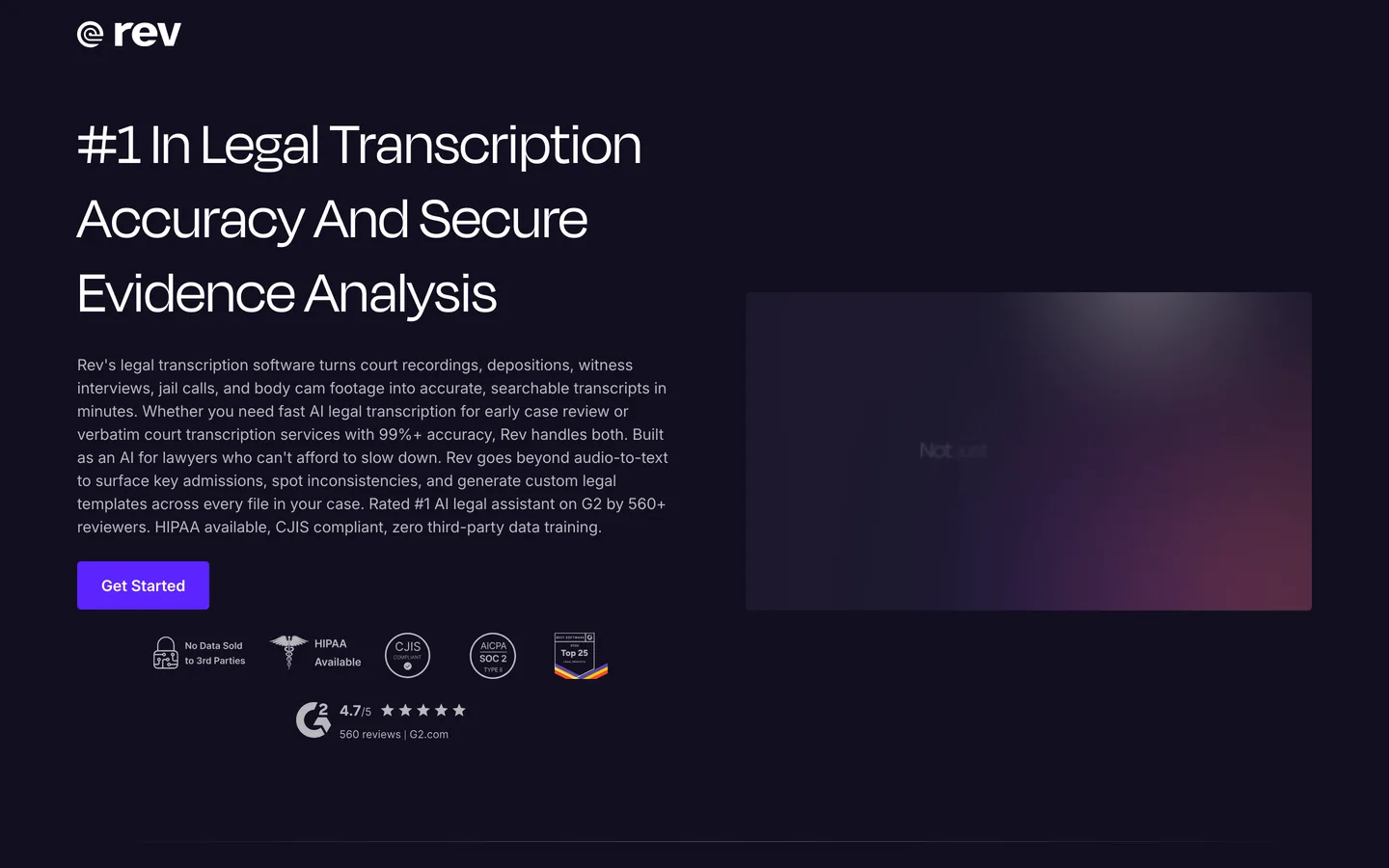
Rev is a transcription company rather than a meeting notetaker, and for legal work that distinction matters. It handles court recordings, depositions, witness interviews, jail calls, and body camera footage, and it offers two routes through the same platform: a fast AI pass for early case review, and human transcription for anything that has to hold up as a record. Rev advertises 99% or better accuracy on the human tier with turnaround inside 12 hours.
That is a genuinely different job from summarising a client call. When a single mis-transcribed word changes what a witness said, an AI-only transcript is the wrong tool, and Rev is honest about which tier is which. On security, Rev states that nothing you upload is sold or used for third-party model training, and offers end-to-end encryption, CJIS compliance, and HIPAA availability. The audio still goes to Rev's servers, which is the trade you are making in exchange for a human transcriber and an audit trail.
Key features
AI transcription plus optional human transcription in the same workflow
Built for legal source material: depositions, court recordings, witness interviews, body cam footage
99%+ accuracy claimed on the human tier, with turnaround in 12 hours or less
No third-party model training on uploaded content, with end-to-end encryption
CJIS compliance and HIPAA availability for firms that need them
Best for
Litigators who need a defensible verbatim transcript of a deposition or hearing
Firms doing early case review across large volumes of recorded evidence
Pricing
Free plan: 45 AI transcription minutes a month, English only, enough to test the output on a real file
Essentials: $25.49 per seat a month billed yearly, including 5,000 AI minutes a month
Pro: $47.99 per seat a month billed yearly, including 10,000 AI minutes a month
Unlimited: custom pricing, with the deepest discounts on human transcription
Pros
The human tier gives you something an AI-only transcript cannot: accuracy you can rely on in a filing
Purpose-built for legal evidence formats rather than adapted from a general meeting tool
Cons
Client audio is processed and stored on Rev's infrastructure, which is a second holder of privileged material
The per-seat subscription plus human transcription costs add up quickly for a small practice
Overkill for routine internal calls that only need a summary
3. Verbit, best for high-volume proceedings with human review
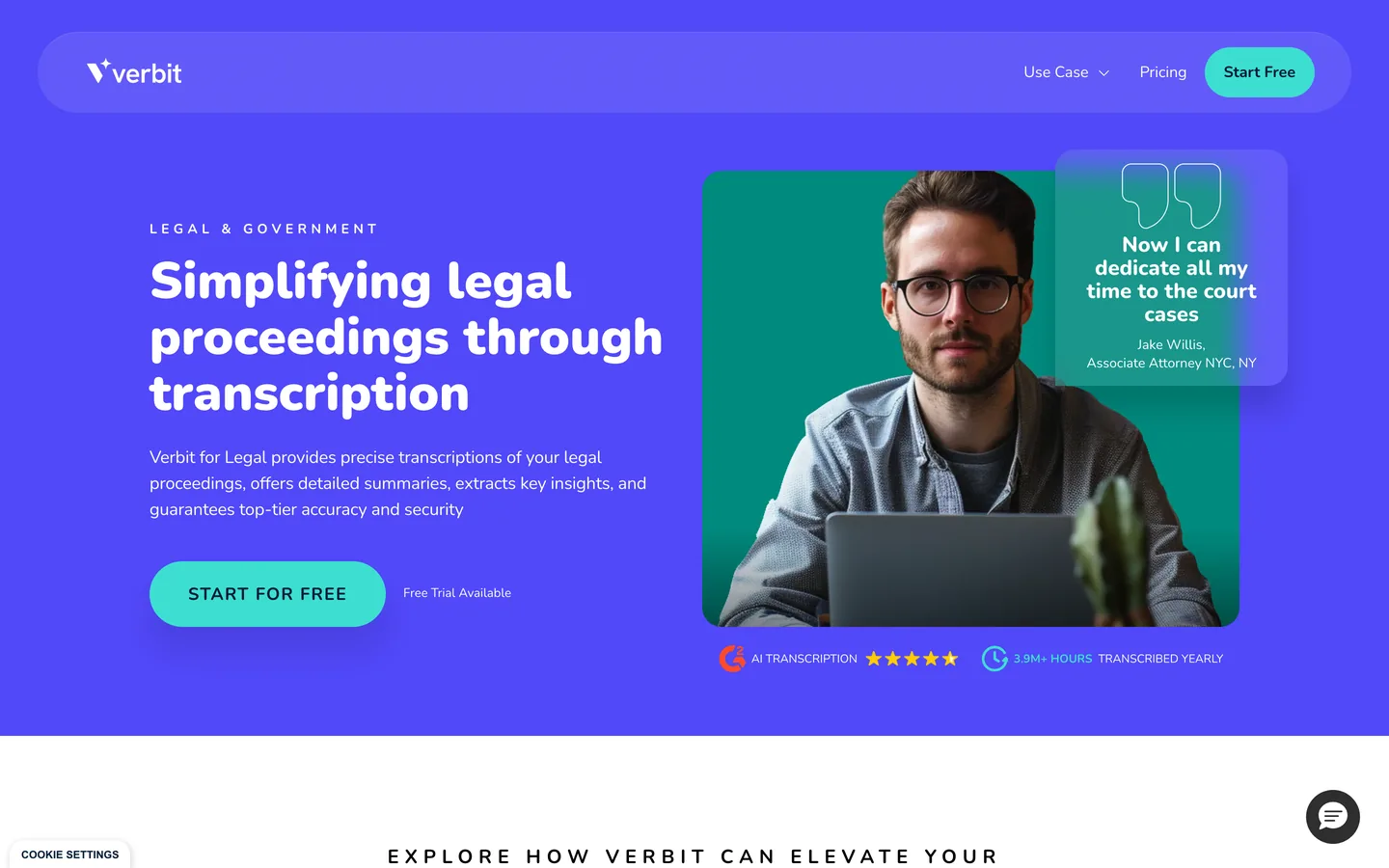
Verbit sits in similar territory to Rev but is aimed at organisations transcribing legal proceedings at scale, including courts and government bodies alongside firms. It combines automated transcription with optional review by transcribers who specialise in the sector, and layers AI summaries, titles, and keyword extraction on top of the raw text. The company reports transcribing more than 3.9 million hours a year.
Where Verbit earns its place on this list is the review step being part of the product rather than an afterthought. If your workflow already assumes a human checks every transcript before it is filed or circulated, Verbit is built around that assumption, and the self-service tier covers unlimited live sessions and unlimited pre-recorded files rather than metering minutes. On security it states GDPR compliance, and ISO 27001 certification and a SOC 2 attestation for certain services and configurations, which is worth reading closely if procurement is going to ask. The obvious caveat is the same one that applies to Rev: this is cloud transcription, so the recording lives on Verbit's systems.
Key features
Automated transcription with optional review by sector-specialised human transcribers
AI-generated summaries, titles, and keywords on top of the transcript
Unlimited live sessions and unlimited pre-recorded files on the self-service tier
ISO 27001 and SOC 2 for certain services and configurations, with stated GDPR compliance
Best for
Court reporting operations and larger firms with a steady volume of proceedings to transcribe
Teams whose process already includes a human review pass before anything is circulated
Pricing
Business: $24 a month billed yearly, or $29 billed monthly, for unlimited live sessions and pre-recorded files
Every subscription includes a 5-day free trial before the first payment
Enterprise arrangements are quoted directly
Pros
Human review is designed into the workflow rather than bolted on
Unlimited files on the self-service tier, so a heavy month does not produce a surprise bill
Built for the volume and the vocabulary of legal proceedings, not adapted from a generic transcription tool
Cons
Cloud processing, so privileged audio is held by a third party
The certifications are scoped to certain services and configurations rather than blanket, which matters if a client's procurement team asks
Enterprise pricing still needs a sales conversation, so firm-wide deployment is not self-serve If you would rather privileged audio never reached a third party at all, Weeve's free Starter plan keeps the recording, the transcript and the summary on your Mac. Try it on one real matter call. It is Mac only and needs Apple Silicon with macOS 14.4 or later, and there is no human-verified tier, so court-grade transcripts still belong with a service built for them.
4. Sonix, best for paying by the hour instead of by the seat
Sonix is transcription rather than meeting notes, and for a lot of legal work that is the right shape. You upload the audio, it transcribes, and you pay for the hours you actually use. For a firm that has a heavy month and then a quiet one, that beats a seat licence nobody touches.
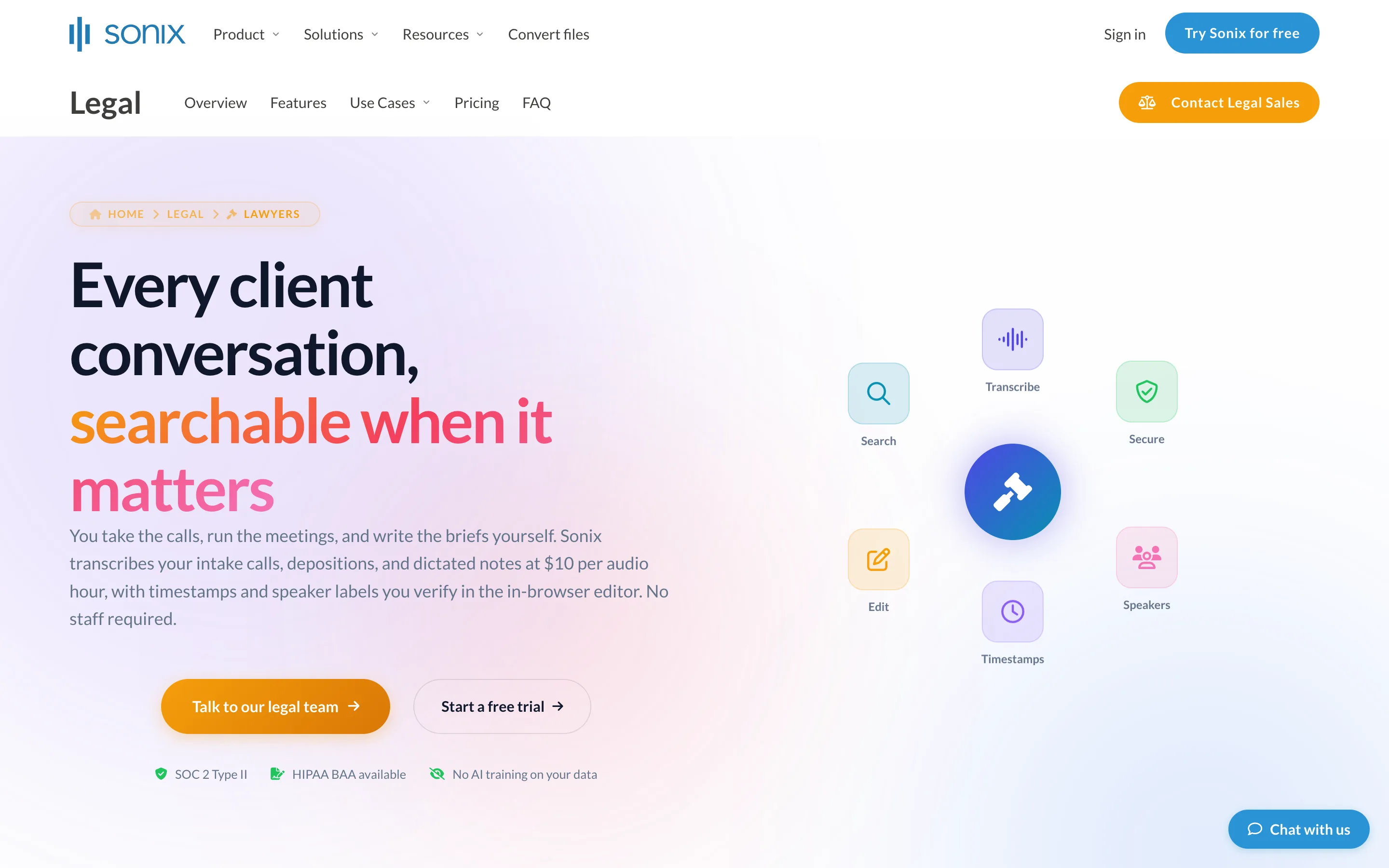
It is the only tool here that publishes the compliance paperwork a firm's IT review will ask for in the same place as its prices: SOC 2 Type II, a HIPAA BAA, GDPR, and a stated policy of no AI training on customer data. Its own legal page names intake calls, depositions and dictated notes as the work it expects. That does not make the audio stay in your building, and it should not be read that way. It means the vendor has been audited, which is a different and lesser assurance than the recording never leaving the machine.
Key features
Pay As You Go at $10 an hour, with no subscription
Subscriptions at $25 a month for 5 hours, $50 for 20 hours, and $80 for 40 hours, with extra hours billed at the same $10
Extra seats are $25 a month each on any subscription tier
SOC 2 Type II, HIPAA with a BAA available, GDPR, and a stated policy of no AI training on your data
Best for
A practice with uneven volume that does not want to pay per seat
An IT or compliance review that needs certifications in writing before a tool is approved
Pros
Hourly pricing matches how legal transcription work actually arrives
The compliance documentation is public and specific rather than a marketing claim
Useful on archive audio, not just new recordings
Cons
It is a cloud transcription service, so a privileged recording is uploaded and processed on infrastructure the firm does not own
No meeting capture: it transcribes a file you already have rather than sitting in the call
Summaries and AI features draw on a separate hourly allowance, so the headline hours are not the whole budget
5. Microsoft 365 Copilot, best for firms already on Microsoft
If your firm already runs on Microsoft 365, the meeting recap is sitting there waiting to be switched on. Copilot summarises Teams meetings, pulls out action items, and answers questions about what was said, using the transcript Teams already produces. Nothing new gets procured, and no new vendor gets access to firm data.
The honest framing is that Copilot is convenient rather than private. Processing happens in Microsoft's cloud, inside your tenant, under the agreement your firm already has with Microsoft. For a great many firms that is an acceptable answer, because Microsoft is already the custodian of the email and the documents. It is a weaker answer when a client's own counsel asks specifically who else holds a recording of the conversation, and it does nothing for calls that are not on Teams.
Key features
Meeting recap and action items inside Teams, with no separate tool to deploy
Governed by your existing Microsoft tenant, admin controls, and retention policies
Works across Word, Outlook and the rest of Microsoft 365, beyond meetings
Available on web, desktop, and mobile
Best for
Firms already standardised on Microsoft 365 where IT wants one vendor, not two
Internal matter reviews and team calls that are already happening in Teams
Pricing
$21 per user a month on an annual commitment, as an add-on to a qualifying Microsoft 365 plan, currently running a promotional $18 for the first year
Monthly billing is available at $25.20 per user
Plans with Copilot already included start at $23.50 per user a month billed yearly among the Teams-inclusive options
Pros
Zero additional vendor risk assessment, because the data stays with a provider your firm has already approved
Admin controls and retention policies are the ones your IT team already manages
Cons
Processing happens in Microsoft's cloud, so the recording is not on your device
Tied to Teams, which leaves Zoom and Meet calls uncovered
Per-user licensing gets expensive across a whole firm, and it requires a qualifying base plan
6. Plaud, best for in-person meetings and signings
Plaud is hardware. It is a small recorder, sold as the Note, Note Pro, or the wearable NotePin, that captures a conversation and turns it into a transcript and summary in a companion app. For legal work the use case is specific and real: the client meeting across a desk, the site visit, the signing appointment. There is no call for software to join, so a laptop notetaker has nothing to capture.
Read Plaud's privacy story carefully, because it is easy to misread in a way that matters here. Plaud does let you decide what syncs, and recordings can stay on the device rather than being retained in its encrypted cloud. But Cloud Sync governs storage, not processing. Plaud's own trust page states that all data is transferred to the cloud for processing, and names GPT, Claude, and Gemini among the model providers that handle it. Turning sync off means the audio is not retained by Plaud, not that it never leaves the device. It holds ISO 27001, ISO 27701, and SOC 2, states GDPR and HIPAA compliance, and says data is not used to train AI models by default unless you opt in. For privileged conversations, that is a meaningfully different architecture from a tool that does the transcription on your own machine.
Key features
Dedicated recording hardware, so in-person conversations are covered without a laptop present
Transcript and summary generated in the cloud and returned to the companion app
Cloud Sync controls whether Plaud retains the recording, not whether it is processed remotely
ISO 27001, ISO 27701, and SOC 2 certified, with stated GDPR and HIPAA compliance
No model training on customer data by default, unless you opt in
Best for
Notaries and solicitors whose important conversations happen in a room rather than on a call
Anyone who wants a recorder that is visibly a recorder, which makes the consent conversation easier
Pricing
Hardware is a one-off purchase, from $159 for the Note and NotePin up to $189 for the Note Pro
Starter plan is free with 300 transcription minutes a month
Pro: $17.99 a month, or $8.33 a month billed annually, for 1,200 minutes a month
Unlimited: $29.99 a month, or $239.99 a year (about $20 a month)
Pros
Covers the conversations software notetakers miss entirely
A visible device on the table is an honest prompt for the consent conversation
Cons
The audio is processed in the cloud regardless of your sync setting, and third-party model providers see it, so this is not a local architecture
Another piece of hardware to charge, carry, and account for
Minute limits on the lower tiers mean a busy week can hit the ceiling
7. ChatGPT Record mode, best if the firm already pays for it and the matter is not privileged
Record mode is built into the ChatGPT macOS desktop app. It records a meeting or a voice note, labels the speakers generically, and writes the summary into an editable canvas. Sessions cap at four hours. If the firm already pays for ChatGPT, this costs nothing extra.
The caveat is the reason it sits at seven rather than higher, and it is specific rather than a general worry about AI. On Free, Plus and Pro, transcripts and canvases may be used to improve the model unless you turn off "Improve the model for everyone". Business, Enterprise and Edu workspaces are excluded from that by default. So the plan the firm is on decides whether a client conversation might end up in a training set, which is not a sentence you want to have to explain to a client.
Key features
Records meetings and voice notes inside the macOS desktop app
Generic speaker labels, four hour session cap
Summary lands in a canvas you can edit
Audio is uploaded, and OpenAI states it is deleted after transcription and not used for training
Best for
Internal firm meetings, business development and matters with no privileged content
Firms on Business or Enterprise, where training exclusion is the default
Pros
No extra cost if ChatGPT is already in the stack
The summary is immediately editable rather than locked in a viewer
Available on the plans most firms already hold
Cons
On Free, Plus and Pro, transcripts may be used for model training unless you opt out, which is the wrong default for privileged work
macOS desktop app only, and not on the free tier
No legal-specific vocabulary, so case citations and party names need checking
8. Apple Voice Memos, best for the conversation you did not plan to record
Sometimes the meeting is a corridor conversation or a call taken in a car, and the honest answer is the app already on the device. Voice Memos records and, on a current iPhone or a Mac running macOS 15 or later on Apple silicon, produces a transcript. It costs nothing and there is nothing to install or approve.
What you do not get is a summary, speaker separation or any structure. You get the words. Apple's own guides do not state where the transcription runs, so this page makes no on-device claim for it, which is a deliberate omission rather than an oversight.
Key features
Already installed on the iPhone and the Mac
Transcription on iPhone 12 or later, and on macOS 15 or later on Apple silicon
Free, with no account, plan or procurement step
Best for
A conversation you did not expect to need a record of
A firm that cannot get any new tool through IT approval quickly
Pros
Nothing to buy, install or have approved
Genuinely free rather than a limited trial
The recording starts in one tap, which matters when the conversation has already begun
Cons
No summary, no speaker labels and no structure, so the transcript is raw material rather than notes
Apple does not document where transcription is processed, so it cannot be presented as an on-device guarantee
Transcription needs recent hardware, which rules out older firm devices
What notaries need that lawyers do not
For notaries the calculation shifts, because in a lot of jurisdictions recording is not a choice you make about note-taking. Remote online notarisation platforms record the session and retain it for a statutory period because the law requires it, and a notarial journal is a record you are obliged to keep and produce on request. That recording is a compliance artefact, and it belongs in the platform that is certified to hold it.
The gap is everything around that. The call before the appointment where a client explains what they are trying to achieve, the identity questions, the follow-up about a document that was not ready. None of that is covered by the notarisation record, and all of it is confidential. That is where a local notetaker is useful, because it captures the preparation without creating a second cloud copy of a conversation you are not required to retain at all.
The practical rule: keep the statutory record where the statute expects it, and keep everything else on your own machine. Do not let a general-purpose notetaker become an accidental parallel archive of client conversations that you would then have to search and produce if anyone asked.
AI transcription for lawyers: where it differs from meeting notes
These are two different jobs and the distinction decides which tool you need, so it is worth separating before the decision framework.
A note taker sits in or alongside the meeting and produces notes: a summary, action items, sometimes speaker labels. It is optimised for you understanding the conversation later. Weeve, Copilot and ChatGPT Record mode are note takers.
Legal transcription produces a record: the words, as spoken, accurate enough to quote in a filing or rely on in a hearing. It is optimised for fidelity rather than brevity, and for depositions, hearings and recorded interviews the difference is not cosmetic. A summary that paraphrases a witness is worse than useless. Rev, Verbit and Sonix are transcription tools, and Rev and Verbit both add human review on top of the AI pass for exactly this reason.
Three practical consequences:
For anything that may be quoted, buy transcription, not notes. An AI summary is an interpretation. A verbatim transcript with a human pass is a record, and only the second one survives being challenged.
For a first client interview, the opposite holds. You want to understand what was said and you do not want a second copy of it on a vendor's servers. That is the case for on-device.
Accuracy claims are about general speech, not legal speech. No tool here advertises a legal vocabulary model. Party names, case citations and Latin terms need checking whichever you choose, and budget time for that rather than assuming it away.
How to choose an AI notetaker for legal work
1) Where does the audio physically end up?
This is the filter that comes before features. Every cloud tool creates a copy of a privileged conversation on infrastructure someone else controls, and that copy can be reached by process served on the vendor, exposed in a breach, or retained longer than you intended.
If nothing can leave the device: Weeve is the only option on this list that transcribes and summarises on your own machine
If cloud processing is an acceptable trade for accuracy: Rev for verbatim work, Verbit for volume
If your firm has already accepted Microsoft as custodian: Copilot, inside your tenant
Worth checking rather than assuming: a device that records locally is not the same as a device that processes locally. Plaud records on the hardware but sends the audio out for transcription, which is a distinction the marketing on any recorder tends to blur
2) Do you need a summary or a record?
These are different products and it is worth being blunt about it. A summary helps you remember a client call and draft a follow-up. A record has to survive being read back in a dispute.
For summaries of client and internal calls: Weeve, or Copilot if you are on Teams
For records that may be filed or challenged: Rev or Verbit, with human transcription, not the AI-only tier
Never file an unreviewed AI transcript as a record of what someone said
Before a transcript leaves your desk, strip the identifying detail out of it. Weeve's free document anonymiser runs in the browser without uploading the text, and removes names, organisations, places, emails, phone numbers, and bank details. It is a first pass rather than a guarantee, so read everything it marks before you send anything
3) Does something visible join the call?
A bot appearing in a client meeting is not just a presentation problem. It announces to everyone present that a third-party service is in the room, and it invites a question you then have to answer about where the recording goes.
No bot at all: Weeve captures the Mac's own audio, and Plaud is a device on the table
Native to the platform, so no external bot: Copilot in Teams
Uploaded after the fact rather than joining live: Rev and Verbit
4) What does it actually cost at your real volume?
Sticker price and real cost diverge fast in this category, because most of these tools meter minutes.
Metered: Rev, Verbit, and Plaud all bill against transcription volume, so estimate your monthly hours before comparing
Per seat regardless of use: Copilot, which means light users subsidise heavy ones
Flat: Weeve's Pro tier is unlimited recordings, because there is no cloud compute to meter
If you are weighing these against general-purpose tools, our list of the best AI note takers compared by privacy puts ten side by side.
Record one real matter call on a free tier before you commit to anything. The transcript quality on your own audio, with your own accents and terminology, tells you more than any comparison table.
Weeve's Starter plan is free and runs entirely on your Mac, so trying it costs nothing and uploads nothing. Record one real matter call and judge the transcript against the tool you use now. Download the free Starter plan.
FAQ
What is the best AI note taker for depositions and hearings?
For a deposition or a hearing, use a transcription service rather than a note taker, and use one with a human review pass. Rev and Verbit both offer that; Sonix is the AI-only option at a lower price. The reason is fidelity: a deposition record has to be accurate to the word because it may be quoted, and an AI summary is an interpretation rather than a record. A note taker is the wrong tool for that job no matter how good its summary reads.
What is the best speech-to-text for legal transcription?
Rev for accuracy with human review, Sonix if you would rather pay by the hour than by the seat, and Verbit for high volumes with review built into the workflow. All three are cloud services, so the audio is uploaded. If the recording is privileged and has not been filed, that upload is the thing to weigh, and an on-device tool like Weeve answers it differently by never creating the second copy.
Which AI call recording apps are used by legal professionals?
In practice, three groups. Firms standardised on Microsoft use Copilot because the recap stays inside the tenant they already administer. Firms that need a court-usable record use Rev, Verbit or Sonix. Firms handling privileged conversations that have not been filed increasingly use an on-device tool so the recording never reaches a vendor at all. The choice follows the confidentiality of the matter, not the feature list.
What is the best AI notetaker for firms handling MNPI?
For material non-public information, the safest answer is the tool that does not create a copy outside your control, which on this list means Weeve on a Mac. The reasoning is the same as for privileged material but the stakes are regulatory as well as ethical: a cloud transcript of an MNPI conversation is a second copy on infrastructure you do not own, subject to that vendor's retention, its subprocessors and anything that compels disclosure from them. If a cloud tool is unavoidable, insist on a DPA, a named retention period and written confirmation that content is excluded from model training.
Is there an AI notetaker that does not use the cloud?
Yes. Weeve runs the recording, the transcription, and the summary entirely on your Mac using local AI models, so no audio or text is uploaded. That is a different architecture from a cloud tool with strong security claims: there is no server-side copy at all, rather than a well-protected one.
Can a lawyer use an AI notetaker without breaching confidentiality?
Yes, but the duty is on you to understand where the data goes. ABA Formal Opinion 512 requires a lawyer to know how a generative AI tool handles input and to take reasonable steps against unauthorised disclosure. A tool that processes on-device removes the disclosure surface; a cloud tool means checking the vendor's terms, its retention, and whether your input is used for model training.
Is a cloud transcript of a client call discoverable?
A recording or transcript held by a vendor is a record in someone else's possession, and vendors can be served with process. That is the practical argument for keeping preparatory client conversations on your own machine and reserving cloud transcription for material that is already going to be part of the record anyway.
Do I have to tell people I am recording?
Yes, and in many places the law requires it. Consent rules vary by jurisdiction, and some require every party to agree rather than just one. There is a fuller breakdown in our guide on whether it is legal to record a meeting. The professional obligation is separate from and usually stricter than the legal one.
What is the difference between a notetaker and a legal transcription service?
A notetaker gives you a working transcript and a summary of a conversation, generated automatically, so you can remember it and act on it. A legal transcription service such as Rev or Verbit produces a verbatim record, usually with human review, intended to be relied on. Use the first for client calls and the second for depositions.
Can I transcribe an old recording or a video file?
Yes. Weeve imports existing audio and video files and transcribes them locally on your Mac, which covers dictated notes and recordings made elsewhere. There is a free browser-based option at https://getweeve.io/tools/transcribe/ if you want to test the output on a file first. If the recording is an MP3 and the transcript has to sit in the matter file as a document, the MP3 to PDF converter exports it as a PDF from the same browser tab.
Is there a free AI notetaker for a small practice?
Weeve's Starter plan is free and covers 10 recordings in total with 2 projects, running entirely on the Mac. Rev has a free tier of 45 AI transcription minutes a month, which is enough to judge its output on a real file. Plaud's Starter tier gives 300 transcription minutes a month but needs the hardware bought first. All three are enough to test on real matter calls before spending anything.
How do I remove client names from a transcript before I share it?
Redact before you send, not after. Weeve's free document anonymiser scans pasted text, .txt files, and PDFs with selectable text entirely inside your browser, so the document is never uploaded, and it flags names, organisations, places, email addresses, phone numbers, postal codes, dates, and IBANs. Automatic redaction is a first pass rather than a guarantee, so check every highlighted match yourself before the file goes to a client, co-counsel, or an opponent.
Which notetaker is safe for privileged client conversations?
The safest architecture is the one where the audio never leaves your control, and of the tools here only Weeve does that, by running the transcription and the summary on your Mac. Be careful with hardware recorders on this point: recording on a device is not the same as processing on it, and Plaud sends the audio out for transcription whatever your sync setting. Weeve carries no legal-specific certification and should not be presented as if it did. The argument is structural: a conversation that was never uploaded cannot be disclosed by a vendor.
Which AI note taker is best for lawyers?
The one whose answer to "where does the audio go" you can put in writing to a client. For privileged calls on a Mac, Weeve keeps the recording, the transcript and the summary on the device, so there is no processor to name and no retention window but your own. For verbatim deposition work, Rev's human transcription is the stronger fit. For a firm already standardised on Microsoft 365, Copilot keeps the record inside the tenant under the firm's own governance. The ranking above follows that logic rather than feature counts.
Are AI notetakers secure?
Security here is a property of the architecture, not of the label on the box. A cloud notetaker's security is the vendor's: their encryption, their access controls, their staff, their retention window and their subprocessors. A local notetaker's security is your Mac's: FileVault, your login and your own backups. Neither is automatically safer, but only one of them introduces a third party to a privileged conversation. Ask any vendor for its subprocessor list and its retention period before a client call goes anywhere near it.
Is it legal to use an AI notetaker?
Using one is legal. Recording the conversation it listens to is the part with rules, and those rules are national: many jurisdictions require every participant to consent, and professional codes add duties on top of that. Say you are recording and get a yes before you press the button. Where the recording is processed afterwards is a separate question, and it is the one your regulator and your client are both more likely to ask about.
Privilege is easiest to protect before the recording exists, not after.
If the audio has to stay under your control, Weeve's free Starter plan covers 10 recordings in total on a Mac and writes the transcript and summary on the device. It needs Apple Silicon and macOS 14.4 or later, and it captures audio rather than video. If you are not on a Mac, the browser transcriber handles a single file inside the tab without uploading it.