Research
Otter.ai alternatives: 7 tools compared

Dylan de Heer

People leave Otter for specific, nameable reasons. The agent that joins calls and unsettles clients. The transcripts sitting in a cloud you do not control, with model training on by default unless you find the setting. The per-minute meters on the free and Pro tiers. If one of those sent you searching for Otter.ai alternatives in 2026, the right replacement depends on which one it was.
Otter itself is a capable product. Live captions that scroll while people talk, wide platform coverage, and a free plan with 300 real minutes a month are genuine strengths, and for open team meetings they matter.
Below are seven alternatives compared on the things that actually separate them: where the audio is processed, whether anything joins your call, and what the switch costs. You get a summary table, a feature comparison, and a short framework for choosing.
Best Otter.ai alternatives: a brief overview
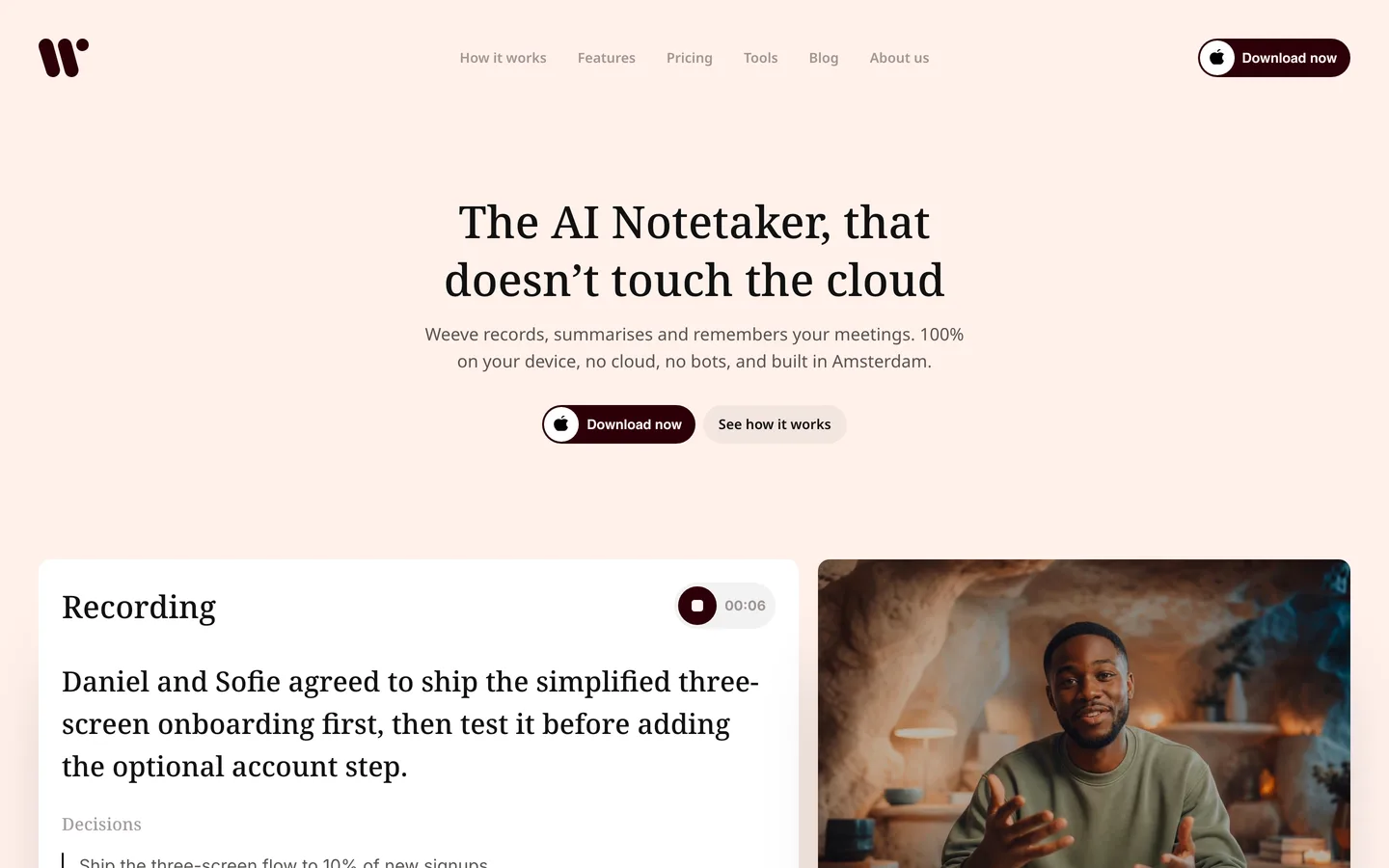
Weeve: the fully local option. The AI and your recordings both stay on your Mac; nothing is uploaded and no bot joins your calls.
Granola: best botless cloud notepad. Your rough notes and the transcript merge into a polished summary, without a visible bot.
Fathom: best free tier. Unlimited recordings and transcriptions at no cost.
Fireflies: best for team workspaces and integrations. Meeting notes flow into channels, tasks, and your CRM.
Jamie: best botless option across platforms. Mac, Windows, and mobile, with EU data residency.
Zoom AI: best if you already pay for Zoom. Meeting summaries are included with paid Zoom plans, no extra tool.
MacWhisper: best for transcribing files without a subscription. Local processing on your Mac, one-time price for the full version.
Tool | Key strength | Starting price | Best for |
|---|---|---|---|
Weeve | AI and data both stay on the Mac | Free Starter; Pro €12,99/month | Privacy-sensitive Mac professionals |
Granola | Botless capture with polished notes | Free Basic; Business $14/user/month | Notes-first meeting workflows |
Fathom | Unlimited free recordings | Free; Premium $20/month | Getting started at zero cost |
Fireflies | Team channels and CRM integrations | Free; Pro $18/month | Sales and cross-team workflows |
Jamie | Botless on Mac, Windows, and mobile | Free; Plus €21/month billed annually | Botless notes beyond the Mac |
Zoom AI | Included with paid Zoom plans | With Zoom subscription; ZoomMate $20/user/month | Teams already living in Zoom |
MacWhisper | Local file transcription, pay once | Free; Pro €65 one-time | Existing recordings, no subscription |
Prices are each vendor's own currency and billing terms; the per-tool sections give the detail.
What is Otter.ai?
Otter is one of the most established AI meeting notetakers. It transcribes meetings live, with captions scrolling as people talk, and a team can watch, highlight, and edit the same notes together. It can send an assistant into scheduled Zoom, Google Meet, or Teams calls, or record bot-free from the desktop and Chrome, and it pushes notes into Salesforce, HubSpot, Slack, and Zapier on paid tiers.
Architecturally, Otter is a cloud service: recordings and transcripts are processed and stored on its servers, and Otter trains its models on de-identified user content with the setting on by default, though you can turn it off. The free Basic plan includes 300 transcription minutes a month with a 30-minute cap per conversation; Pro is $16.99 per user a month, or $8.33 billed annually.
How Otter compares to the top alternatives
Feature | Otter | Weeve | Granola | Fathom | Fireflies | Jamie | Zoom AI | MacWhisper |
|---|---|---|---|---|---|---|---|---|
Where AI runs | Cloud | On the Mac | Cloud | Cloud | Cloud | Cloud (EU) | Zoom cloud | On the Mac |
Bot joins the call | Optional | No | No | Optional | Yes | No | Built into Zoom | No |
Live captions | Yes | No | No | No | Yes | No | In Zoom | No |
Meeting summaries | Yes | Yes, on-device | Yes | Yes | Yes | Yes | Yes | No |
Platforms | Web, Win, Mac, mobile | Mac only | Mac, Win, mobile | Web, desktop | Web, mobile | Mac, Win, mobile | Zoom apps | Mac only |
Free tier | 300 min/month | 10 recordings in total | Limited history | Unlimited recordings | Limited storage | 10 meetings/month | Limited uses | Single-file transcription |
Starting paid price | $16.99/user/month | €12,99/month | $14/user/month | $20/user/month | $18/seat/month | €21/month (annual) | ZoomMate $20/user/month | €65 one-time |
Every tool here solves a different Otter complaint. The sections below take them one at a time, Weeve first because it answers the one the others cannot: the cloud itself. For the two side by side on privacy, features and price, see Weeve vs Otter.
1. Weeve: best for keeping the AI and your data on your Mac
If your reason for cancelling Otter is where the recordings go, Weeve removes the question. It is a fully local AI notetaker for Mac: you ask for consent, hit record, and the audio is captured, transcribed, and summarised on the machine in front of you. No bot joins, nothing uploads, and no model trains on your conversations, because the conversations never leave the device. The transcript builds while you talk, and the summary is ready when the call ends, produced by a local model with Gemma 4 support announced.
The trade against Otter is honest and clear. You give up live captions, mobile apps, and shared team editing. You get a private archive where the recording, the transcript, and the summary exist in exactly one place: your Mac. For a consultant, therapist, or lawyer whose calls are confidential by profession, that is usually the whole decision. Weeve is built in Amsterdam by a team backed by Achmea Impact Ventures, and privacy is the default rather than a setting.
Key features
Recording, transcription, and AI summaries all run on the Mac; nothing is uploaded
No bot joins the call; Weeve captures the Mac's audio in Zoom, Meet, and Teams
No training on your content, because your content never reaches a server
Imports audio and video files (MP4 and common formats) and transcribes them locally
Keeps the raw audio on your Mac, so you can replay and verify any passage
Best for
Professionals whose meetings must never become a cloud record
Otter users who liked the product but could not defend the data path to a client
Pricing
Free Starter plan: 10 recordings in total, 2 projects
Pro: €12,99 a month, excluding VAT, for unlimited recordings and projects
Pros
The only tool in this list where both the AI and the data stay on your machine
No per-minute meter; the free plan counts recordings, not minutes
Consent is a one-sentence conversation: the recording never leaves this Mac
Cons
Mac only, with no Windows or mobile app
No live captions and no shared team workspace; the summary arrives after the call
Leaving a cloud notetaker usually means wondering what happens to the recordings you left behind. With a local tool the question never comes back. Try it on your next few calls: download Weeve for Mac.
2. Granola: best botless cloud notepad
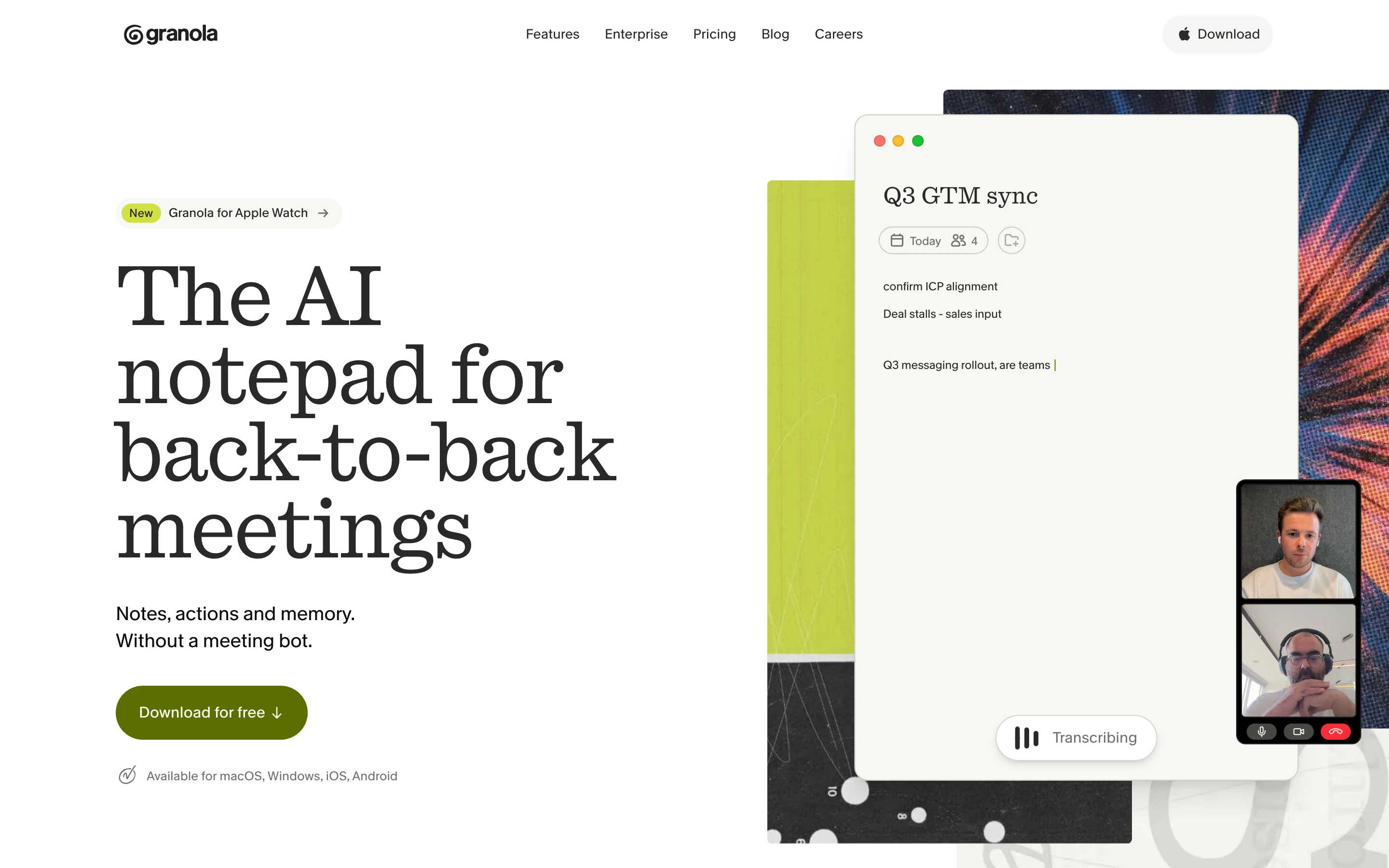
Granola is the closest to Otter in job, and the furthest in feel. There is no bot and no live transcript view; instead you type rough notes during the call, Granola captures the audio quietly, and afterwards it merges your notes with the transcript into a polished summary. People who think while typing love this shape. It runs on Mac, Windows, iOS, and Android, and the Business tier adds integrations like Notion, Slack, and HubSpot plus API access.
It is still a cloud tool: notes are stored in a US-hosted AWS cloud, transcription and AI run through third-party providers, and Granola trains on anonymized customer data unless you opt out. Unlike Otter, raw audio is not retained, which protects the recording and also means you cannot replay it to check the transcript.
Key features
Botless capture of computer audio; no visible participant in calls
Merges your typed notes with the transcript into a polished summary
Mac, Windows, iOS, and Android apps
Notion, Slack, HubSpot, and API integrations on Business
Pricing
Basic: free, with limited meeting history
Business: $14 per user a month for unlimited history and integrations
Pros
The most natural workflow for people who take their own notes
No bot, so calls feel normal to everyone in them
Cons
Cloud processing and storage, with training on by default (opt-out available)
No raw audio kept, so there is nothing to replay when a line looks wrong
3. Fathom: best free tier
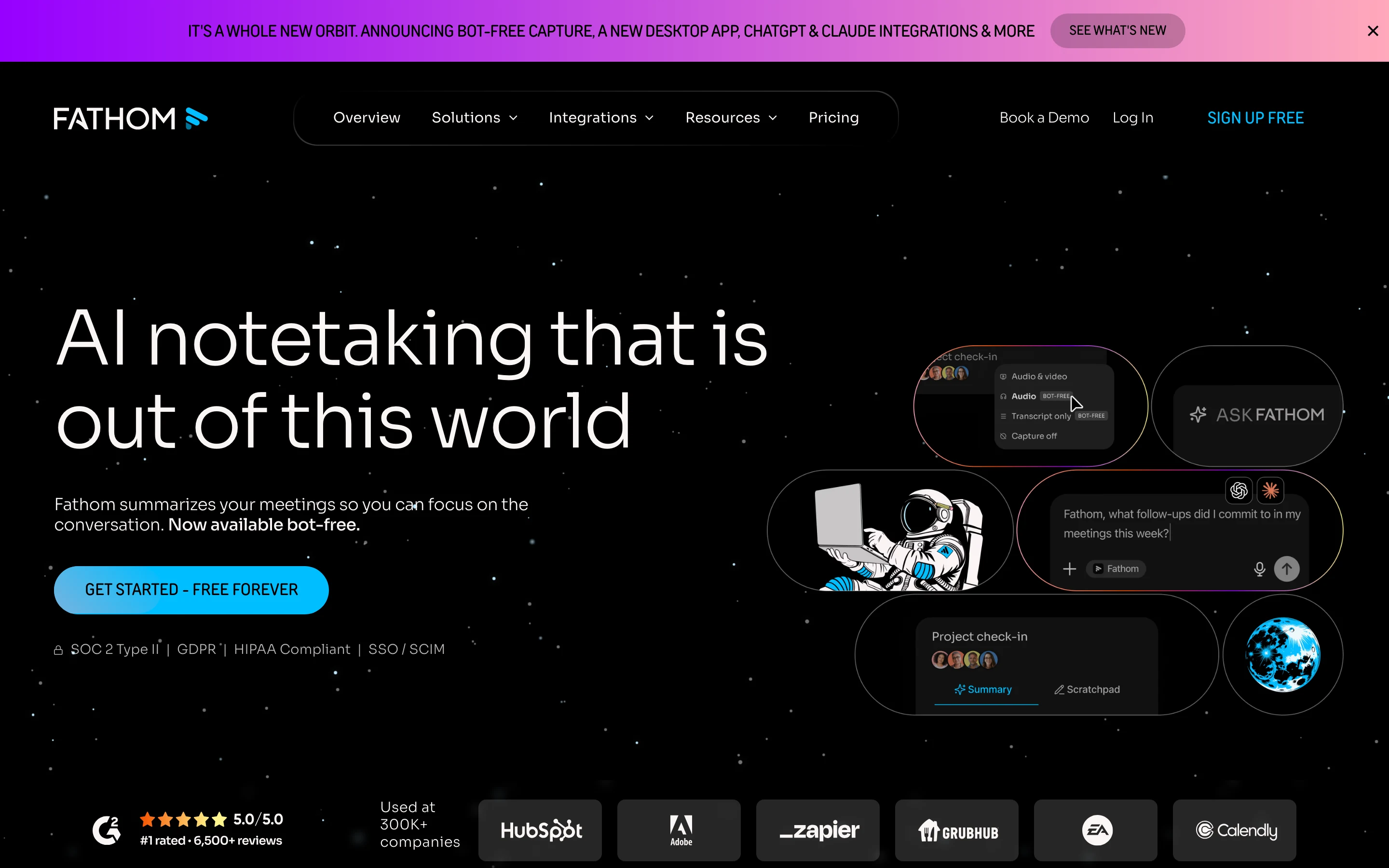
Fathom answers the pricing complaint. Its free plan includes unlimited recordings and transcriptions, which no meter on Otter's free or Pro tiers can match, plus instant AI summaries, clips, and call search at no cost. It offers a choice between a meeting bot and a bot-free capture mode, currently in beta, and its paid tiers add advanced summaries, action items, and CRM sync for sales teams.
Fathom is a cloud service, so recordings and transcripts live on its servers. For internal meetings where budget is the constraint, it is the pragmatic pick; for confidential work it asks the same cloud question as Otter, just with a friendlier invoice.
Key features
Unlimited free recordings and transcriptions
Bot or bot-free capture (beta)
Instant AI summaries, clips, playlists, and call search
CRM sync and coaching metrics on paid team tiers
Pricing
Free: unlimited recordings and transcriptions
Premium: $20 per user a month, or $16 billed annually
Pros
The most generous free tier in this comparison
Easy setup and clean summaries out of the box
Cons
Cloud processing and storage
The best features for teams sit on the higher tiers
4. Fireflies: best for team workspaces and integrations
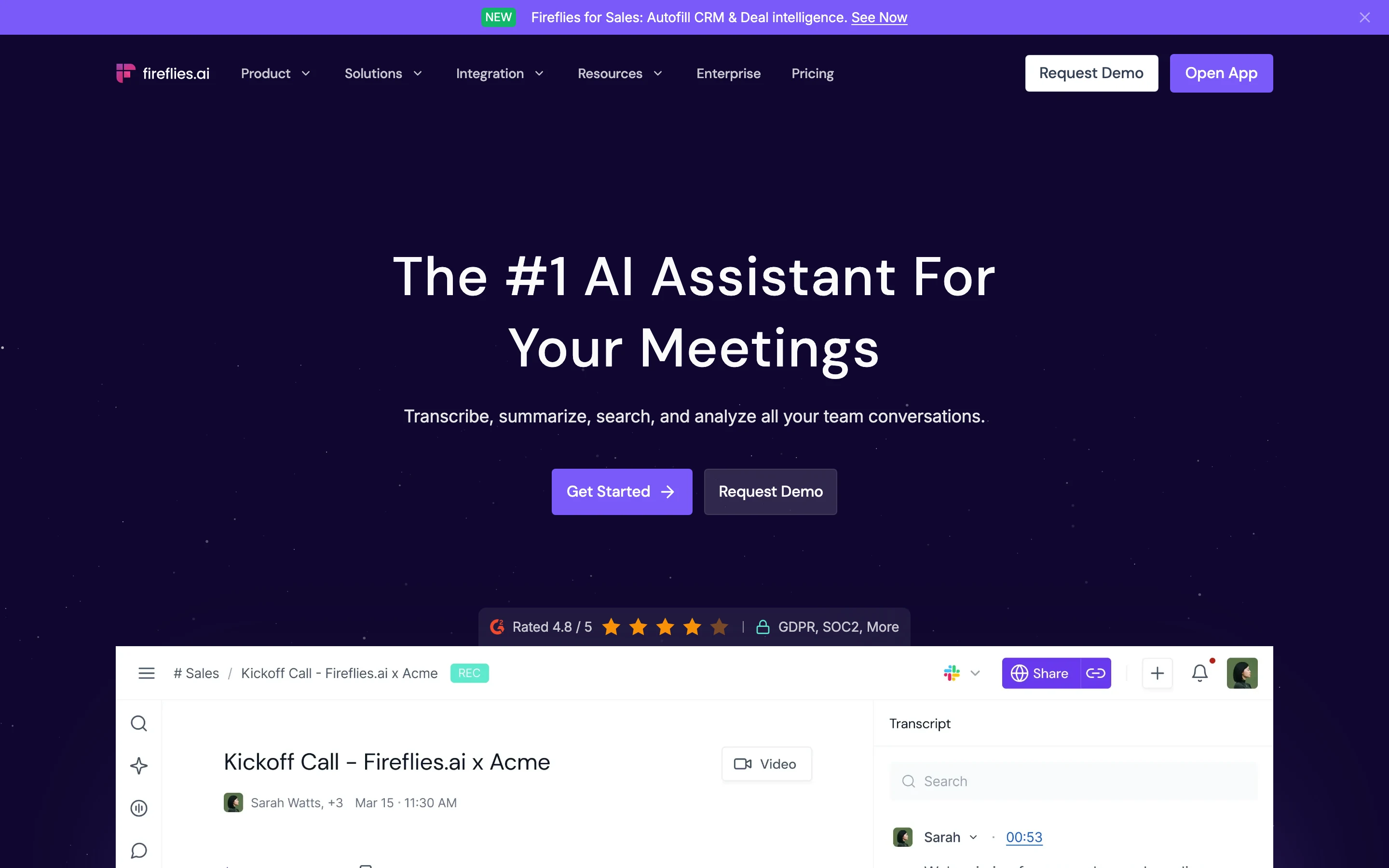
Fireflies is built for teams that treat meeting notes as shared infrastructure. Its notetaker joins the call, records, and pushes transcripts into channels where the team can search, comment, and create tasks. It connects to a long list of CRMs and project tools, and its conversation analytics are genuinely useful for sales coaching. Pro at $10 per seat a month billed annually is among the cheapest paid tiers here.
The trade-offs are the mirror image of Granola's: a visible bot in every call, and cloud processing and storage throughout. If the bot was your reason for leaving Otter, Fireflies moves you sideways; if integrations were what you wanted more of, it moves you forward.
Key features
AI notetaker records and transcribes into shared team channels
Task creation, comments, and search across the meeting archive
Wide CRM and project-tool integration list
Conversation intelligence on Business tier
Pricing
Free: unlimited transcription, 400 minutes of storage per team
Pro: $10 per seat a month billed annually, or $18 monthly
Pros
Strong team collaboration around meeting content
Competitive annual pricing
Cons
A bot joins every call, visible to all participants
Cloud processing and storage
5. Jamie: best botless option across platforms
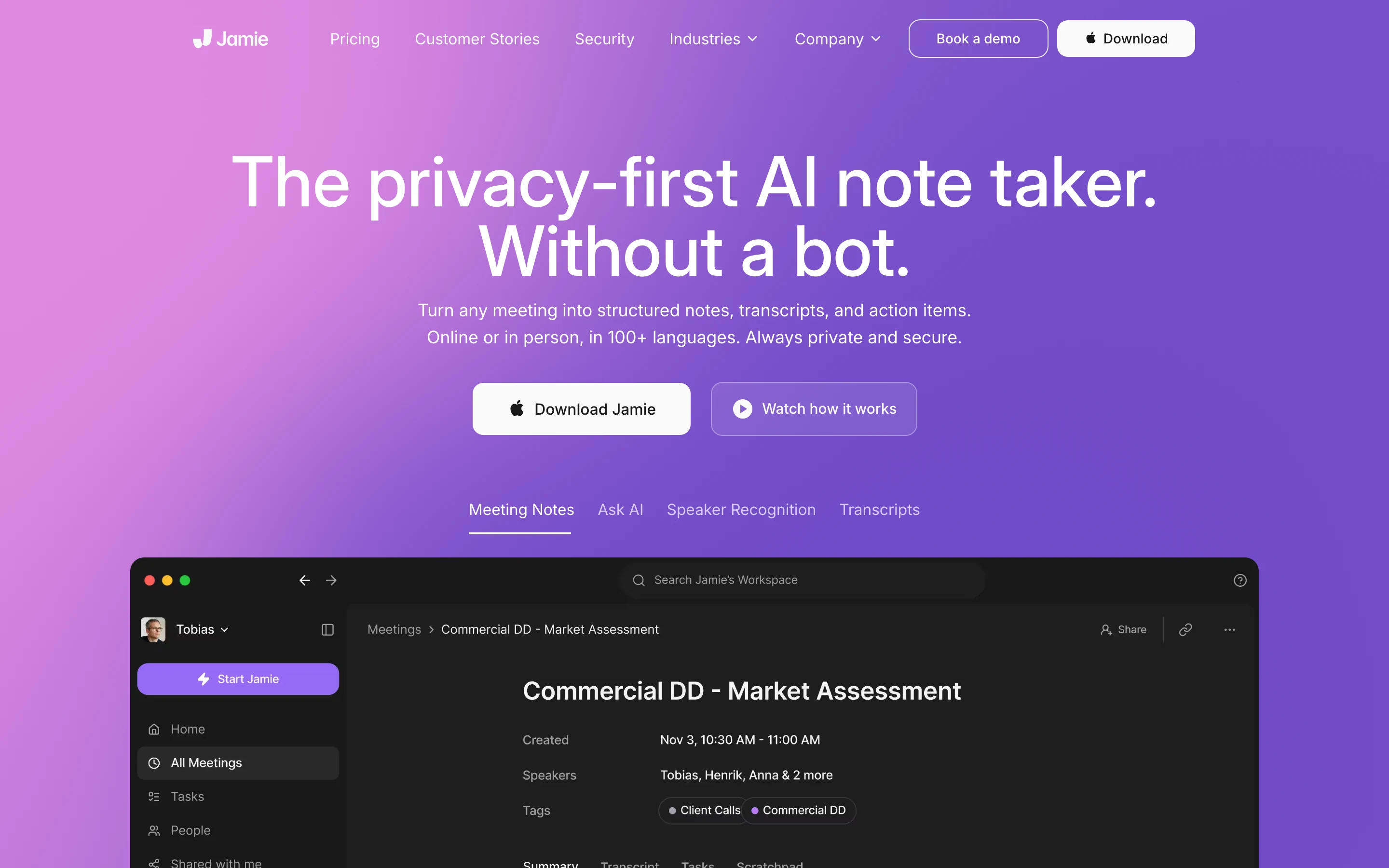
Jamie keeps the botless experience and takes it beyond the Mac: it records without a bot on Mac, Windows, iPhone, and Android, supports 99+ languages, and generates notes with speaker recognition. Its privacy posture is the strongest among the cloud tools here, per its site as of August 2026: full EU data residency for storage and processing, audio deleted after transcription, no model training on customer data, and ISO 27001 certification.
It is still a cloud service, processing meetings on servers in the EU rather than on your device. The free plan covers 10 meetings a month at up to 30 minutes each, and paid plans are priced in euros, which suits European buyers comparing like for like.
Key features
Botless capture on Mac, Windows, iPhone, and Android
EU data residency for storage and processing
Audio deleted after transcription; no training on customer data
99+ languages with speaker recognition
Pricing
Free: 10 meetings a month, 30 minutes each
Plus: €21 a month billed annually; Pro at €39 adds unlimited meetings and CRM integrations
Pros
Botless like Granola, with Windows and mobile coverage Otter users expect
The strongest published privacy posture among the cloud options
Cons
Still cloud processing, in a different region
Costs more than most tools here at the paid tiers
6. Zoom AI: best if you already pay for Zoom
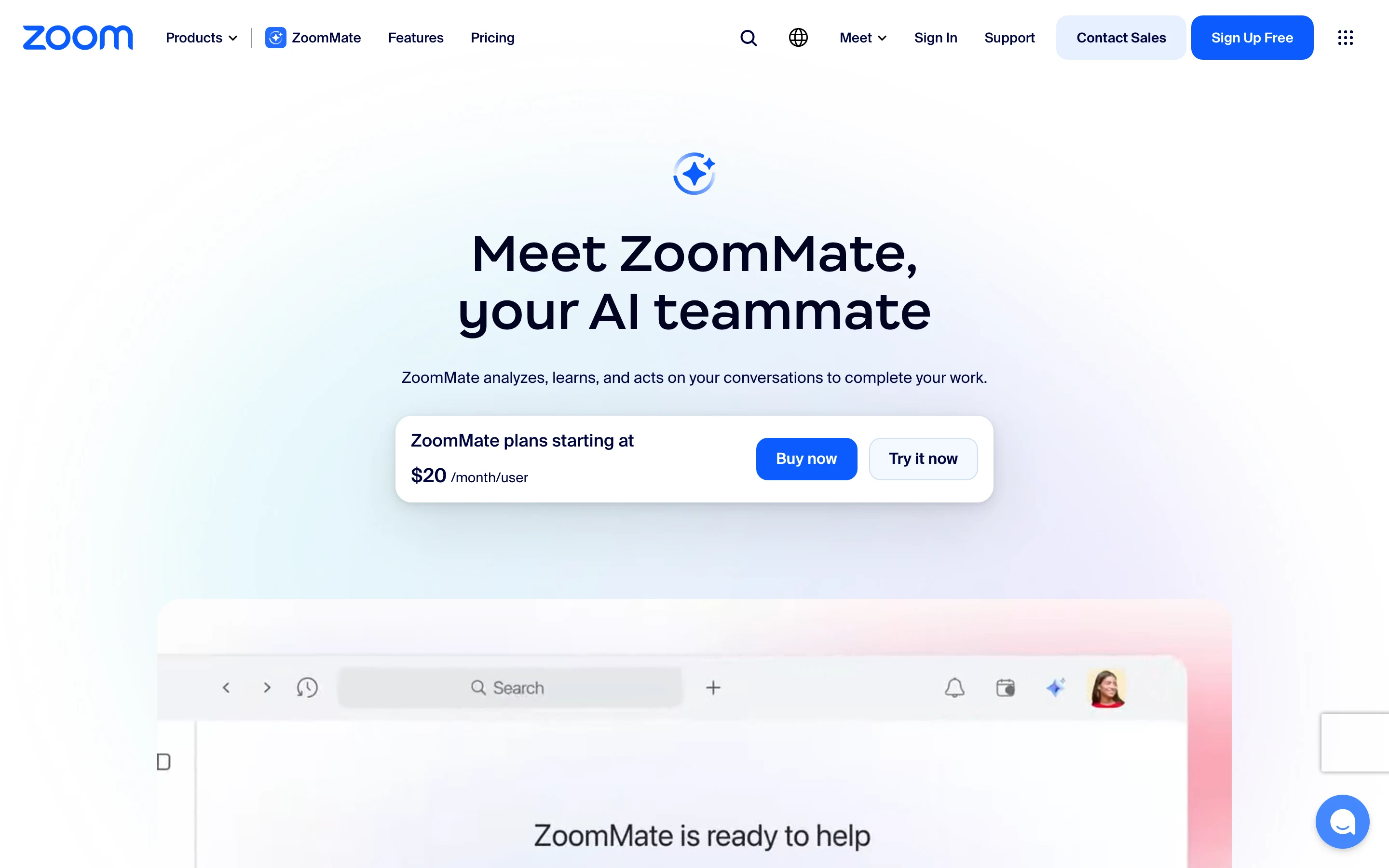
If most of your meetings happen in Zoom, you may not need a separate notetaker at all. Zoom's built-in AI features, formerly called AI Companion, generate meeting summaries and searchable notes, and they are included with paid Zoom Workplace plans at no extra cost. In June 2026 Zoom folded its AI naming into two tiers: the included Zoom AI features, and ZoomMate, a $20 per user a month add-on that layers on cross-app search, task execution, and integrations like Salesforce and Jira.
The scope is the point. Everything happens inside Zoom's cloud and Zoom's apps, which is convenient when Zoom is your world and useless the moment a client insists on Meet or Teams. As an Otter replacement it fits the person whose complaint was paying twice for AI they already had.
Key features
Meeting summaries and notes built into Zoom, no extra tool
Included AI features on paid Zoom Workplace plans
ZoomMate add-on brings agentic workflows and cross-app search
Admin controls through your existing Zoom account
Pricing
Included AI features: with paid Zoom Workplace plans
ZoomMate: from $20 per user a month, with monthly AI credits
Pros
No new vendor, no new bill for the basics
Summaries appear where the meeting already happened
Cons
Zoom meetings only; a Meet or Teams call is out of scope
Processing happens in Zoom's cloud, under your Zoom agreement
7. MacWhisper: best for transcribing files without a subscription
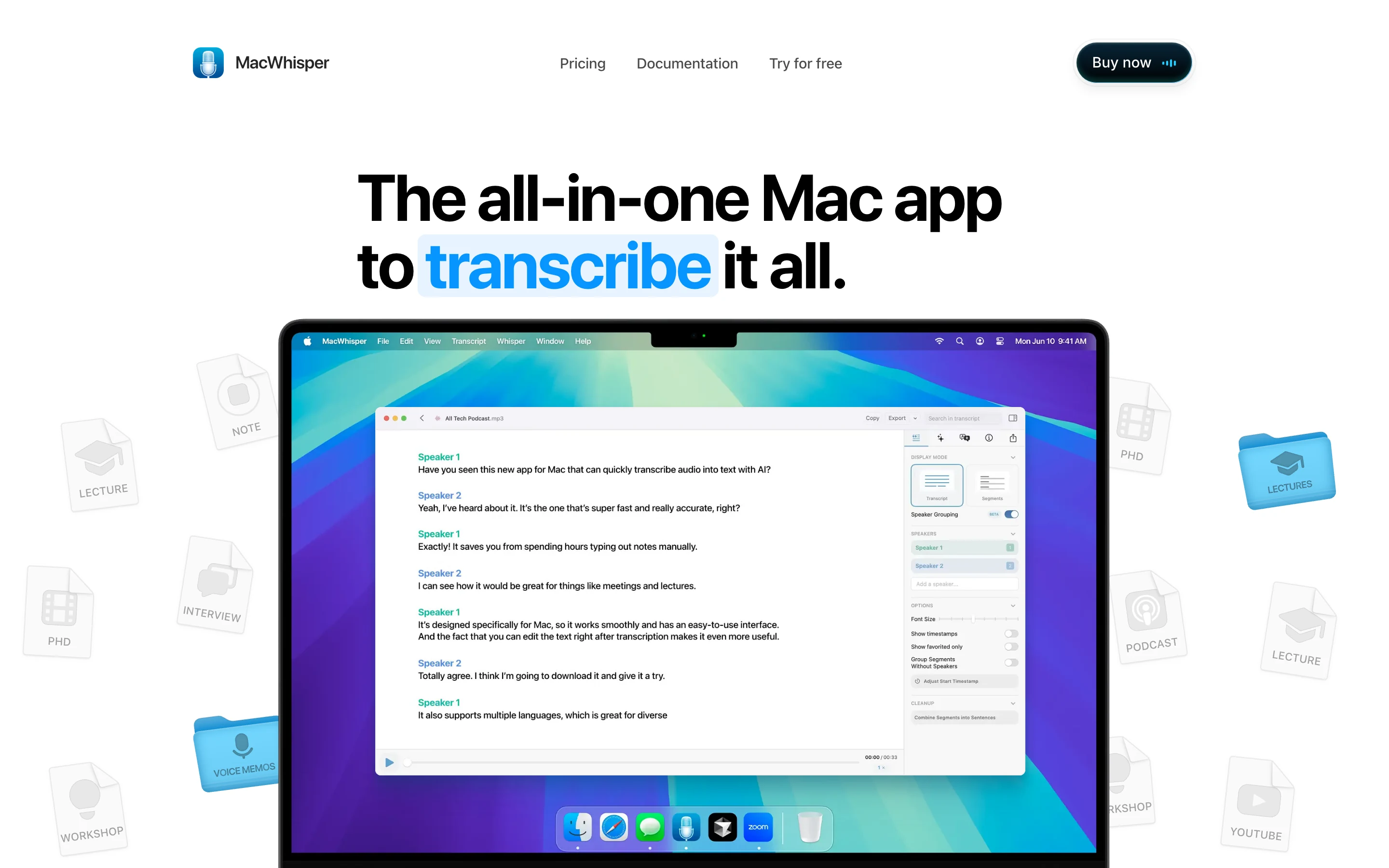
MacWhisper answers a narrower question: you have recordings, you want text, and you want neither an upload nor another subscription. It wraps OpenAI's Whisper models in a native Mac app; drag a file in and the transcript is produced locally. The free version handles single-file transcription with text export, and a one-time €65 Pro purchase adds batch transcription, system audio capture, speaker recognition, and meeting recording from apps like Zoom and Teams.
It does not write summaries or action items, which is exactly why it belongs here: former Otter users who mainly used the transcription, not the meeting intelligence, can replace that piece locally and pay once.
Key features
Local transcription of audio and video files on the Mac
Free single-file transcription with TXT and subtitle export
Pro adds batch processing, system audio capture, and speaker recognition
One-time purchase, no subscription
Pricing
Free version with local file transcription
Pro: €65 one-time
Pros
Genuinely local processing with a simple native interface
The only pay-once option in this list
Cons
No summaries, action items, or meeting intelligence
Mac only
Which Otter alternative is right for you?
If your conversations are confidential by profession
Choose Weeve. The recording, transcript, and summary never leave your Mac, so there is no cloud processor to explain to a client or a regulator, and no training policy to check. That answers the Otter complaint the other tools can only soften.
If the bot was the problem, not the cloud
Choose Granola for a notes-first workflow, or Jamie if you need Windows and mobile too. Both capture without anything visible joining the call; both are honest cloud services beyond that.
If the meter was the problem
Choose Fathom. Unlimited free recordings and transcriptions replace Otter's minute caps outright. If you only ever used Otter for transcribing files, MacWhisper does that locally for a one-time price.
If your team lives in shared notes and a CRM, or in Zoom
Choose Fireflies for channels, tasks, and integrations, or Zoom AI if paid Zoom plans already cover your meetings and you would rather not add a vendor at all.
FAQ
What are the top Otter.ai alternatives?
The strongest Otter alternatives in 2026, depending on the complaint: Weeve for fully local, on-device meeting notes on a Mac; Granola and Jamie for botless capture in the cloud; Fathom for an unlimited free tier; Fireflies for team workspaces and CRM integrations; Zoom AI for summaries already included with paid Zoom plans; and MacWhisper for local file transcription with a one-time price.
I want to cancel Otter. What should I switch to that keeps data on my device?
Weeve is the direct answer on a Mac: recording, transcription, and AI summaries all run on the device, nothing is uploaded, and no model trains on your conversations. For transcribing existing files rather than live meetings, MacWhisper also processes locally on the Mac. Every other alternative here, including the privacy-strong Jamie, still processes your meetings on its own servers.
Does Otter train its AI on my meetings?
Otter states that it trains its models on de-identified user content, and the setting is on unless you turn it off in your account. Imported files are excluded. If you would rather the question never arise, a local tool removes it: content that never reaches a server cannot train anything.
Is Otter free?
Otter's Basic plan is free with 300 transcription minutes a month, a 30-minute cap per conversation, and 3 lifetime file imports, as of August 2026. Fathom's free tier is more generous on volume, with unlimited recordings and transcriptions, and Weeve's free Starter plan covers 10 on-device recordings in total with summaries included.
What is the difference between Otter and Granola?
Both transcribe meetings without requiring a bot, but they differ in workflow and data handling. Otter centres on the live transcript, with captions scrolling during the call and team editing after; Granola centres on your own typed notes, merged with the transcript into a summary afterwards. Both process in the cloud; Granola does not retain raw audio, while Otter does.
Is there an Otter alternative without a bot in the call?
Yes, several. Weeve captures the Mac's own audio with nothing joining the call and nothing uploaded. Granola and Jamie do botless capture as cloud services. Whichever you choose, ask for consent before recording: botless capture removes the visible reminder, so the telling is on you.
Can I transcribe my old Otter recordings somewhere else?
Yes. Export your audio from Otter, then transcribe the files locally: Weeve imports audio and video files (MP4 and common formats) and transcribes them on your Mac, and for a quick one-off there is a free browser-based transcriber that produces a speaker-labelled transcript without the file leaving the page. MacWhisper handles local file transcription too. If most of those recordings are Zoom calls, how to transcribe Zoom meetings automatically covers the ongoing setup. If you need help with formats, Weeve support covers the details, and for the wider category see the ten best AI note takers, compared by privacy.