Project brief template: from client call to agreed scope

Dylan de Heer

A useful project brief answers five questions: what problem are we solving, who is it for, what will we deliver, what are the limits, and who needs to approve it?
After a client call, those answers are usually mixed with ideas, requests and tentative dates. The job is to turn them into a short document the client can correct and confirm.
Use the project brief template below to get a first version down. Then follow the worked example to see how to handle the part that causes trouble: a suggestion that sounds like agreed scope.
A project brief template you can copy
Keep the main brief short enough to read before the next meeting. Link to supporting detail instead of squeezing the whole project plan into it.
Copy this into your shared project document. Keep unknowns visible as To confirm, and distinguish proposed dates from confirmed ones.
Project brief or project plan?
A brief gives people a shared overview before they get lost in tasks. It explains what the project is for and where its boundaries sit.
Asana's project brief guidance covers goals, scope, timing and audience, and distinguishes the brief from a more detailed project plan. The template here adds an evidence trail and explicit uncertainty fields for briefs assembled from conversations.
That distinction matters after a discovery call. Someone may describe a problem, suggest a solution and mention a possible launch date in the same minute. Those statements have different statuses. Your brief should preserve them.
If you need a record of everything discussed, keep a separate meeting summary. The brief should contain only the information that defines the proposed work.
Project brief example: a better booking enquiry page
The following example is fictional. It demonstrates how to write the brief, rather than reporting a real client result.
Imagine a small workshop business describing its booking enquiries. People often submit a date without a group size, so the team has to ask for more information before replying. The client wants a clearer enquiry page. During the call, somebody also suggests online payment.
A useful first draft might look like this:
Workshop enquiry-page revision — draft 0.1
Problem: visitors leave out their group size when asking about a private workshop. The team needs that information before it can prepare a useful reply.
Outcome and audience: help people enquiring about group workshops understand the options and send the details needed for a response.
Proposed deliverables: revised page copy, an updated enquiry form and a mobile layout for review.
Proposed exclusions: online payment, a booking calendar and changes to workshop pricing. Confirm these exclusions with the client; they are boundaries proposed in this draft, not decisions already made.
Acceptance: the client checks that the page explains the enquiry process and that the form asks for the agreed information. The named reviewer and mandatory fields still need confirmation.
Timing and dependencies: first draft proposed for 20 October. Launch date and budget to confirm. The client needs to supply current workshop descriptions and the required form fields.
Open questions: who approves the copy? Which fields are mandatory? Is the proposed draft date feasible? Does the client agree to leave online payment out of this phase?
Approval: pending. Ask the client to review this version before treating it as the agreed scope.
Online payment was mentioned on the call. That alone tells you neither that it is included nor that it has been rejected. Putting it under proposed exclusions makes the boundary explicit and gives the client something concrete to respond to.
The acceptance check is also deliberately modest. It does not promise a percentage increase in enquiries. If the project needs a conversion target, agree the baseline, measurement method and target with the client.
Turn vague requests into reviewable scope
Before writing the final prose, sort the relevant statements into three groups:
Requests: what the client says they need.
Suggestions: possible ways to meet that need.
Commitments: what somebody explicitly agrees to do.
For example, “We need visitors to understand the options” is a need. “We could add a comparison table” is a possible response. “I will send the current options tomorrow” is a commitment.
Only the third statement supports a named action and a deadline. The comparison table belongs in proposed scope until it is agreed.
For deliverables, replace broad labels with something a reviewer can check. “Improve the website” could mean almost anything. “Revise the enquiry-page copy and form, with a mobile layout for review” gives both sides a clear object to discuss. If the number of pages or review rounds matters, agree it explicitly.
Apply the same care to words such as simple, urgent and finished. Ask what they mean in observable terms. “Urgent” might mean a draft before a stakeholder meeting, not a public launch that week.
Draft the brief from the source conversation
If you use Weeve, its project brief workflow can help draft from saved client conversations. Choose the relevant recordings and check the material used in the answer.
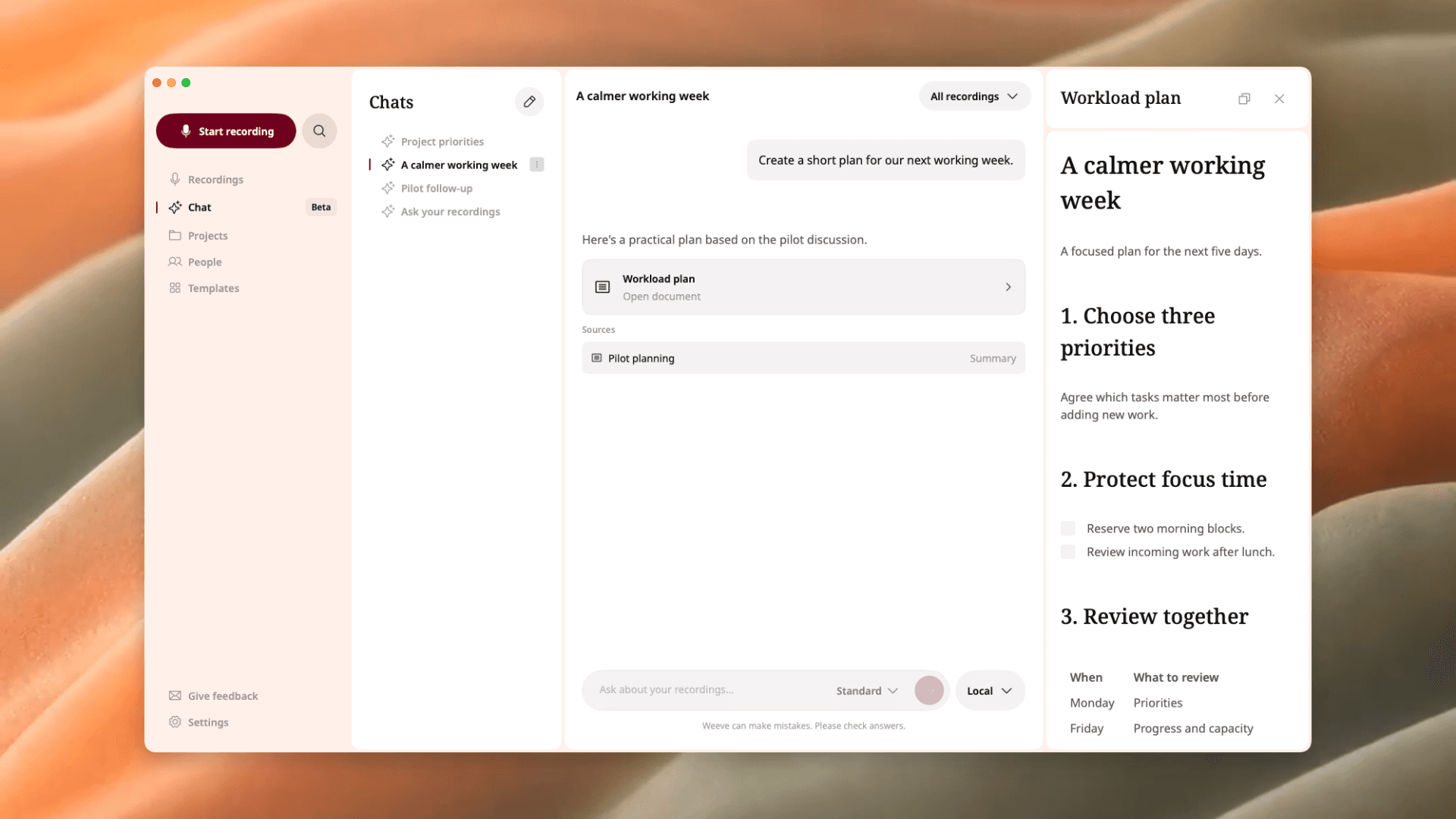
Weeve’s document view with demo content. The screenshot shows a sample workload plan, not the project brief from this article.
A prompt to adapt:
Draft a project brief from these client conversations. Separate client requests, our suggestions and explicit commitments. Include the problem, intended outcome, audience, in-scope work, exclusions, constraints and open questions. Cite the source for factual requirements. Mark missing budgets, dates, owners and approval as “To confirm”. Do not turn a suggested solution into agreed scope.
Treat the answer as a draft to inspect. Chat can miss details or misinterpret them. Follow the cited sources, check the wording around each important requirement and make sure a later conversation has not changed it.
Weeve does not resolve a missing budget or approve the scope for the client. Copy the reviewed brief into the document your team uses, then obtain confirmation there. The client-conversation workflow is the starting point if you need to capture that source material first.
Get agreement on a specific version

Send the brief with a specific request: “Please confirm the deliverables, proposed exclusions and first-draft date in version 0.1, and fill in the open questions.” A general “Does this look OK?” makes it easier to miss a scope disagreement.
Read the draft once as the person who will do the work, then as the person who will approve it.
Check that:
Every deliverable is specific enough to recognise.
Exclusions address plausible misunderstandings.
Proposed dates are labelled as proposed.
Owners and approval authority have been confirmed.
Success criteria describe an agreed check, rather than an invented result.
Open questions remain visible.
Source links are accessible only to the appropriate people.
Record which version was approved, by whom and where that confirmation lives. If the client later adds online payment, create a new version and agree the effect on deliverables, timing and cost. Keep the previous version so the change is traceable.
When sharing a brief outside your team, consider whether recipients need the underlying recording at all. A short approved document may be enough. Keep confidential conversation details out of the brief unless they are needed for the work.
With Weeve, local Chat processes locally; choosing optional ChatGPT sends relevant text to that service. Check your selected mode before working with sensitive material.
Common questions
How long should a project brief be?
Use one page as a starting point, then let the work determine the length. The brief should be easy to review. Move detailed requirements, schedules and supporting research into linked documents.
Is a project brief the same as a project plan?
The brief gives an overview and defines the proposed work. The plan adds the detail needed to deliver it, such as tasks, dependencies and scheduling. Keep them consistent when scope changes.
What if the client has not agreed a budget or date?
Leave those fields open and ask for confirmation. If you include a planning assumption, label it clearly and say who needs to validate it. Do not silently turn a suggestion into a commitment.
Can AI produce the finished brief?
AI can help assemble a draft from the information available. The people responsible for the project still need to check its accuracy, resolve open questions and approve the work.