Get the voice channel back as a transcript.

Weeve records your microphone and the audio your Mac is playing, so a call in a Discord voice channel becomes a transcript you can search. Nothing joins the channel.

Woman putting on headphones at a canal-side desk, notebook closed, no laptop

01

Press record

The session runs the way it always did. Nothing joins the call and nothing appears in the room.

02

Listen

No notebook between you. Watch the participant instead of your keyboard.

03

Read it back

A verbatim transcript, attributed by speaker, ready by the time you have shown the participant out.
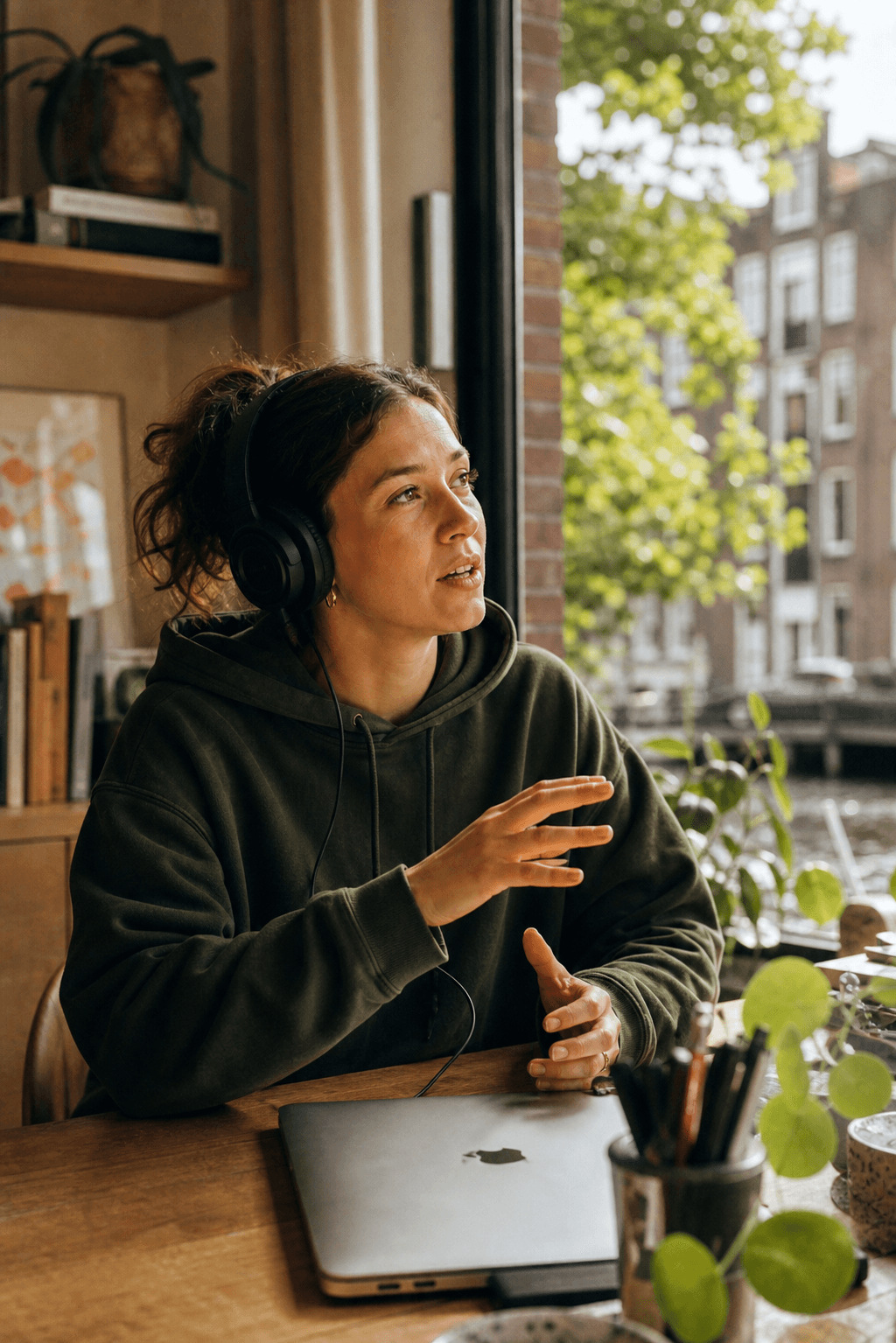
Woman talking in a voice channel, headphones on, closed MacBook on the desk

The decision made in a voice channel

Plenty of technical work gets settled in a voice call rather than a ticket. The reasoning is spoken once and then lives in whoever remembers it. A transcript makes the argument findable next month.

Woman talking in a voice channel, headphones on, closed MacBook on the desk

The decision made in a voice channel

Plenty of technical work gets settled in a voice call rather than a ticket. The reasoning is spoken once and then lives in whoever remembers it. A transcript makes the argument findable next month.

Who said which part

Who said which part

Who said which part

Woman reading the voice channel on a Mac, headphones off around her neck

Your Mac is already the source

If the call is coming out of your speakers or headphones, Weeve can record it. It uses the Mac's own system audio, so nothing has to change in the app you are calling from.

Woman reading the voice channel on a Mac, headphones off around her neck

Your Mac is already the source

If the call is coming out of your speakers or headphones, Weeve can record it. It uses the Mac's own system audio, so nothing has to change in the app you are calling from.

Woman walking a canal with a notebook under her arm

Audio, not the screen

Weeve records what was said and writes it down. It does not capture the screen, so if the shared terminal or the diagram is the thing you need, run a screen recorder alongside it.

Woman walking a canal with a notebook under her arm

Audio, not the screen

Weeve records what was said and writes it down. It does not capture the screen, so if the shared terminal or the diagram is the thing you need, run a screen recorder alongside it.

Teon Beijl, Founder at Unpuzzler

“For me, data sovereignty means controlling the location of data, not simply switching vendors.”

Teon Beijl

Founder

at

Teon Beijl, Founder at Unpuzzler

“For me, data sovereignty means controlling the location of data, not simply switching vendors.”

Teon Beijl

Founder

Can I record a Discord call on a Mac?

Yes, if the call is running on the Mac. Discord has its own call recording, so if a raw recording is all you need, that may be enough. Weeve is for when you want the conversation in writing: it records your microphone and the audio your Mac is playing, then transcribes and summarises on the device.

Will the other people in the channel know?

Does it record the screen share?

Does it work if the call is on my phone?

What do I need to run it?

Can I record a Discord call on a Mac?

Yes, if the call is running on the Mac. Discord has its own call recording, so if a raw recording is all you need, that may be enough. Weeve is for when you want the conversation in writing: it records your microphone and the audio your Mac is playing, then transcribes and summarises on the device.

Will the other people in the channel know?

Does it record the screen share?

Does it work if the call is on my phone?

What do I need to run it?